> ## Documentation Index
> Fetch the complete documentation index at: https://docs.altoura.com/llms.txt
> Use this file to discover all available pages before exploring further.

# Input controls

> Control the view, movement, rotation, and zoom within a Space on mobile.

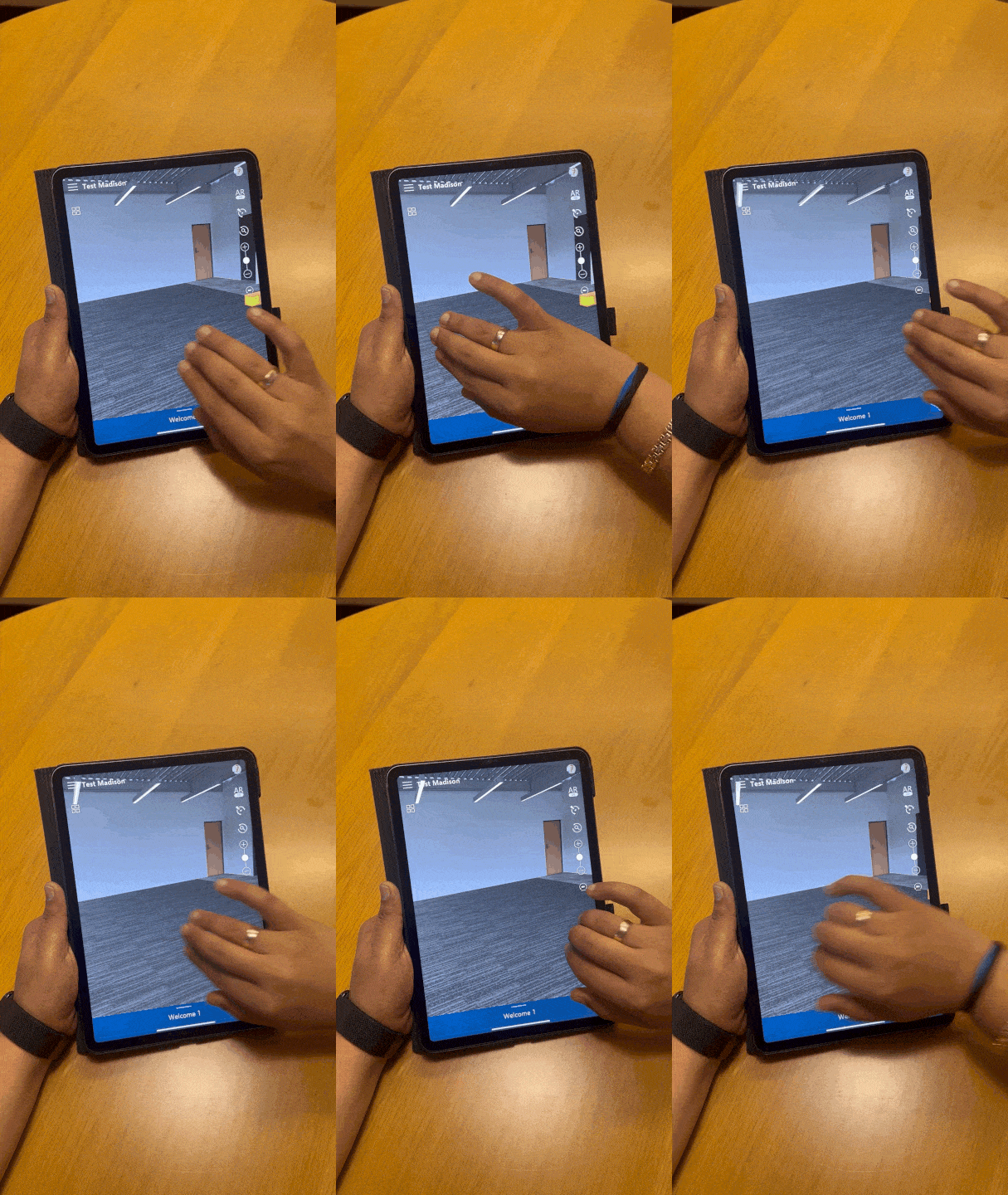
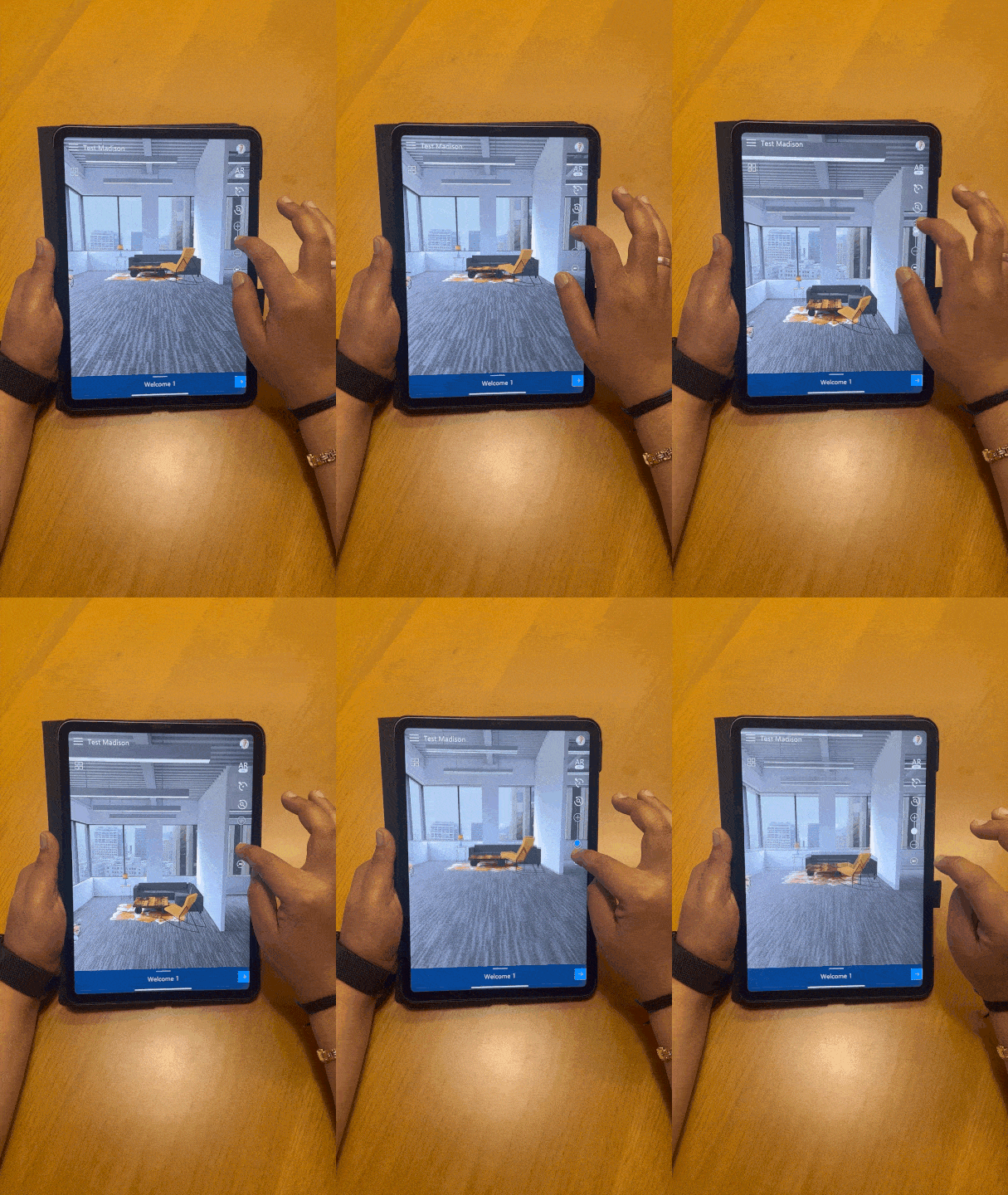
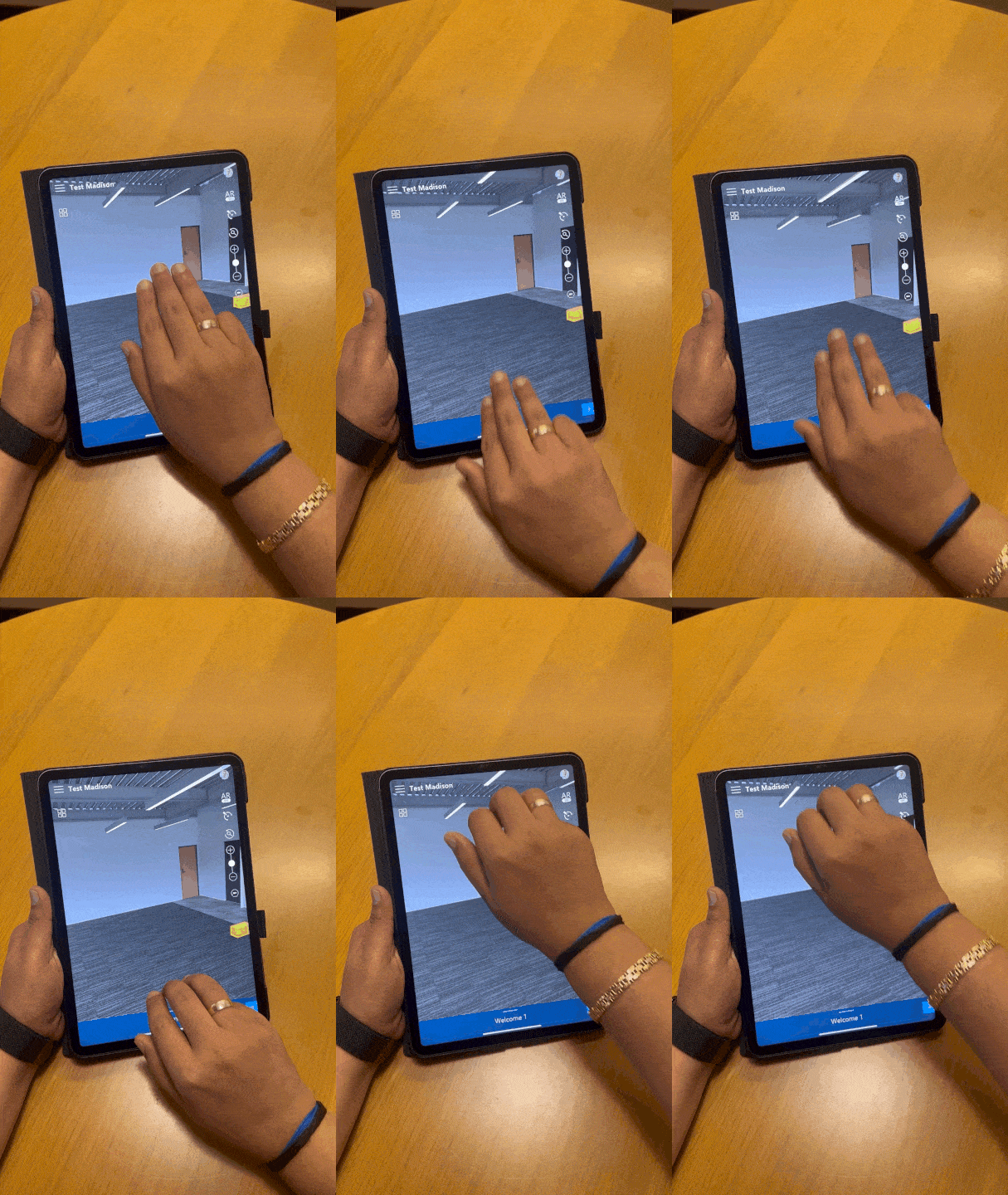
The view of the space can be modified using the height adjustment control or achieved with a three-finger swipe. Height can be reset using reset height button.
<img src="https://mintlify.s3.us-west-1.amazonaws.com/altoura-785c3552/images/docs/media/v1.Y2lkPTc5MGI3NjExNWN5dmhoNWczMXB4Njl0eWw3b2piNjVxZXE5cDB4eWF1Mm1oMnh5OSZlcD12MV9pbnRlcm5hbF9naWZfYnlfaWQmY3Q9Zw/QdxRBturMraDImQWdp/giphy-downsized-large.gif" alt="" />

<img src="https://mintlify.s3.us-west-1.amazonaws.com/altoura-785c3552/images/docs/media/v1.Y2lkPTc5MGI3NjExYnkzcHZkMmMxdTNzMHZnbXE5cGc4dGc1NXNhcmJmMjU5eGQxd24ydyZlcD12MV9pbnRlcm5hbF9naWZfYnlfaWQmY3Q9Zw/YsO9yXzoVVuFBiG0ol/giphy-downsized-large.gif" alt="" />

**Movement Around the Space:**

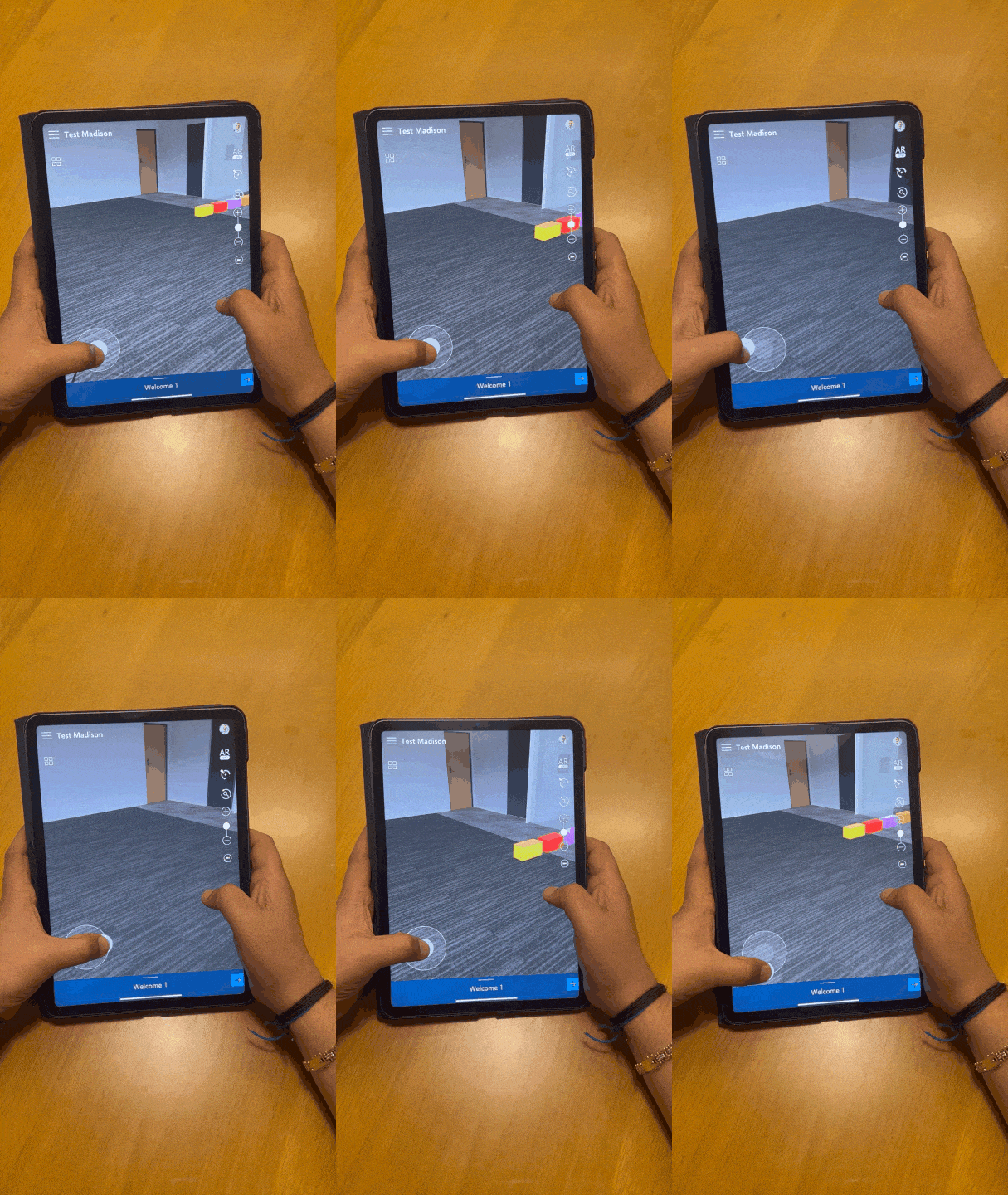
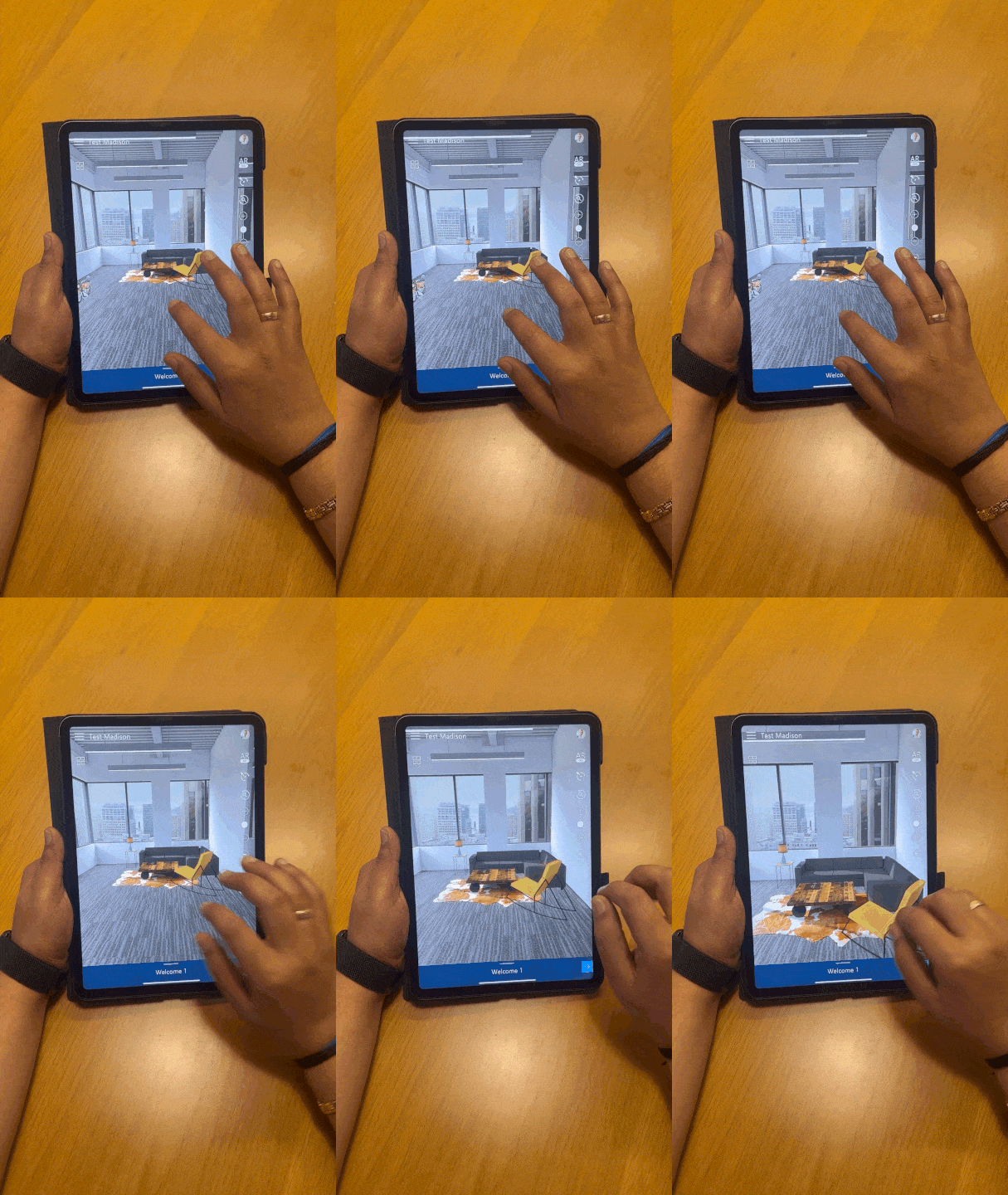
Movement through the space is possible with the left joystick. A double tap offers an alternative method for this action.

Swiping left or right with three fingers can also navigate you to the left or right..
<img src="https://mintlify.s3.us-west-1.amazonaws.com/altoura-785c3552/images/docs/media/v1.Y2lkPTc5MGI3NjExN2J0Njh4MTB4aGo3ZHdjcjV2cDNycHNlbWNwYjJ4NWNtNGhsN2x3dSZlcD12MV9pbnRlcm5hbF9naWZfYnlfaWQmY3Q9Zw/43VaVUlgLPSaRFd4VU/giphy.gif" alt="" />

<img src="https://mintlify.s3.us-west-1.amazonaws.com/altoura-785c3552/images/docs/media/v1.Y2lkPTc5MGI3NjExNWZ4dmJtcTduZjJqNWwzYmRkMnFwMDBqZnFvbjg0Y2RveWxhcDdkZyZlcD12MV9pbnRlcm5hbF9naWZfYnlfaWQmY3Q9Zw/yiYQt7sYM9yL3GIrzn/giphy-downsized-large.gif" alt="" />

<img src="https://mintlify.s3.us-west-1.amazonaws.com/altoura-785c3552/images/docs/media/v1.Y2lkPTc5MGI3NjExN2I4Y3d6M2dmODZnbDZjOGsxZjA4NzAzcmVsZDVnNTN2MXRycWRocyZlcD12MV9pbnRlcm5hbF9naWZfYnlfaWQmY3Q9Zw/2cqAoI6kUBFuUkigj5/giphy-downsized-large.gif" alt="" />

**Rotation:**

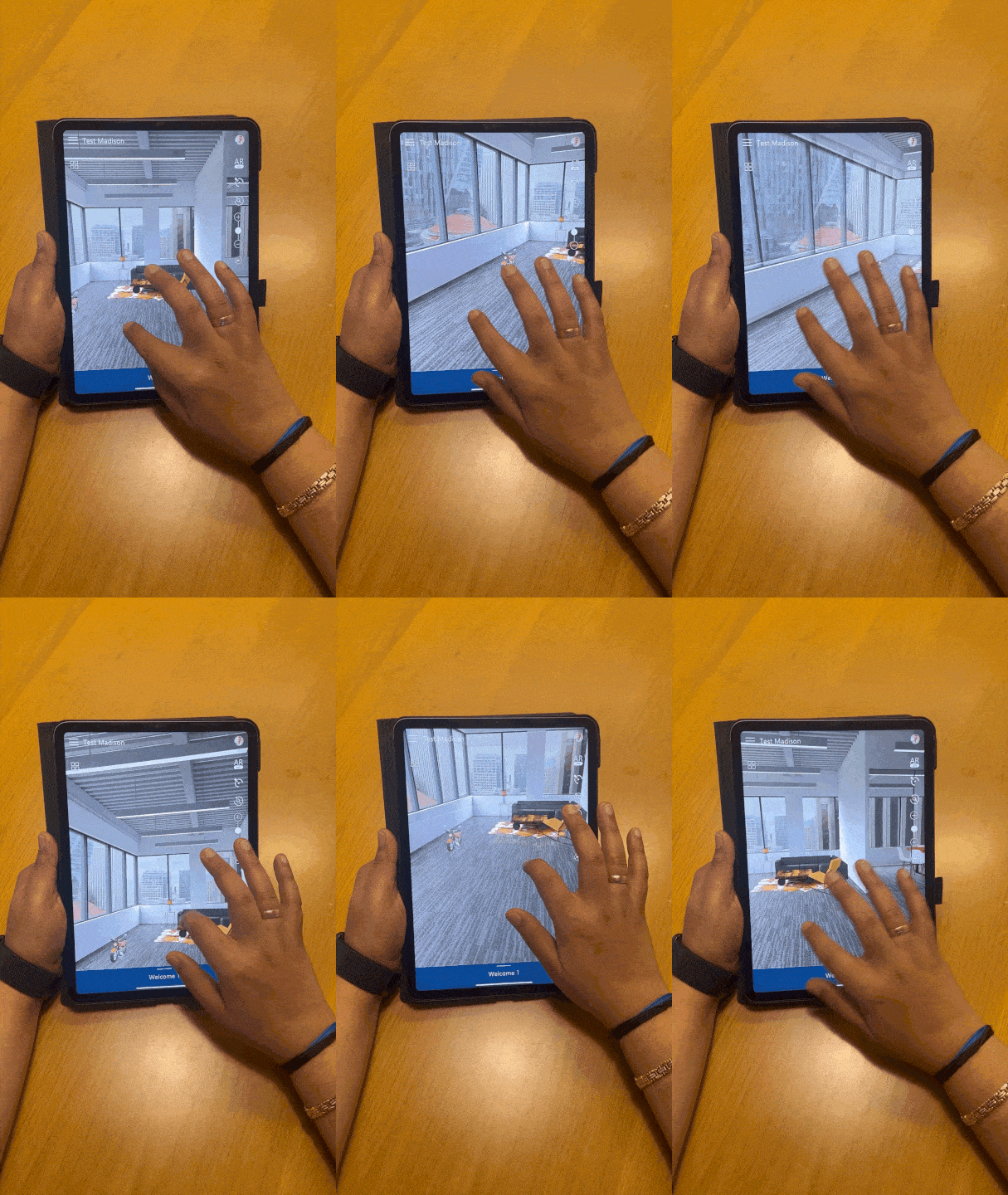
Rotating the space can be accomplished with a simple swipe gesture.
<img src="https://mintlify.s3.us-west-1.amazonaws.com/altoura-785c3552/images/docs/media/v1.Y2lkPTc5MGI3NjExeG04dW9sa3l4d2NsdmEwZWlodXZxNGd1aGh4cmtsZHFlZzdkem83NSZlcD12MV9pbnRlcm5hbF9naWZfYnlfaWQmY3Q9Zw/ROtqwTUlhvbN8gS13l/giphy-downsized-large.gif" alt="" />

**Zoom In/Zoom Out:**

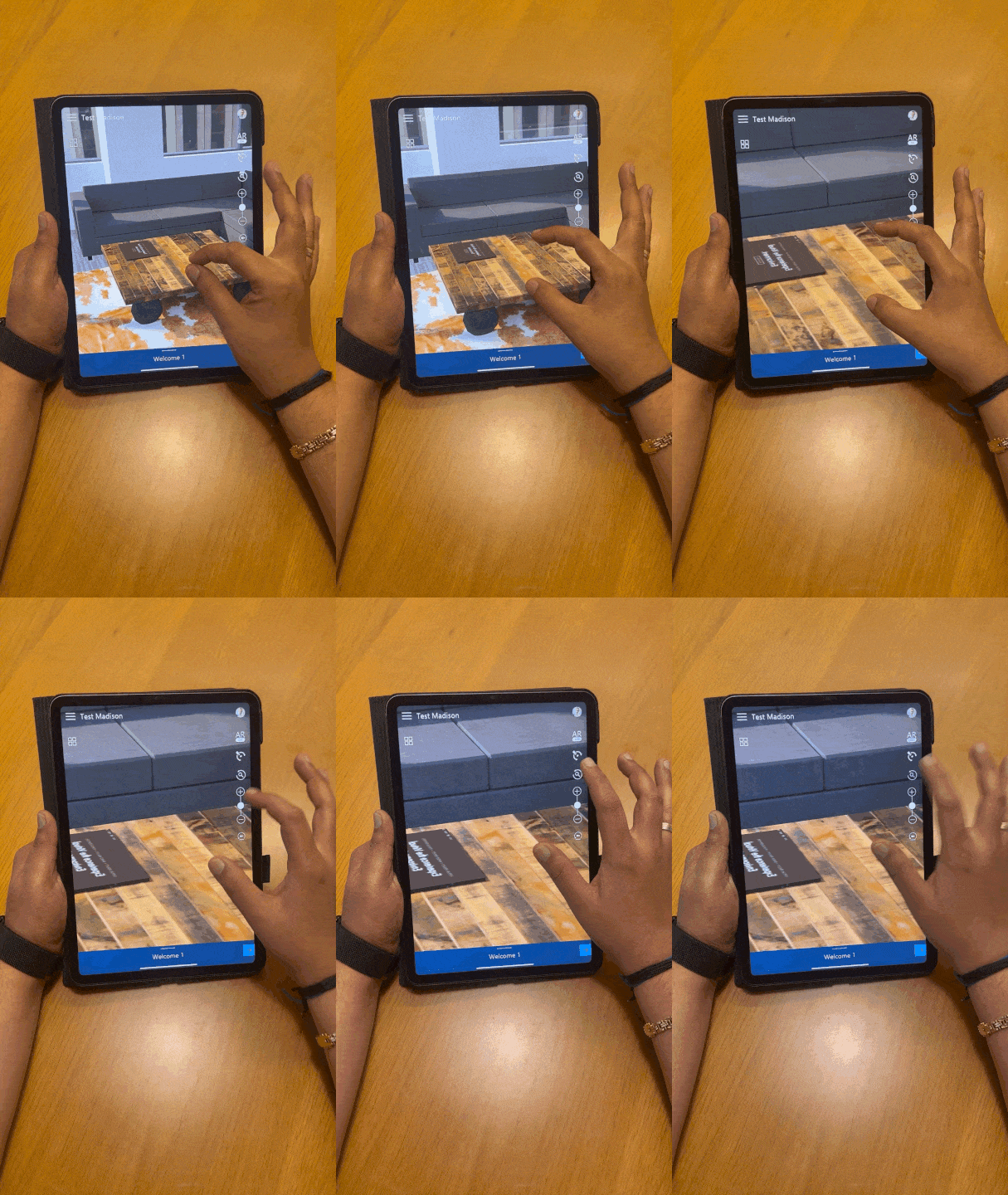
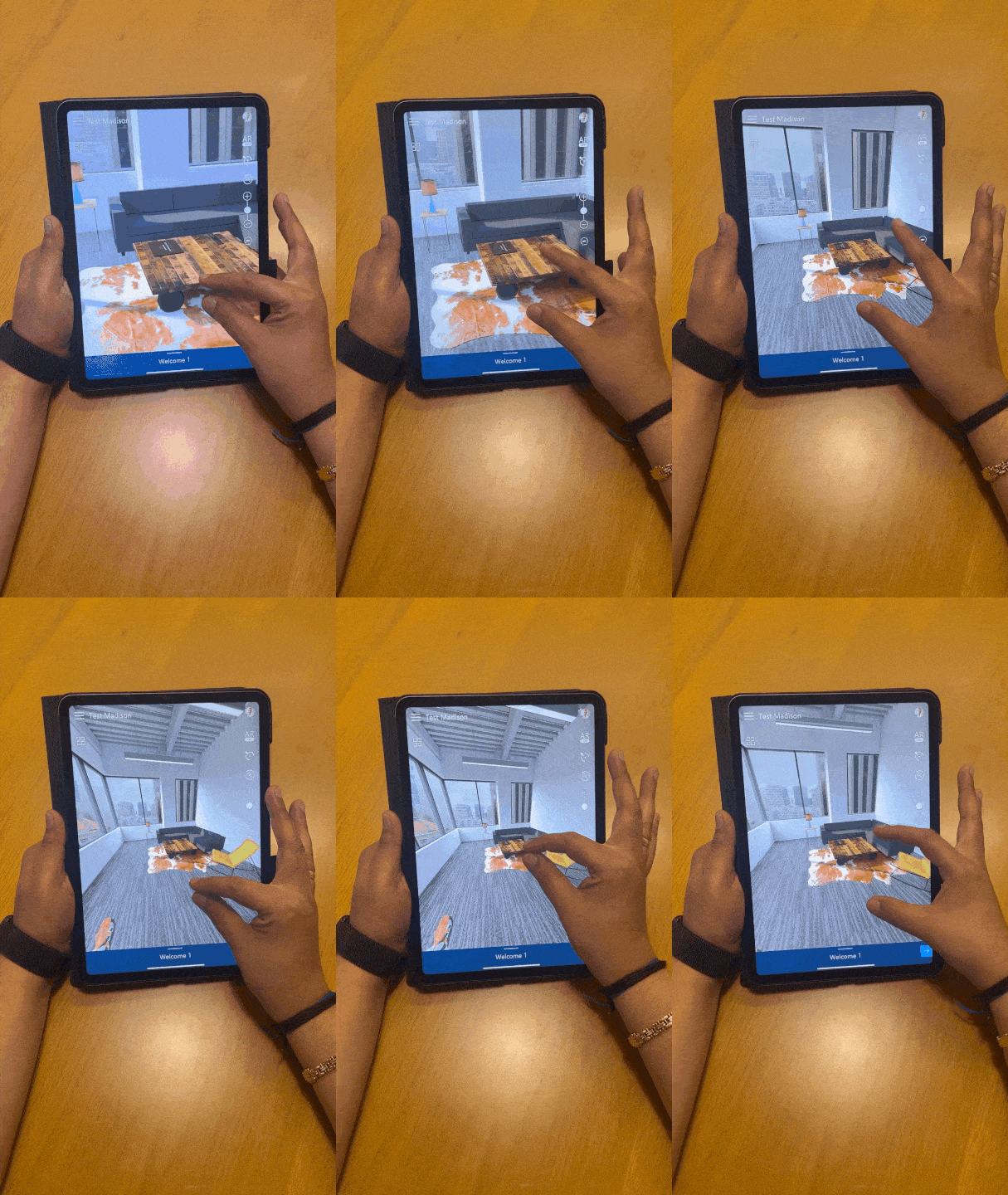
Zooming in or out of the space is controlled by the pinch-in or pinch-out gestures.

Zoom can be reset using reset zoom button.
<img src="https://mintlify.s3.us-west-1.amazonaws.com/altoura-785c3552/images/docs/media/v1.Y2lkPTc5MGI3NjExOTN2aWtzZHl3ZTlweWtxMmdlenprd3NvMHBmdm91bHA3ZDlxbncxbyZlcD12MV9pbnRlcm5hbF9naWZfYnlfaWQmY3Q9Zw/2ebvg0LWeFqsDgR9r2/giphy-downsized-large.gif" alt="" />

<img src="https://mintlify.s3.us-west-1.amazonaws.com/altoura-785c3552/images/docs/media/v1.Y2lkPTc5MGI3NjExOWhvdmlteHBvOTBrcXJ1a3VsNXhmbDE1cGk1ZG80d3M0Zmdvcm1weSZlcD12MV9pbnRlcm5hbF9naWZfYnlfaWQmY3Q9Zw/G3FSPiprbRescHT7Ty/giphy.gif" alt="" />