> ## Documentation Index
> Fetch the complete documentation index at: https://docs.altoura.com/llms.txt
> Use this file to discover all available pages before exploring further.

# Collaboration Tips

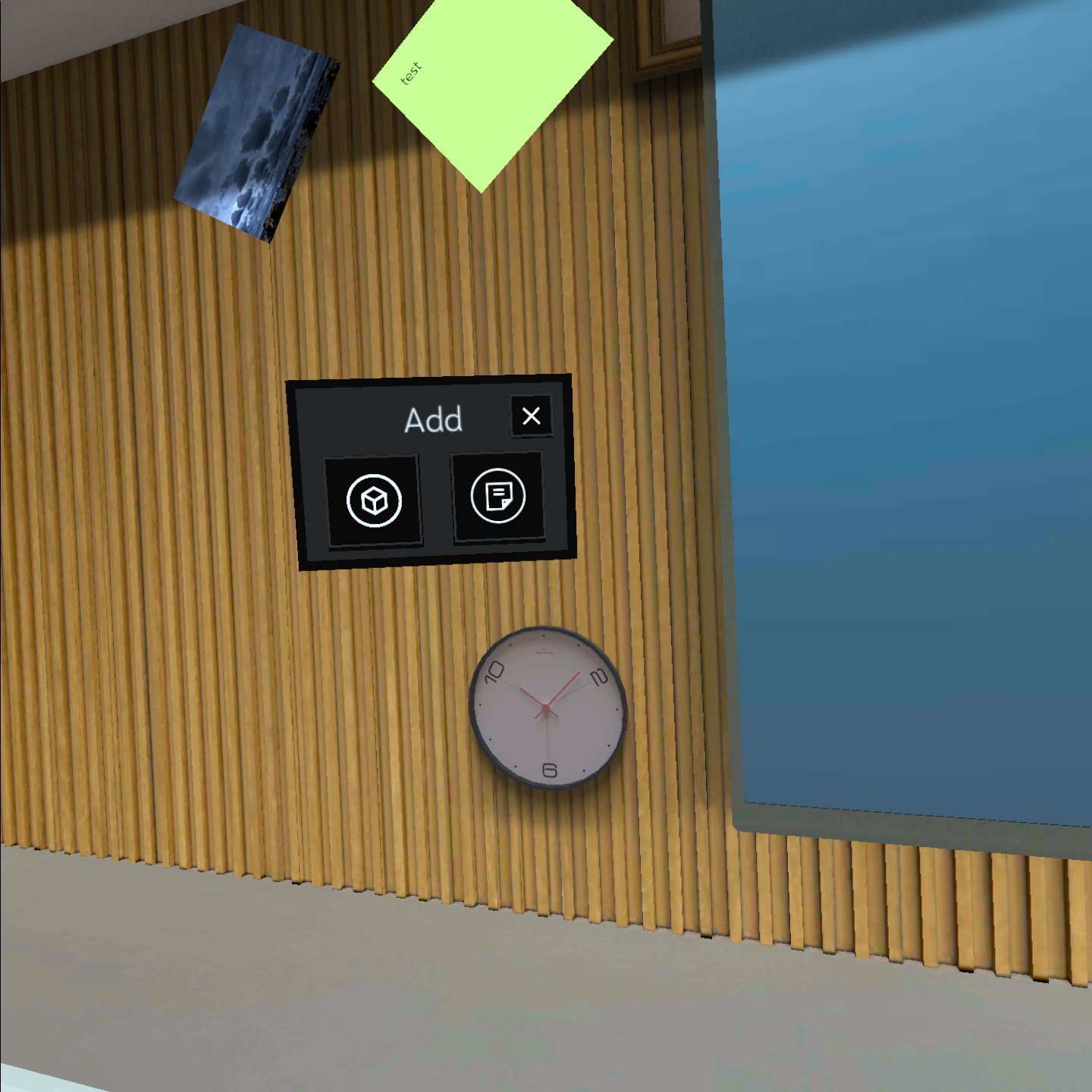
## Adding an Object

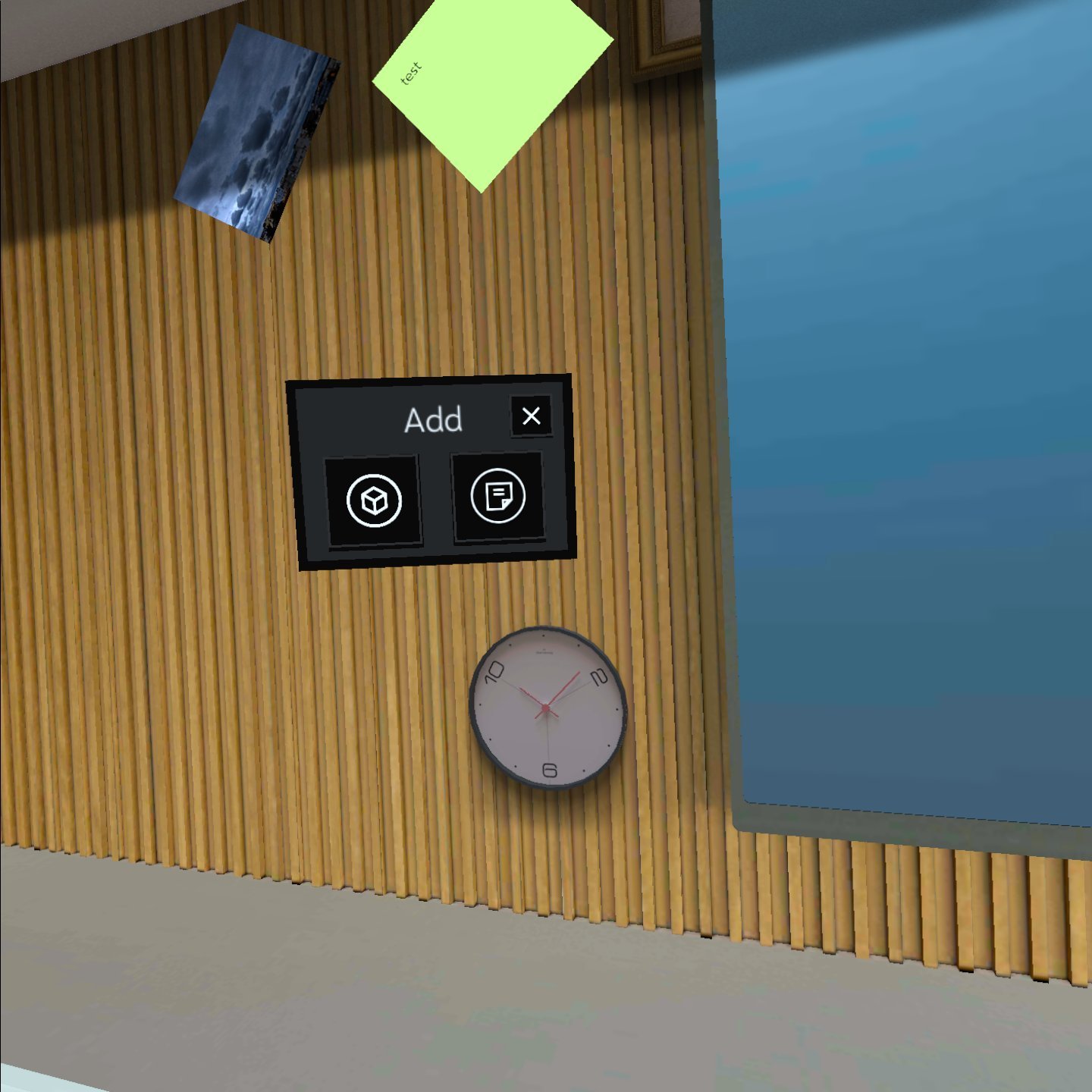
Air tap and hold on the wall or objects to add an Object. The Add Menu appears.

<img src="https://mintcdn.com/altoura-785c3552/uN9er-P_53ywyRvz/images/docs/d92eb6e-com.studio216.altouraonyx-20210812-134443.jpg?fit=max&auto=format&n=uN9er-P_53ywyRvz&q=85&s=37cdc3eb46929a211aebf8b233609109" alt="1440" width="1440" height="1440" data-path="images/docs/d92eb6e-com.studio216.altouraonyx-20210812-134443.jpg" />

## Adding a Sticky Note

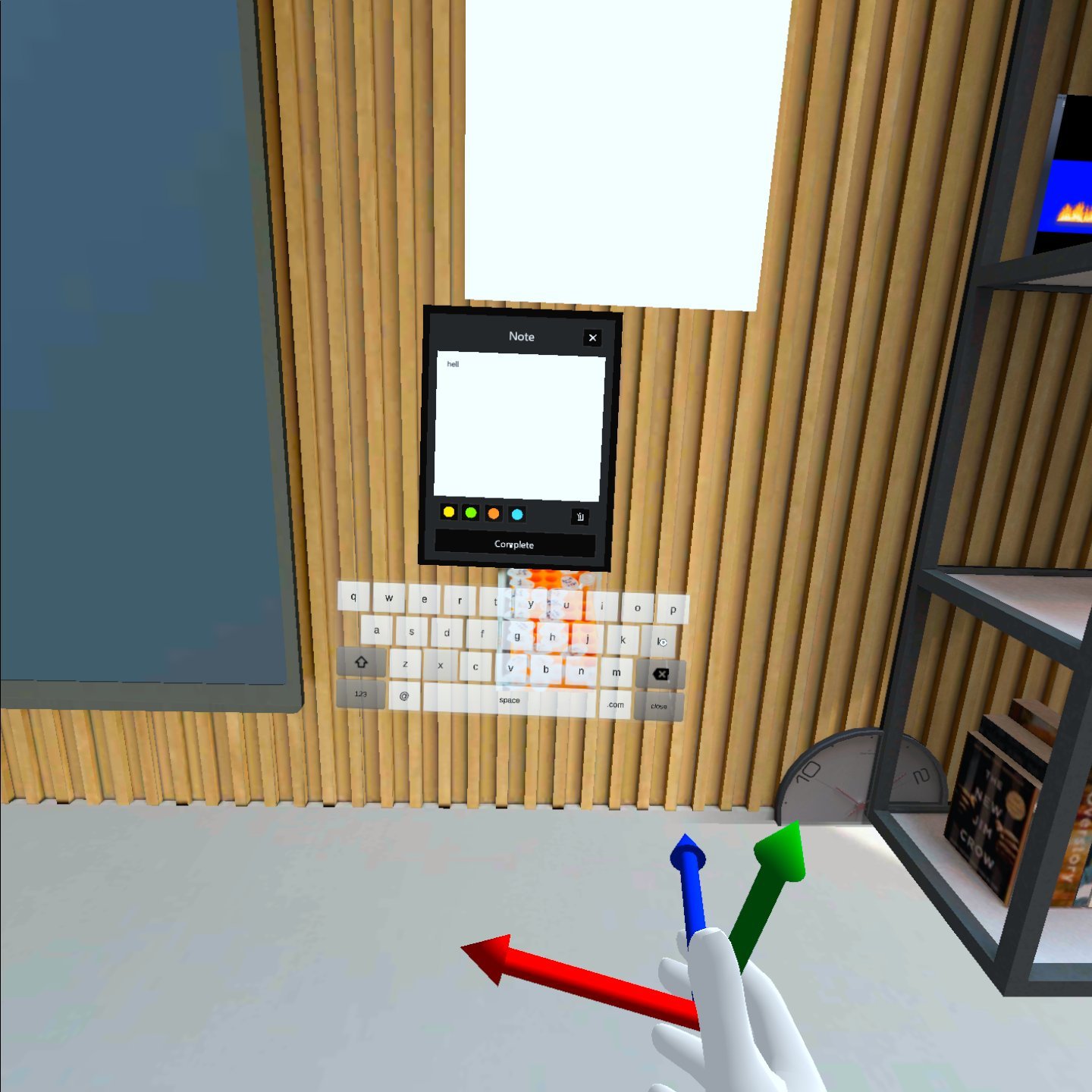
Tap on Sticky Note Icon.

<img src="https://mintcdn.com/altoura-785c3552/uN9er-P_53ywyRvz/images/docs/d2679fc-com.studio216.altouraonyx-20210812-130651.jpg?fit=max&auto=format&n=uN9er-P_53ywyRvz&q=85&s=777bf9d314a337936555e930dfa9d826" alt="1440" width="1440" height="1440" data-path="images/docs/d2679fc-com.studio216.altouraonyx-20210812-130651.jpg" />

<img src="https://mintcdn.com/altoura-785c3552/_Fb1P96m80-mEejg/images/docs/5845cec-com.studio216.altouraonyx-20210812-130711.jpg?fit=max&auto=format&n=_Fb1P96m80-mEejg&q=85&s=8e460d3d289271b2adcdb6049ed6f0e9" alt="1440" width="1440" height="1440" data-path="images/docs/5845cec-com.studio216.altouraonyx-20210812-130711.jpg" />

When done, press Complete

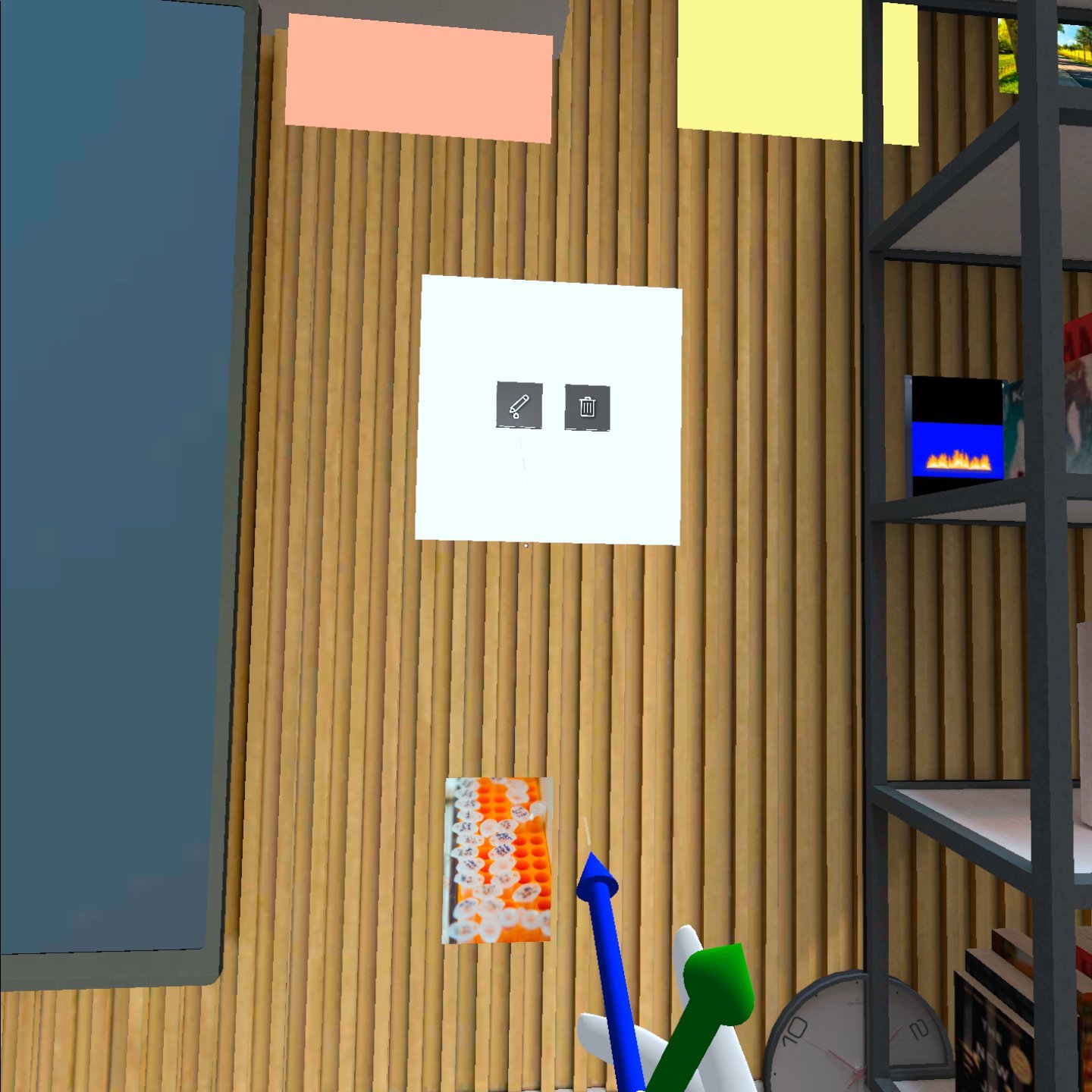
<img src="https://mintcdn.com/altoura-785c3552/FoIV9SzgFfYMUXXv/images/docs/3b159e9-com.studio216.altouraonyx-20210812-130628.jpg?fit=max&auto=format&n=FoIV9SzgFfYMUXXv&q=85&s=b081b8e1cbd00260a2be3eb0d10fd993" alt="1440" width="1440" height="1440" data-path="images/docs/3b159e9-com.studio216.altouraonyx-20210812-130628.jpg" />

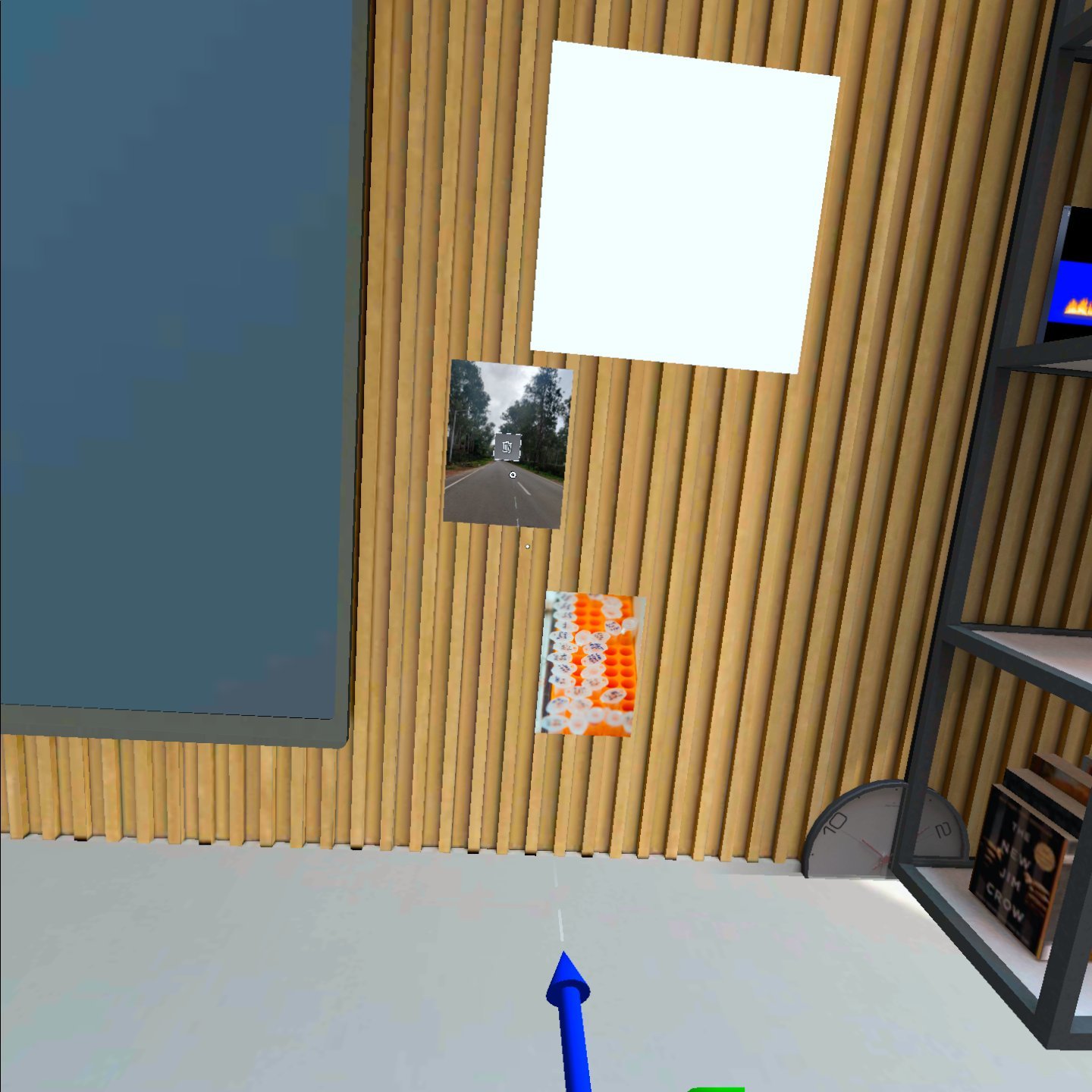
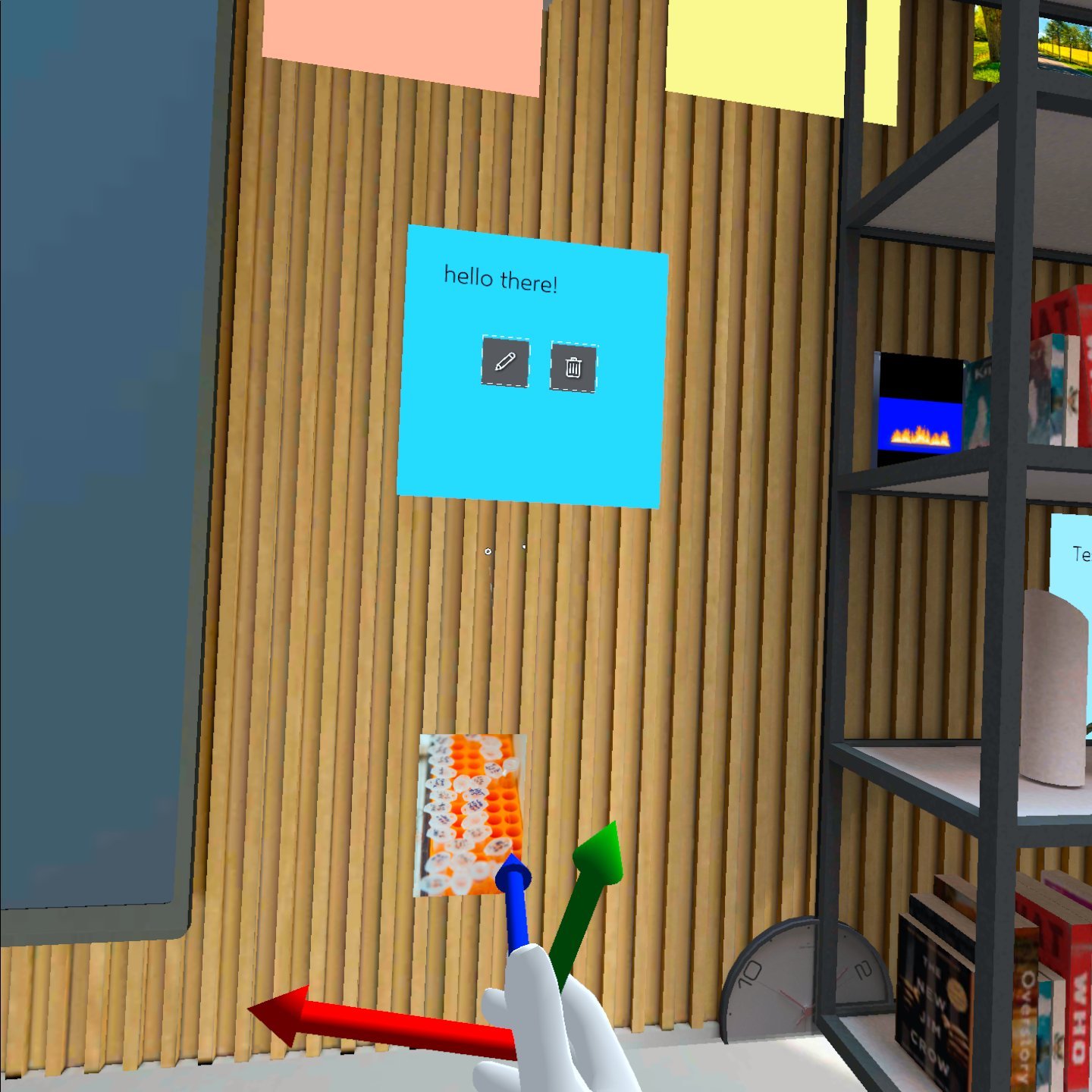
Sticky Note is placed. Hover over the Sticky Note to Edit or Delete it.

<img src="https://mintcdn.com/altoura-785c3552/FoIV9SzgFfYMUXXv/images/docs/366f7f8-com.studio216.altouraonyx-20210812-130812.jpg?fit=max&auto=format&n=FoIV9SzgFfYMUXXv&q=85&s=b70783f65077892bdadbd28ed3ad7099" alt="1440" width="1440" height="1440" data-path="images/docs/366f7f8-com.studio216.altouraonyx-20210812-130812.jpg" />

## Adding a 3D Object

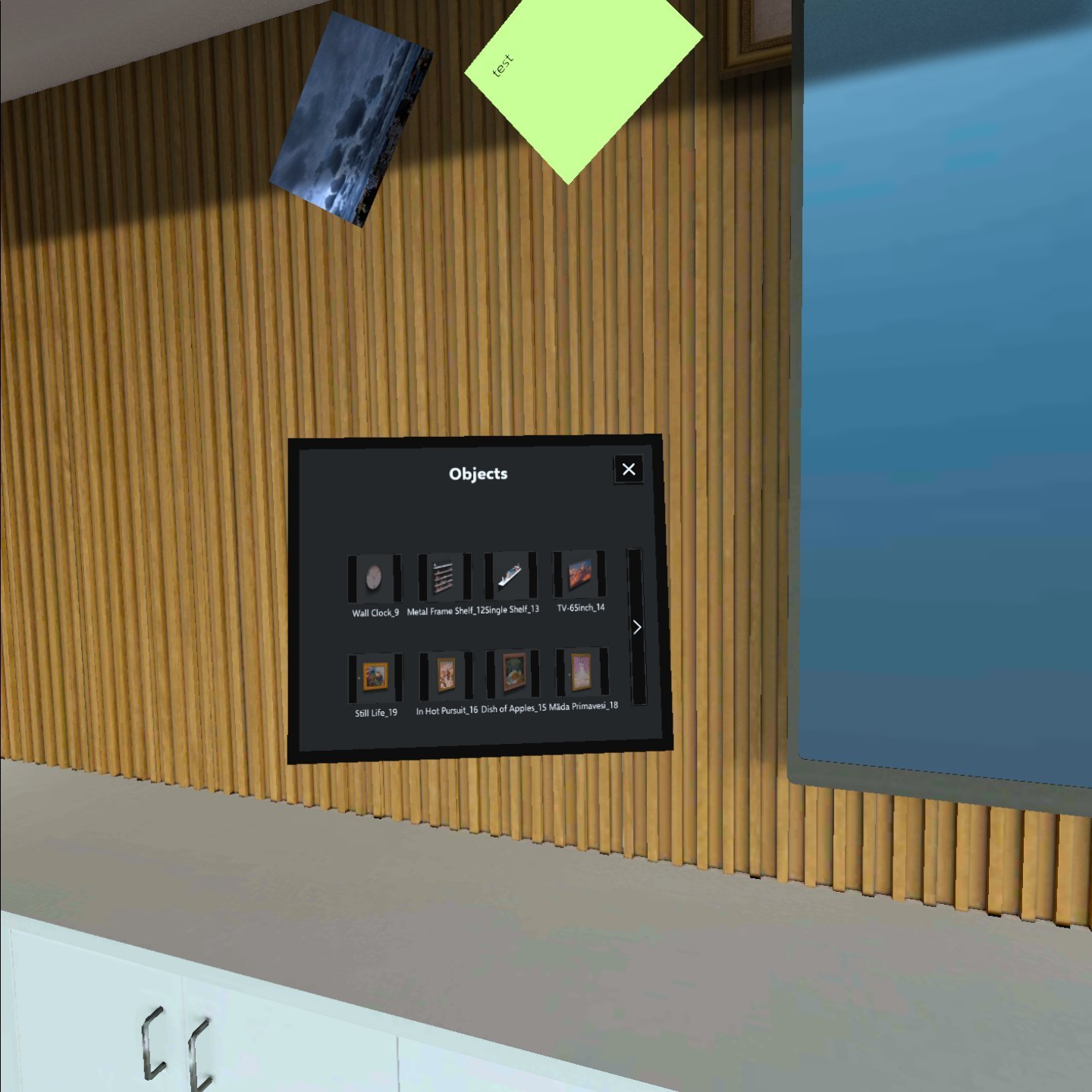
Tap on 3D Object Icon.

<img src="https://mintcdn.com/altoura-785c3552/pvN_b_9fLlPnvtUQ/images/docs/04a9f10-com.studio216.altouraonyx-20210812-134443.jpg?fit=max&auto=format&n=pvN_b_9fLlPnvtUQ&q=85&s=c1cedde1e714da9f9ca5bd7f10899fb6" alt="1440" width="1440" height="1440" data-path="images/docs/04a9f10-com.studio216.altouraonyx-20210812-134443.jpg" />

The Object Library appears. Choose an Object from the Library and tap on Add.

<img src="https://mintcdn.com/altoura-785c3552/niZvlZtOVSBbiV3u/images/docs/789e627-com.studio216.altouraonyx-20210812-134539.jpg?fit=max&auto=format&n=niZvlZtOVSBbiV3u&q=85&s=8b3e1c48b3592f78d7aa01293eaa32e5" alt="1440" width="1440" height="1440" data-path="images/docs/789e627-com.studio216.altouraonyx-20210812-134539.jpg" />

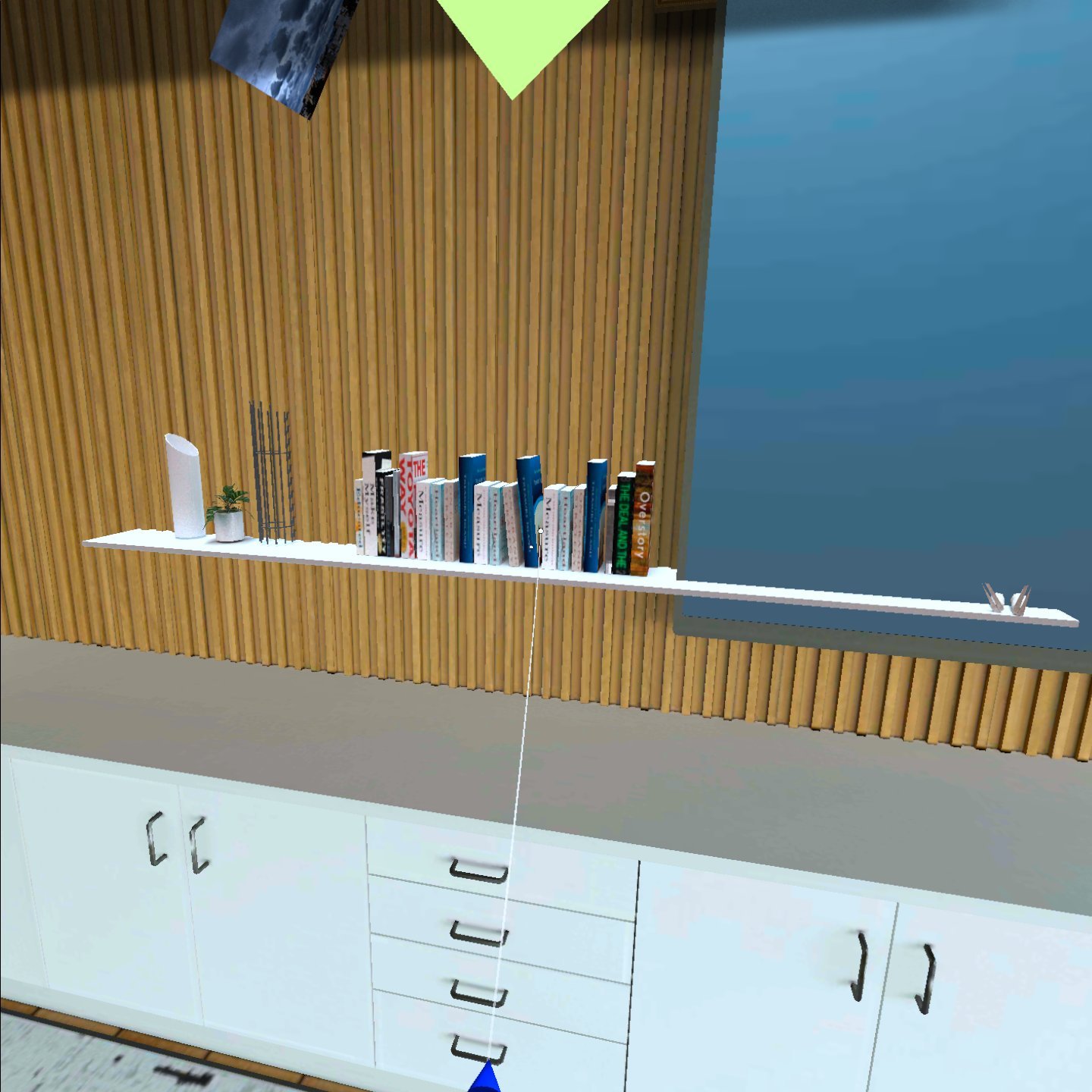
The selected 3D Object is placed.

<img src="https://mintcdn.com/altoura-785c3552/niZvlZtOVSBbiV3u/images/docs/90e148b-com.studio216.altouraonyx-20210812-134705.jpg?fit=max&auto=format&n=niZvlZtOVSBbiV3u&q=85&s=ab585e0455c88bd6716eaa8031315b01" alt="1440" width="1440" height="1440" data-path="images/docs/90e148b-com.studio216.altouraonyx-20210812-134705.jpg" />

## Interacting with Objects

Grab and move distant 3D Objects by pinching while the hand-ray is cast.

<img src="https://mintcdn.com/altoura-785c3552/pvN_b_9fLlPnvtUQ/images/docs/0898408-Screenshot_2021-08-17_at_7.31.50_AM.png?fit=max&auto=format&n=pvN_b_9fLlPnvtUQ&q=85&s=ce5645757f9cd0a98b1d279a31ce3f56" alt="2002" width="2002" height="1986" data-path="images/docs/0898408-Screenshot_2021-08-17_at_7.31.50_AM.png" />

## Deleting an Object

Air tap on 3D Object to bring up the Delete Icon.

## Experiences

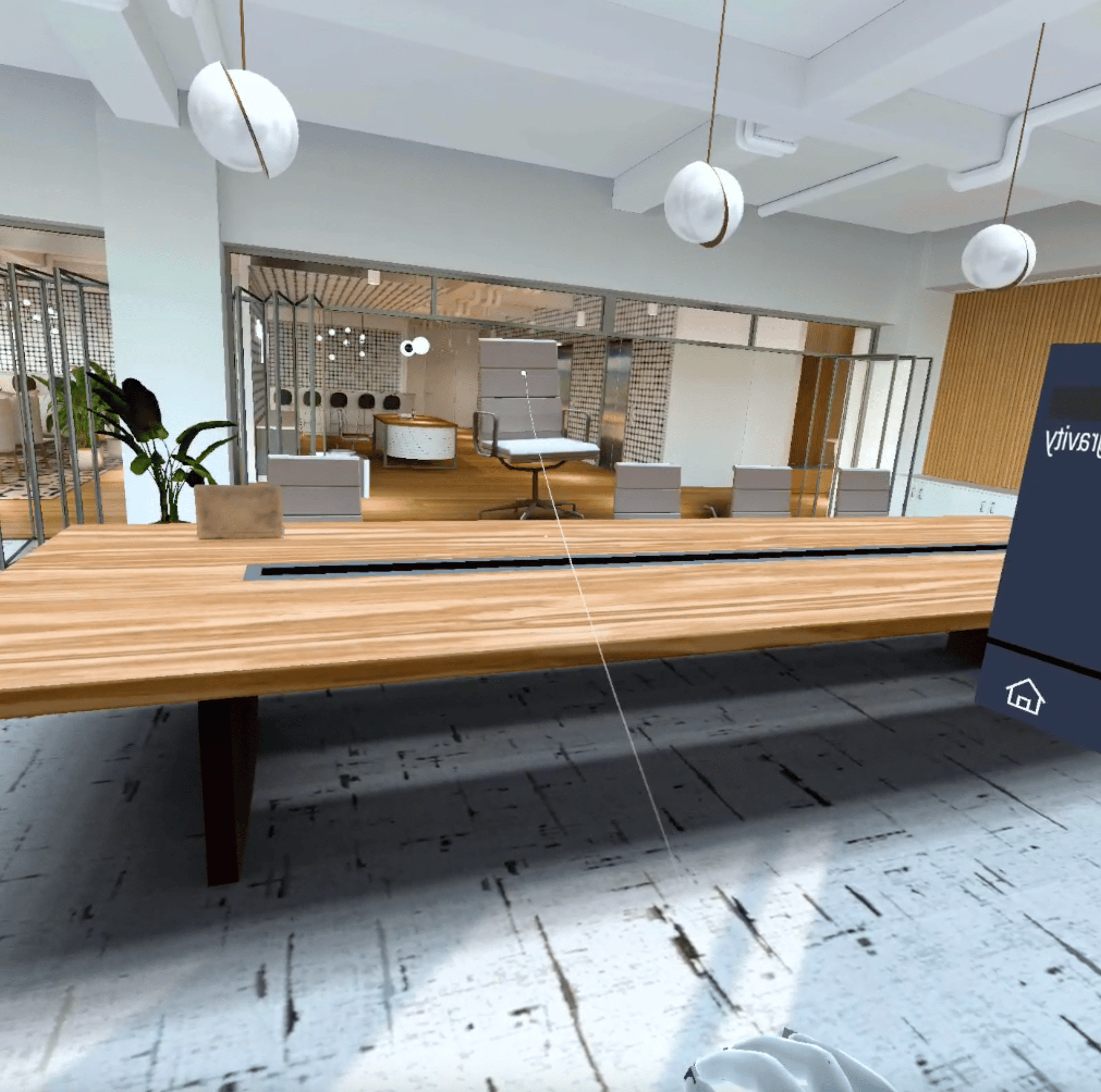
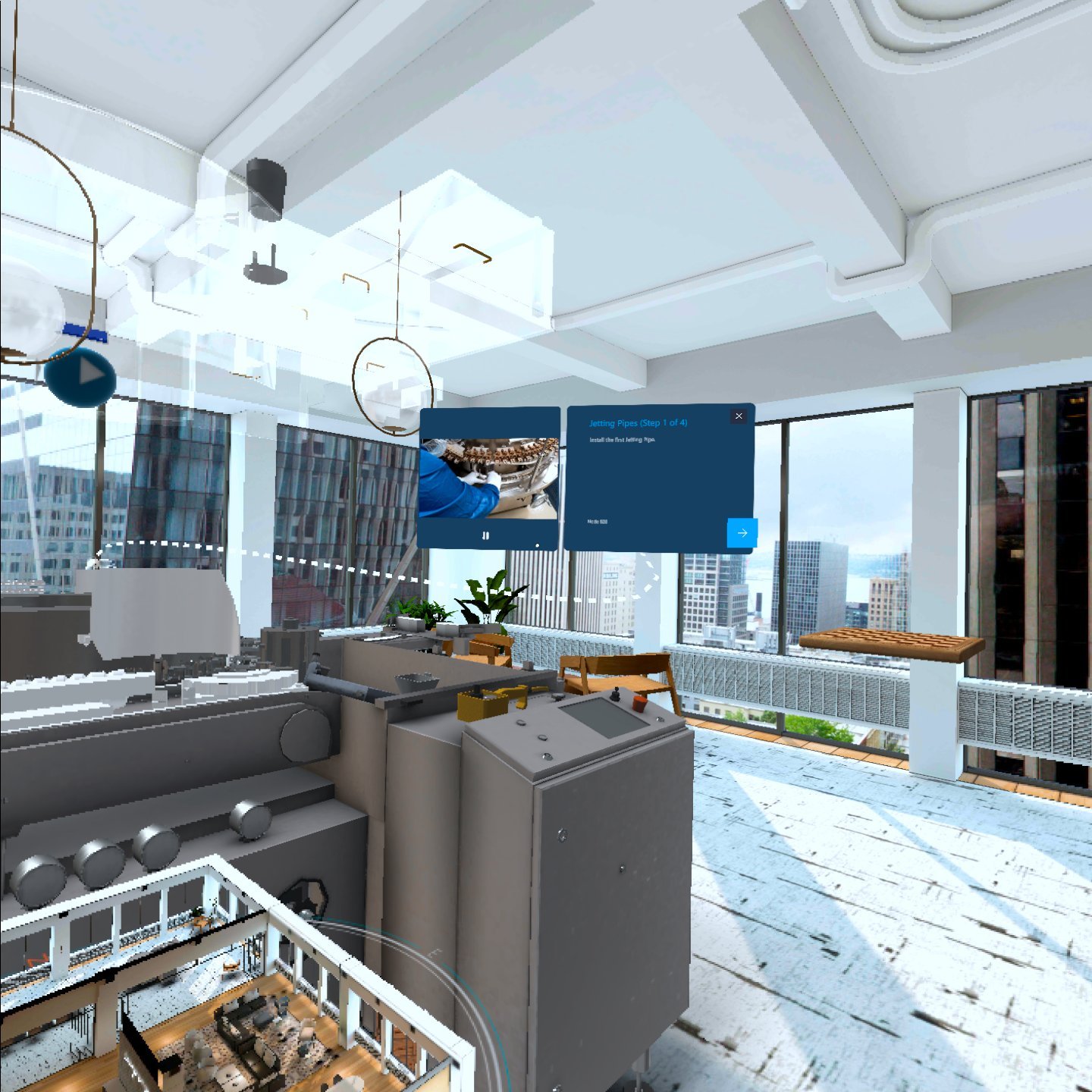
Click on the Sphere to start Training

<img src="https://mintcdn.com/altoura-785c3552/uN9er-P_53ywyRvz/images/docs/d13a9cb-com.studio216.altouraonyx-20210812-125726.jpg?fit=max&auto=format&n=uN9er-P_53ywyRvz&q=85&s=3b019cd2263ac52c46e6c1377310a8af" alt="1440" width="1440" height="1440" data-path="images/docs/d13a9cb-com.studio216.altouraonyx-20210812-125726.jpg" />

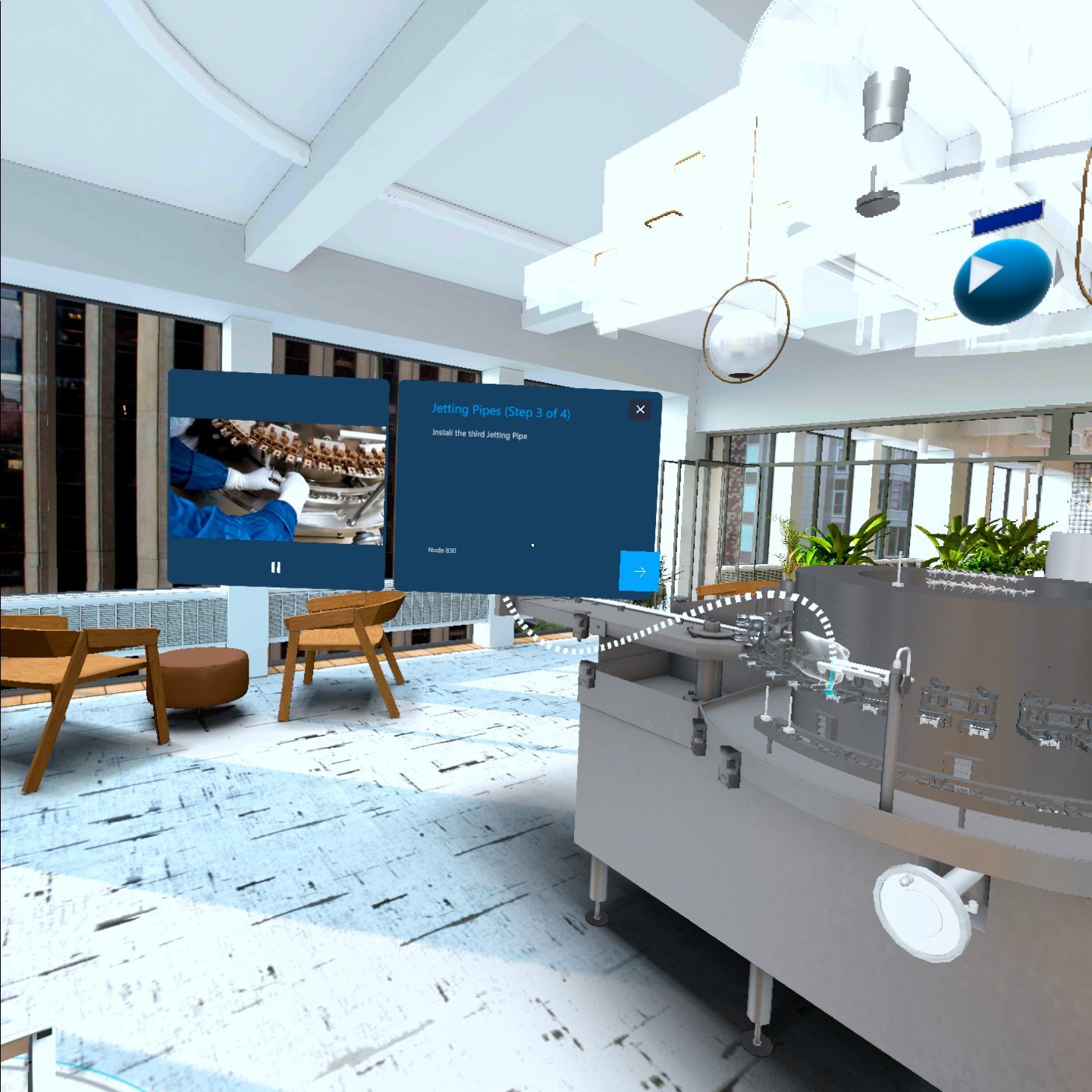
Follow the Guidelines on the Screen.

<img src="https://mintcdn.com/altoura-785c3552/ZuSJMQqW-zq_BCI_/images/docs/c037ba1-com.studio216.altouraonyx-20210812-125859.jpg?fit=max&auto=format&n=ZuSJMQqW-zq_BCI_&q=85&s=0a23f7150043a22c5e02949a5267e89b" alt="1440" width="1440" height="1440" data-path="images/docs/c037ba1-com.studio216.altouraonyx-20210812-125859.jpg" />

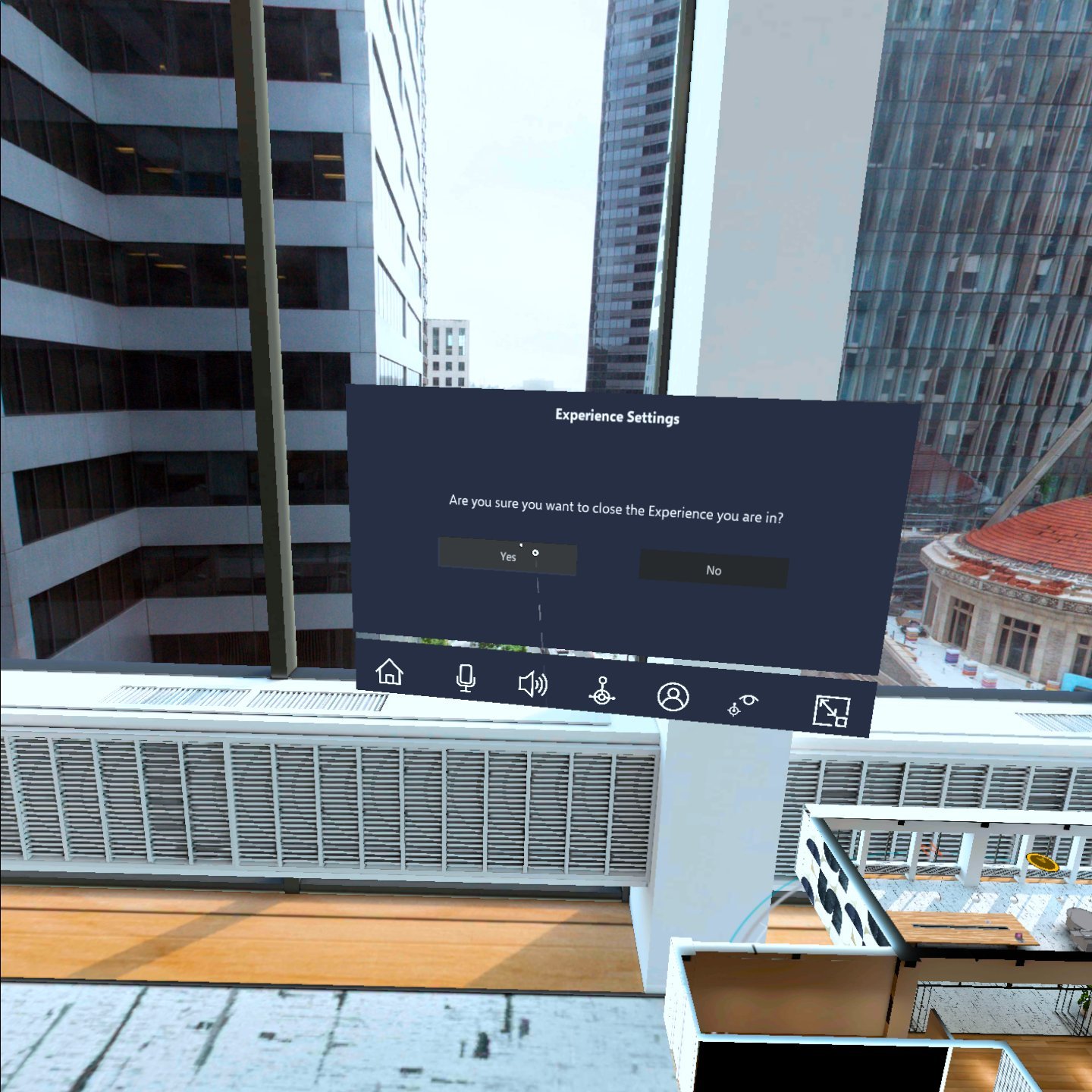
Close an Experience

<img src="https://mintcdn.com/altoura-785c3552/pvN_b_9fLlPnvtUQ/images/docs/06b354f-com.studio216.altouraonyx-20210812-125927.jpg?fit=max&auto=format&n=pvN_b_9fLlPnvtUQ&q=85&s=0569d70360b76602398423893555ef7e" alt="1440" width="1440" height="1440" data-path="images/docs/06b354f-com.studio216.altouraonyx-20210812-125927.jpg" />

Play the below video to see training in action.
<iframe width="100%" height="420" src="https://www.youtube.com/embed/vGQxkZ6ivxw" title="Collaboration Tips" frameBorder="0" allow="accelerometer; autoplay; clipboard-write; encrypted-media; gyroscope; picture-in-picture" allowFullScreen />