> ## Documentation Index
> Fetch the complete documentation index at: https://docs.altoura.com/llms.txt
> Use this file to discover all available pages before exploring further.
# Node Objects and Tethered Line Transformation
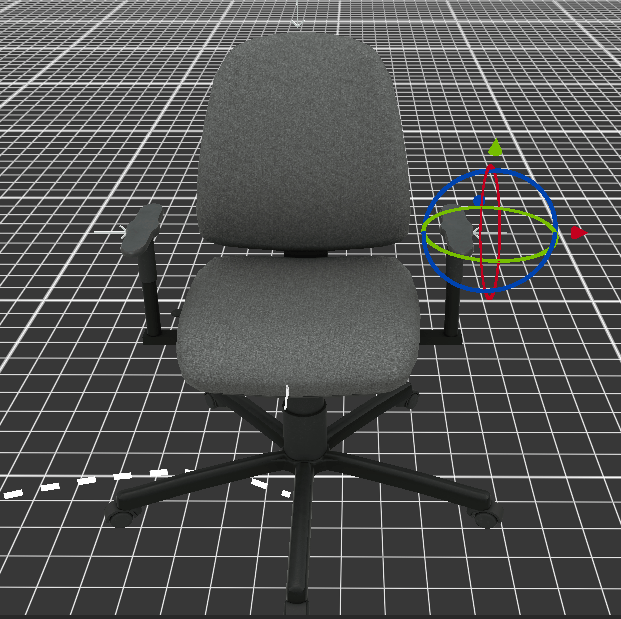
> 3D objects attached to the node can be transformed using the Gizmo. To enable the Gizmo, either long press on the object or right-click on it. To change the object's rotation, click and drag the axes of the wireframe sphere Gizmo that appears around it. The object's position can be adjusted using the arrows.
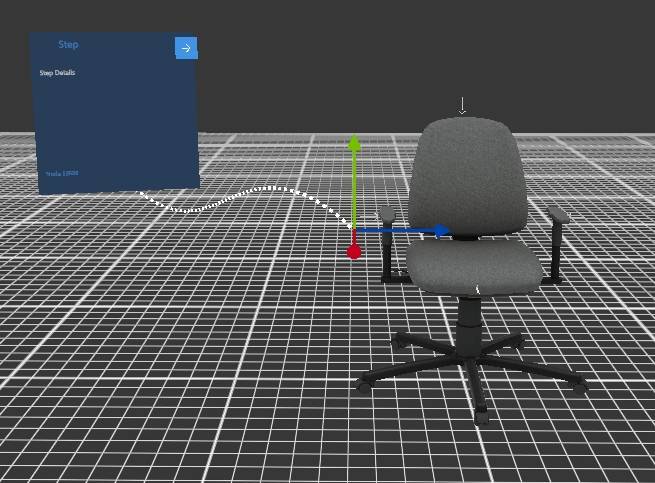
 When the Panel is clicked, the Gizmo will appear for the Tethered line. The endpoint of the Tethered line can be adjusted using the arrows.