> ## Documentation Index
> Fetch the complete documentation index at: https://docs.altoura.com/llms.txt
> Use this file to discover all available pages before exploring further.
# Defining Surface Types in a Space
> Surfaces are defined planes for objects to be added on to in a . Once a surface is defined in the space asset bundle, the user is allowed to add objects to this plane in a meeting on the app.
# Surface Types
## Floor
In the space asset bundle there should already be a floor created as per the Realscale requirements. To turn on the ability to add objects to the existing floor in the space during a meeting, set **isFloorCollab** to **true** in the space metdata.
## Wall
*Requirements:*
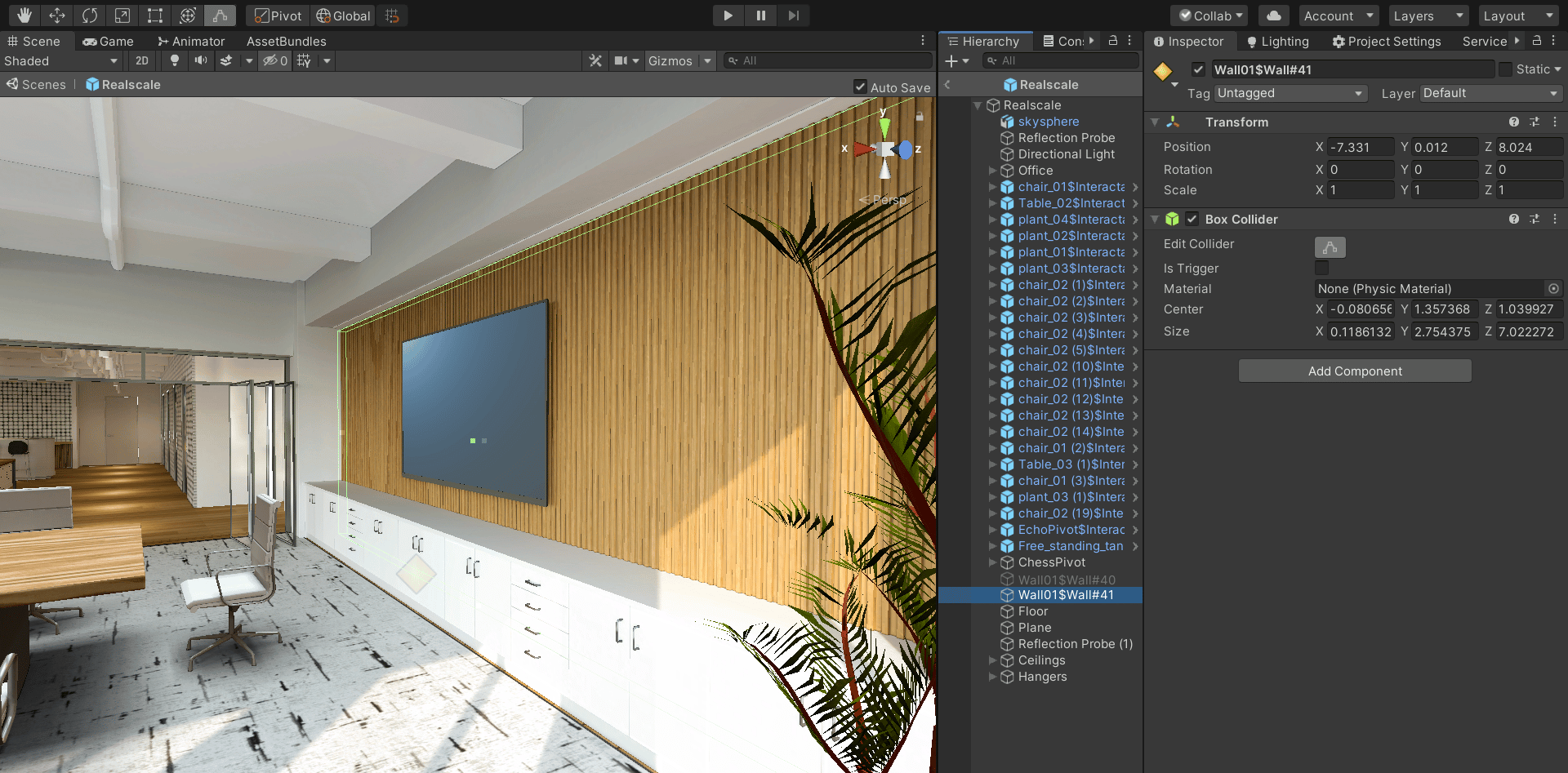
* a GameObject name to follow this pattern: $Wall#UniqueNumber ex. $Wall#1, \$Wall#2 if there are two walls in the space
* a collider on the GameObject parent that covers the area of the surface that a wall object will be addable
 ## Ceiling
*Requirements:*
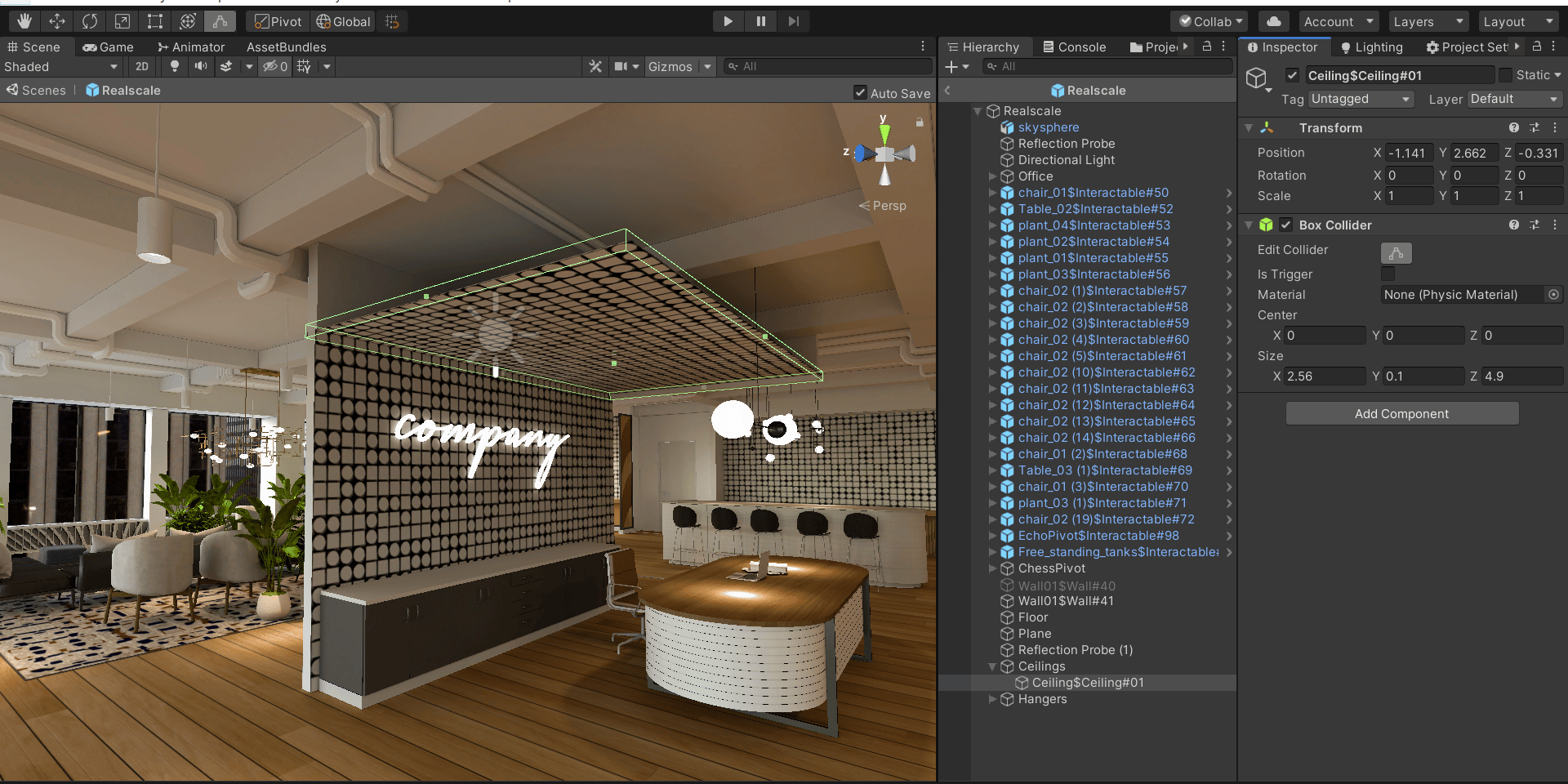
* a GameObject name to follow this pattern: $Ceiling#UniqueNumber ex. $Ceiling#01, \$Ceiling#02 if there are two ceilings in the space
* a collider on the GameObject parent that covers the area of the surface that a ceiling object will be addable
## Ceiling
*Requirements:*
* a GameObject name to follow this pattern: $Ceiling#UniqueNumber ex. $Ceiling#01, \$Ceiling#02 if there are two ceilings in the space
* a collider on the GameObject parent that covers the area of the surface that a ceiling object will be addable
 ## Hanger
*Requirements:*
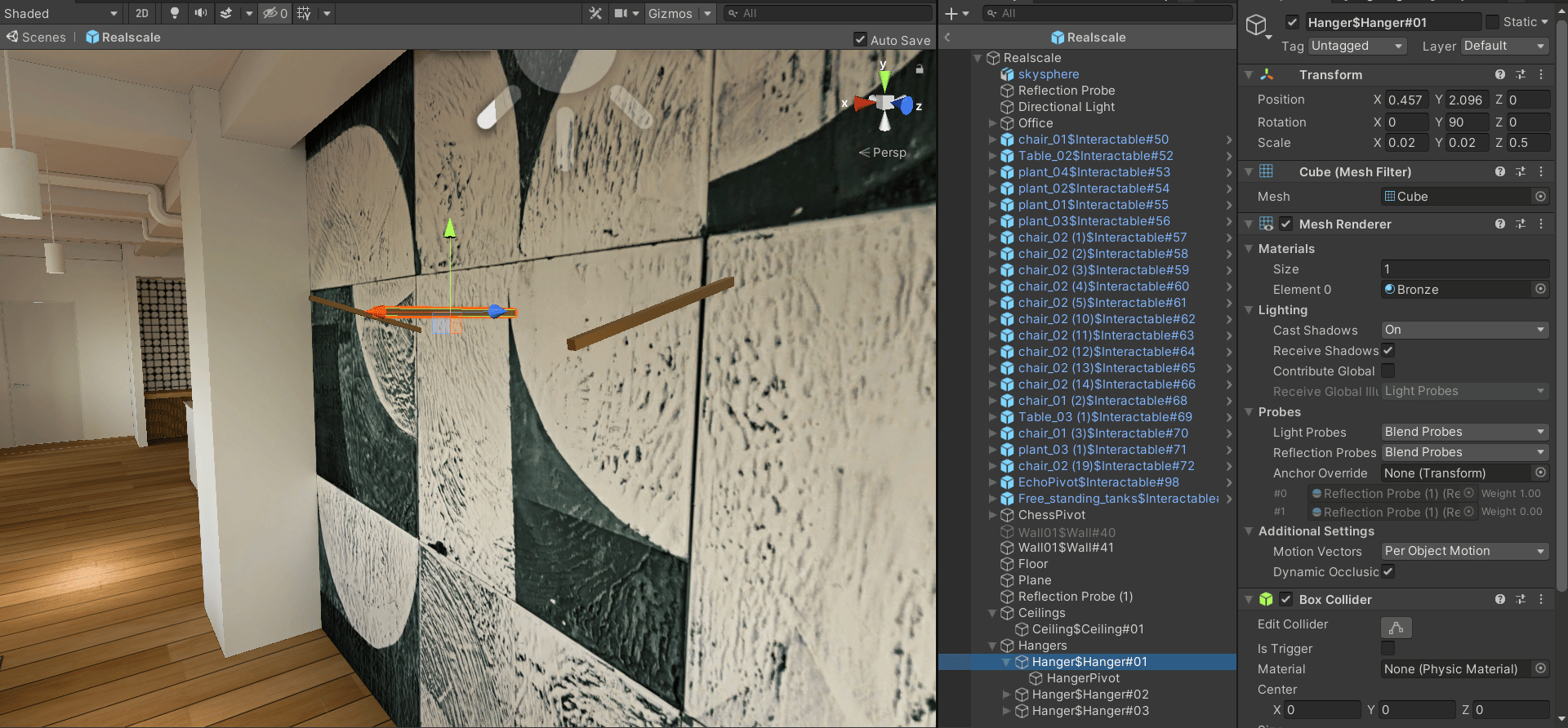
* a GameObject name to follow this pattern: $Hanger#UniqueNumber ex. $Hanger#01, \$Hanger#02 if there are two hangers in the space
* a collider on the GameObject parent that covers the area of the surface that a hanger object will be addable
* a Gameobject of name of 'HangerPivot' as a child of hanger collider parent where the hanger object will be spawned
## Hanger
*Requirements:*
* a GameObject name to follow this pattern: $Hanger#UniqueNumber ex. $Hanger#01, \$Hanger#02 if there are two hangers in the space
* a collider on the GameObject parent that covers the area of the surface that a hanger object will be addable
* a Gameobject of name of 'HangerPivot' as a child of hanger collider parent where the hanger object will be spawned