> ## Documentation Index
> Fetch the complete documentation index at: https://docs.altoura.com/llms.txt
> Use this file to discover all available pages before exploring further.
# Gizmo Transformation
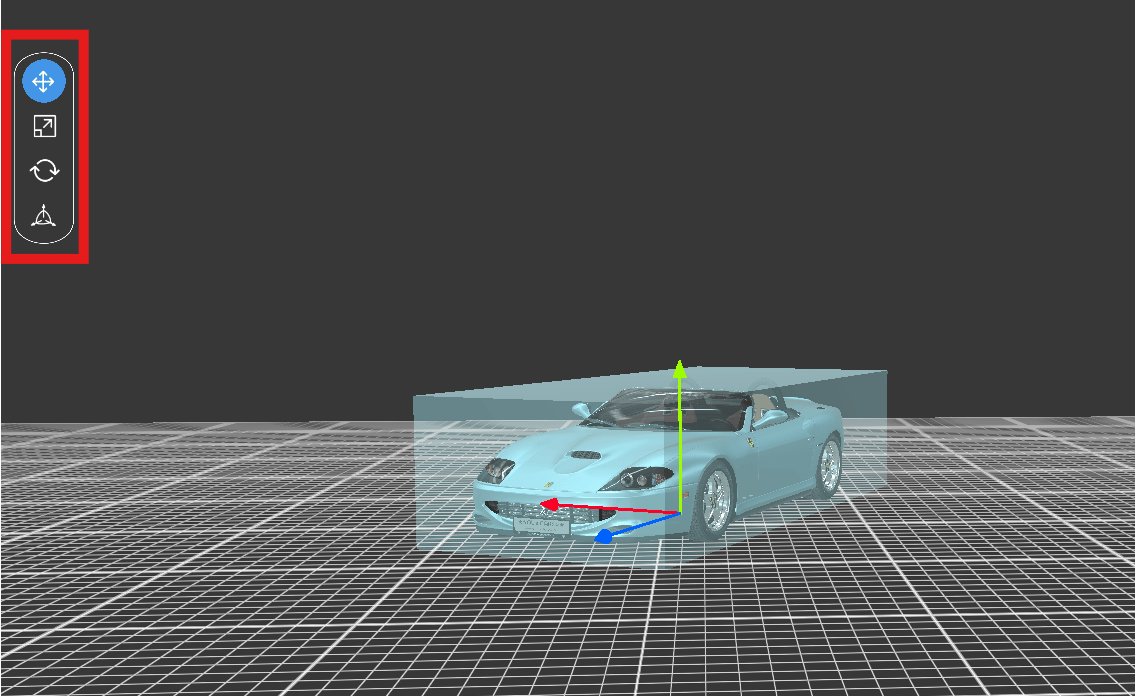
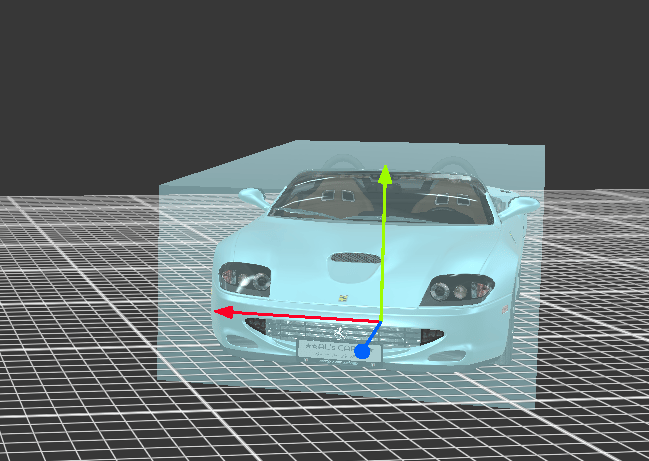
> Users have the ability to move, rotate, and scale objects using the gizmo. The gizmo works for Space Builder objects, Meeting objects, Sticky Notes, Node objects, Tethered Lines, Callouts, and Default Meeple. The object axes will be greyed out if they are marked freeze in the catalog or portal.
Long press on an object for the gizmo to appear.
 To switch between the transform tools (move, scale, rotate, universal) of the gizmo, the option is available in the UI.