> ## Documentation Index
> Fetch the complete documentation index at: https://docs.altoura.com/llms.txt
> Use this file to discover all available pages before exploring further.
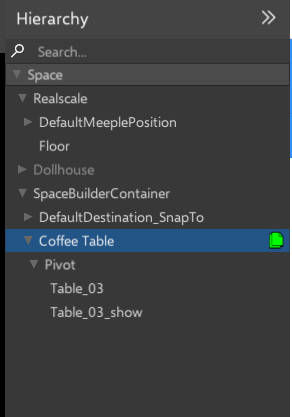
# Hierarchy
> Objects spawned in the space are listed in the hierarchy.
Right-clicking on the object will bring up a menu, offering additional options
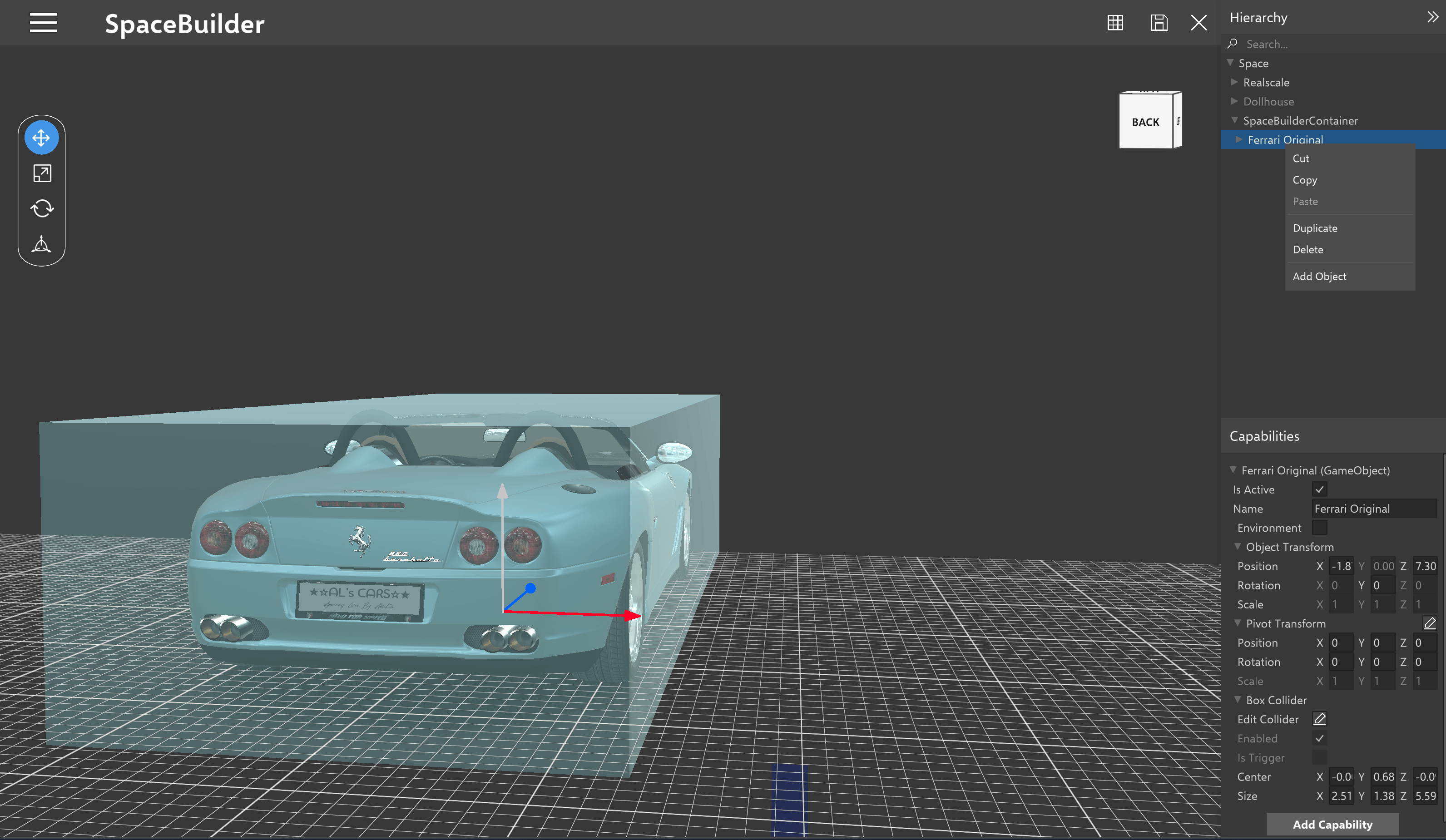 Refer this [link ](/docs/features/space-builder/camera-controls#duplicate-the-object)to know more about each option.
### Copy object name
Users have the option to select an object/mesh renderer/any child or parent object and then utilize the "Copy" button associated with the object's name. Subsequently, they can paste the copied object elsewhere within the interface.
Refer this [link ](/docs/features/space-builder/camera-controls#duplicate-the-object)to know more about each option.
### Copy object name
Users have the option to select an object/mesh renderer/any child or parent object and then utilize the "Copy" button associated with the object's name. Subsequently, they can paste the copied object elsewhere within the interface.