> ## Documentation Index
> Fetch the complete documentation index at: https://docs.altoura.com/llms.txt
> Use this file to discover all available pages before exploring further.
# Dynamics 365 Guides
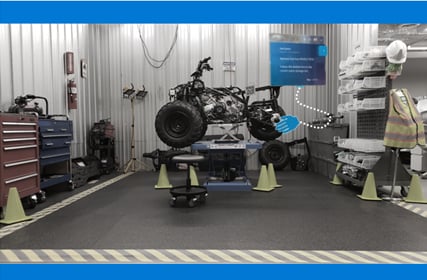
> Microsoft Dynamics 365 Guides is a mixed-reality application for Microsoft HoloLens that helps operators learn during the flow of work by providing holographic instructions when and where they are needed. These instruction cards are visually tethered to the place where the work is done, and can include images, videos, and 3D holographic models. Operators see exactly what needs to be done, and where, so they can get the job done faster, with fewer errors and greater skill retention.
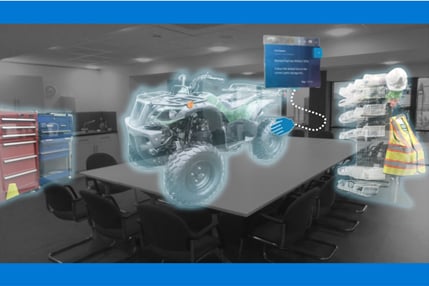
Altoura is the only platform on the market optimized for Microsoft environments. Built on Azure and tuned for HoloLens, Altoura provides seamless integration with Microsoft Dynamics 365 Guides, which empowers workers to train virtually in Altoura before transitioning to AR assisted work on-site using Guides.
## Train-to-Work®
Solutions built on Altoura dramatically reduce training cycle times and increase worker productivity. Train-to-Work®, an immersive training solution that includes Altoura, Dynamics 365 Guides, and HoloLens 2, enables organizations to build training guides once, deploy those guides inside Altoura to train remote workers in a virtual setting, then use the same guides within Dynamics 365 Guides to provide workers with real-time AR-assistance when in their physical workspace. The result is an end-to-end training workflow from virtual to physical environments. Train-to-Work® is sold and supported by Altoura, Insight, Velrada, and a large ecosystem of Microsoft partners around the globe.