> ## Documentation Index
> Fetch the complete documentation index at: https://docs.altoura.com/llms.txt
> Use this file to discover all available pages before exploring further.
# Safe Tutorial - Portal & Unity
> A quick guide on how to create an experience with samples provided by Altoura.
# Prerequisites
* [Install Unity](/docs/unity/setup/install-unity)
* [Install Unity's Asset Bundle Browser](/docs/unity/setup/import-toolkit#unity-asset-bundle-browser-installation)
* [Install the Altoura Toolkit](/docs/unity/setup/import-toolkit#importing-the-altoura-toolkit)
# What you are about to build - Open the Safe
Here we will show you how to create a short Experience in Altoura. It will be used to show some of the basic interaction and content possibilities that you can use in Altoura. The sequence will consist of interacting with an object that will serve as the Experience Initiator, that will then bring up a simple text panel. You will then setup the interaction so that a user can tap on a box to reveal a key, grab that key and insert it into a lock and then finally open a safe by turning the key.
This is what it should look like when you are finished.
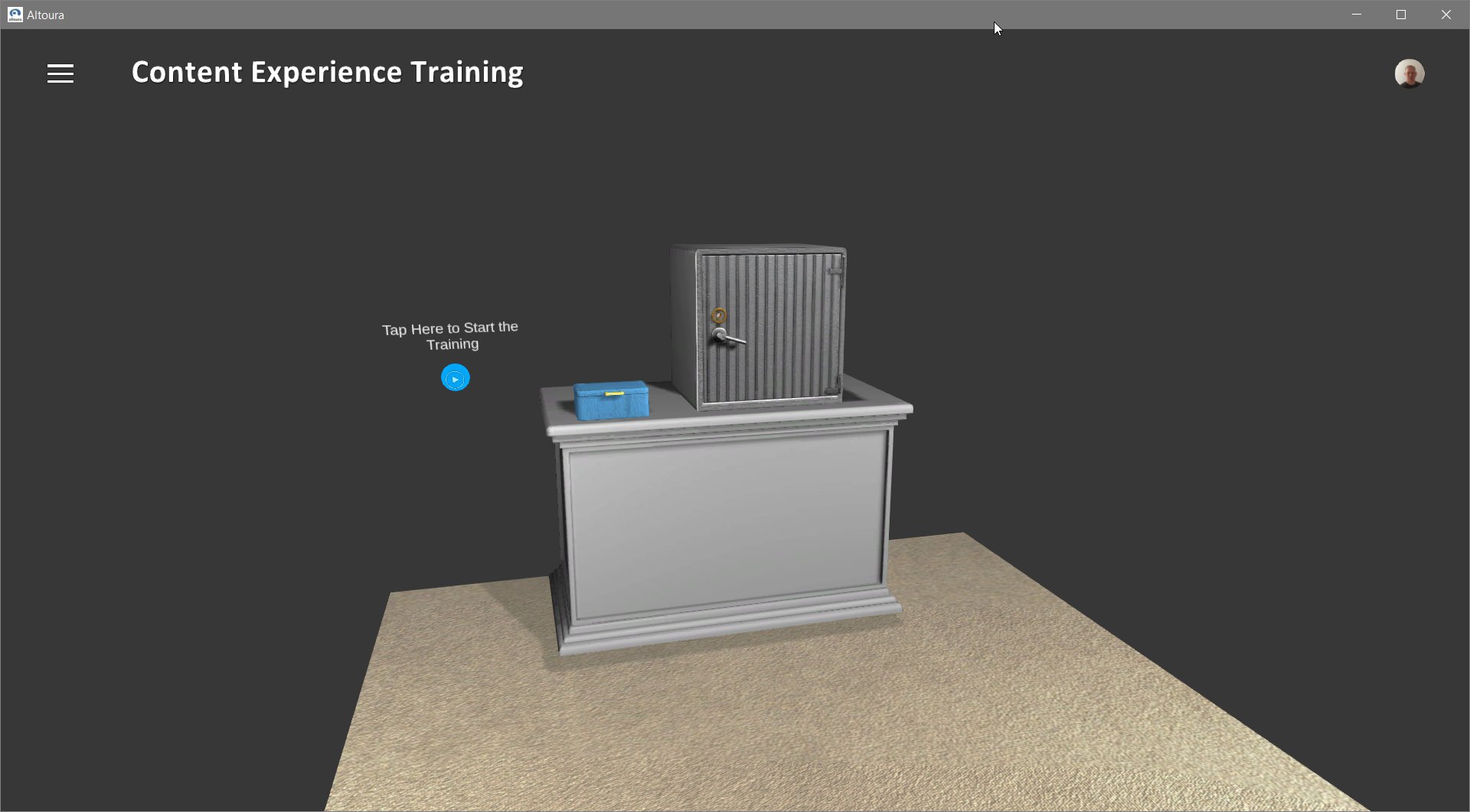 Tapping on the Start Button will begin the experience.
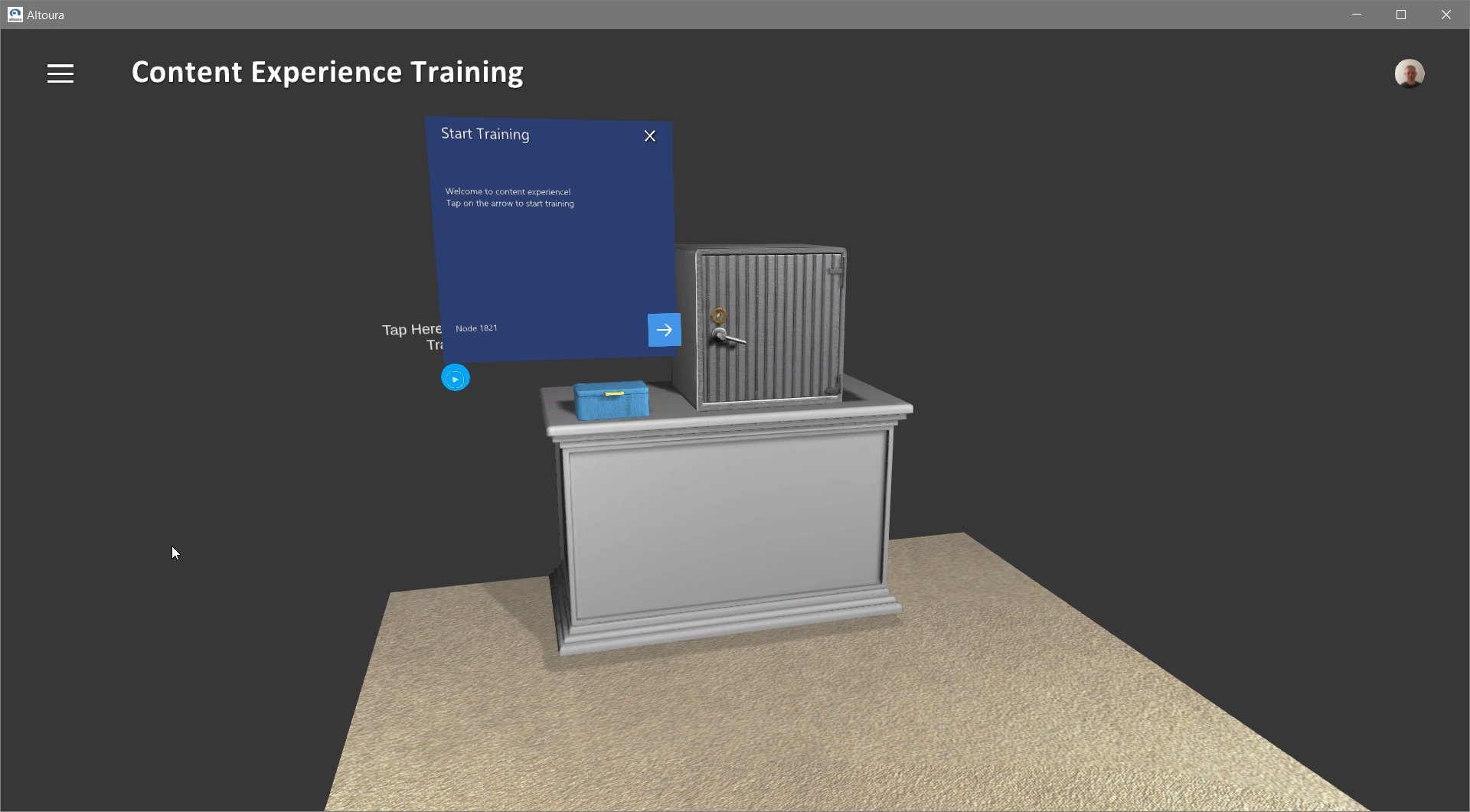 A next button will appear on the text panel, this is the most basic form of interaction that users will use to progress through experiences.
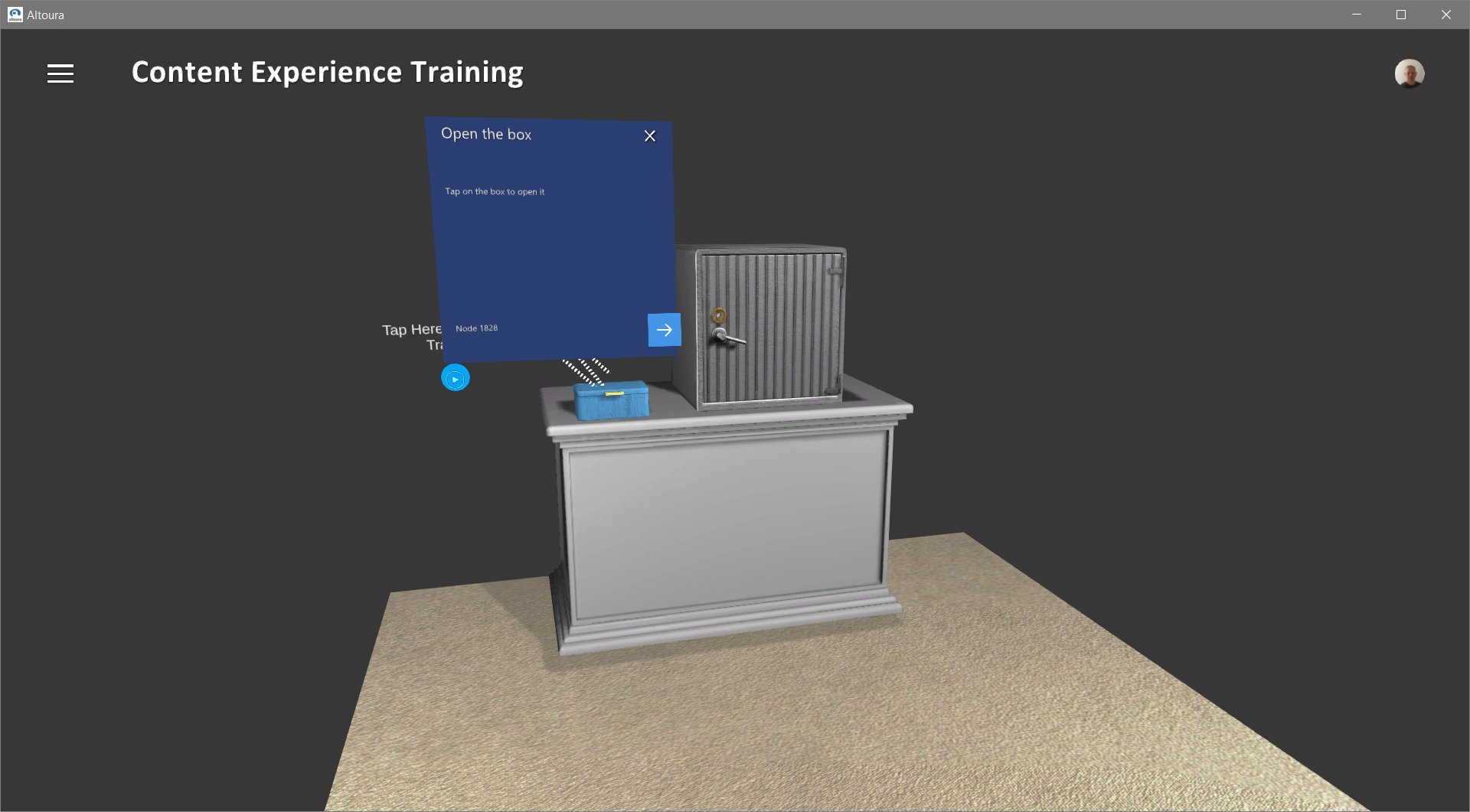 Next we will showcase how users can tap on any object as a way to interact and move forward in addition to using buttons.
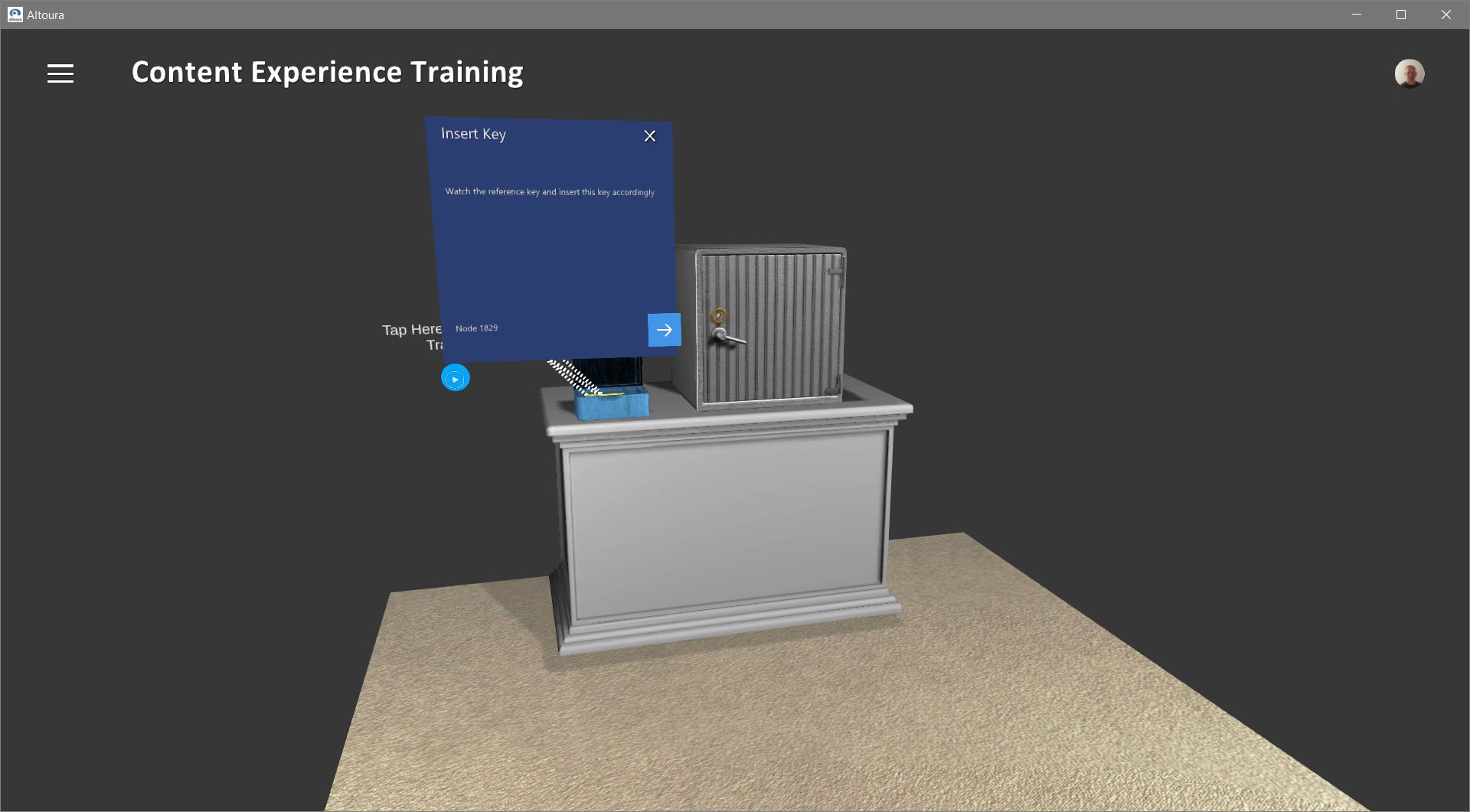 Next we will show how users can interact with objects by virtually grabbing them and moving them to a defined destination, or by just hitting the next button. This will showcase alternative methods on how Altoura can support the experience on different devices with different interaction capabilities.
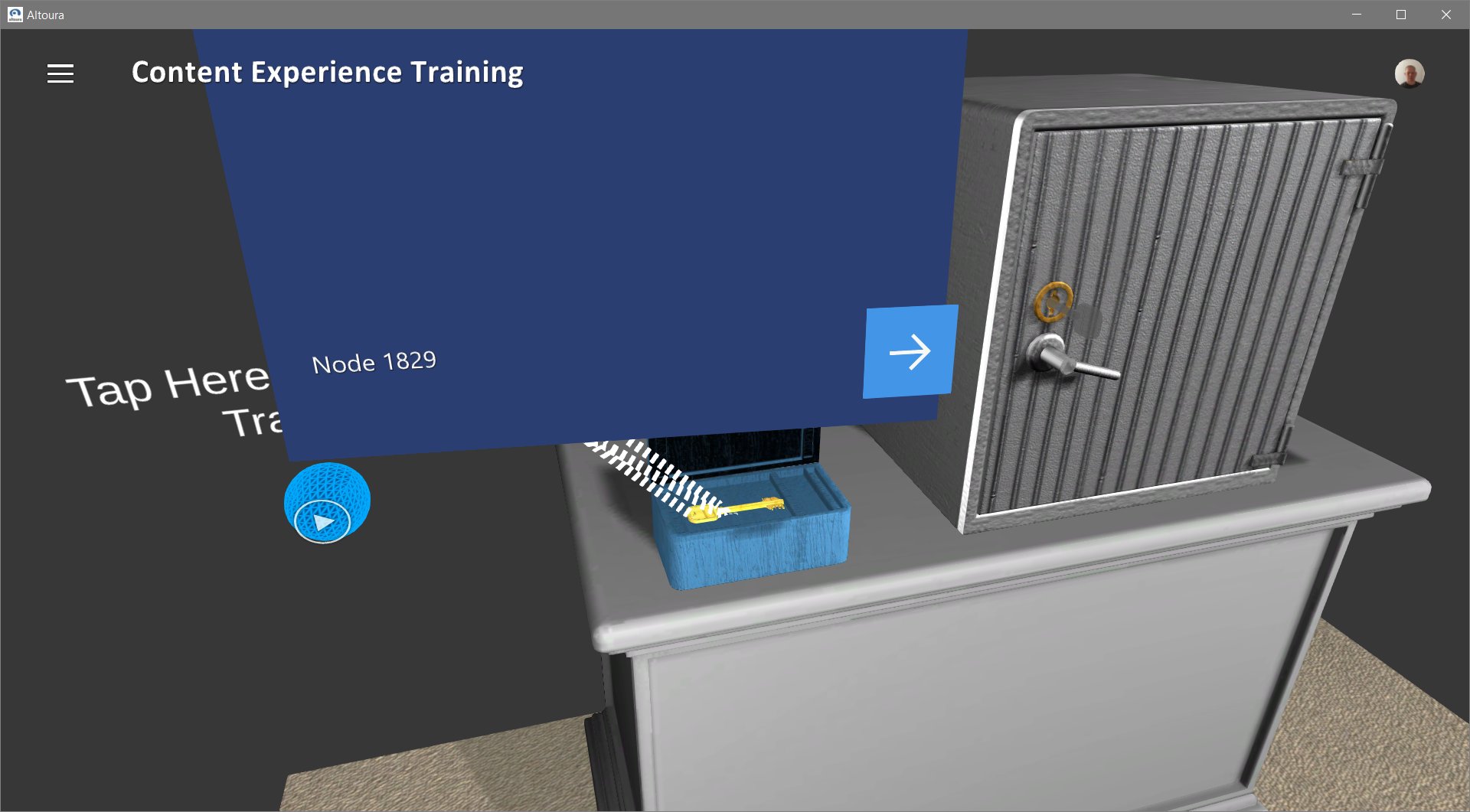 Finally we will demonstrate an object manipulation that uses constraints. This will result in an animation playing and revealing the final state of the experience.
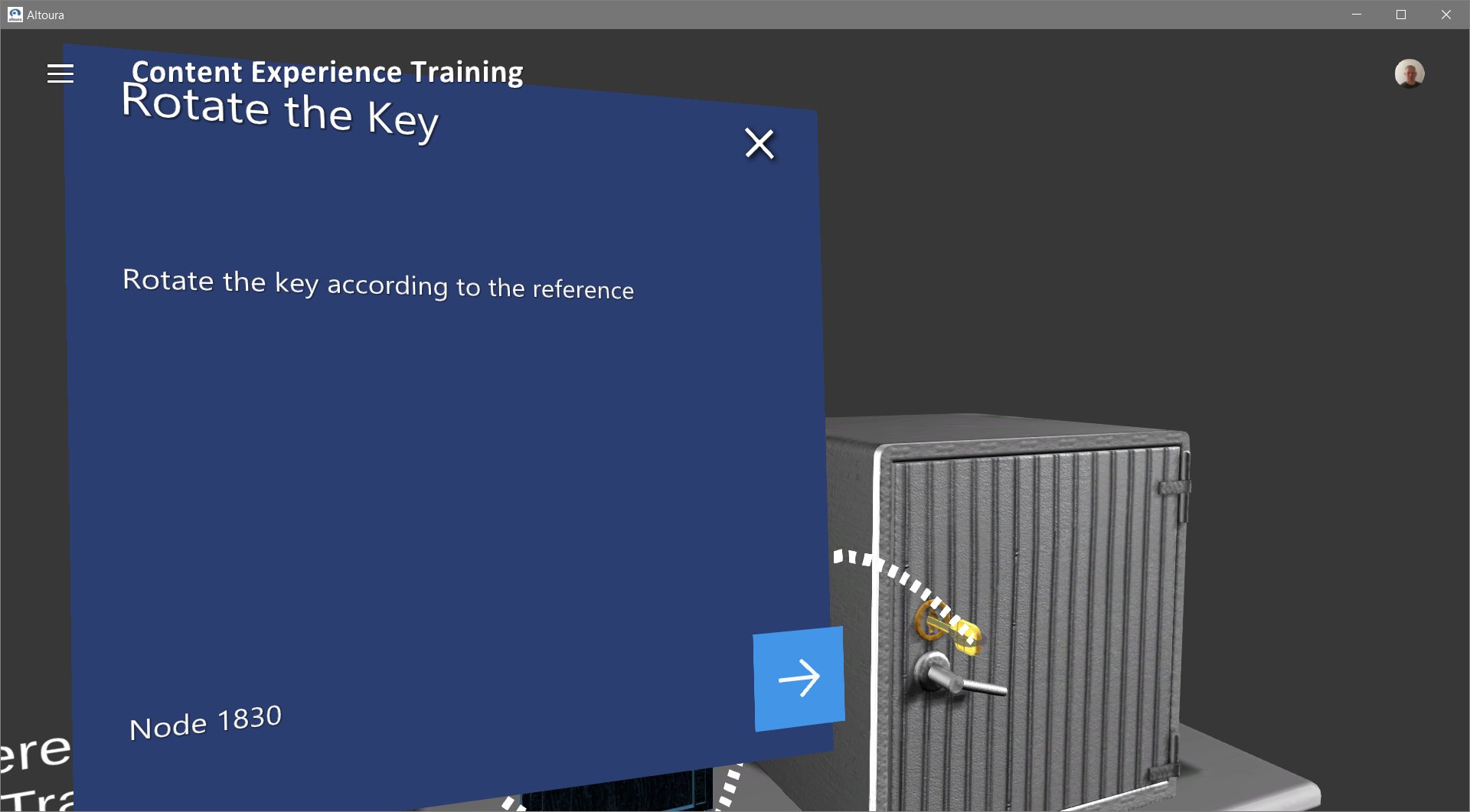
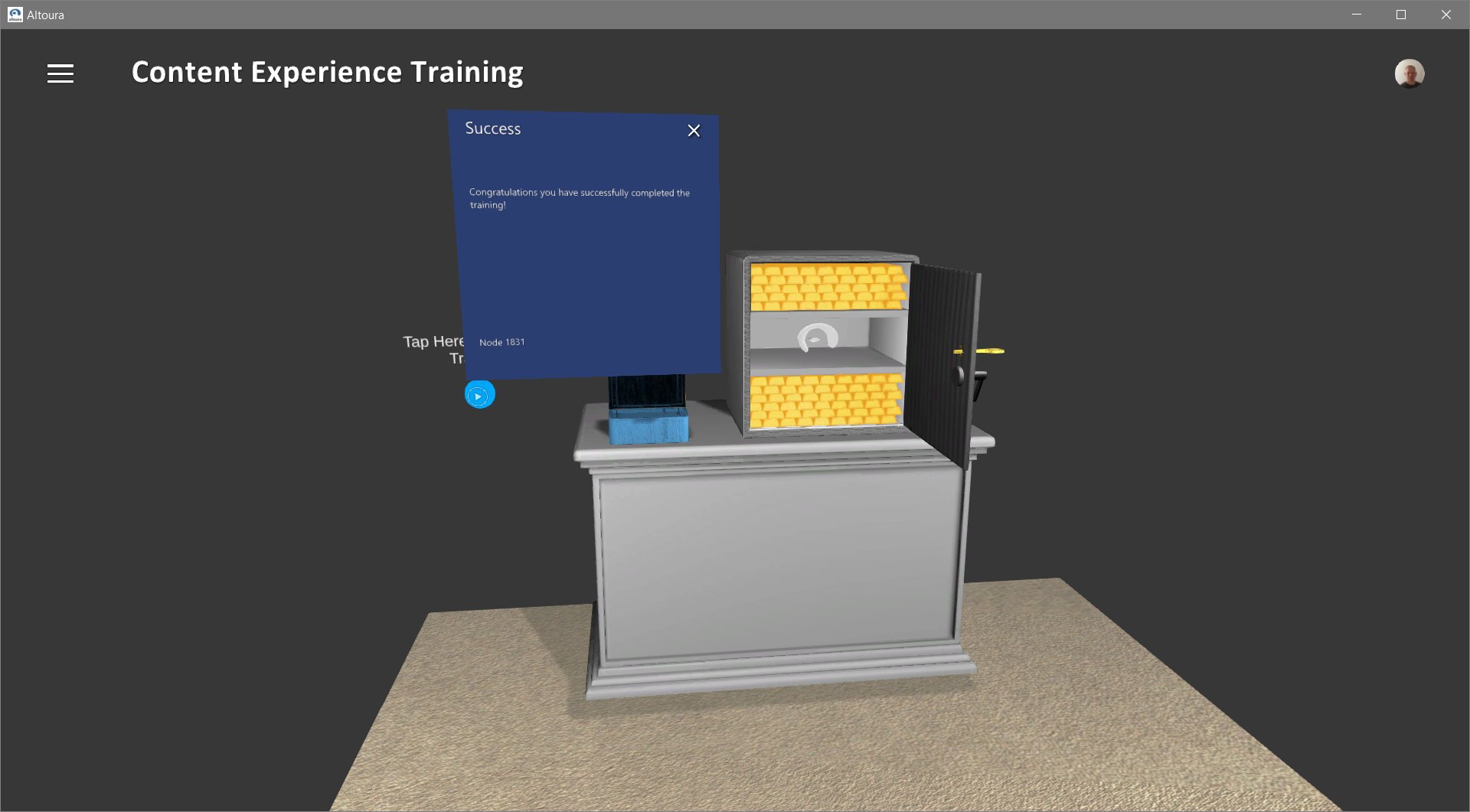 Once complete the safe will be open and the user can restart the experience. So let's get started building this.
* [Import AltouraSampleExperience2.0 into Unity](/docs/tutorials/safe-tutorial/import-sample)
Once complete the safe will be open and the user can restart the experience. So let's get started building this.
* [Import AltouraSampleExperience2.0 into Unity](/docs/tutorials/safe-tutorial/import-sample)