> ## Documentation Index
> Fetch the complete documentation index at: https://docs.altoura.com/llms.txt
> Use this file to discover all available pages before exploring further.
# Join a Scheduled Meeting
> Join a scheduled Microsoft Teams Remote Expert meeting from the iPad.
Use Remote Expert to join Microsoft Teams meetings that have already been scheduled for you.
If you need to start a new session with an expert instead, see [Invite an Expert to a Call](/frontline/ipad/get-help/invite-an-expert-to-a-call).
## Find a Scheduled Meeting
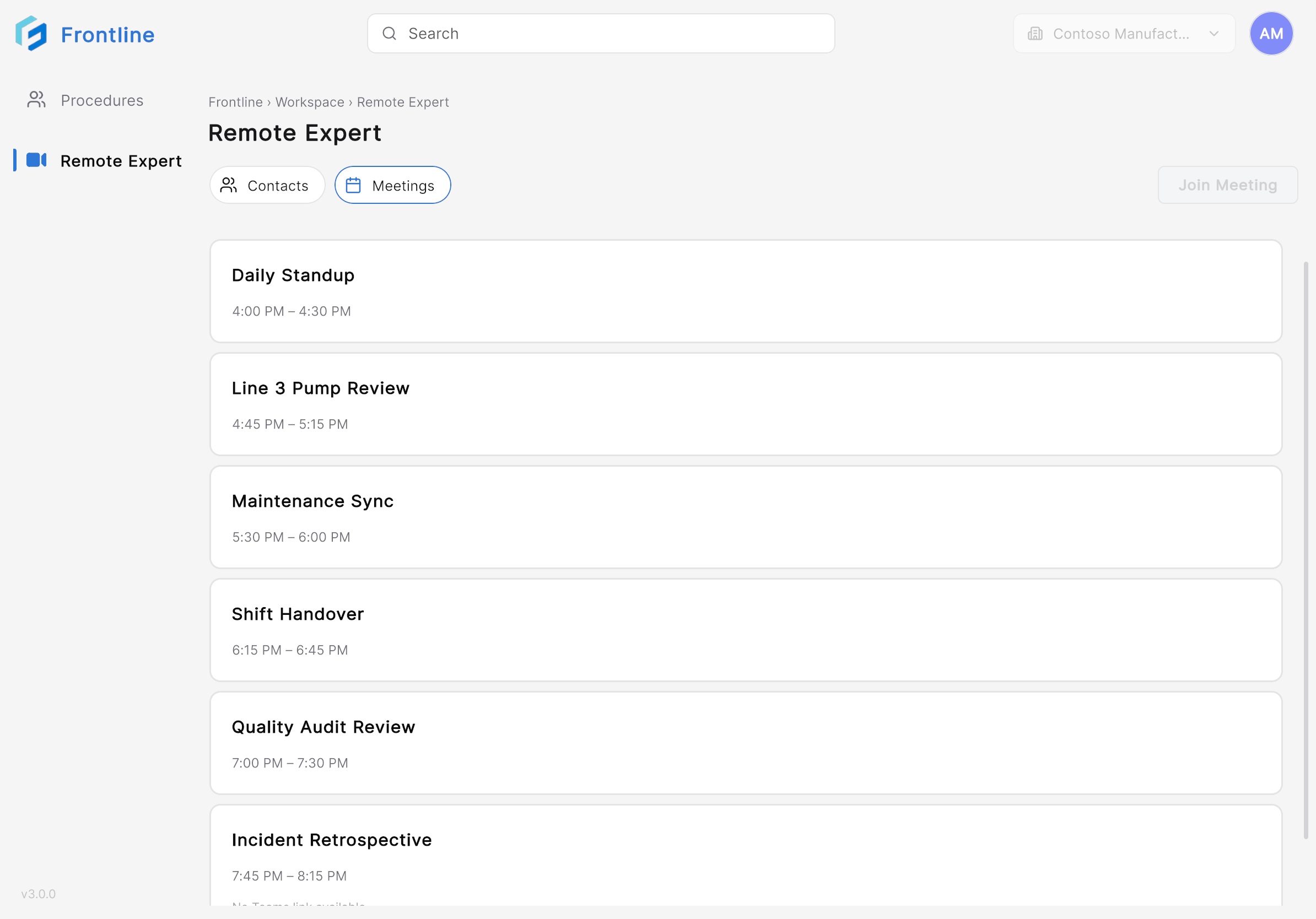
Open Remote Expert and select the **Meetings** tab. The **Meetings** tab lists your scheduled Microsoft Teams meetings. Each meeting card shows the meeting title and scheduled time.
 ## Join the Meeting
Tap the meeting card for the meeting you want to join.
## Join the Meeting
Tap the meeting card for the meeting you want to join.
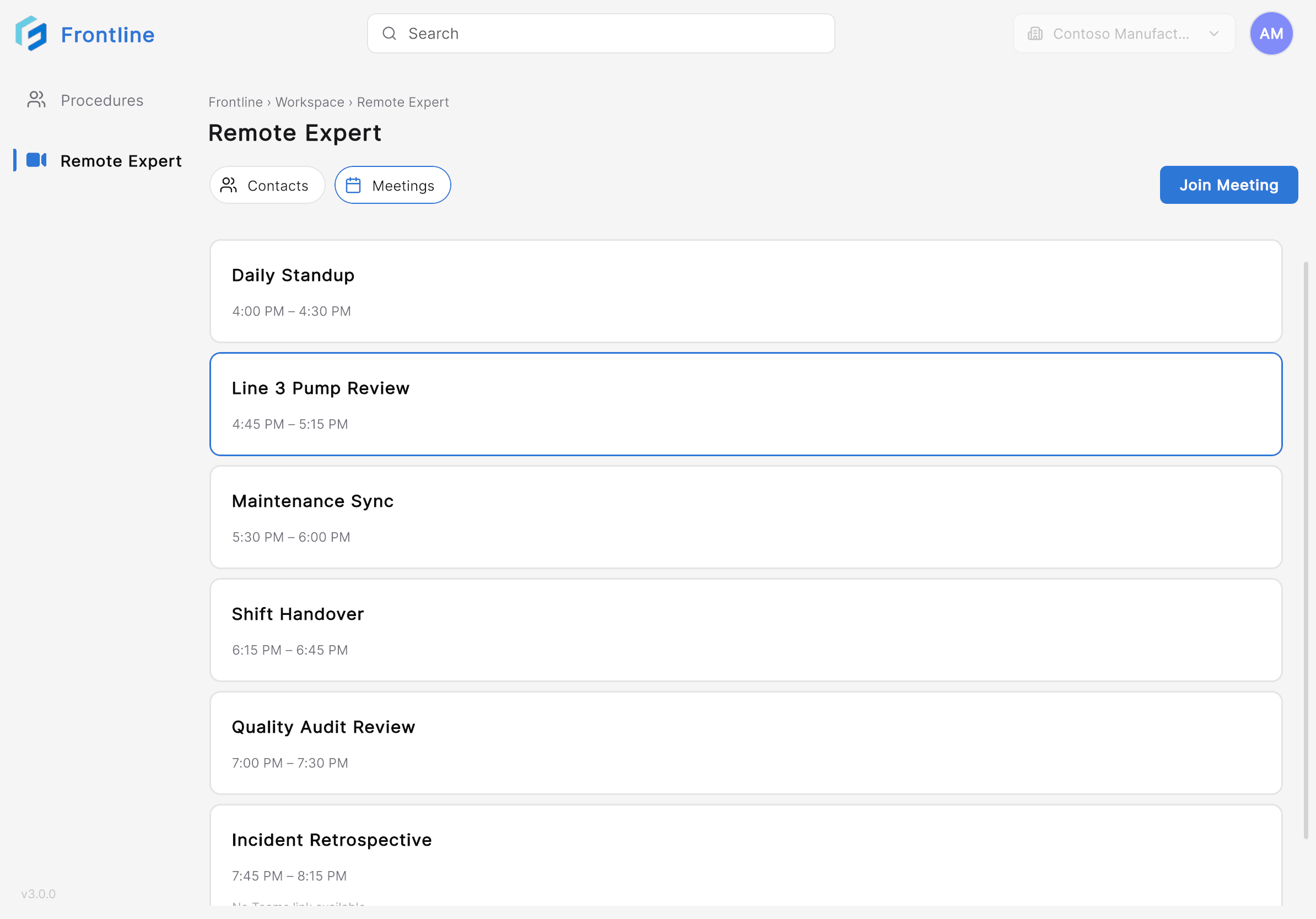 Tap **Join Meeting**. After joining, the Remote Expert session opens.
You can now communicate with the other participants using live audio and video and collaborate using annotations and shared content.
***
**Next:** [Collaborate During a Remote Expert Session](/frontline/ipad/get-help/collaborate-during-a-session)
Tap **Join Meeting**. After joining, the Remote Expert session opens.
You can now communicate with the other participants using live audio and video and collaborate using annotations and shared content.
***
**Next:** [Collaborate During a Remote Expert Session](/frontline/ipad/get-help/collaborate-during-a-session)