> ## Documentation Index
> Fetch the complete documentation index at: https://docs.altoura.com/llms.txt
> Use this file to discover all available pages before exploring further.
# Media Panel in Operator Mode
 ## Overview
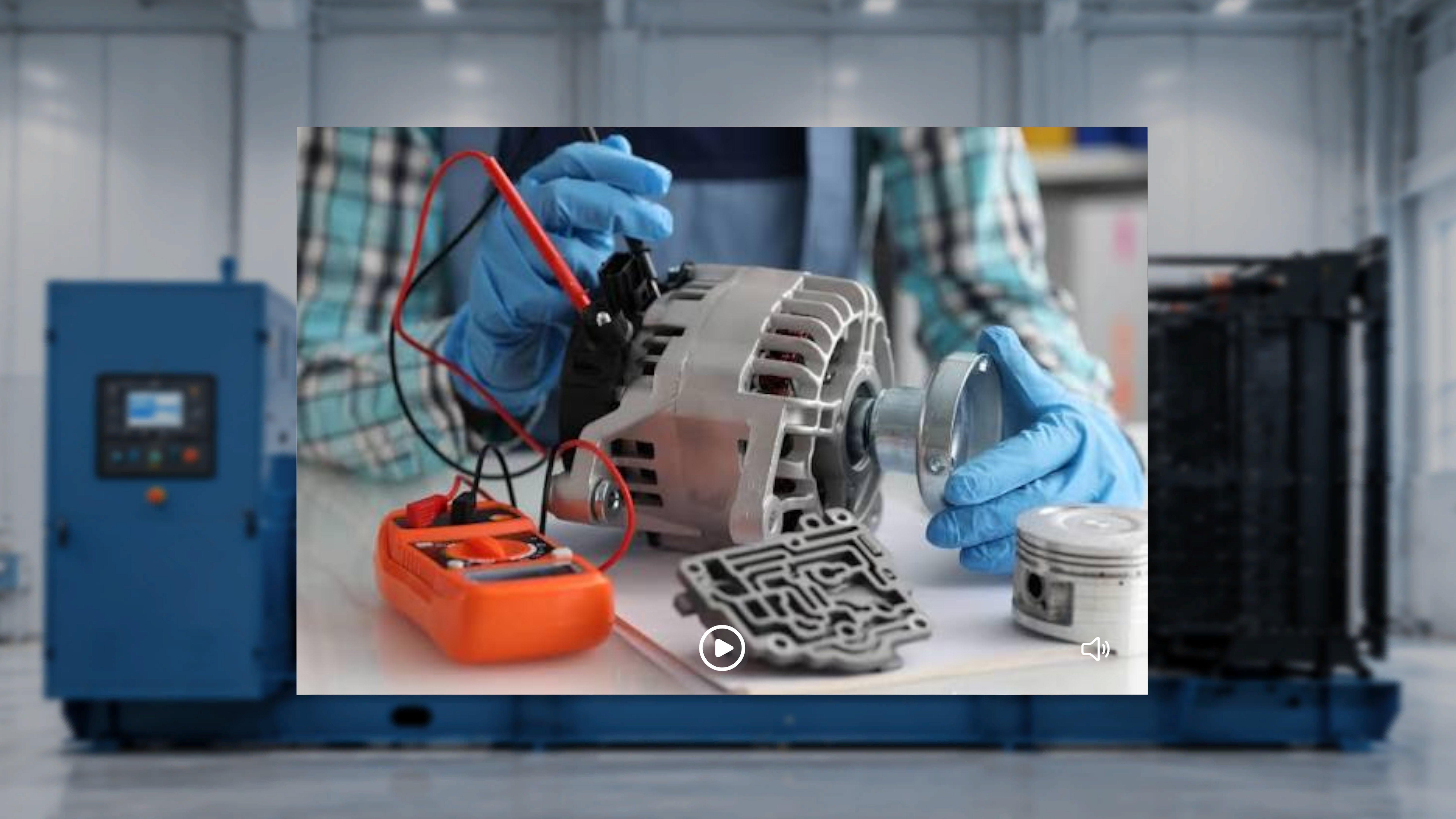
The **Media** panel displays visual content attached to the active step during procedure creation.
The content shown depends on what was configured for that step:
* If an **image** was attached, the image is displayed.
* If a **video** was attached, a video player interface is displayed.
The Media panel appears only when media has been attached to the current step.
***
## When the Step Contains an Image
If an image was attached to the step:
* The image is displayed within the Media panel.
* No playback controls are shown.
The image remains visible while you are on that step.
If no image was attached, the Media panel does not appear.
***
## When the Step Contains a Video
If a video was attached to the step, the Media panel displays a video player interface with:
* A **Play / Pause** control
* A **Mute / Unmute** control
### Automatic Playback
* The video **automatically starts playing** when you enter the step.
* The video plays **in a continuous loop**.
* You can manually pause and resume playback at any time.
***
## Control Video Playback
### Pause the Video
1. Select the **Pause** control.
### What Happens Next
The video stops playing and remains on the current frame.
***
### Resume Playback
1. Select the **Play** control.
### What Happens Next
The video resumes playback and continues looping.
***
### Mute or Unmute Audio
1. Select the **speaker icon**.
### What Happens Next
The system toggles audio between muted and unmuted states.
***
## Media Updates Across Steps
When you move between steps:
* The Media panel refreshes based on the content attached to that step.
* If a video is attached, it automatically begins playing.
* If an image is attached, it is displayed statically.
* If no media was attached, the Media panel does not appear.
## Overview
The **Media** panel displays visual content attached to the active step during procedure creation.
The content shown depends on what was configured for that step:
* If an **image** was attached, the image is displayed.
* If a **video** was attached, a video player interface is displayed.
The Media panel appears only when media has been attached to the current step.
***
## When the Step Contains an Image
If an image was attached to the step:
* The image is displayed within the Media panel.
* No playback controls are shown.
The image remains visible while you are on that step.
If no image was attached, the Media panel does not appear.
***
## When the Step Contains a Video
If a video was attached to the step, the Media panel displays a video player interface with:
* A **Play / Pause** control
* A **Mute / Unmute** control
### Automatic Playback
* The video **automatically starts playing** when you enter the step.
* The video plays **in a continuous loop**.
* You can manually pause and resume playback at any time.
***
## Control Video Playback
### Pause the Video
1. Select the **Pause** control.
### What Happens Next
The video stops playing and remains on the current frame.
***
### Resume Playback
1. Select the **Play** control.
### What Happens Next
The video resumes playback and continues looping.
***
### Mute or Unmute Audio
1. Select the **speaker icon**.
### What Happens Next
The system toggles audio between muted and unmuted states.
***
## Media Updates Across Steps
When you move between steps:
* The Media panel refreshes based on the content attached to that step.
* If a video is attached, it automatically begins playing.
* If an image is attached, it is displayed statically.
* If no media was attached, the Media panel does not appear.