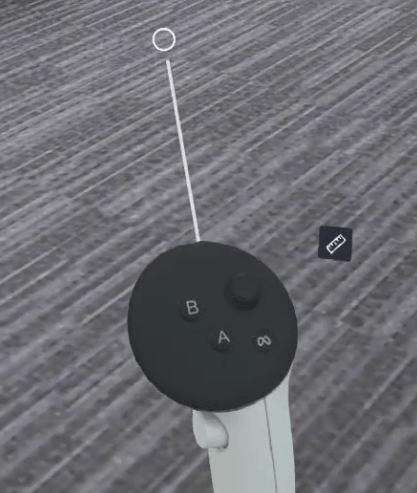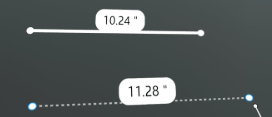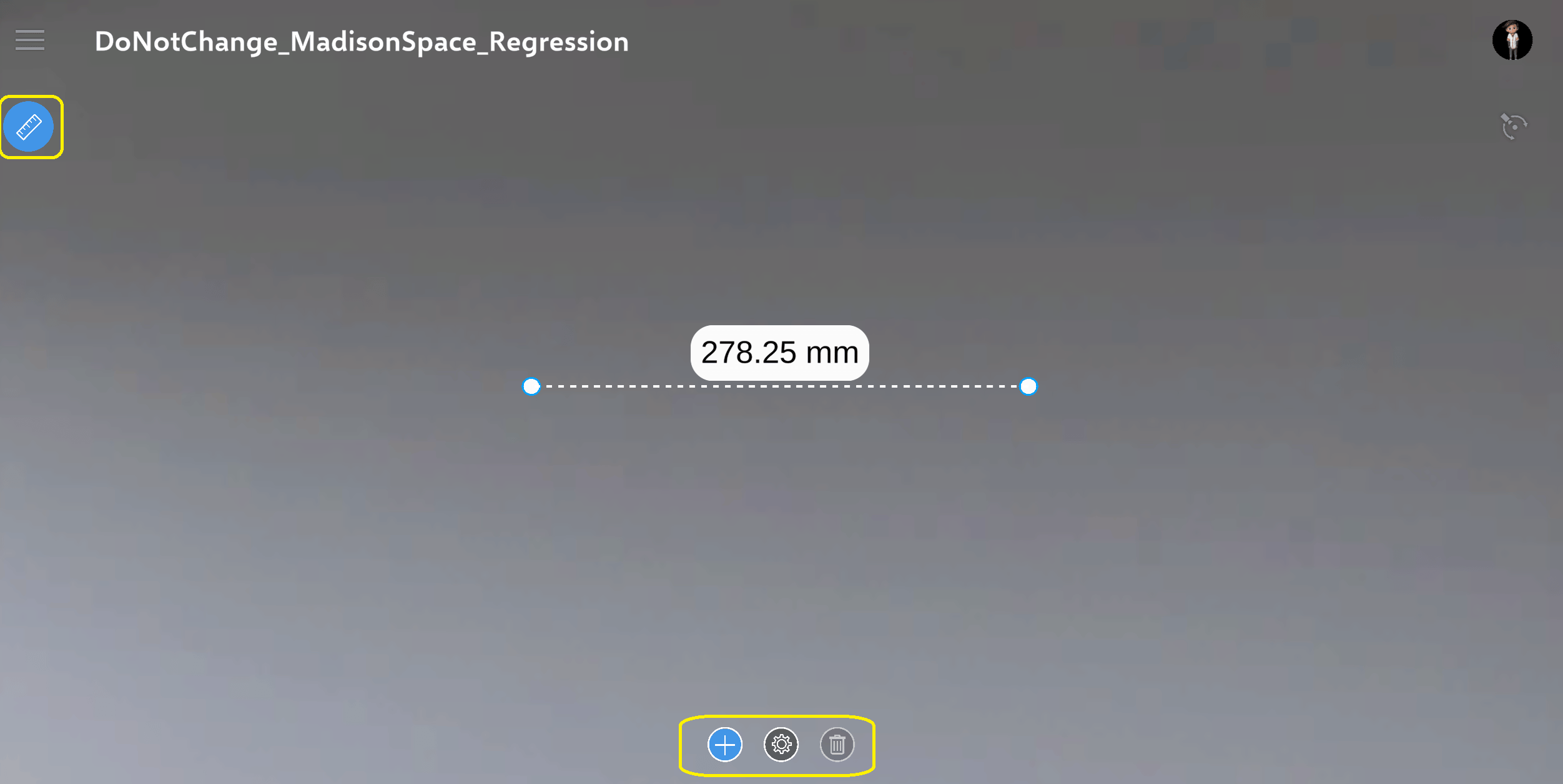
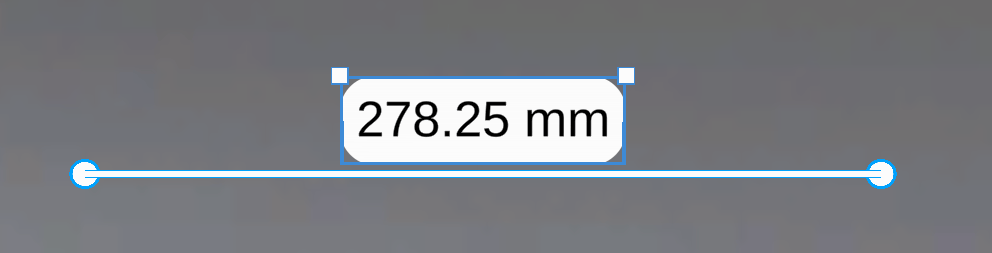
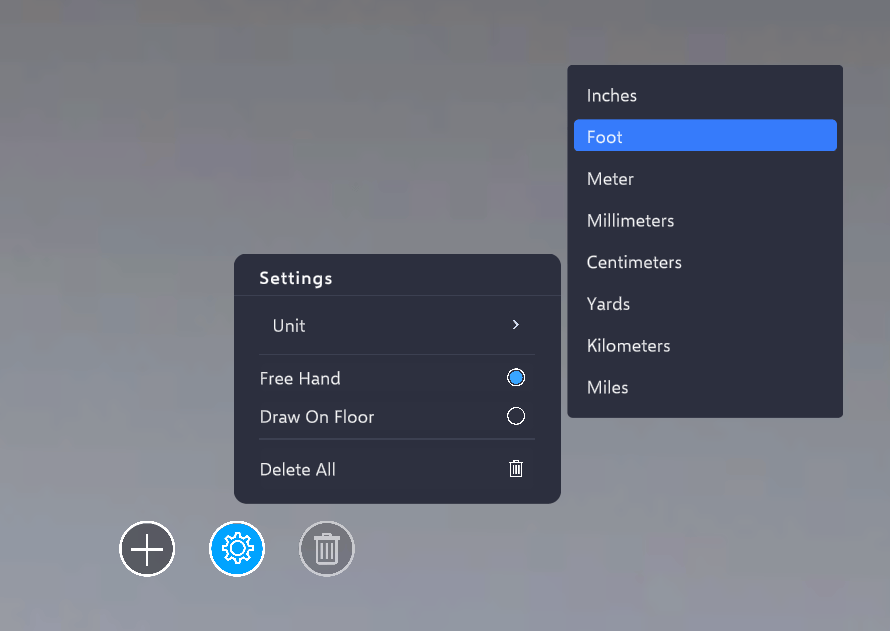
Enables drawing of measurement lines to determine object dimensions and calculate distances between objects. This functionality is available in Space, Space Builder, and Meeting. This feature is available only if the Design Review is enabled. Measurement lines can only be drawn when Measurement Mode is enabled. This mode can be activated using the highlighted button located under the Hamburger menu. Once enabled, additional measurement tools will appear at the bottom center of the screen. Clicking the ’+’ icon allows placing a point on the screen. By dragging the mouse and clicking again, a measurement line is created between the two points. Any measurement line can be selected and removed by clicking the Delete icon in the measurement tools menu. All measurement lines can be cleared at once by selecting the “Delete All” option located in the Settings menu. Measurement lines can be edited by adjusting their endpoints after selecting a specific line. The measurement value display box can also be moved and scaled as needed. Units can be changed via the Settings menu. The “Draw On Surface” option can be enabled to place measurement lines directly on any object surface. HMD Devices The same set of measurement features is available on HMD devices. Measurement Mode can be activated using the Tool Belt menu icon shown below. To add a new measurement line, Add Mode must be enabled. This can be done by either selecting the Add button in the UI or using the controller buttons:
  • On Meta Quest, press the ‘A’ button on the right controller or the ‘X’ button on the left controller.
  • On HTC Vive, press the Menu button on the controller to enable Add Mode.
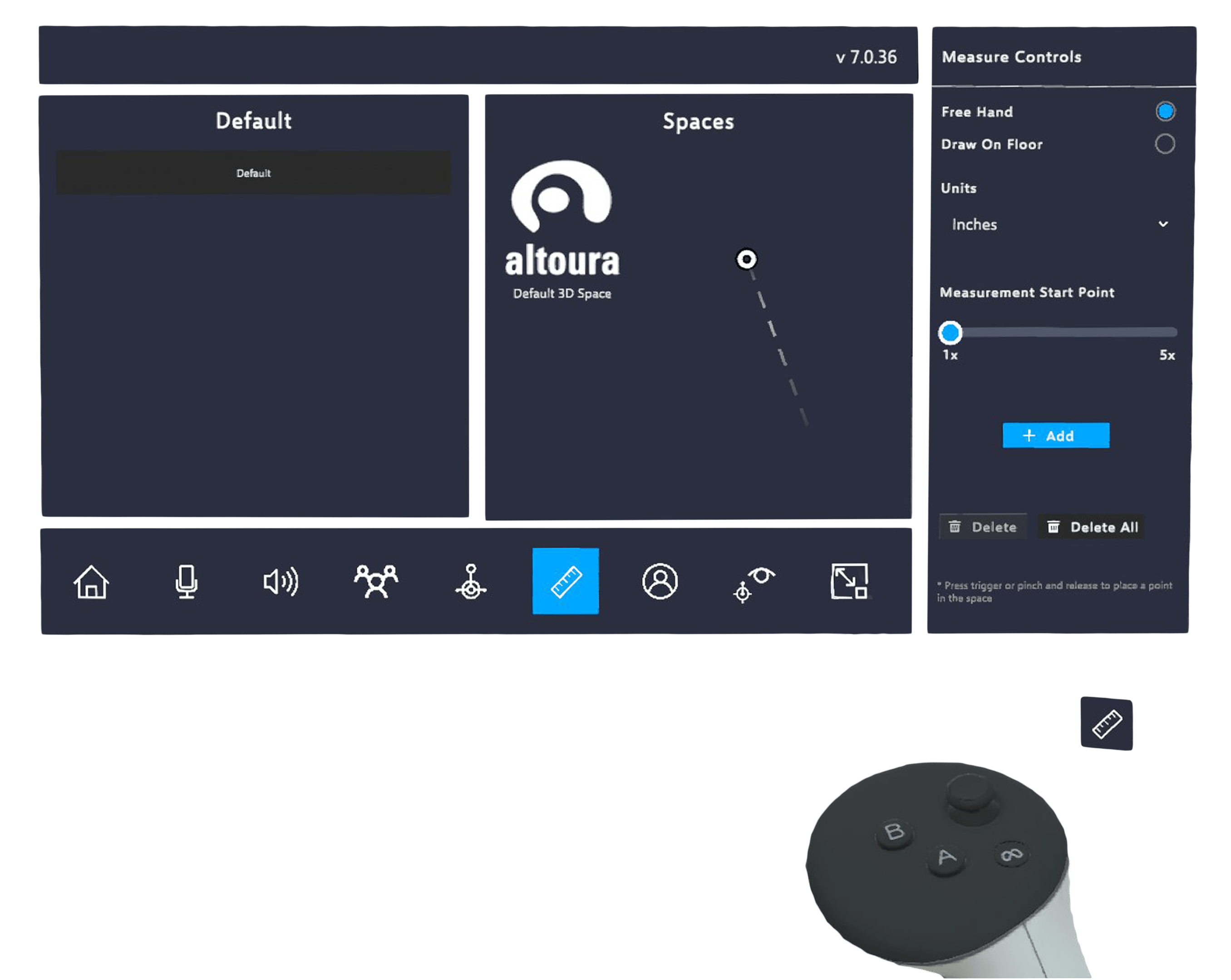
Once Add Mode is enabled, an extension line appears to help accurately identify the starting point of the measurement line. Length of the extension line can be adjusted using the ‘Measurement Start Point’ slider. Lines and measurement value displays can be edited just like on PC. Editing can be performed using direct hand interaction, the controller, or the Ray.