Different Ways to Login
There are two ways to login into Altoura Standalone App- Using email and password
- Using SSO
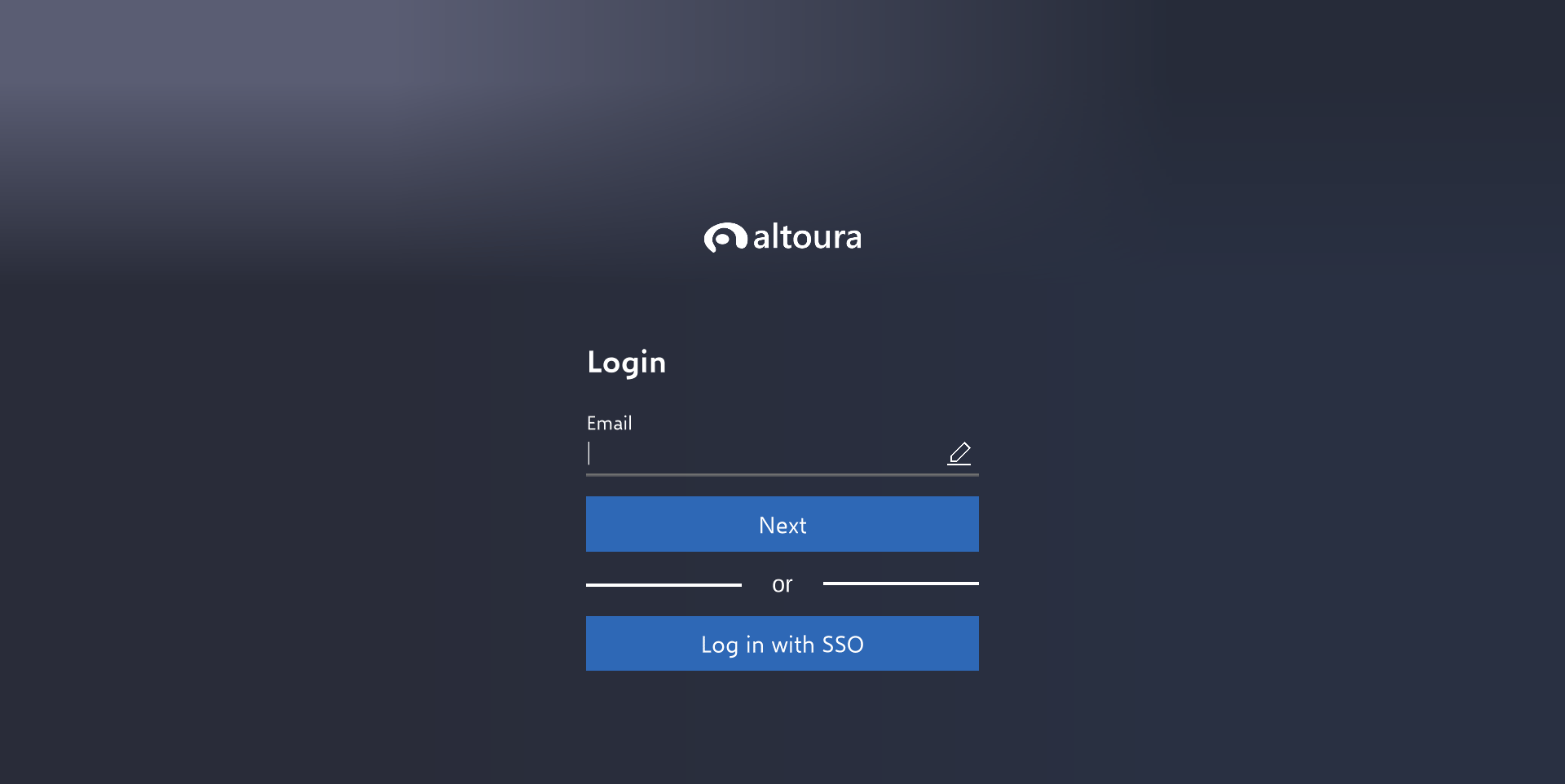
Login Screen
𝟏. 𝐋𝐨𝐠𝐢𝐧 𝐭𝐡𝐫𝐨𝐮𝐠𝐡 𝐄𝐦𝐚𝐢𝐥
Enter your Email. You can use your company email.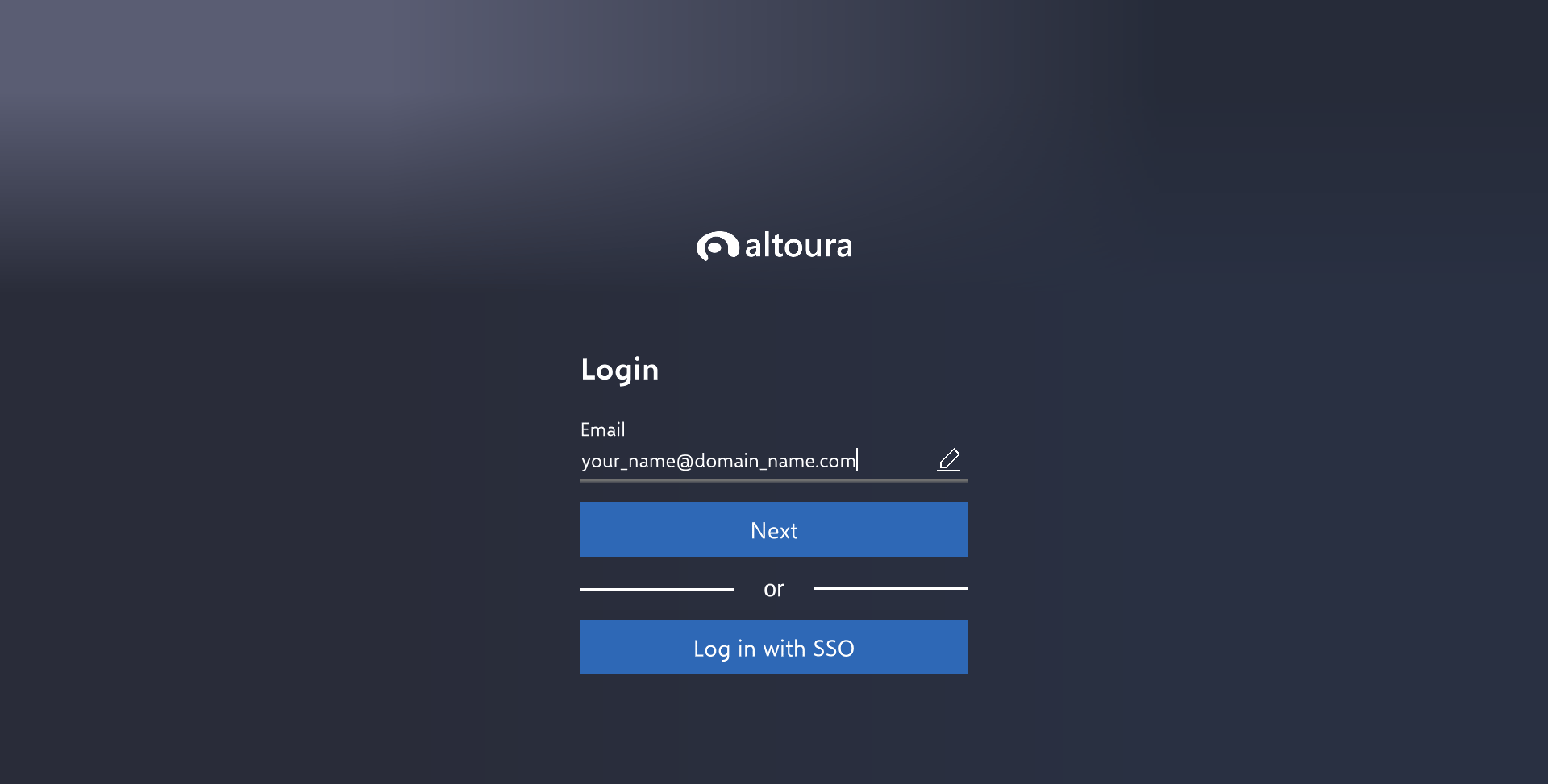
Enter Email
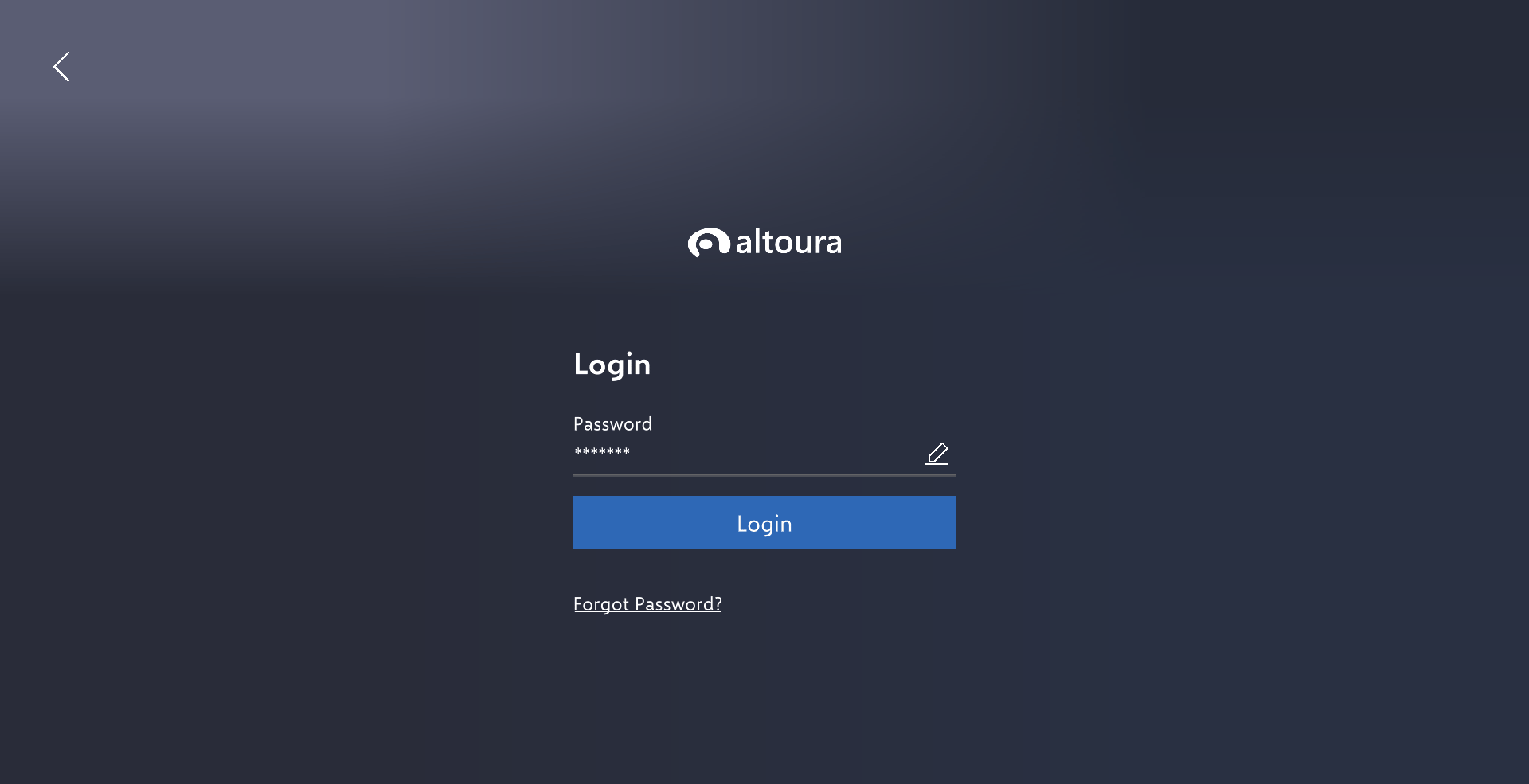
Enter password
𝟐. 𝐋𝐨𝐠𝐢𝐧 𝐭𝐡𝐫𝐨𝐮𝐠𝐡 𝐒𝐒𝐎
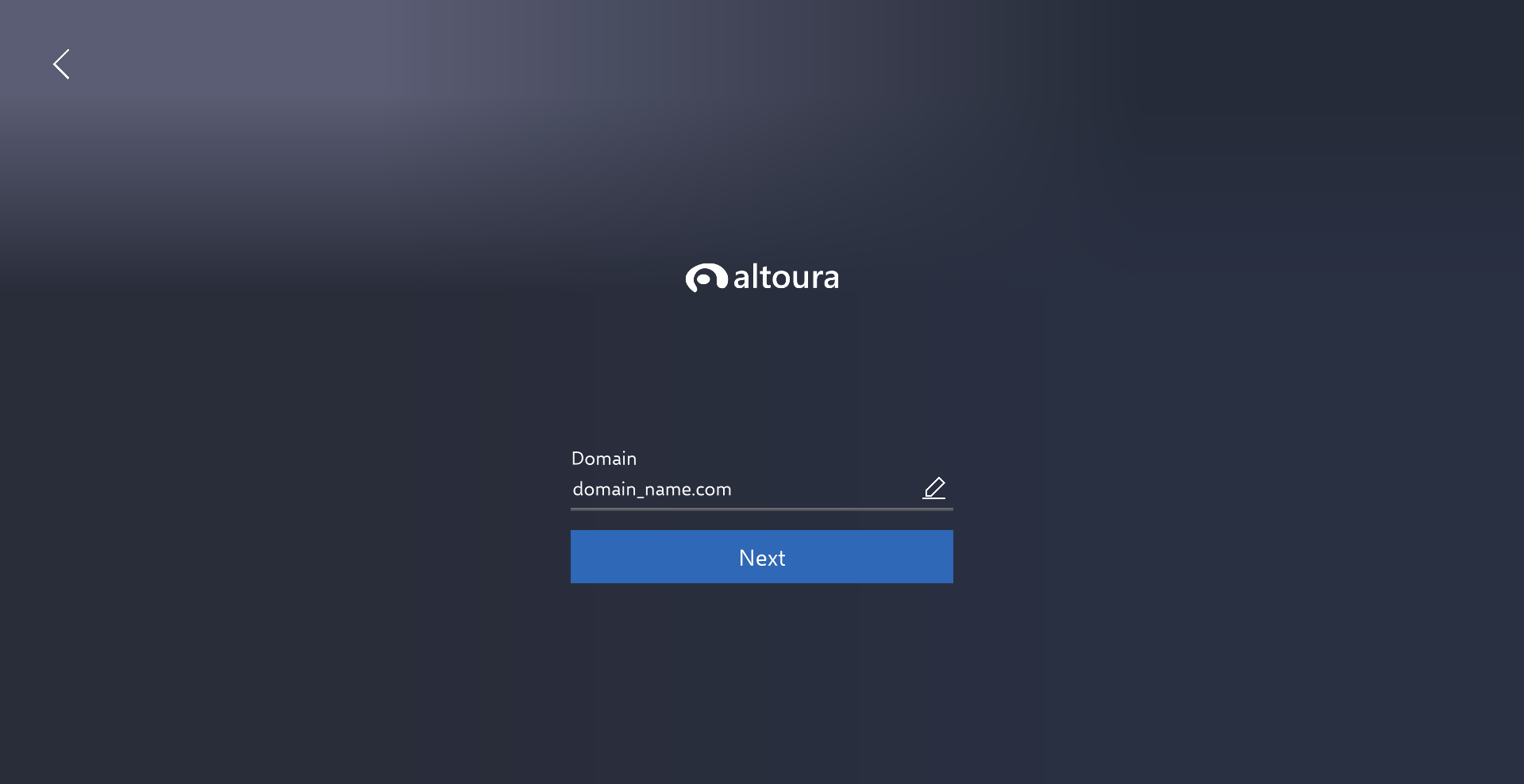
Configured SSO Portal Login
After entering registered domain, altoura redirects to your configured SSO portal login through an external browser.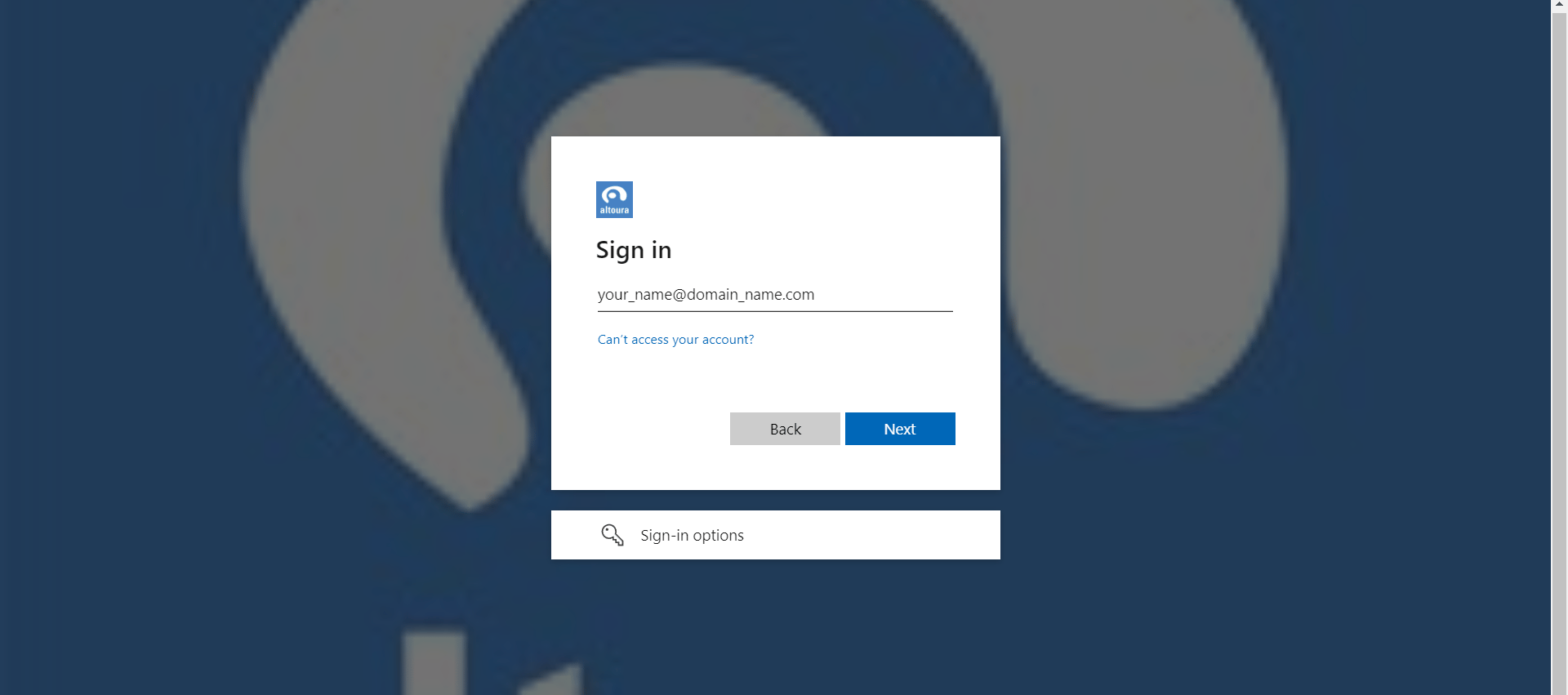
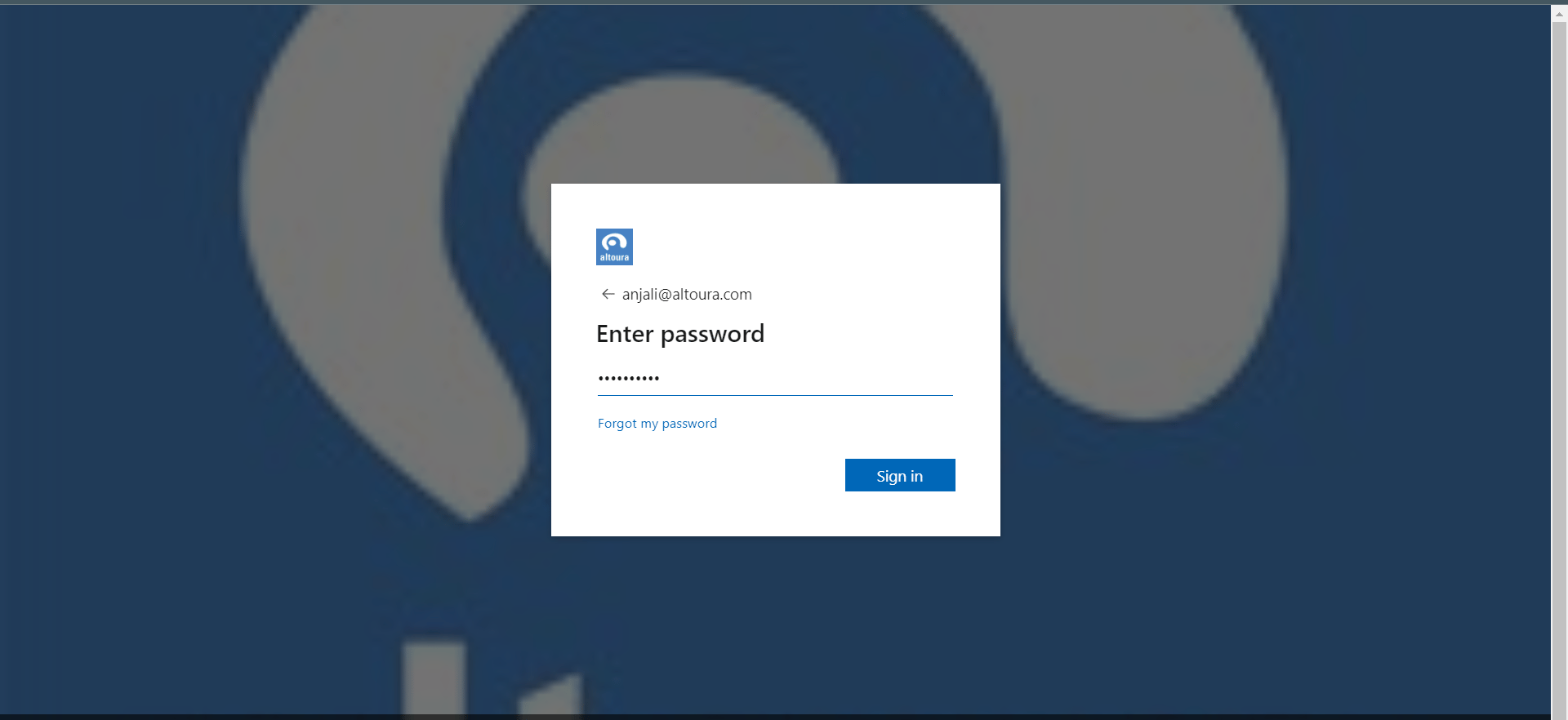
Post Login
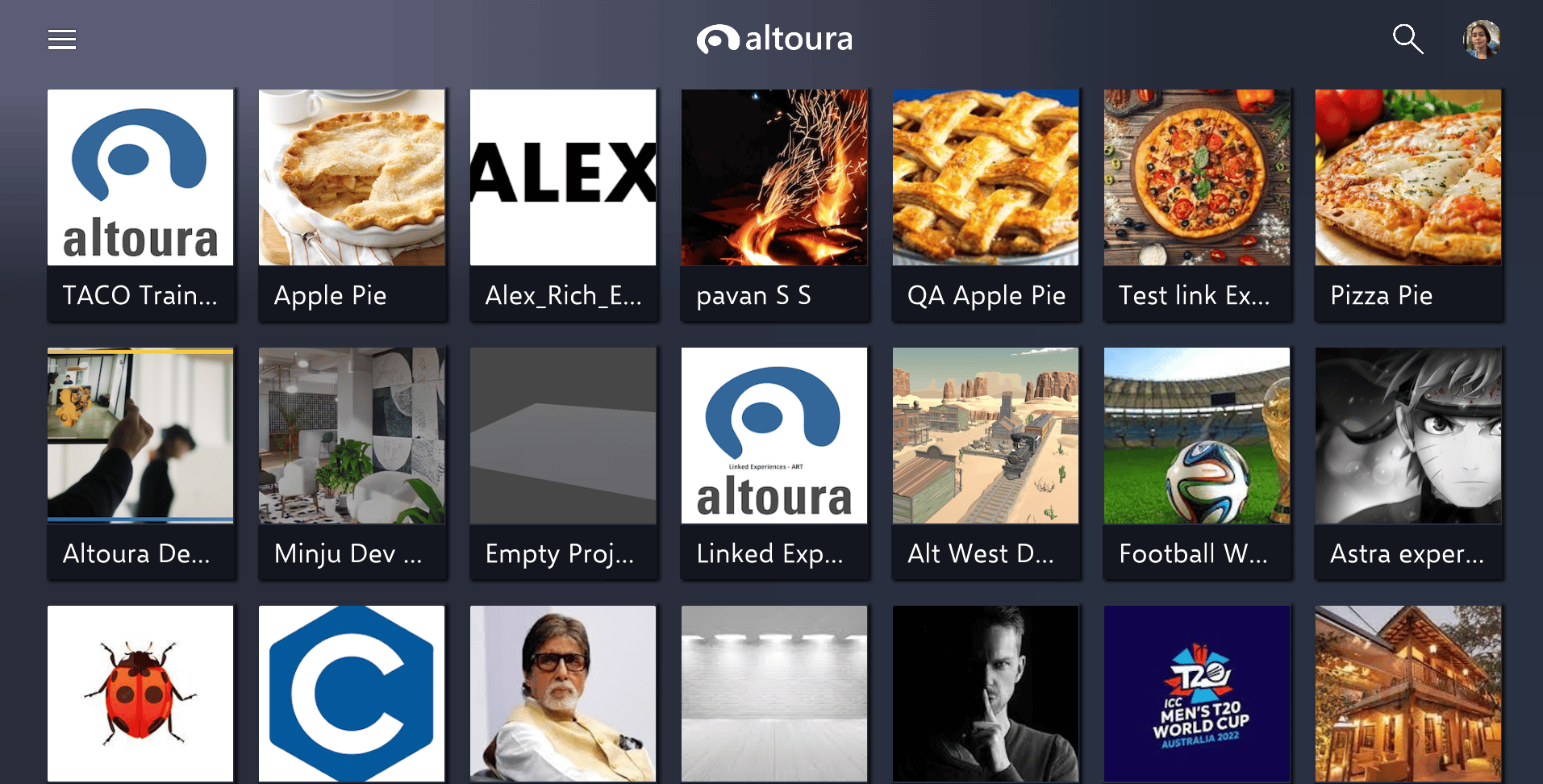
After successful login , user will see home screen of the Altoura app. Home Screen shows all user’s projects and projects that have been shared to the user.