Dollhouse View
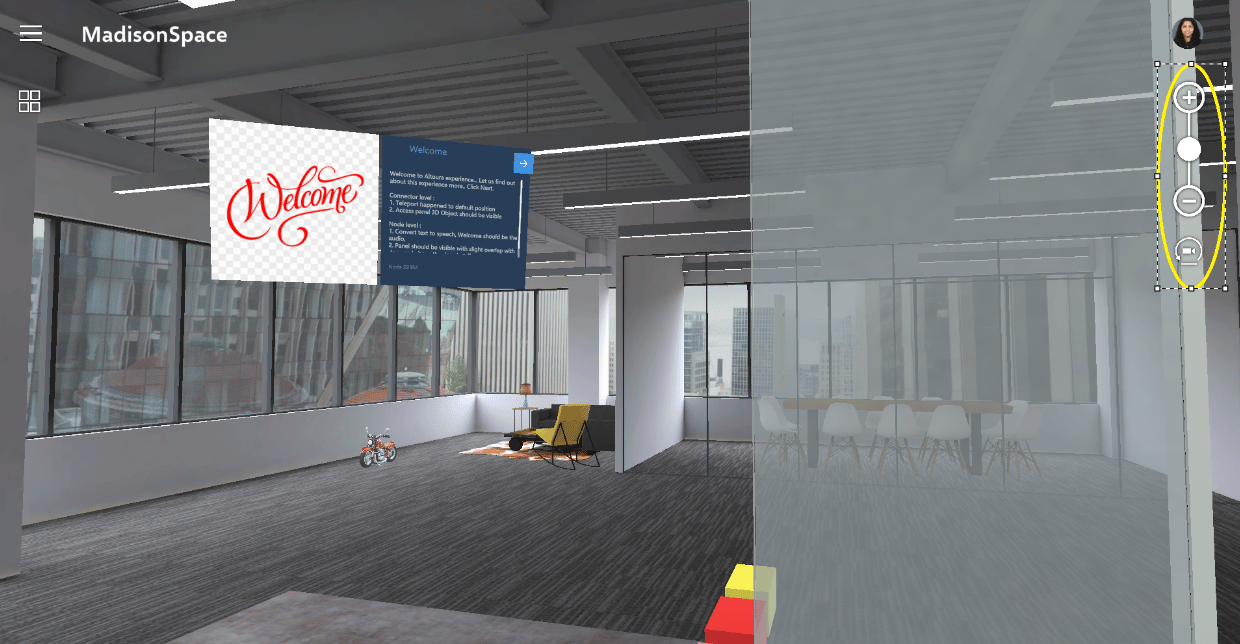
Move rotate the 3D dollhouse or double tap to enter with a first-person view.Dollhouse Teleport
Double tap in the 3D model to self-teleport which will take you from first person view to real scale mode. This allows you to navigate to locations throughout the App.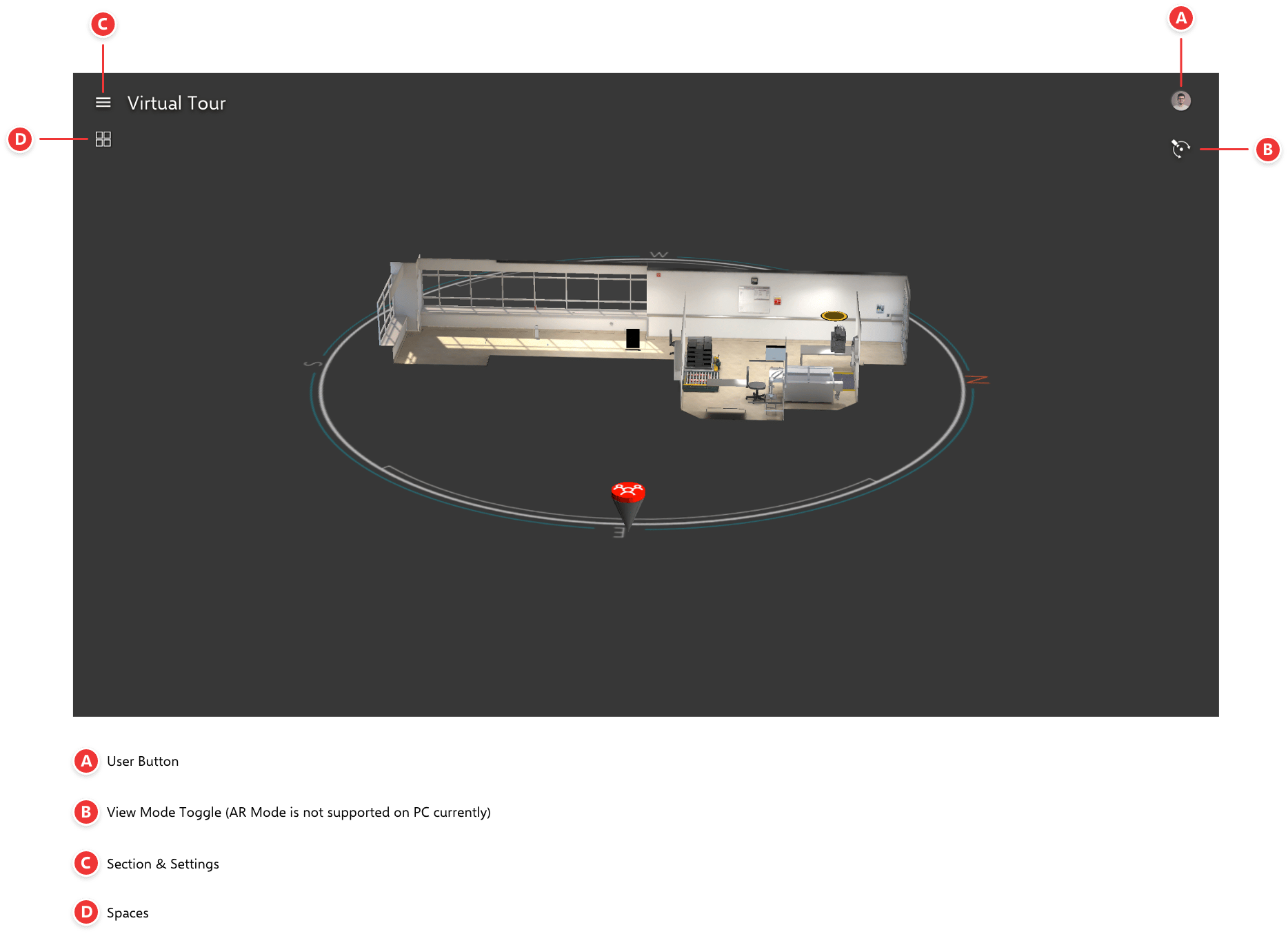
Free Look Mode
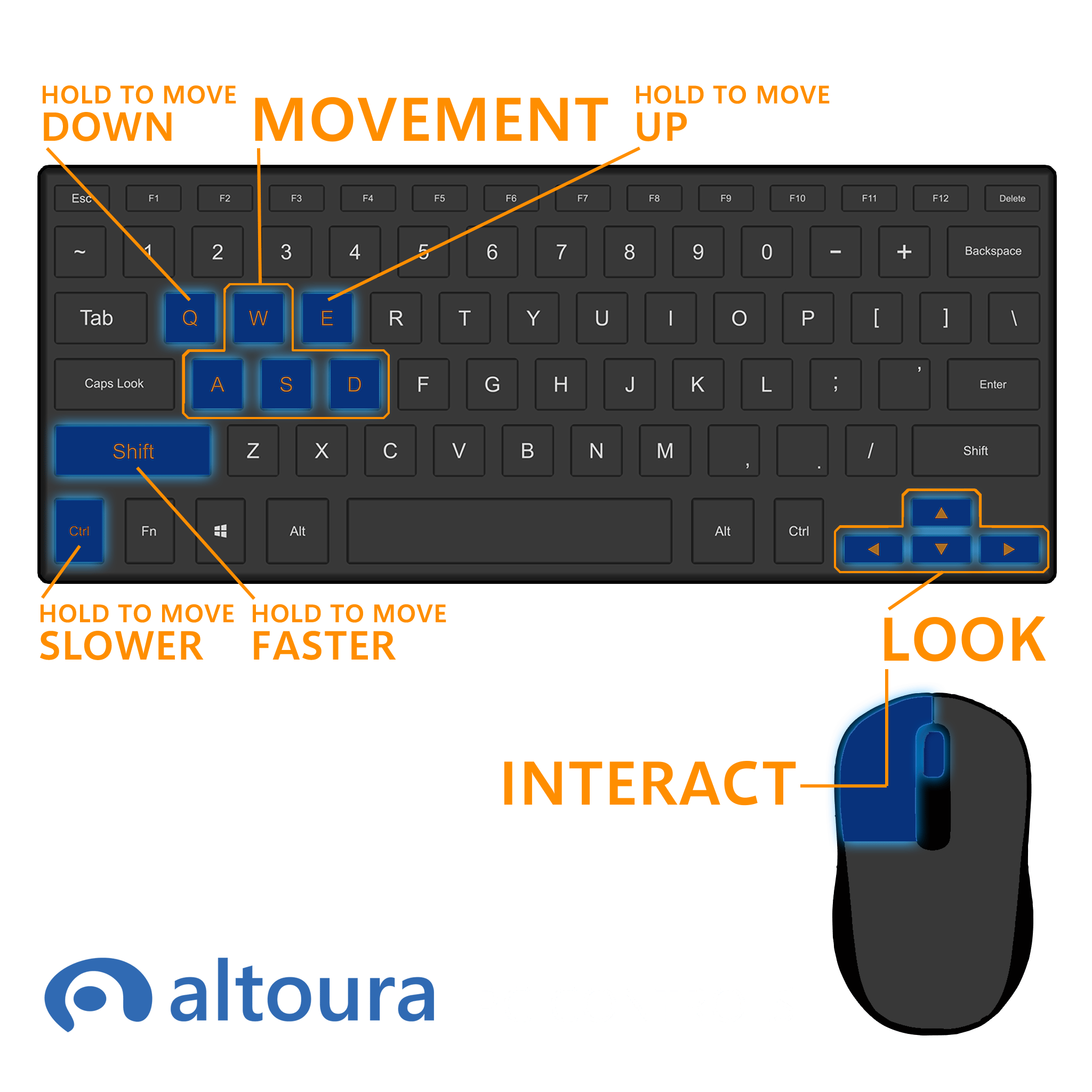
This mode is for walking around Spaces using WASD keys for movement and arrow keys for rotation, or by using swipe and pinch gestures you can move on keyboard-less touchscreens.