- Space Builder: When an Object is selected and long-pressed the Collab edit menu will be shown. The new meta-info icon will be displayed as part of the Collab menu item as shown below:

- Meeting: When an Object is selected and long-pressed the Meeting the edit menu will be shown. The new meta-info icon will be displayed as part of the Collab menu item as shown below:

- Project: When an Object is selected and long-pressed the new meta-info icon will be displayed at the bottom center of the Altoura window part of the Collab menu item as shown below:

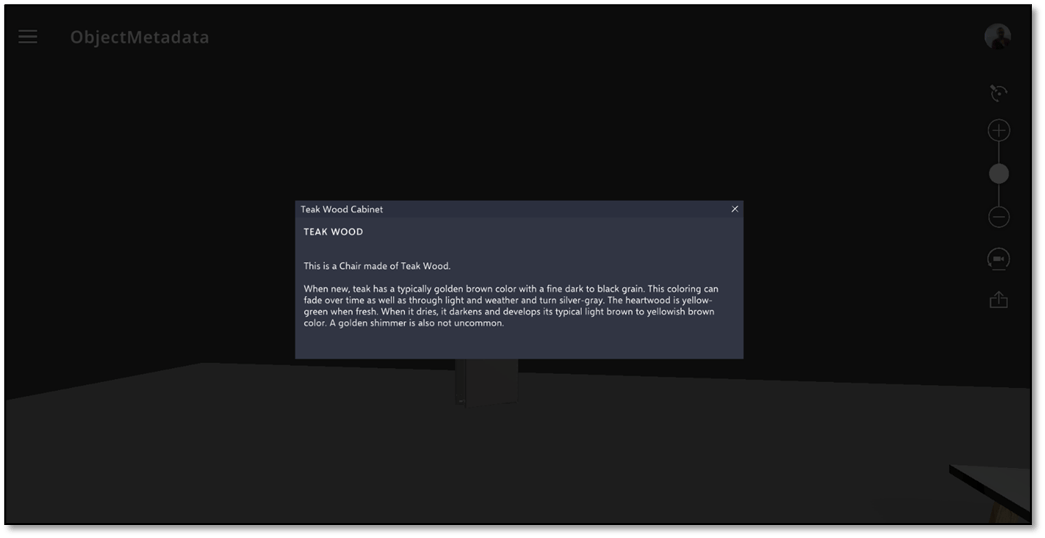
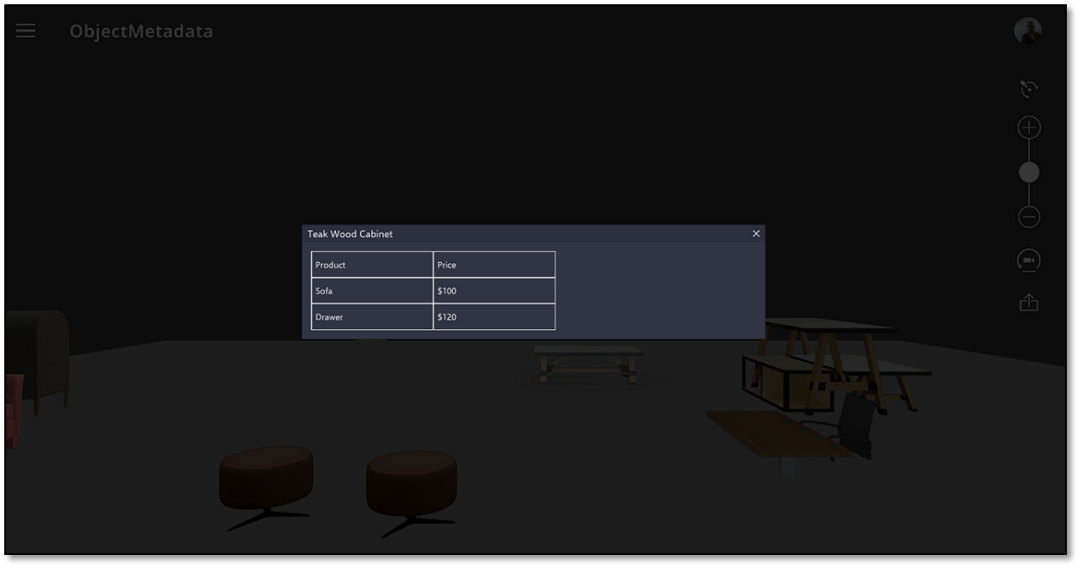
- Text Information: The Info Panel will render all the Text information in a tabular format as shown below:
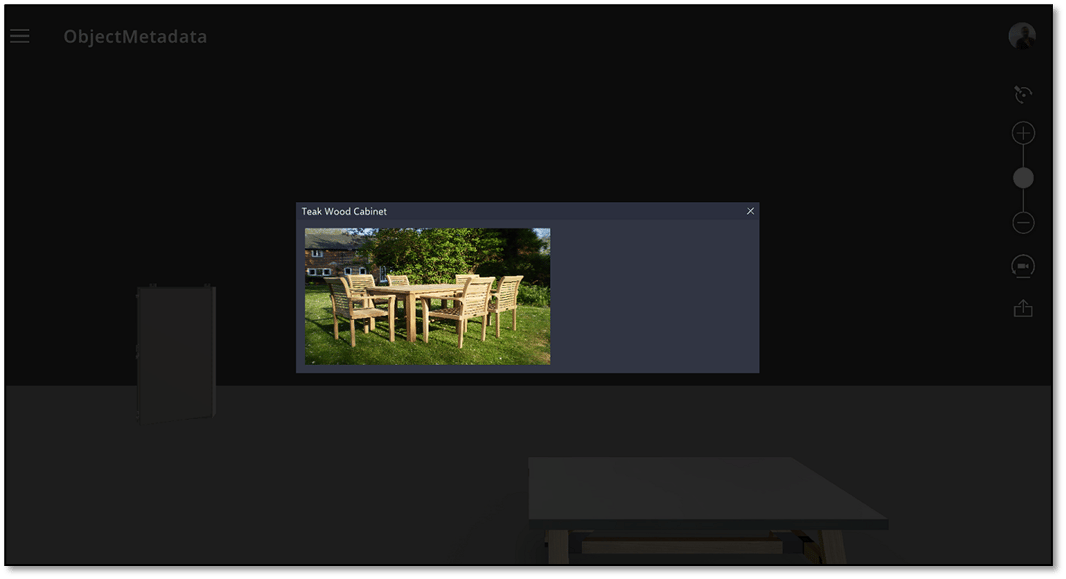
- Image The Info Panel will render all the Image within the frame defined for the Image section within the Info Panel as shown below:
- Video The Info Panel will render all the Video within the frame defined for the video section within the Info Panel as shown below:
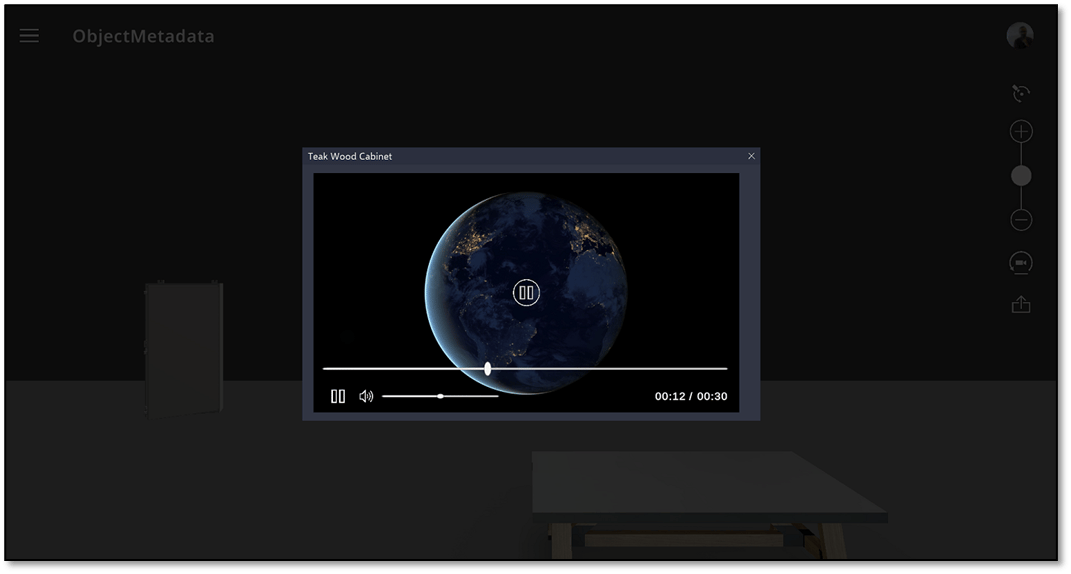
- Table Content The Info Panel will render all the Table content within the frame defined for the table section within the Info Panel as shown below:
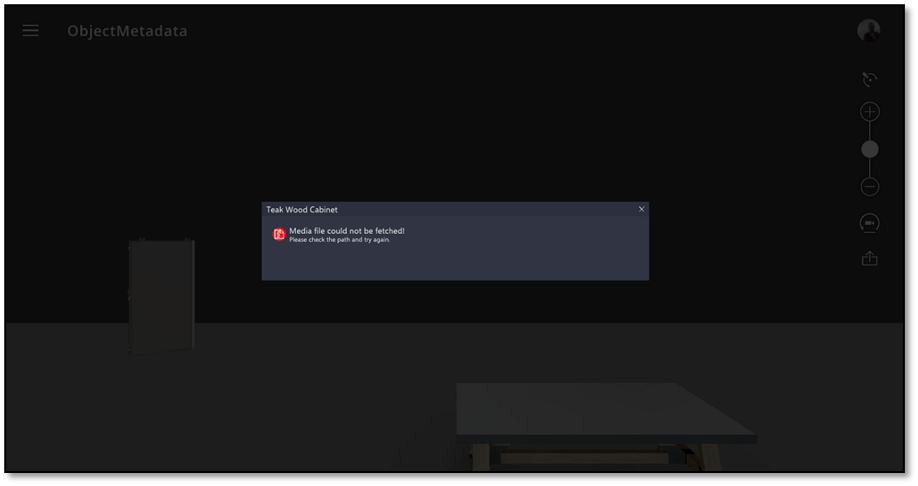
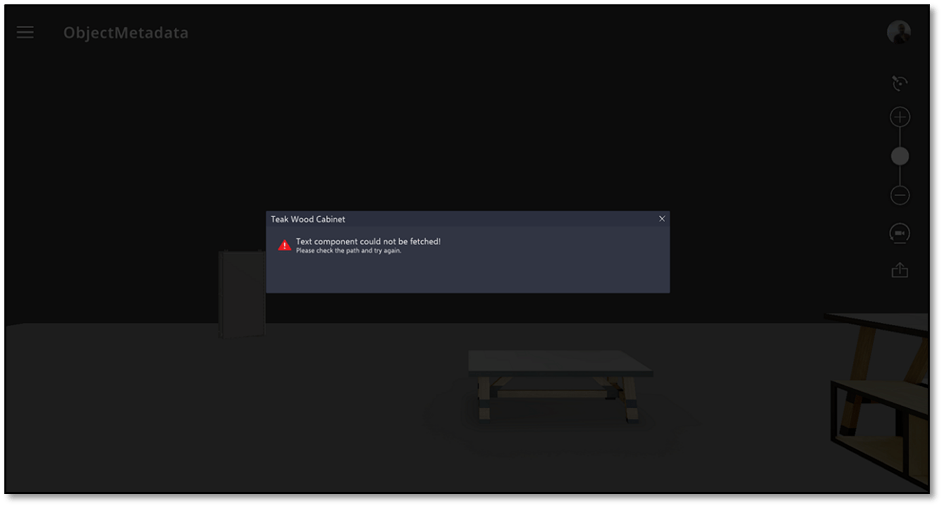
- Invalid Content: The Info Panel will display appropriate message when any of the content is not properly rendered or the link is broken. Sample screens for error message shown when either invalid media / text content is shown below:
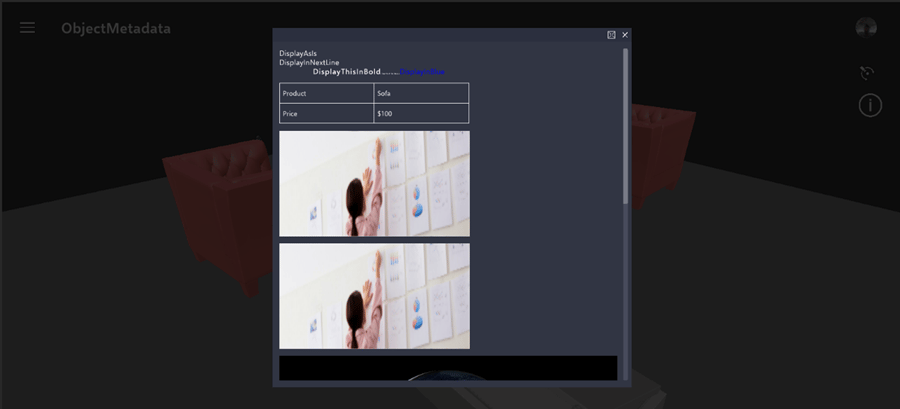
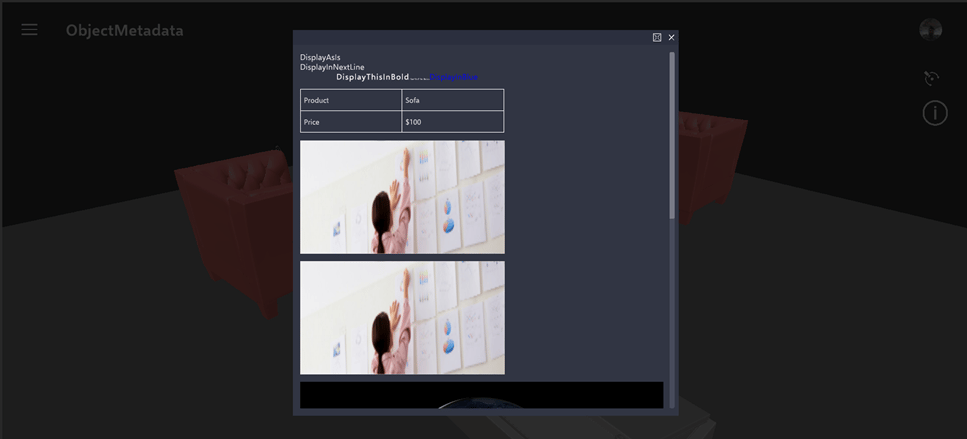
- Multiple Content type in Info Panel: The Info Panel will render scroll bar to the panel when the content is beyond the defined max panel size. The Info Panel with scroll bar will be as shown below: