Editing an Object’s Name
You can edit the instance name of the object by selecting the object in the Hierarchy or space to show the object’s details in the Capabilities window. In the Capabilities window you can type a new name in the name field and press save.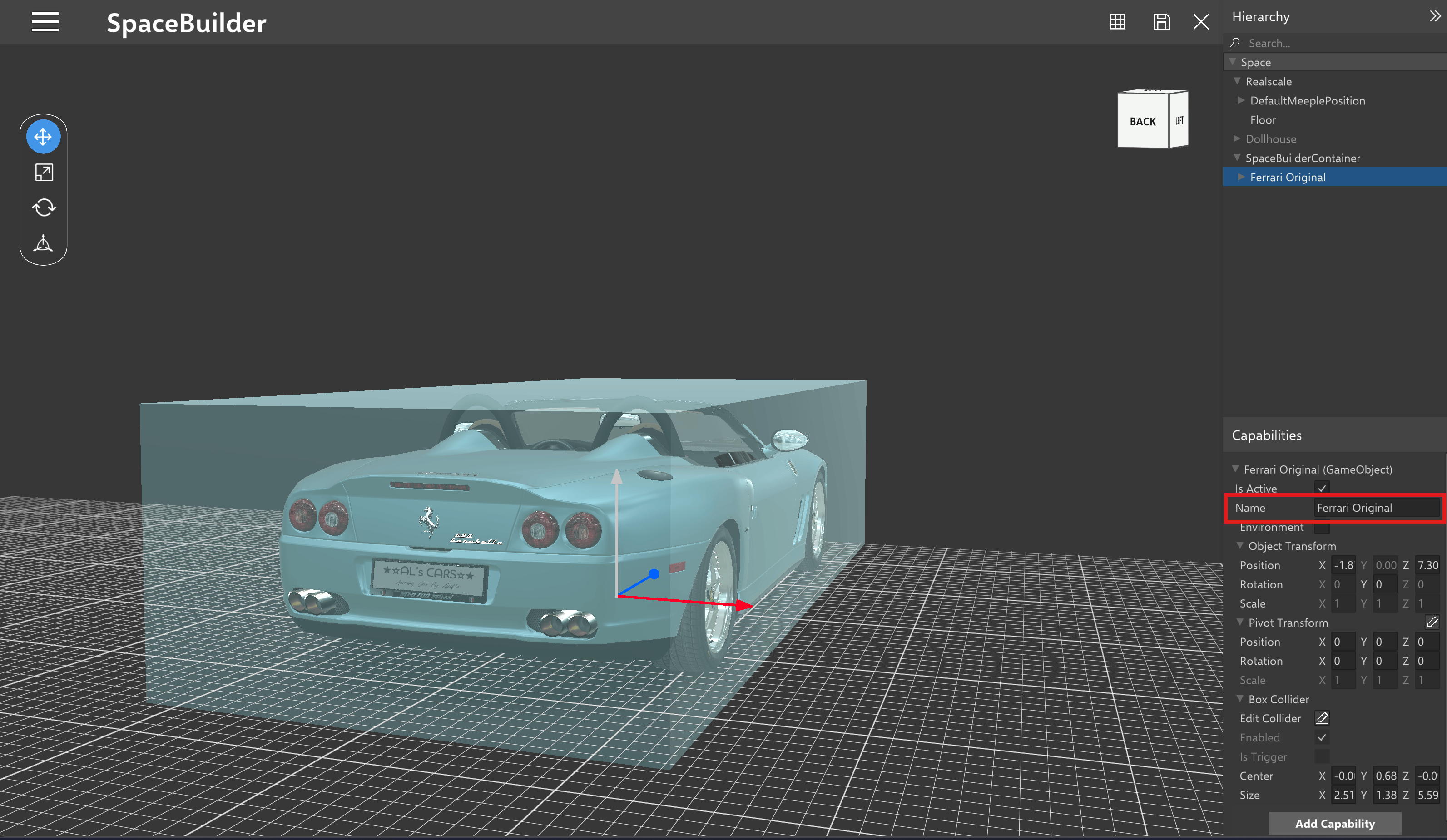
Editing Object Name
Editing an Object’s Position, Rotation, and Scale
You can edit the position, rotation, and scale of the object by using the object’s buttons when selected or from the Capabilities window. When dropping down the Transform tab in the Capabilities window, there are fields to edit the exact values in meters for the position, rotation, and scale of the object in the space. Press the save icon to save the position of this object to this space.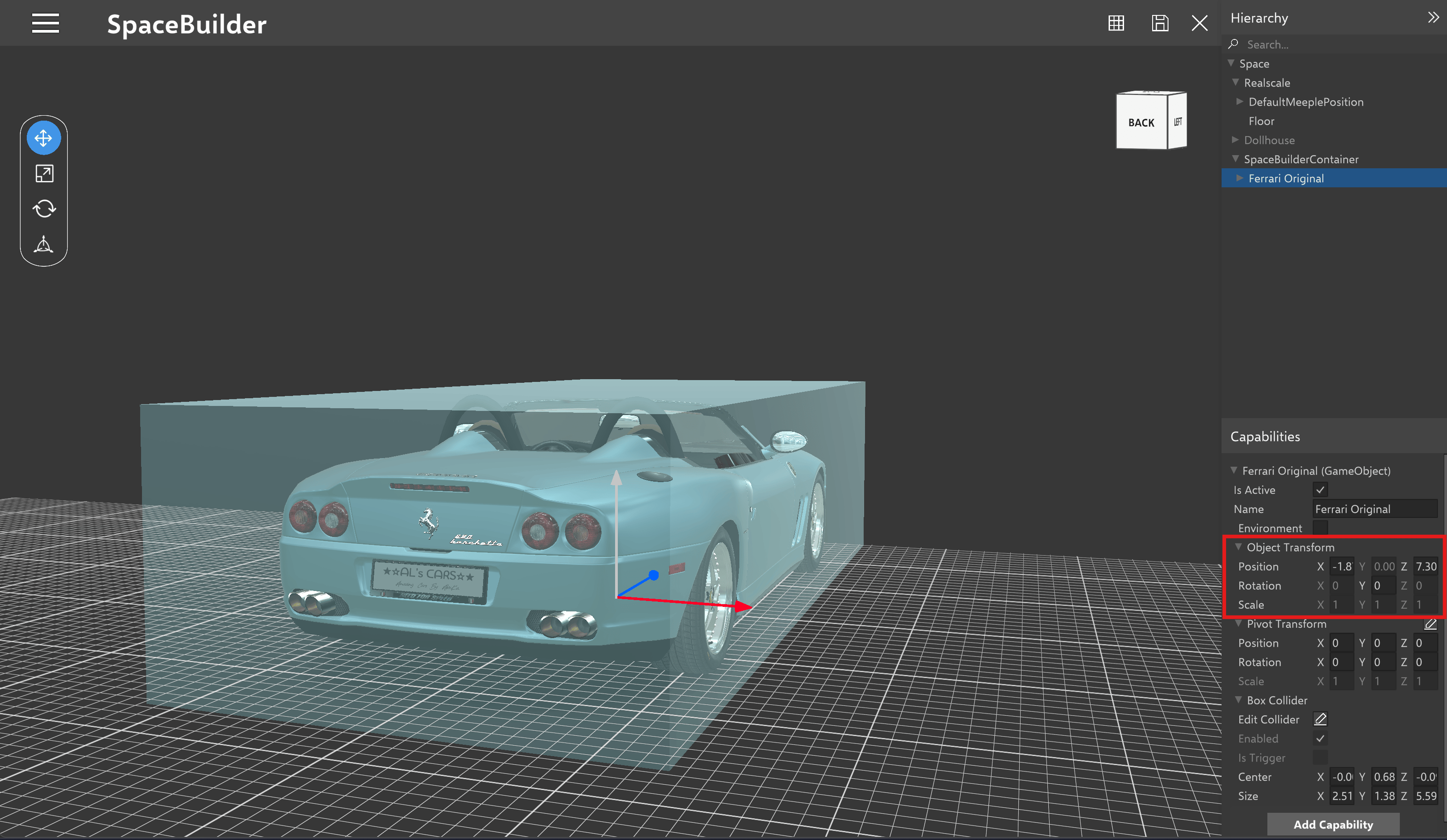
Editing Object Transform
Adding and Editing an Object’s Colliders
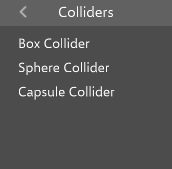
By default, each object will possess a box collider as its collider. Users will have the ability to edit the collider’s size as needed.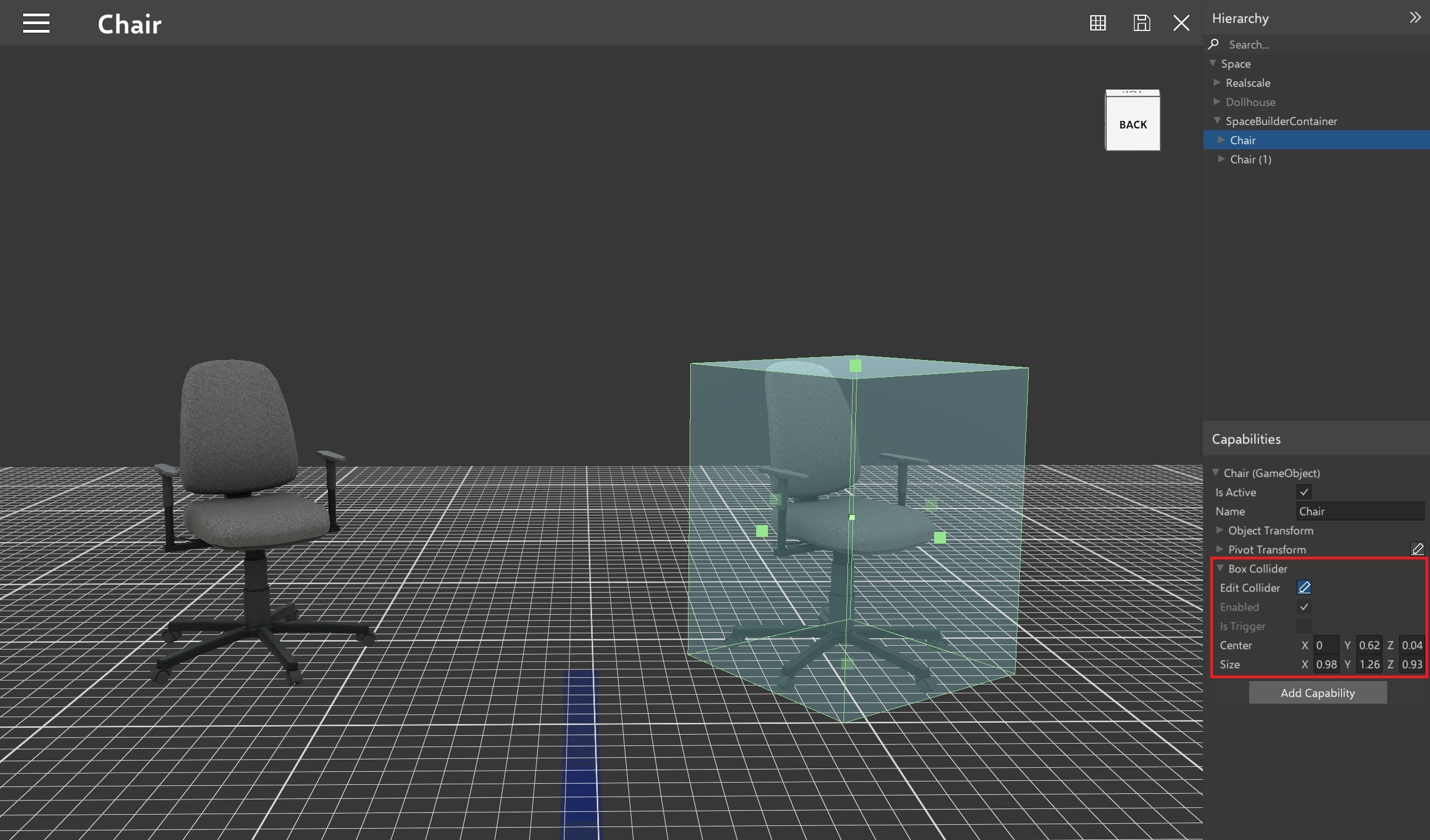
Editing Collider
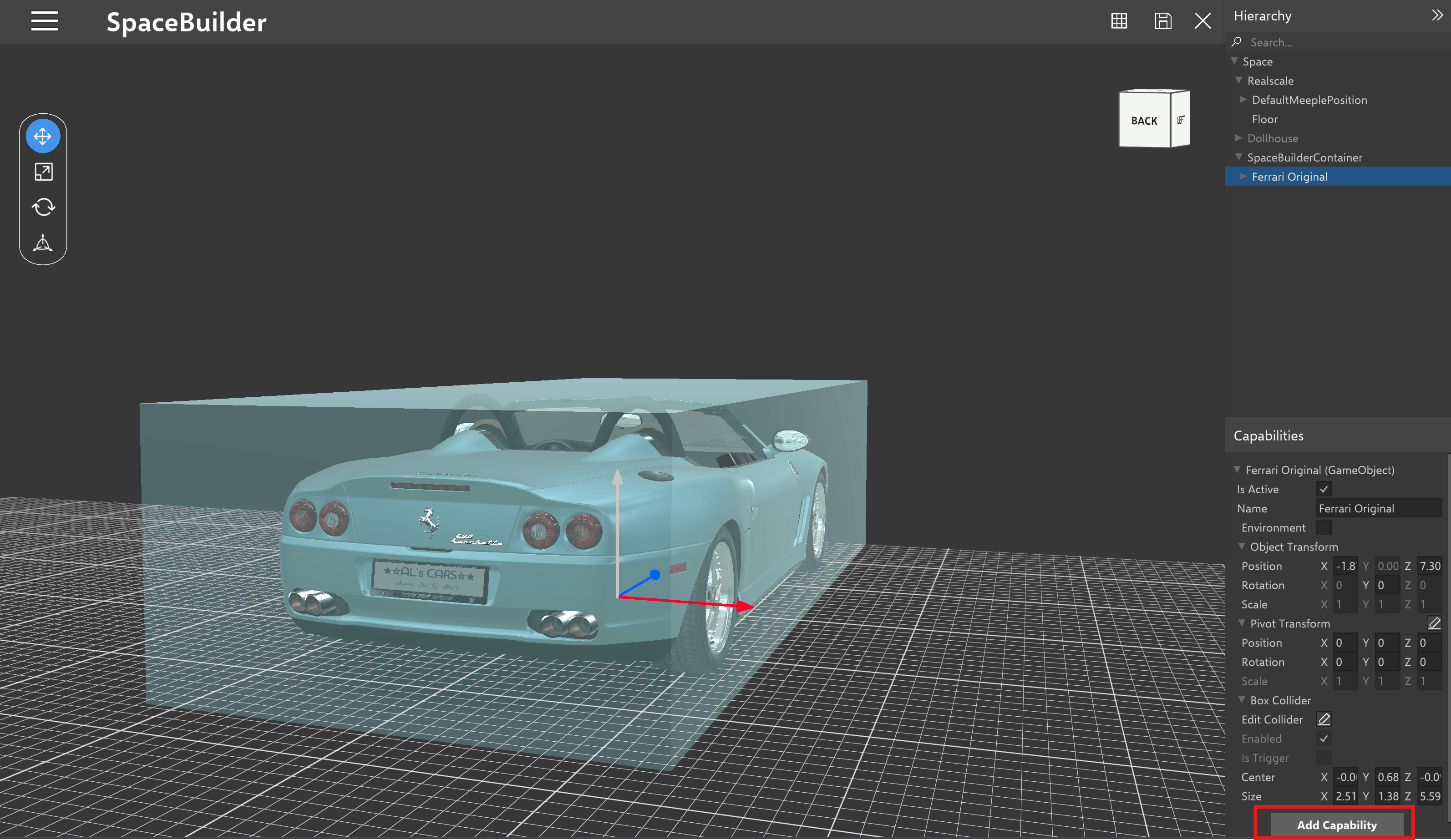
Editing an Object’s Pivot
You can also edit an Object’s pivot in the Space Builder. Under the Capabilities section, choose the pencil icon under the Pivot tab.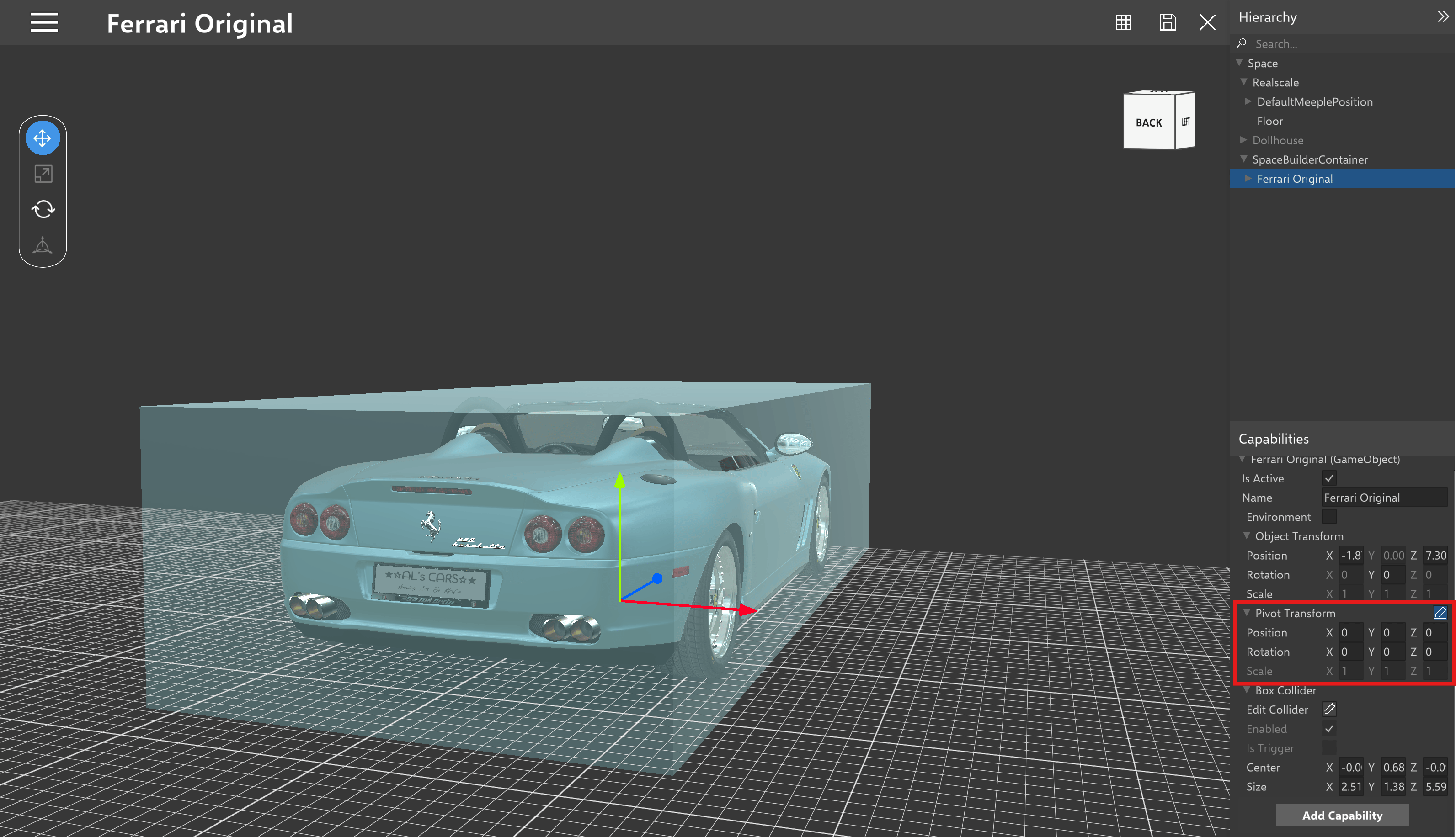
Active/Inactive Object
Users can activate or deactivate both the mesh renderer of object and the object itself according to their needs. To activate or deactivate an object, select it from the hierarchy and check or uncheck the “Is Active” checkbox accordingly.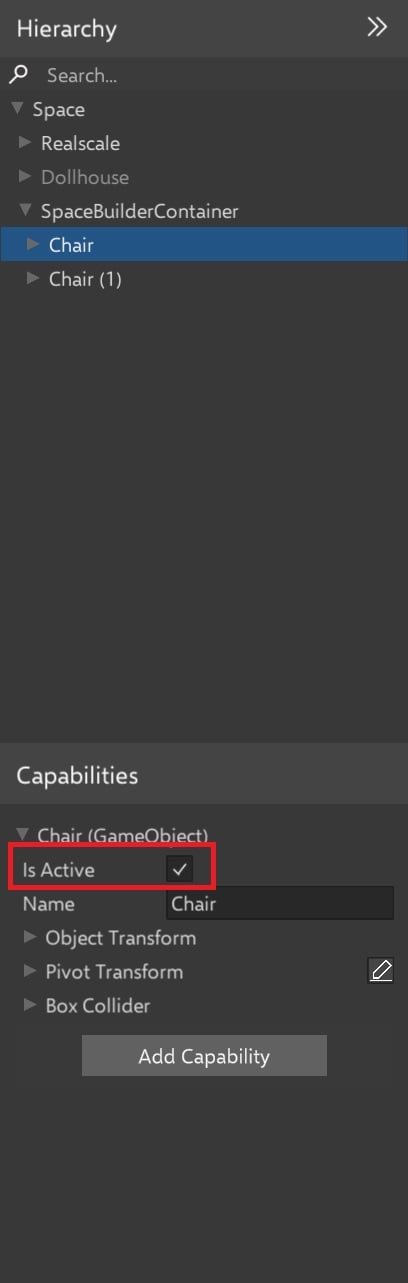
Active/Deactivate Object
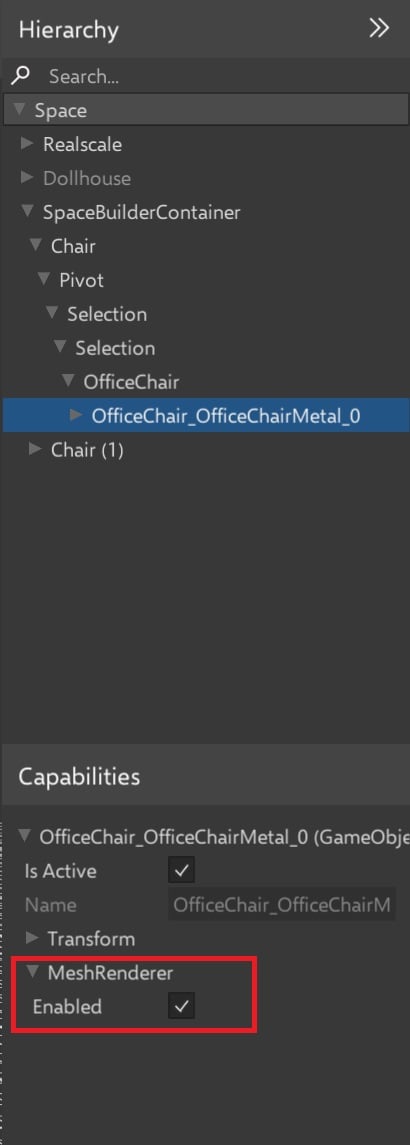
Activate/Deactivate Mesh Renderer
Ability to scale all coordinates
There is a small icon next to the Scale capability. When User clicks on it, it acts like a switch on / switch off option between two options a) Ability to change the Scale capability only for one axis, without other 2 axis getting updated b) Ability to change the Scale capability for all the axis, when one axis change is done (other 2 axis is updated based on relative change)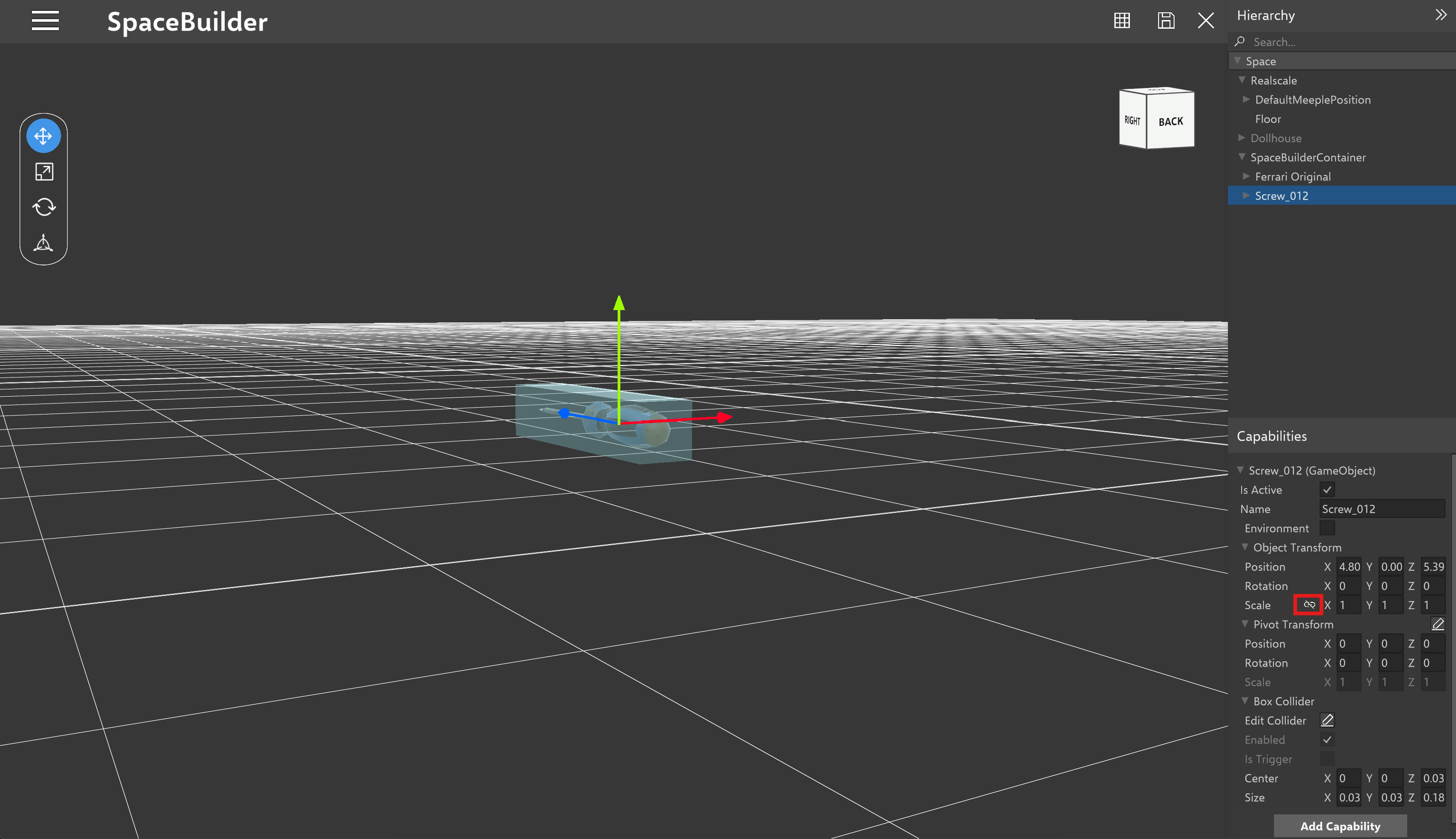
Scale capability
Ability to center pivot of an object
This option allows user to reposition an object’s pivot point to its center.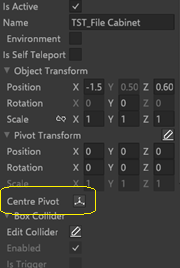
Ability to update default floor size
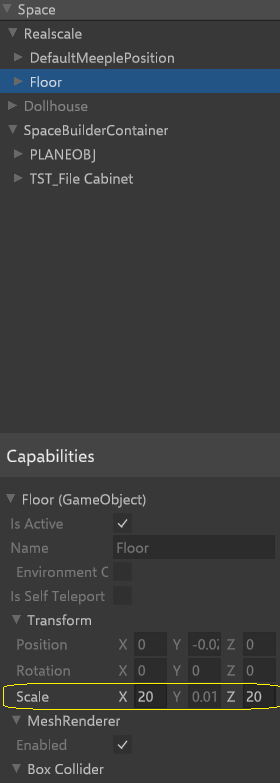
To update the default floor size, use the Transform capability.