


Users can edit the object name, change the object thumbnail, add a description, remove existing tags, and modify constraints.
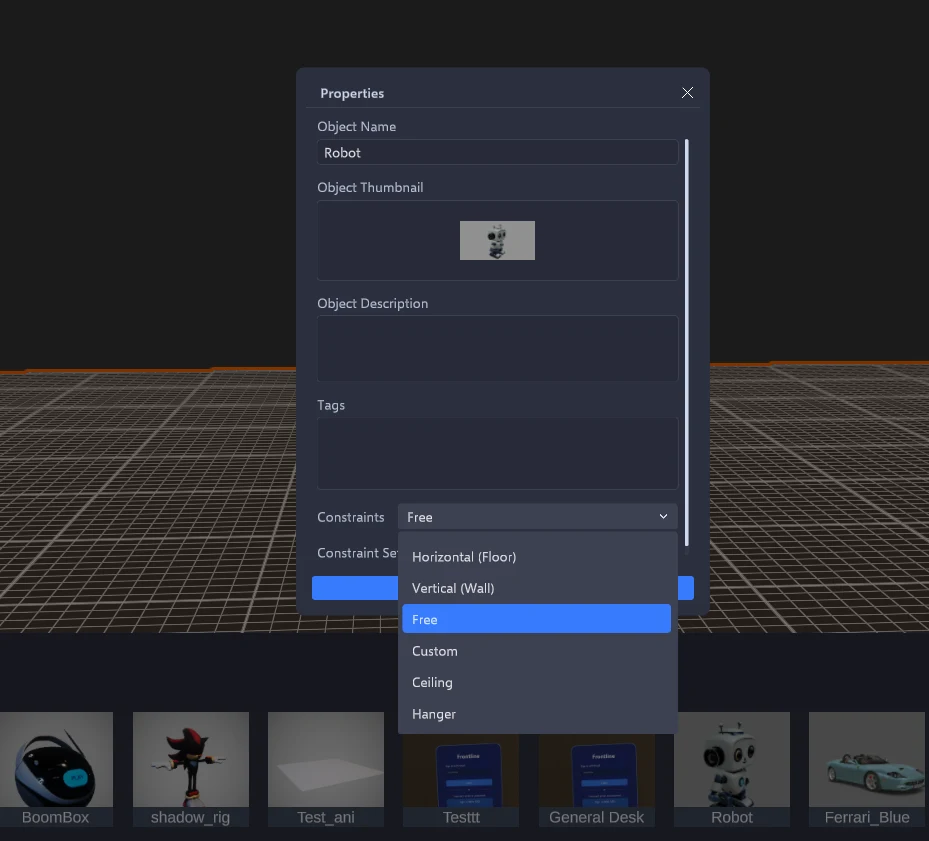
Users can edit object properties from the object catalog. By hovering the mouse over the object, an edit icon will appear, allowing the user to view and modify the object properties.
Users can edit the object name, change the object thumbnail, add a description, remove existing tags, and modify constraints.