Email Login

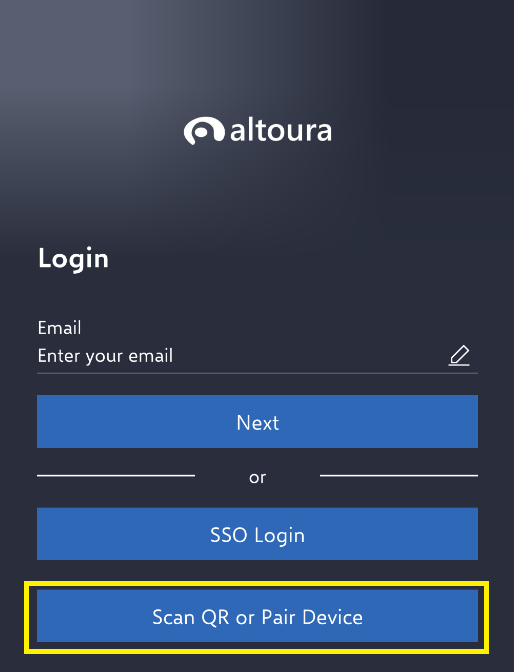
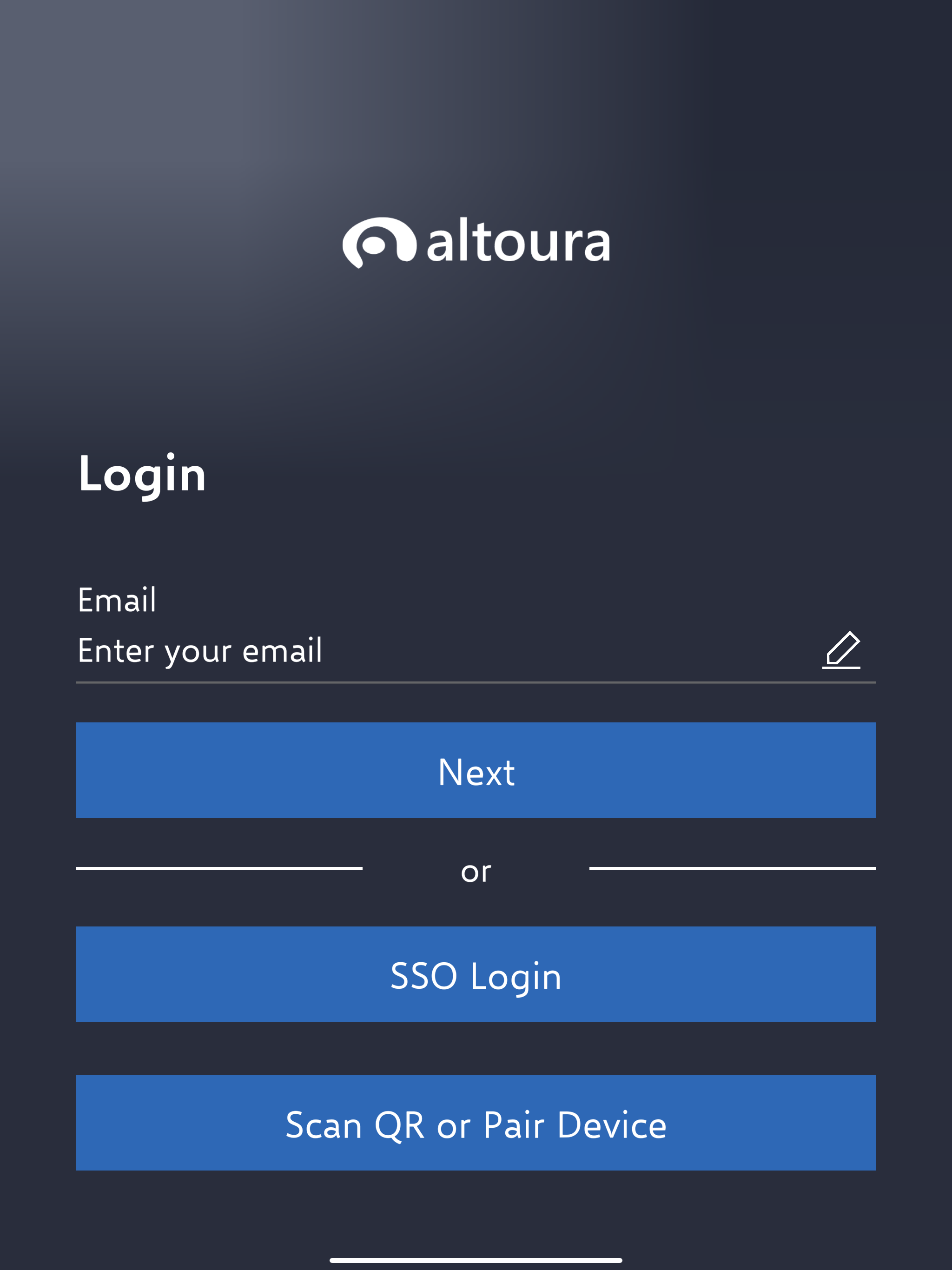
For Email Login, start by entering your email address in the email field.
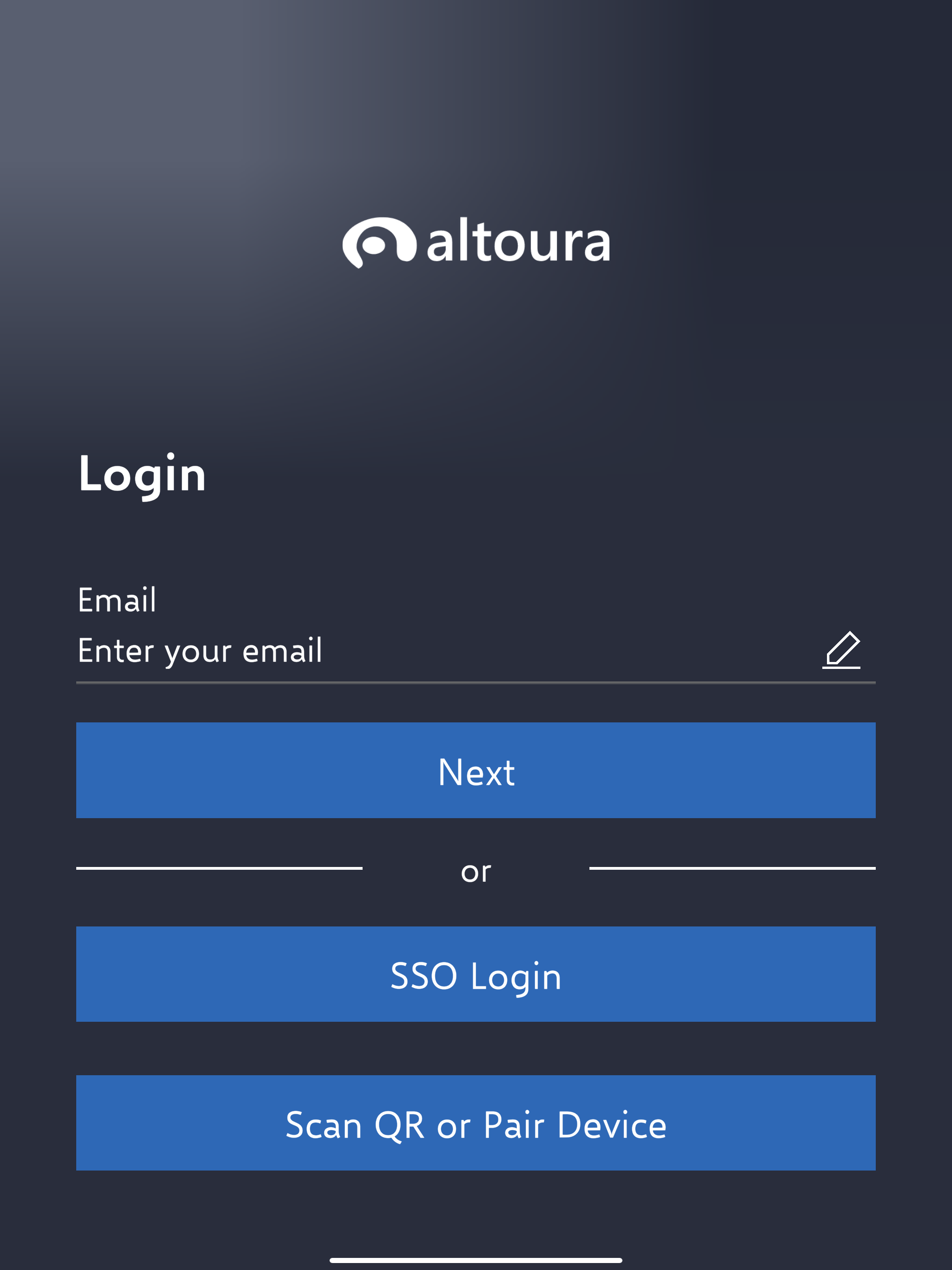
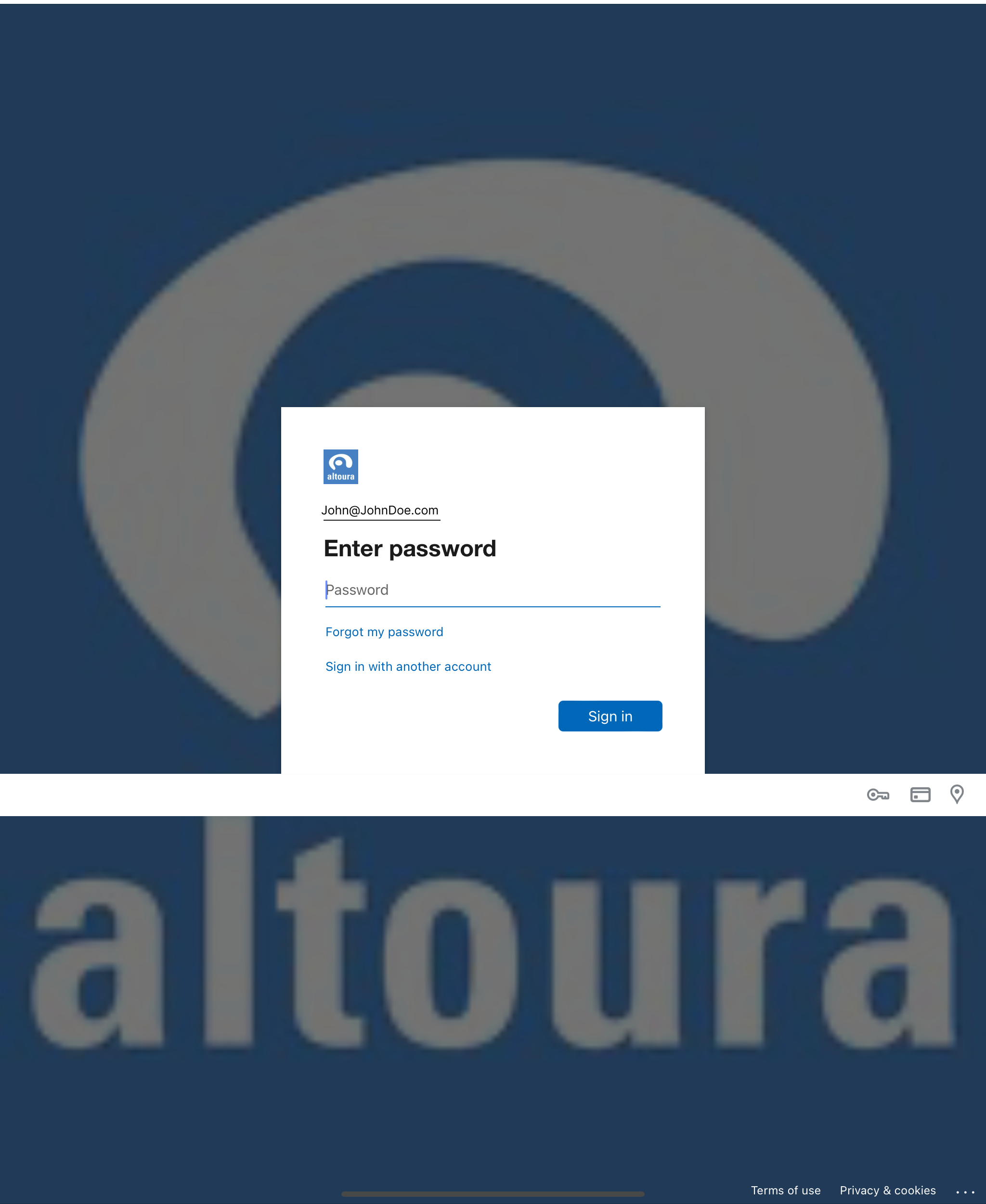
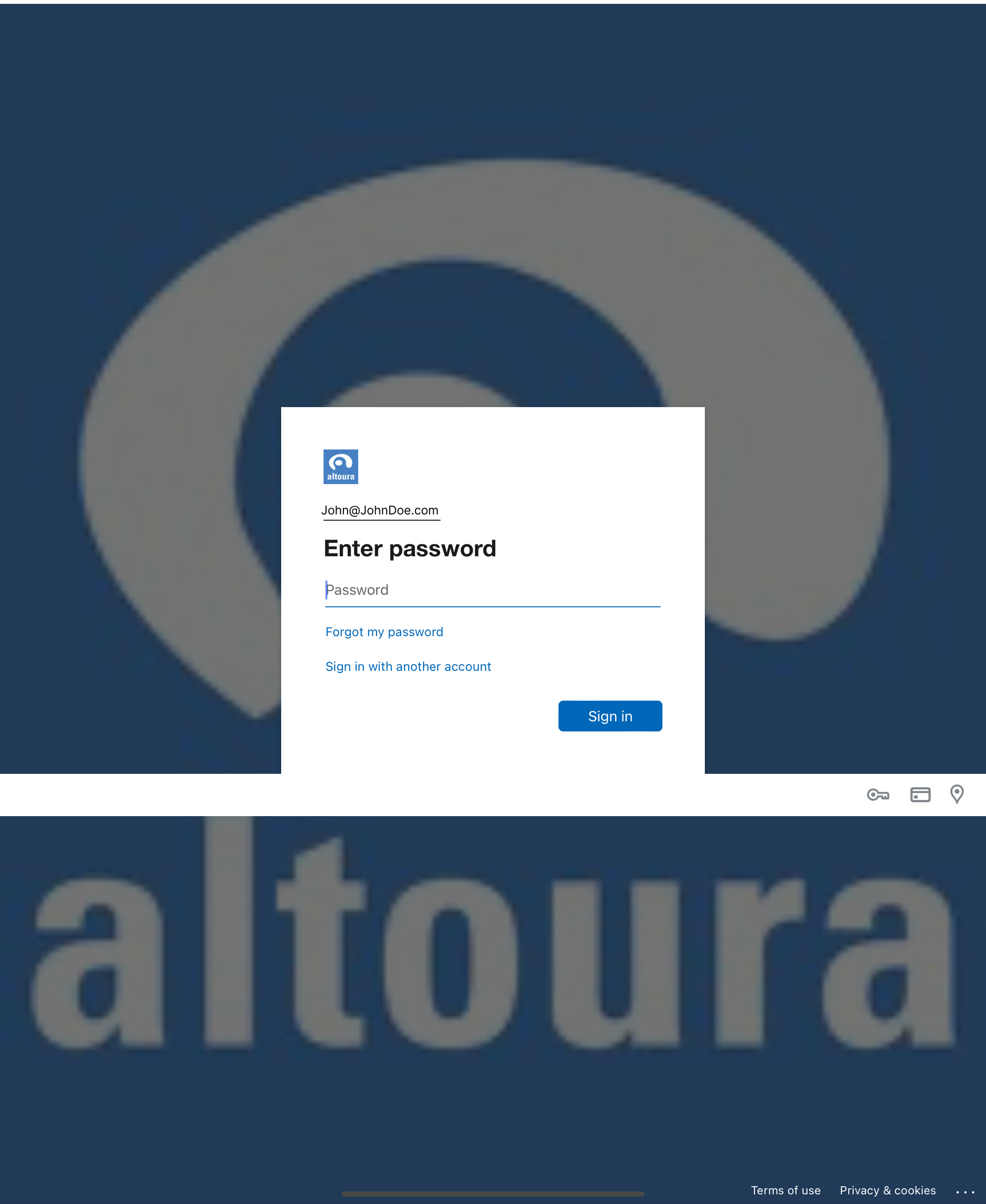
A browser window will show up where you then enter your password.
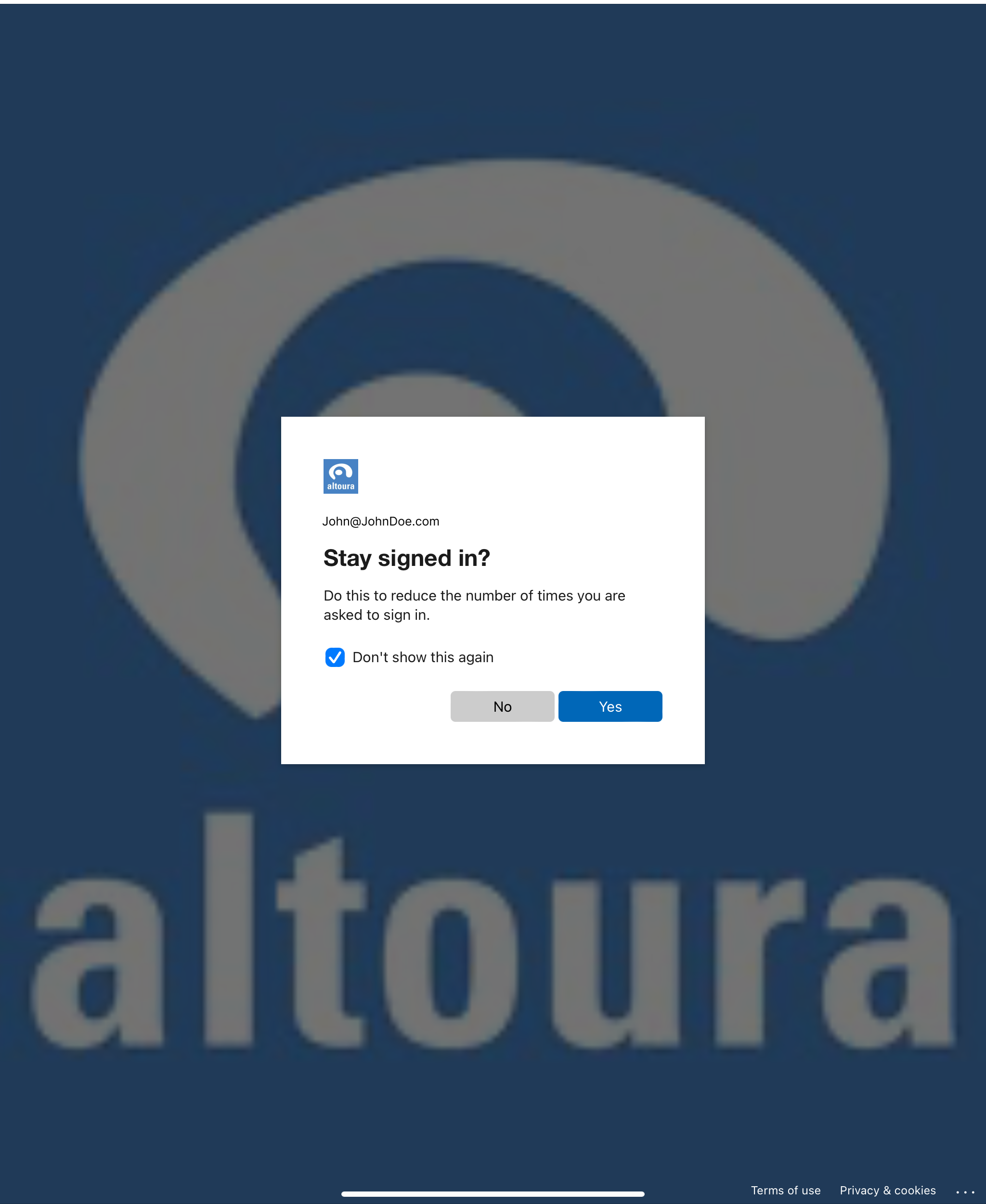
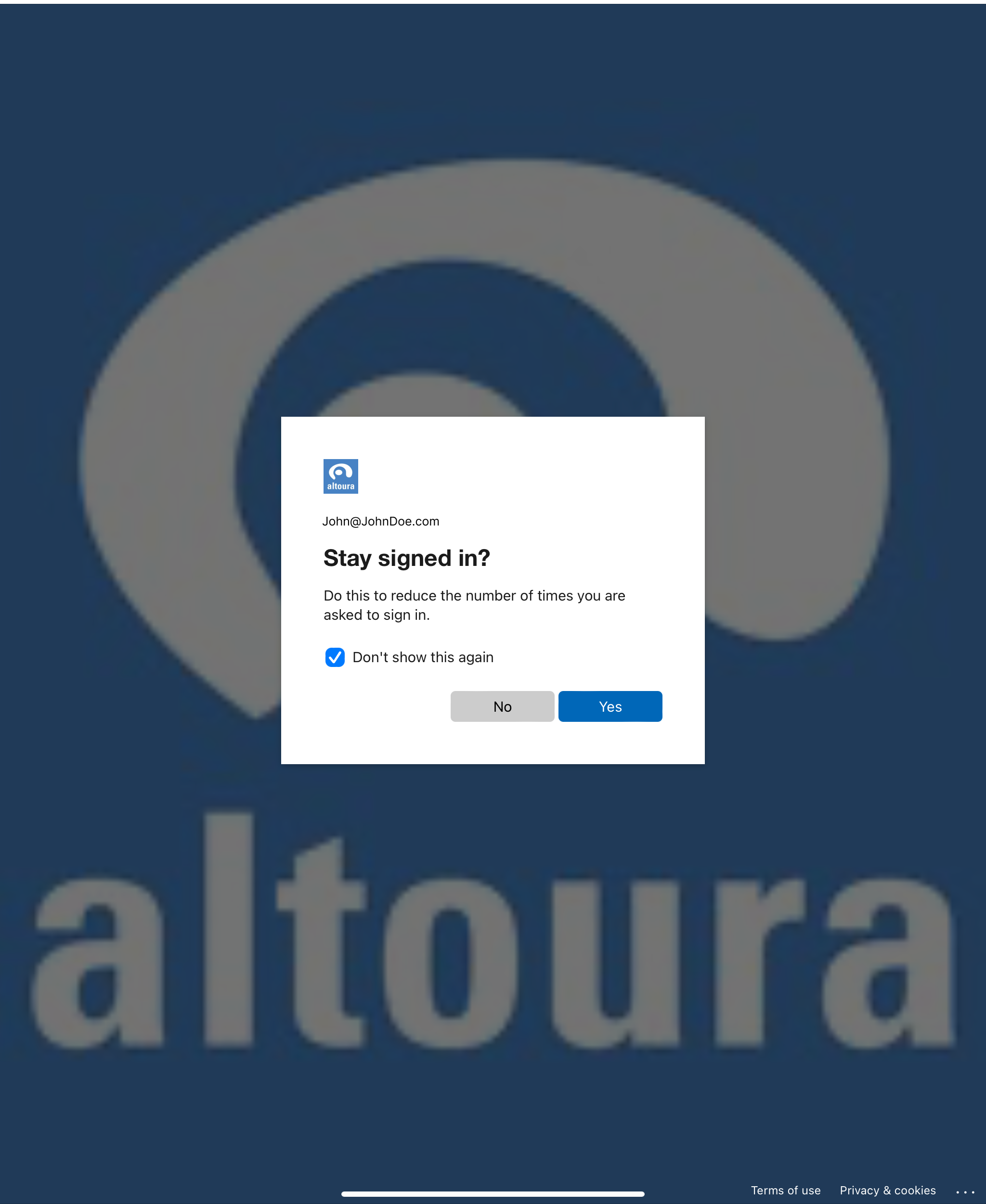
Next, you’ll be brought to a browser window that asks if you’d like to stay logged in. Once you’ve made that choice you’ll be brought to the Altoura Home Screen.

SSO Login

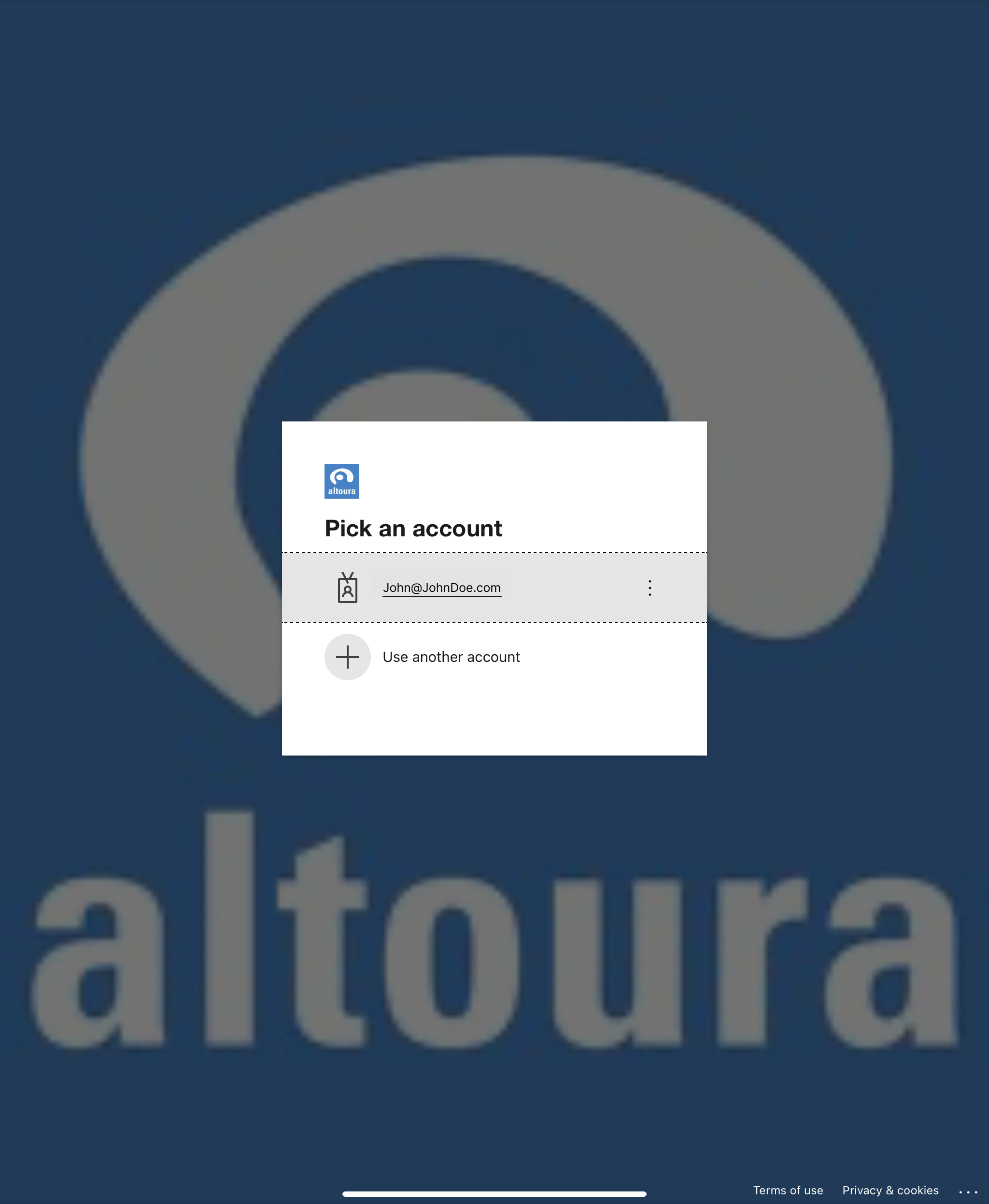
After launching the app, the first login screen will show up. Tap on the “SSO Login” button. A browser window will pop up, asking you to choose your account. Click on the account from which you’d like to sign in. Next, you’ll be asked to enter your password. Next, you’ll be brought to a browser window that asks if you’d like to stay logged in. Once you’ve made that choice you’ll be brought to the Altoura Home Screen.
QR Login

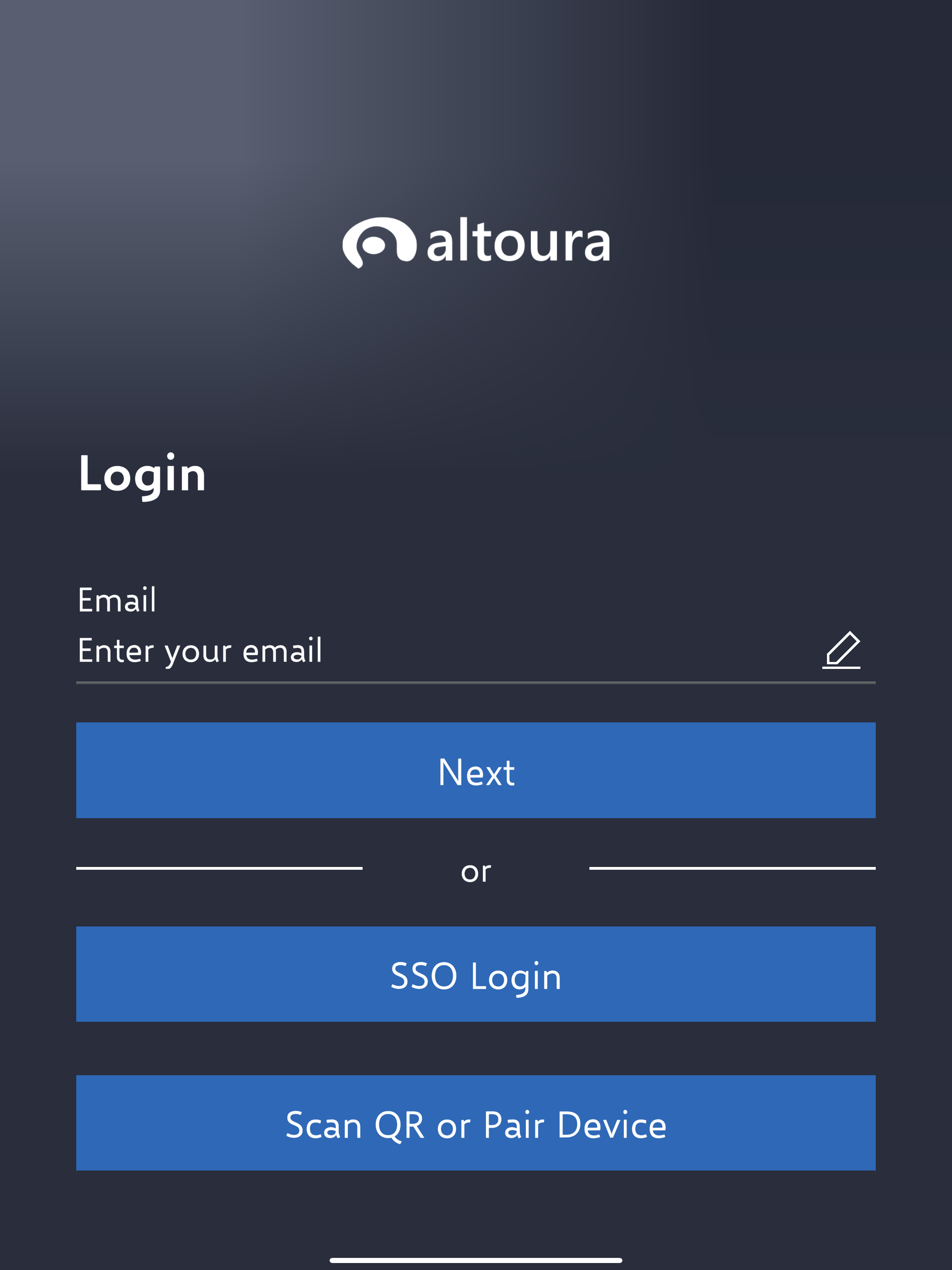
Select QR login button and scan the QR / Pair device using code.