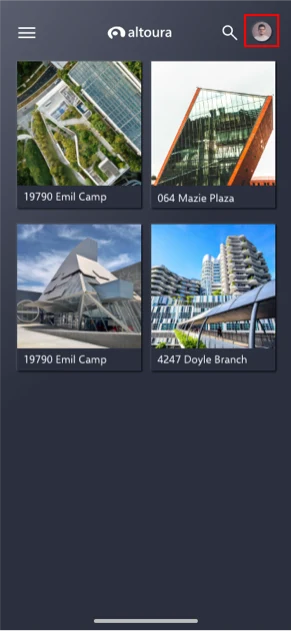
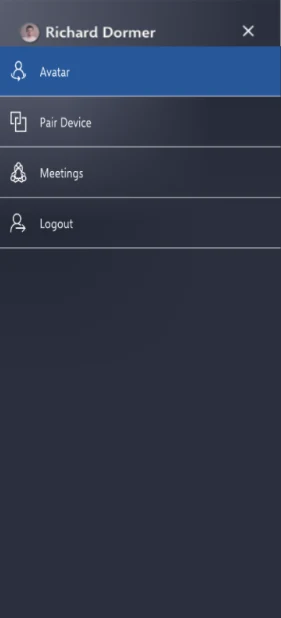
Click Avatar.
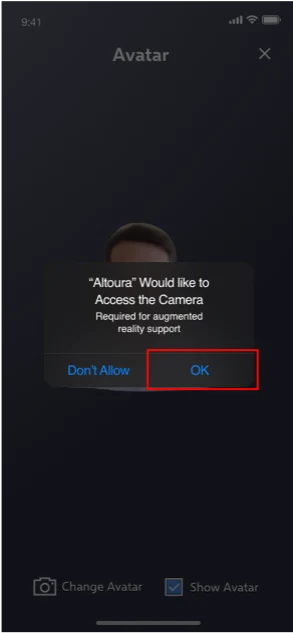
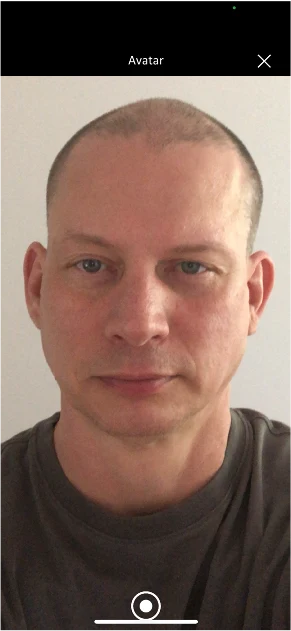
Allow access to the camera by clicking OK. Front facing camera will turn on.
Take a selfie.
Position yourself against a simple background and with a neutral expression. It helps NOT to smile.
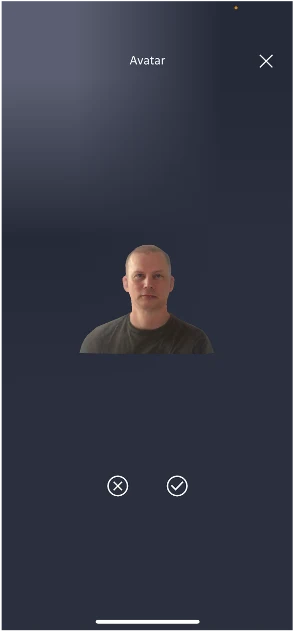
Allow it to process.
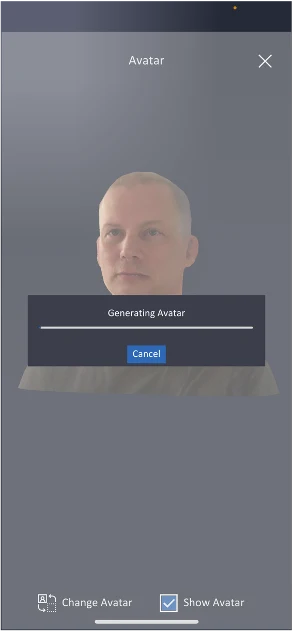
You can accept the new avatar or reject the avatar and try again.