

-
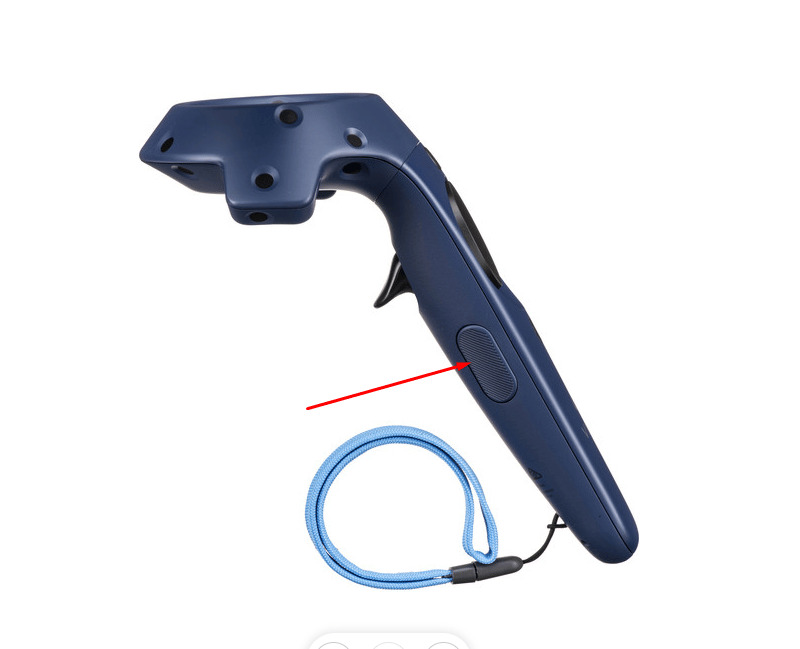
Click and hold the Grip button on the controller.
-
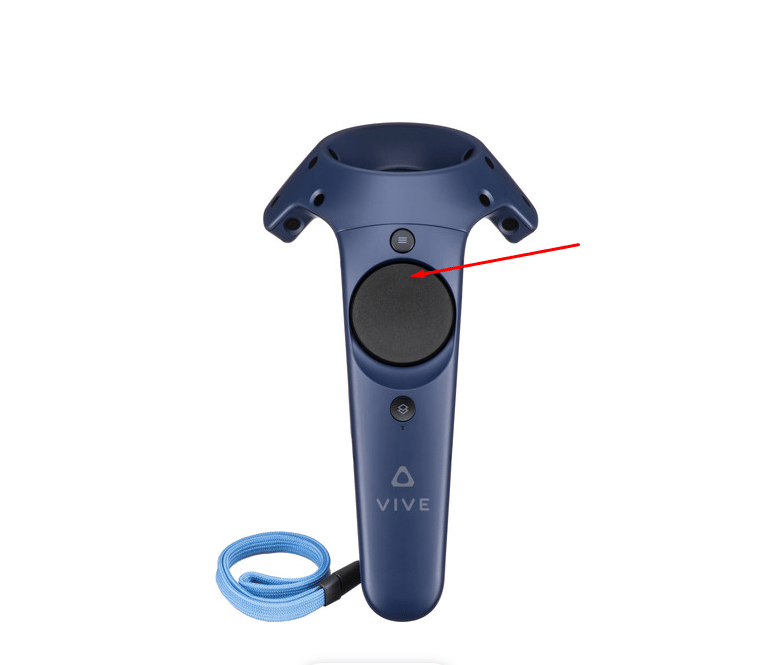
While holding the Grip button, push forward on the trackpad to increase the height, or pull backward on the trackpad to decrease the height.
HTC Vive
Height Adjustment
The up/down height adjustment feature is supported on HTC Vive.
To adjust the camera height: