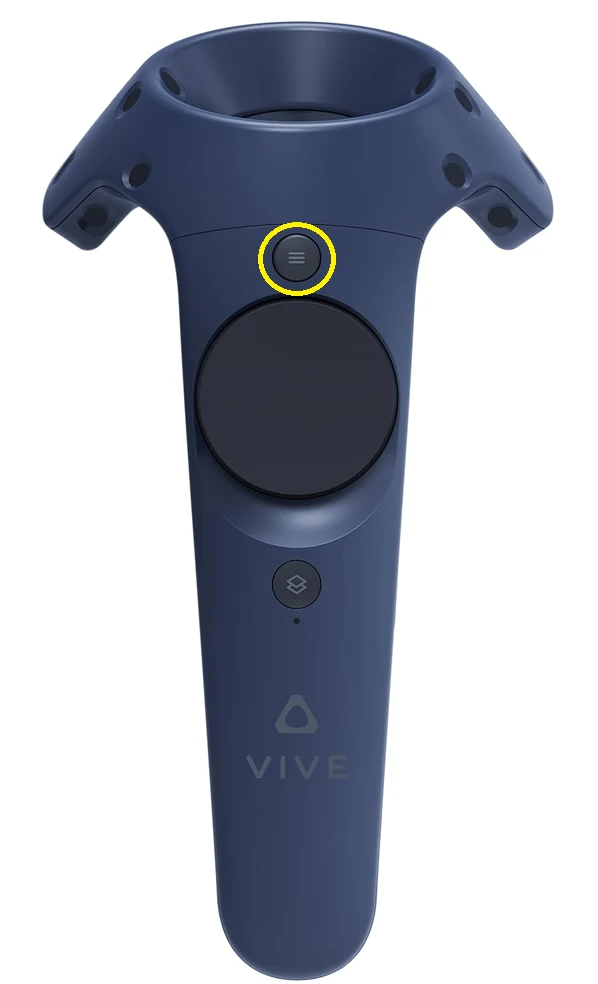
- If the menu is hidden, performing the 'A' gesture will display it in front of the user.
- If the menu is already visible and within the user's field of view (FOV), the gesture will hide it.
- If the menu is visible but outside the user's FOV, the first 'A' gesture will reposition it in front of the user. A subsequent gesture will then hide it.