

The Migration app converts Altoura Classic trainings and imports scenes into the current Altoura Training platform.
Use Import classic experience to convert a training and connect it to a scene. Use Import scene to create a scene from an exported Altoura package.
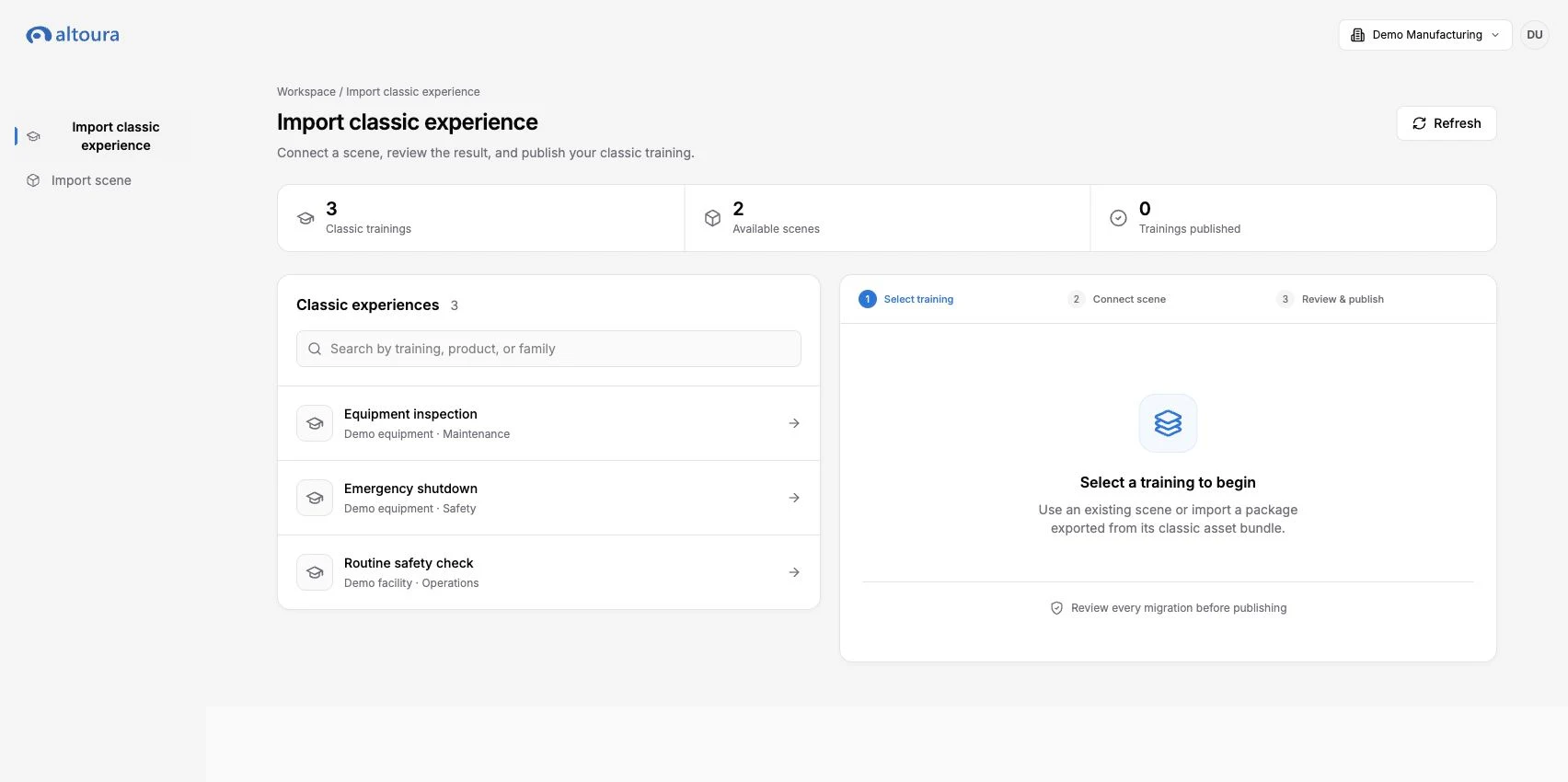
The Migration app workspace with the Classic experiences catalog and preparation panel.
Choose Your Workflow
| You have... | Use | Result |
|---|---|---|
| A Classic training and an existing scene | Import classic experience, then Existing scene | A migration result you can review and publish as a new training |
| A Classic training and an exported scene package | Import classic experience, then Upload package | A new scene, followed by a migration result you can review and publish |
| An exported scene package, without a training to migrate | Import scene | A new scene and its model assets in the selected organization |
What You Can Do
- Sign in with your Altoura account and choose an organization.
- Search for Classic experiences by training name.
- Connect a training to an existing scene or import a package to create one.
- Set the new training and scene names before importing.
- Review validation, step counts, and migration notes.
- Download the converted training with Download SCJSON.
- Publish after reviewing any reported differences.
- Import a scene independently of a training.
How to Use This Guide
| If you want to... | Read |
|---|---|
| Sign in, choose an organization, and understand the workspace | Getting Started |
| Convert a Classic training | Import Classic Experience |
| Create a scene from a package | Import Scene |
| Understand the report, download the result, and publish | Review and Publish |
| Resolve a conflict, failed import, or uncertain publication | Troubleshooting and FAQ |
Key Terms
| Term | Meaning |
|---|---|
| Classic experience / Classic training | Training content from the previous Altoura system. The catalog is labeled Classic experiences; the conversion button is Migrate training. |
| Organization | The organization that owns the content you are importing and receives the new scenes and trainings. |
| Target scene | The current 3D environment used by the converted training. |
| Altoura package | A Unity-exported .altpkg.zip containing a manifest, 3D models, and any exported timelines. |
| Migration result | The converted training document and report available before publication. |
| Migration notes | Findings about content or behavior that needs attention after conversion. |
| SCJSON | The converted training document. Download SCJSON saves it as a .scjson.json file. |
After import or publication, use the Dashboard, Scene Editor, and Creator to inspect and edit the content.