

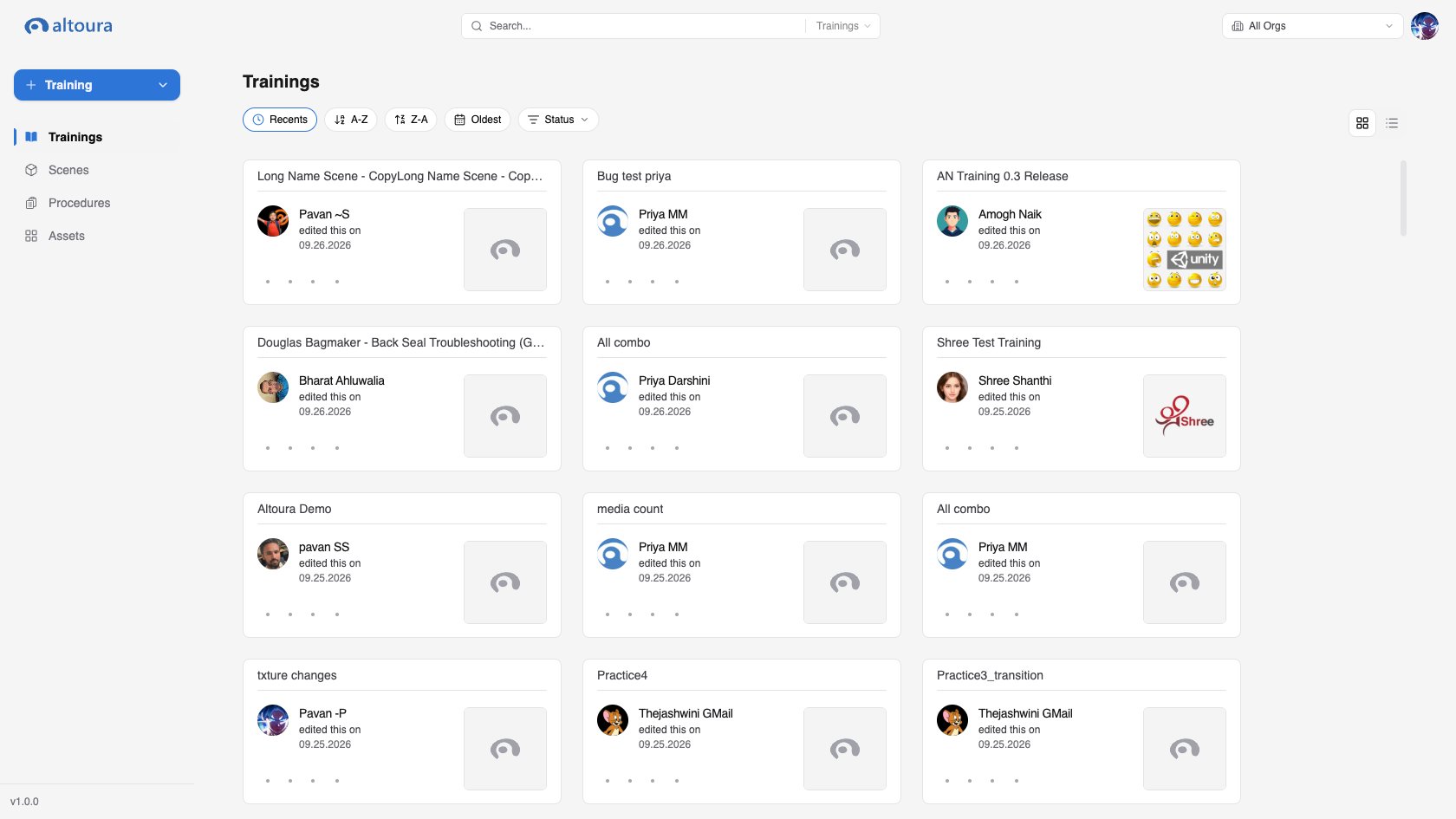
The Dashboard is the central workspace for managing content across the platform. It is where users browse, create, organize, share, and maintain VR trainings, 3D scenes, digital assets, and procedures.

What You Can Manage

From the Dashboard, users can:
  • Create and manage VR trainings
  • Create and manage 3D scenes
  • Upload and organize assets such as 3D models, images, video, and audio
  • Create and share procedures for frontline workers
  • Switch organizations, manage favorites, and launch related tools
  • Pair a device from the profile menu

Who Uses the Dashboard

The Dashboard supports several user types:
User TypeTypical Use
Content CreatorsBuild and edit trainings, scenes, assets, and procedures
Content ManagersOrganize, share, and maintain published content
Frontline WorkersAccess shared procedures through the operator role
AdministratorsAccess admin features and oversee organization usage
TraineesRun published training experiences through the viewer experience
The Dashboard connects to other parts of the platform:
  • Training authoring app for editing VR training content
  • Training viewer app for running training experiences
  • Scene Manager for 3D scene editing
  • Procedure Editor for authoring procedures
  • Admin Portal for administrative tasks when your role includes access

Before You Start

Before creating or editing content:
  1. Sign in through your organization’s Dashboard URL.
  2. Confirm you are in the correct organization.
  3. Open the content area you need: trainings, scenes, assets, or procedures.
  4. Use the profile menu for theme selection, device pairing, or sign out.
Not every user sees the same navigation or actions. The Dashboard shows only the areas and controls available for your role in the currently selected organization.