

What is the Trainee?
The Trainee is a web-based learning platform that lets you practice real-world procedures in realistic, immersive 3D environments. Whether you’re learning equipment operation, safety procedures, or step-by-step tasks, the Trainee guides you through each training with animated instructions and interactive feedback.Starting a Training
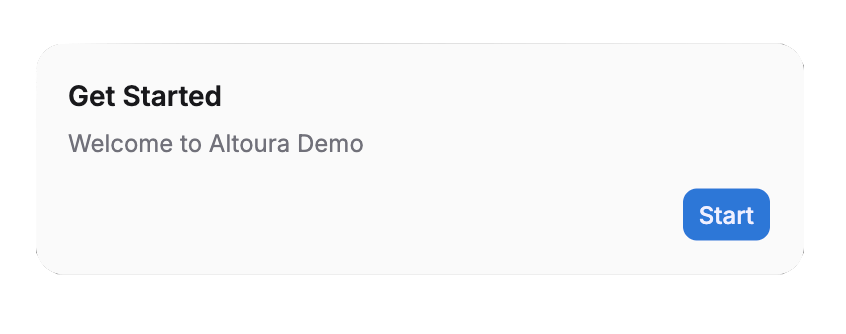
Once the 3D environment finishes loading, a Start Training dialog appears with a welcome message showing the training name and a Start button. Click Start to begin the first step.This click also unlocks audio in your browser. Browsers block sound until you interact with the page, so the first step’s narration would be silent without it.
- Practice / Assessment choice — If the training has assessment mode enabled, you’ll be asked to pick a mode instead. Selecting Practice or Assessment starts the training directly.
- Resume prompt — If you’ve previously started this training and it supports resuming, you’ll be asked whether to resume. Choosing Yes or No starts the training directly.
Training Modes
Some trainings support multiple modes. When available, you’ll be prompted to choose a mode before starting (this prompt replaces the Start Training dialog):Practice Mode
Learn at your own pace with full guidance:- Animated ghost hands showing exactly where to tap or what to move
- Highlighted objects that glow to show what’s interactive
- Clear on-screen instructions at each step
Assessment Mode
Test your knowledge independently:- For interactive steps, visual guides are hidden (no highlights, no ghost hands, no step text)
- Informational-only steps still display their content normally
- You must identify and interact with the correct objects on your own
- Wrong taps show a message on the panel asking you to select the correct object
Interactive 3D Environments
All trainings take place in realistic 3D scenes where you can:- Move around freely to explore
- Rotate your view for the best angle
- Interact with objects by tapping them. A single tap triggers the step’s tap, move, or rotate action, and the object animates to its target position or angle automatically
The Interface at a Glance
Top Bar: Logo, training name, and your profile menu 3D Viewport: The main training scene where all the action happens Floating Controls: Reset options, share button, and camera height controls (left side of screen) Virtual Joystick: Optional on-screen joystick for movement (bottom-left of screen, when enabled) Panels: Instructions, images, and videos that appear during your trainingGet Started
Supported Devices
Check browser and device requirements
Accessing Your Training
Log in and find your assigned training
Tour the Interface
Learn what every button and control does
Navigate in 3D
Master mouse, keyboard, and touch controls
Interact with Objects
Tap, move, and rotate objects in the training