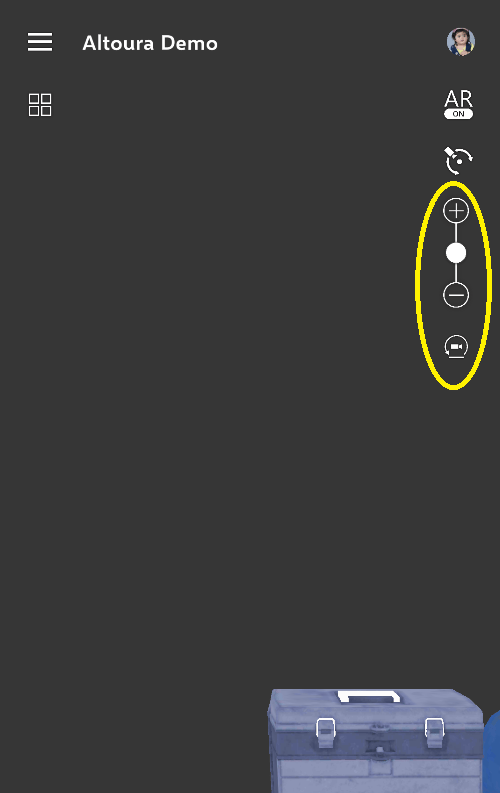
Dollhouse View
Double tap to enter with a first-person view. You can also rotate the Dollhouse in this view.Self-Teleport
Double tap in the 3D model to self-teleport - which will take you from first person view to real scale mode. This allows you to navigate to locations throughout the App.Free Look Mode
This is the default mode where, after you choose a floor, you can walk around in the model.
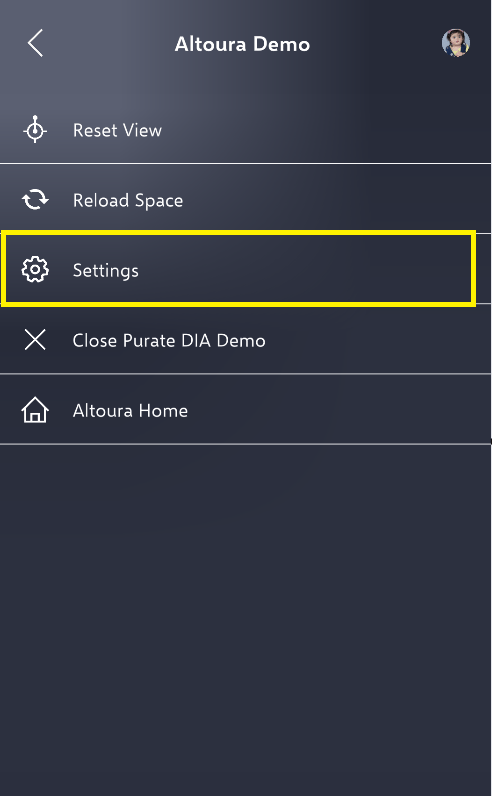
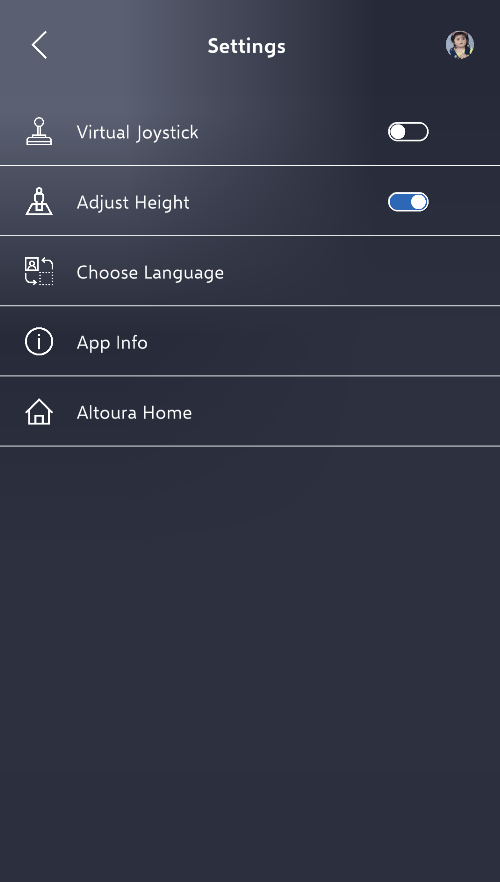
To adjust your height in the space, open the hamburger menu and select Settings