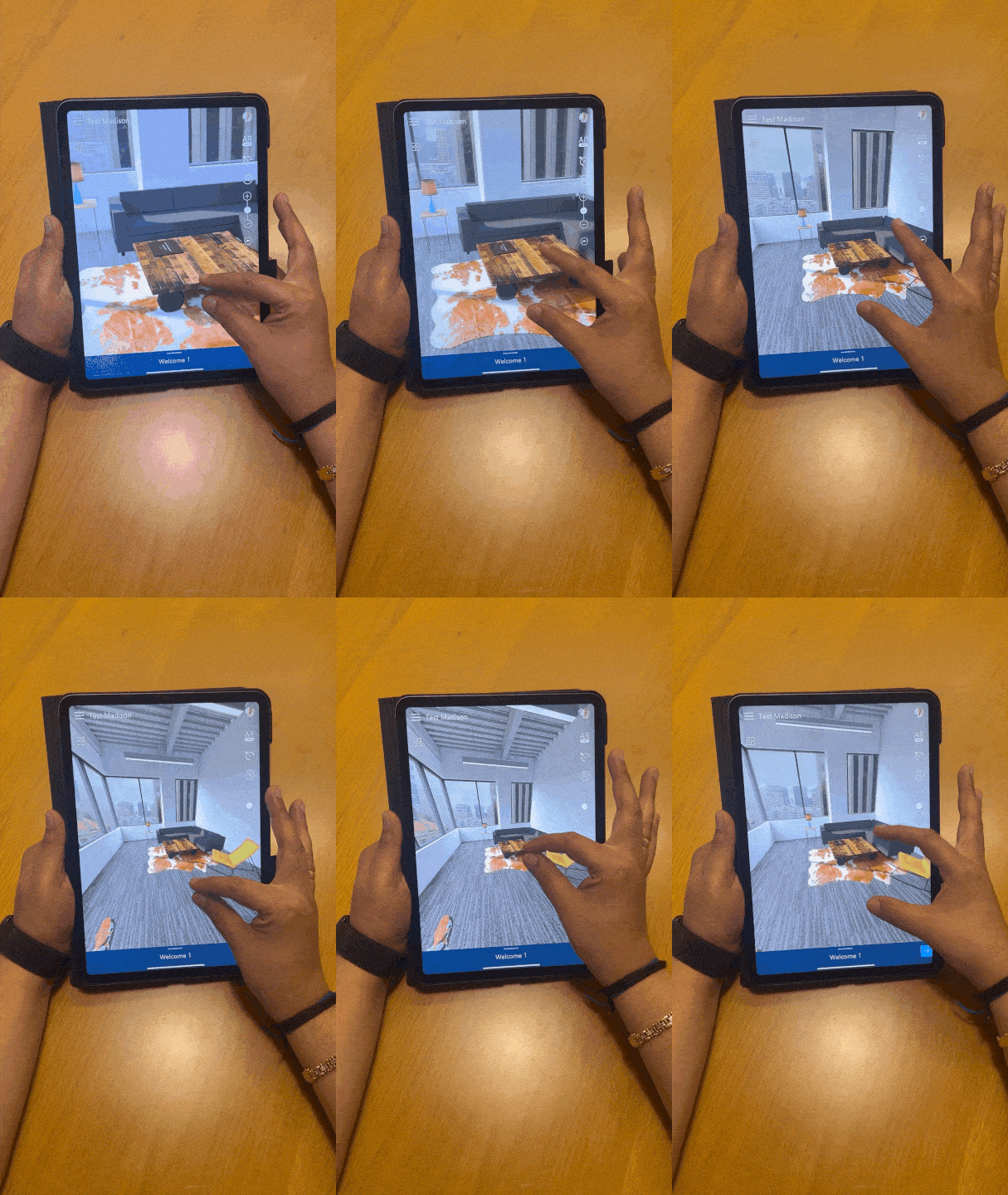
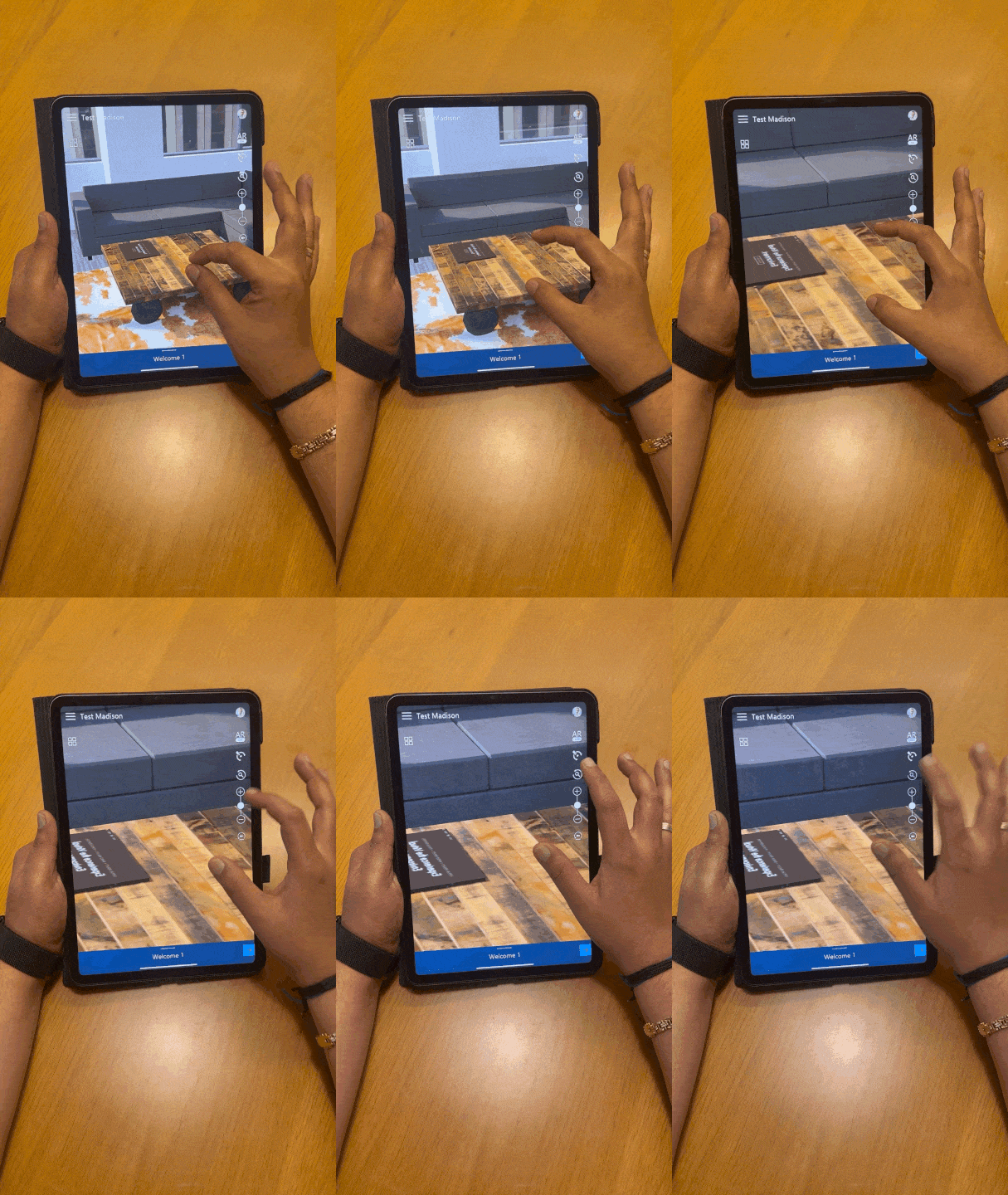
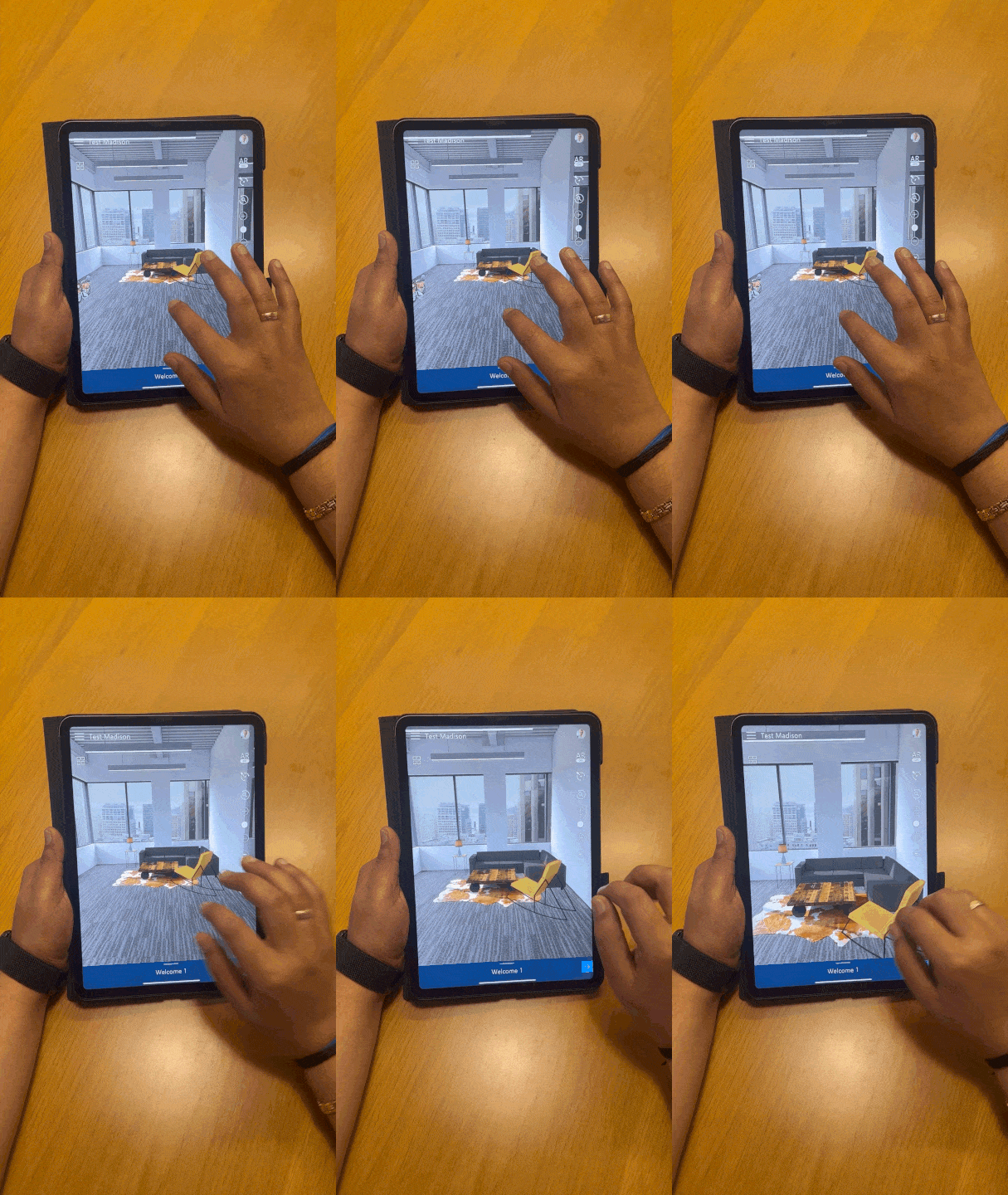
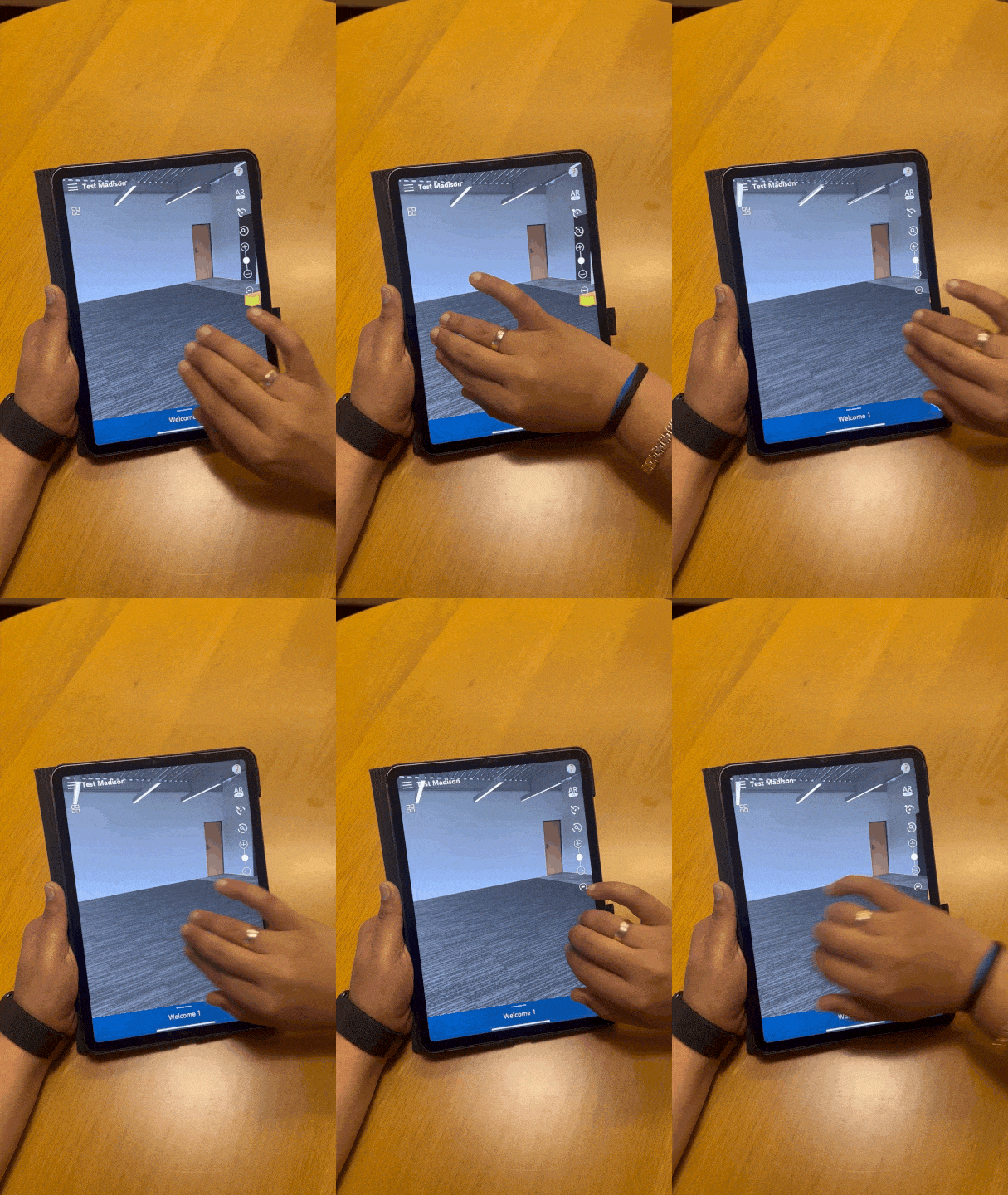
The view of the space can be modified using the height adjustment control or achieved with a three-finger swipe. Height can be reset using reset height button.
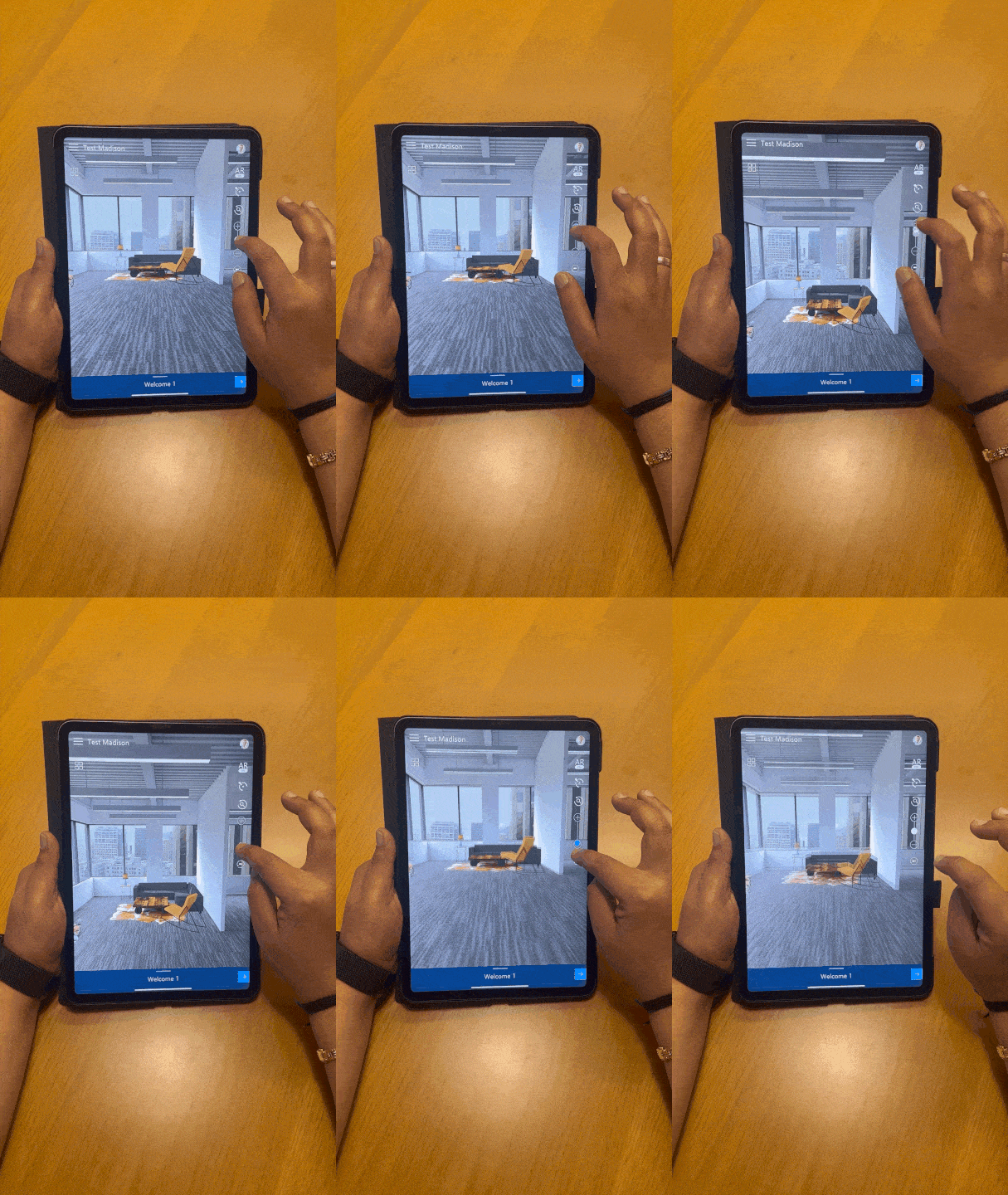
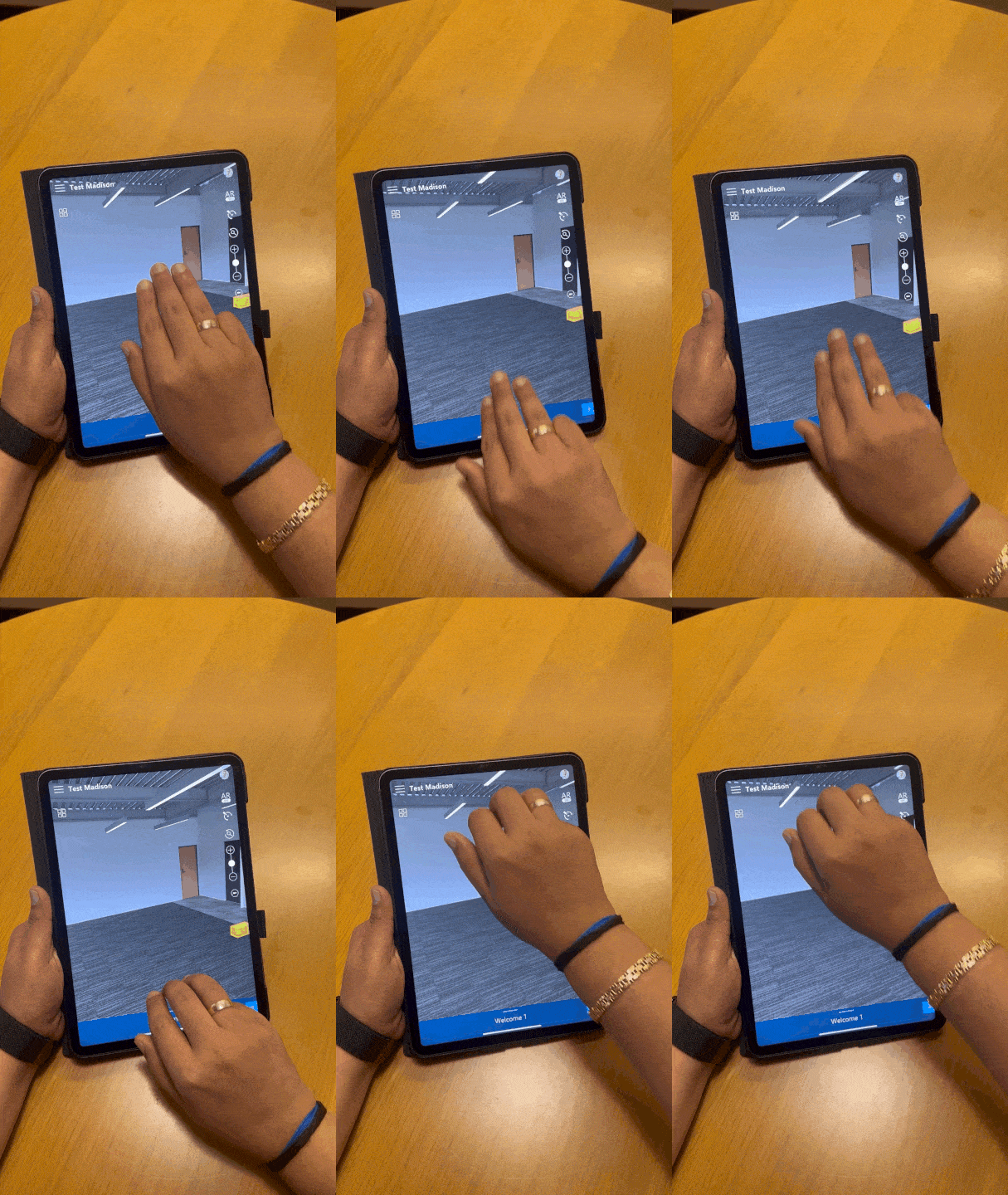
Movement Around the Space:
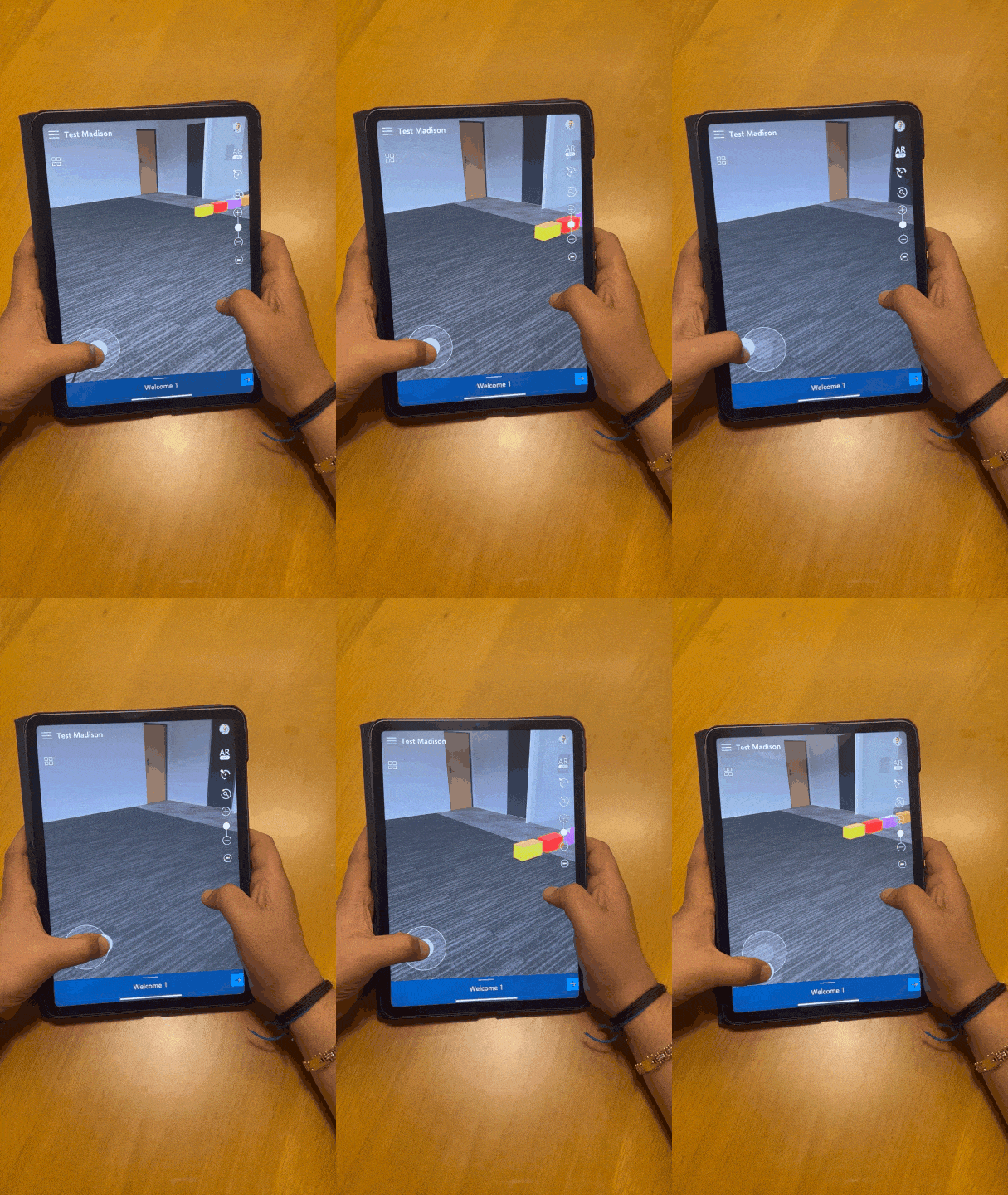
Movement through the space is possible with the left joystick. A double tap offers an alternative method for this action.
Swiping left or right with three fingers can also navigate you to the left or right..
Rotation:
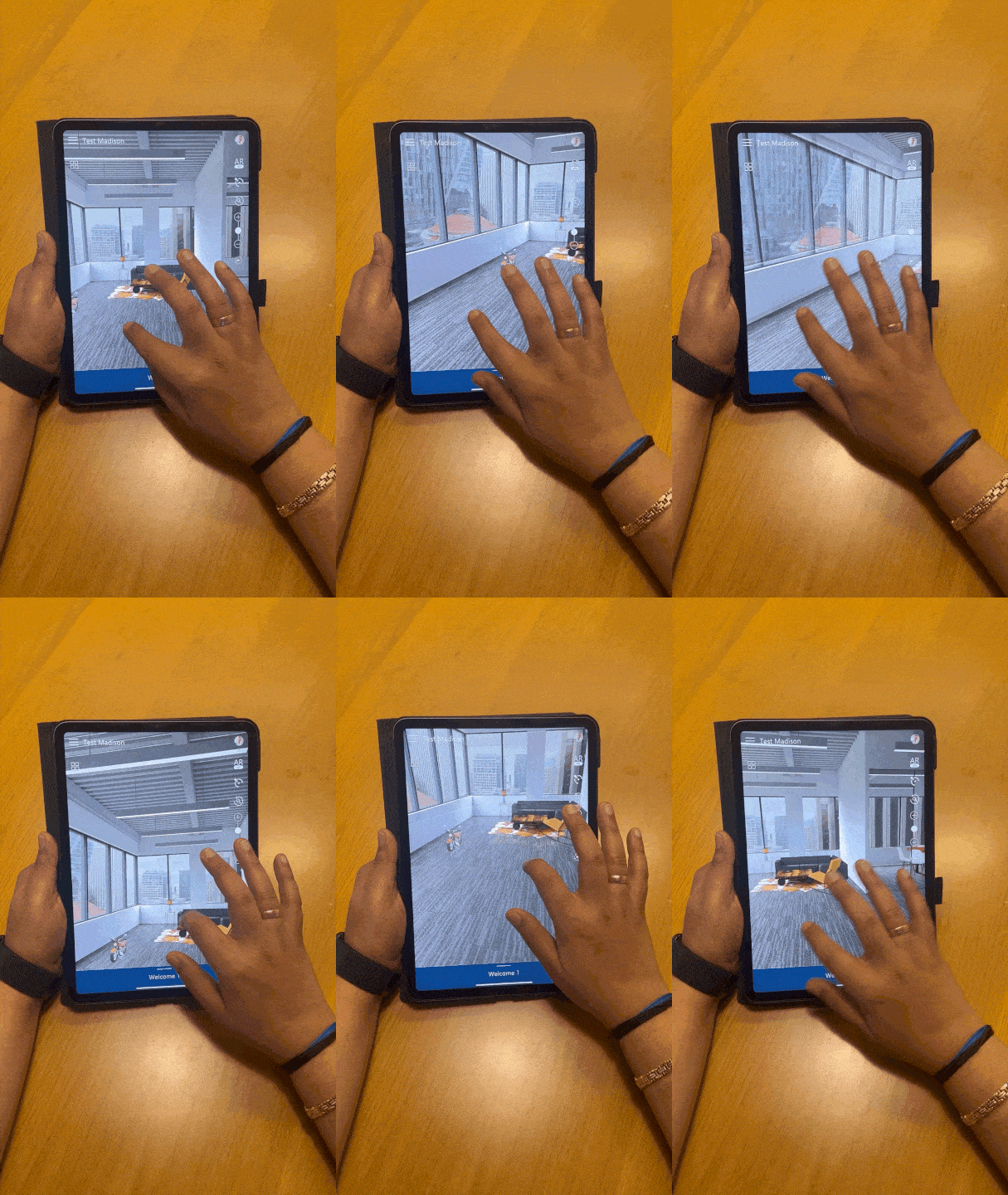
Rotating the space can be accomplished with a simple swipe gesture.
Zoom In/Zoom Out:
Zooming in or out of the space is controlled by the pinch-in or pinch-out gestures.
Zoom can be reset using reset zoom button.