

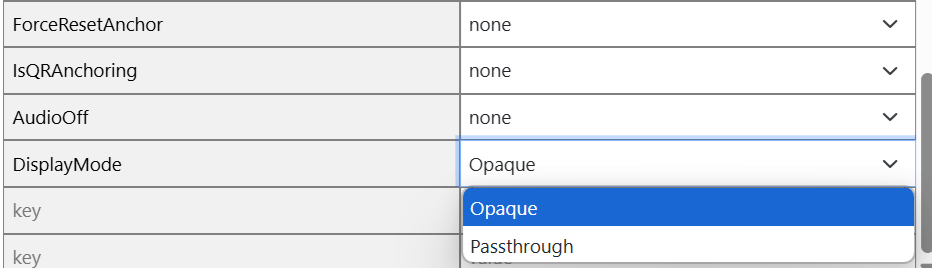
Space Metadata
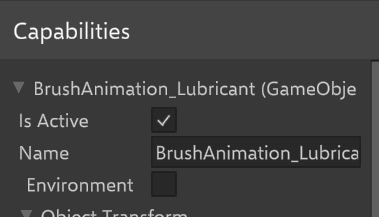
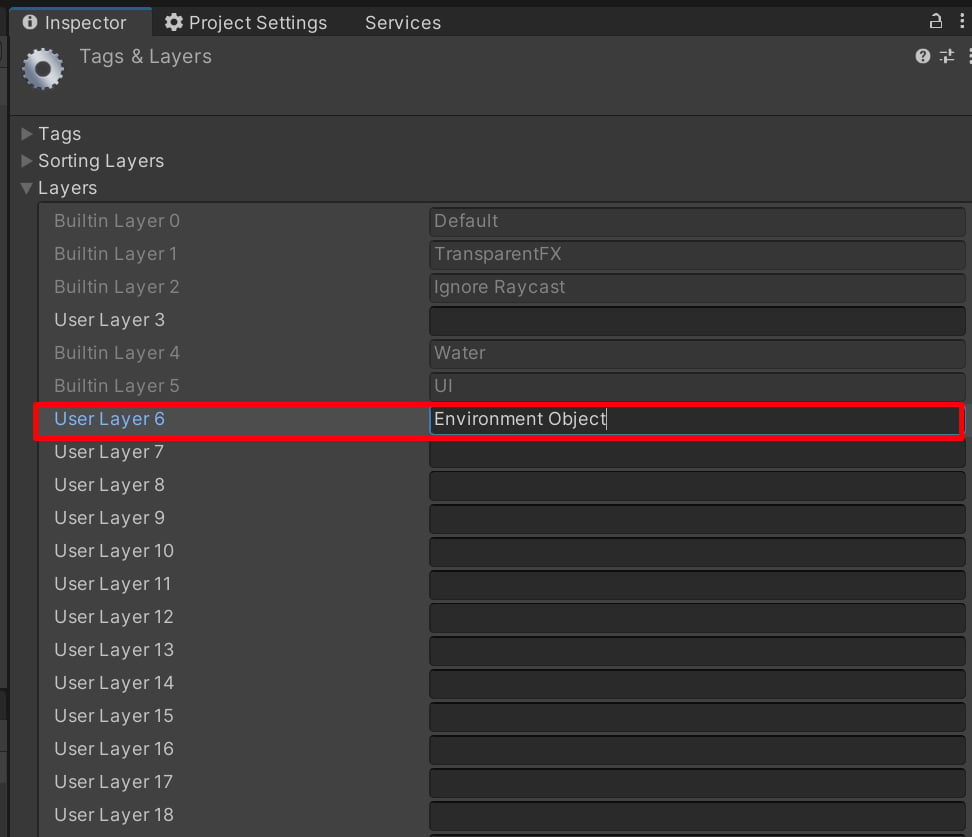
- Select the object and click on Add layer.
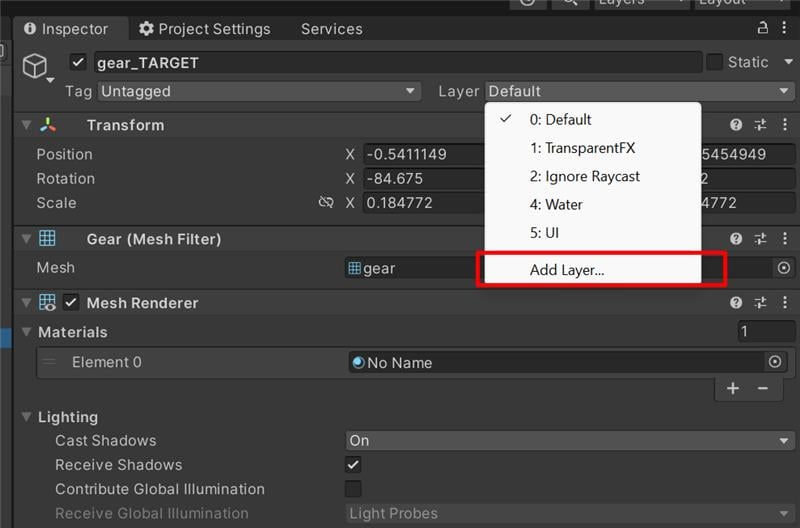
- Provide the value as “Environment Object” against Layer 6.
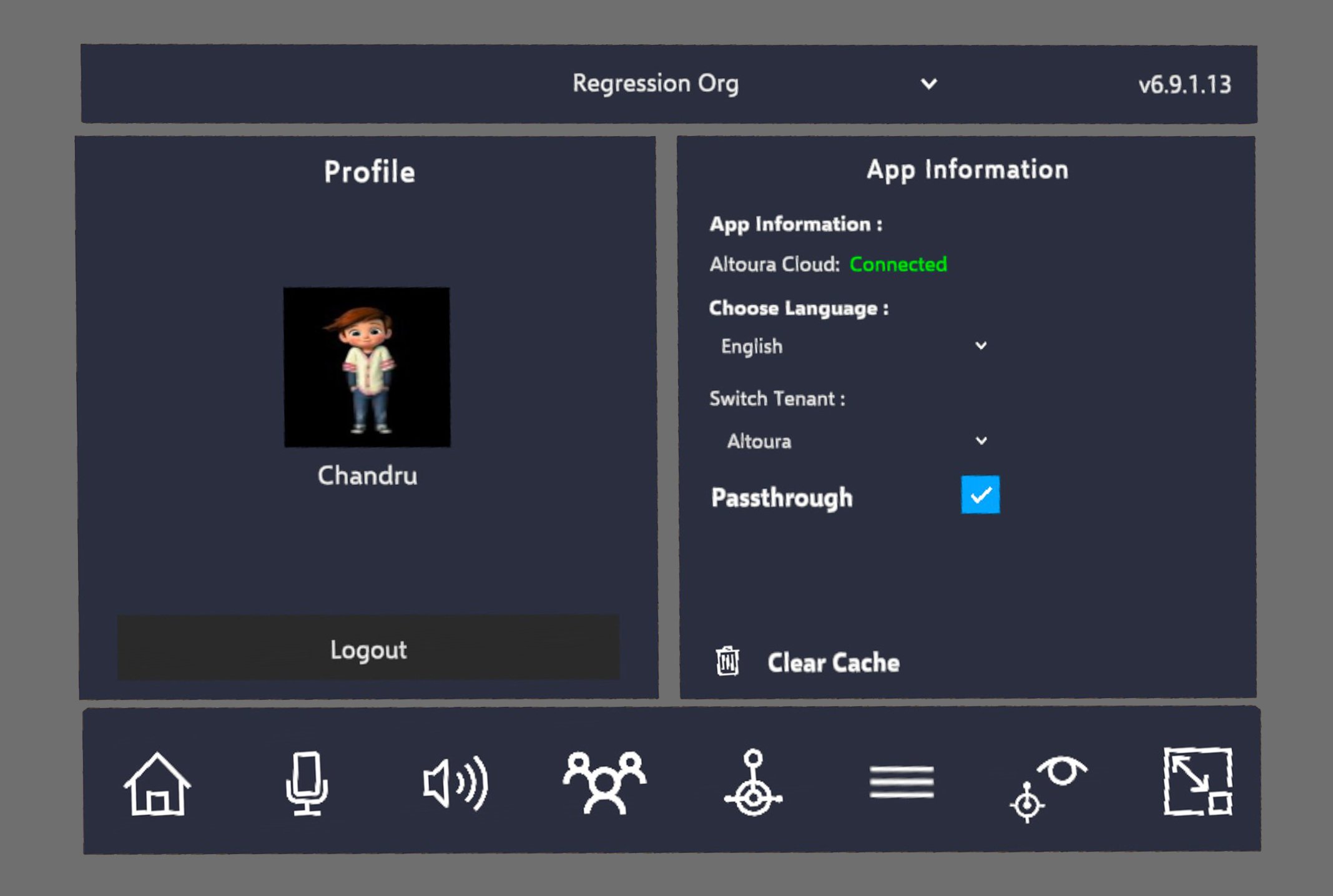
Users can enable Passthrough mode via the User Settings in the Toolbelt menu. However, for Passthrough mode to function, the Space’s metadata must have the DisplayMode set to Passthrough. By default, this value is set to Opaque.
Space Metadata