Video Demo
How to Use
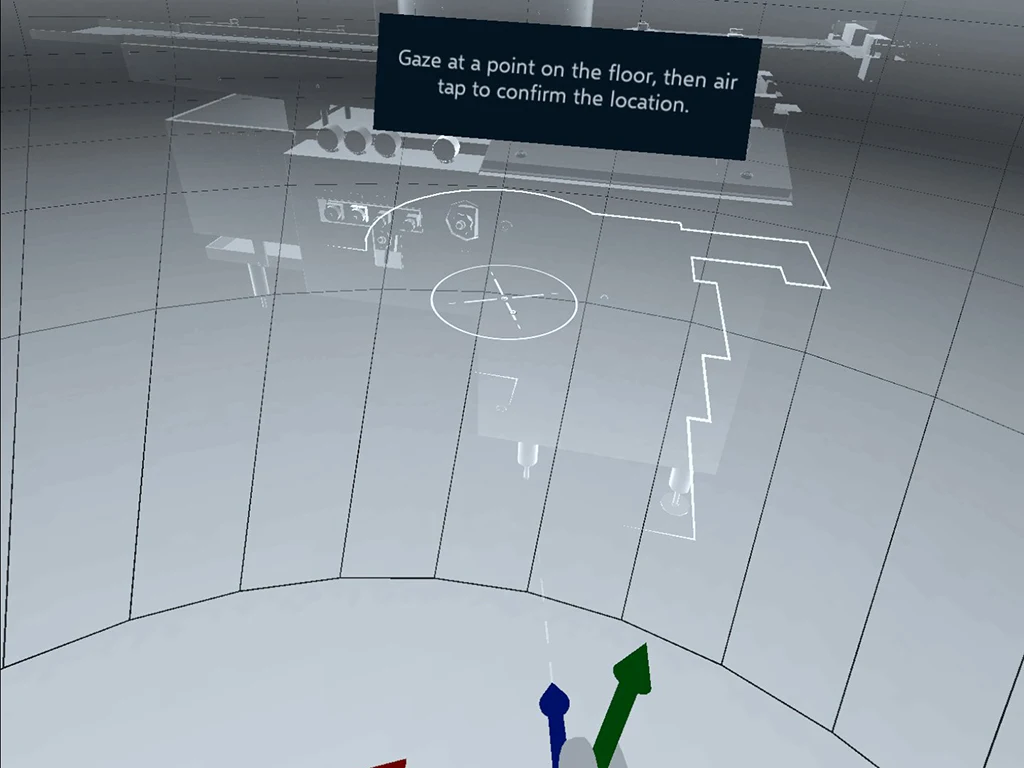
Position Anchoring
Make sure to place the position anchor to the real-world floor and air tap to confirm on the floor position.
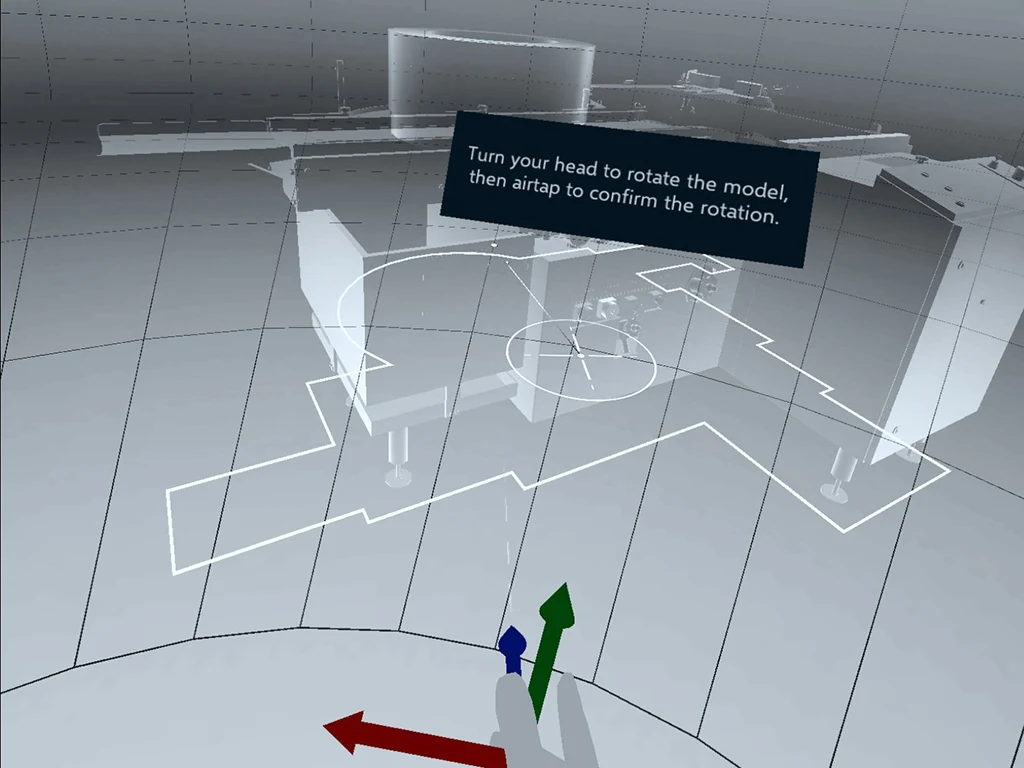
Rotation Anchoring
Once you are done with position anchoring another circle pops up, move the smaller circle to adjust the rotation of the virtual world and air-tap to confirm that rotation. If the position or rotation are incorrect, use the Anchor button in the Altoura Toolbox to reset your anchor placement.