


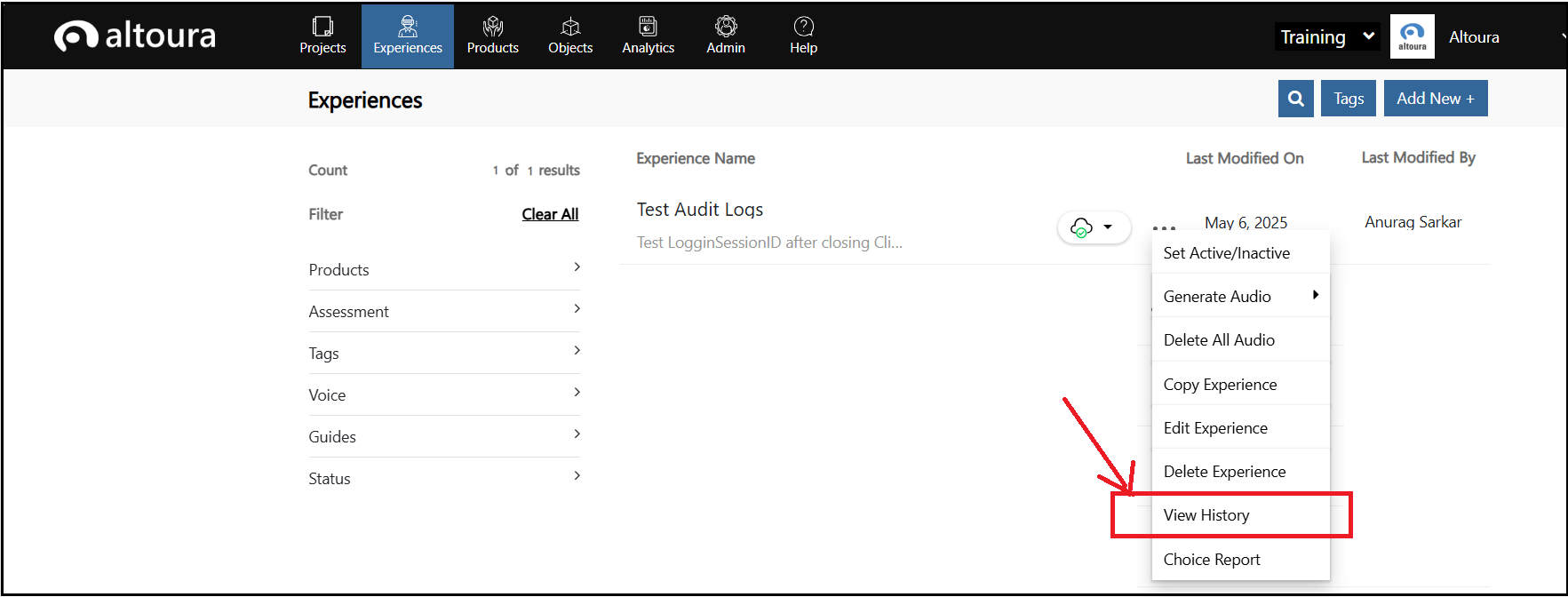
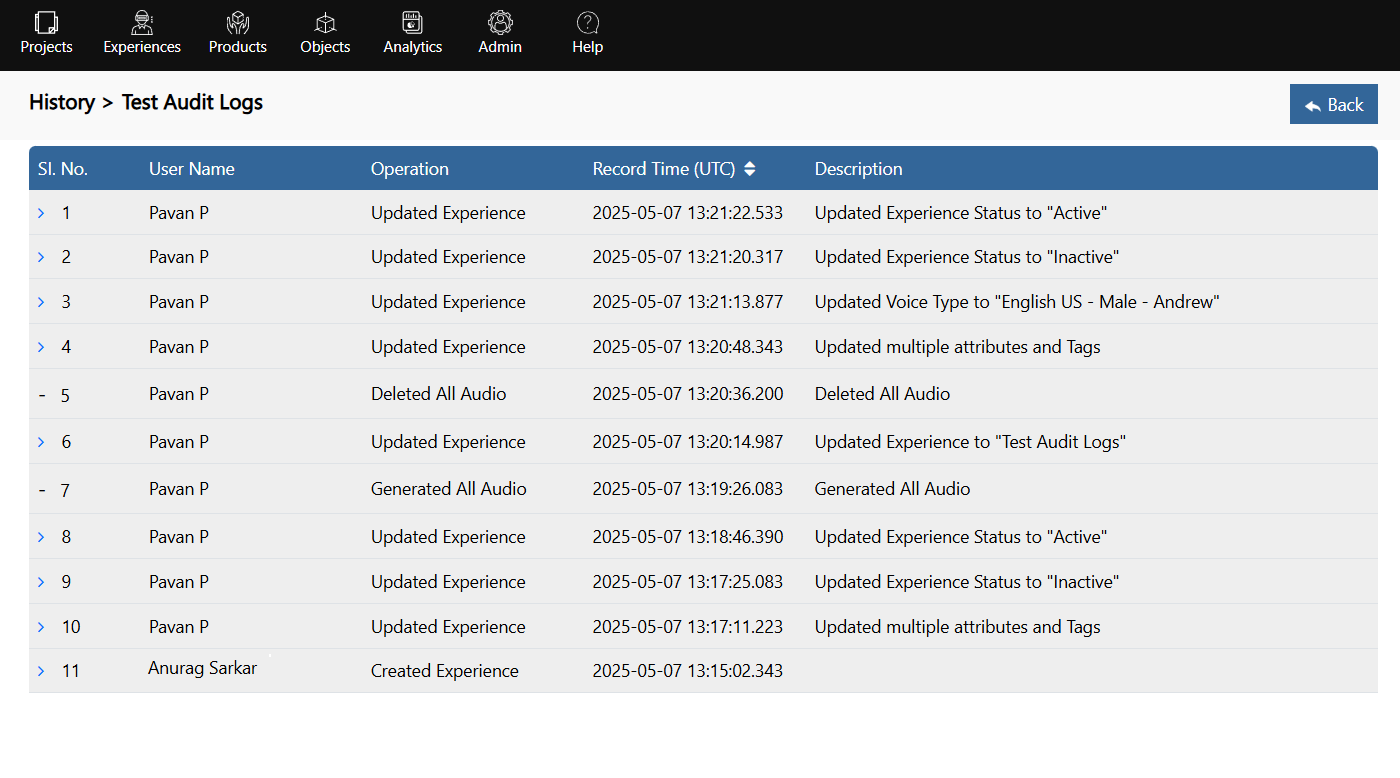

Audit logs are detailed records that capture and document all the activities, events, and transactions within a system, serving as an essential tool for monitoring and security management. They provide a chronological trail of who did what, when, and where within the system. By maintaining a comprehensive history of these events, audit logs help organizations detect unauthorized access, identify suspicious behavior, ensure compliance with regulatory requirements, and troubleshoot operational issues. They are critical for forensic investigations in the event of a security breach, allowing administrators to analyze the sequence of actions that led to the incident and implement appropriate measures to prevent future occurrences. Audit logs contribute significantly to the overall security posture and operational integrity of an organization.