

Overview
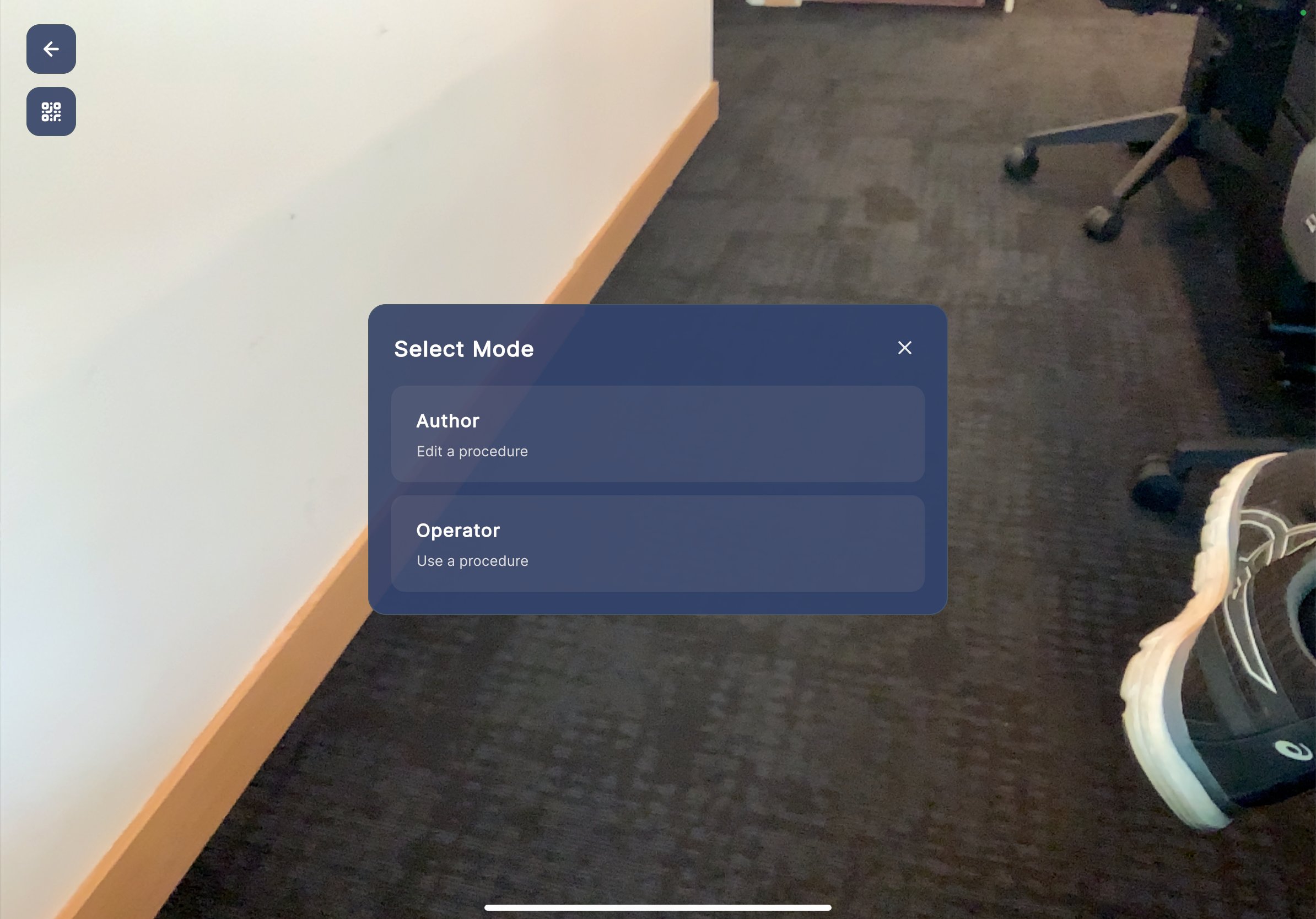
After scanning a QR code, the Select Mode dialog appears. It allows you to choose how you want to interact with the selected procedure. Two modes are available:- Author — Edit a procedure. Use this mode to modify step content, reposition 3D models, and configure spatial anchoring.
- Operator — Use a procedure. Use this mode to follow step-by-step instructions in the field.
When to Use Each Mode
| Mode | Purpose | Typical User |
|---|---|---|
| Author | Edit and configure procedures, position 3D models, validate spatial placement | Procedure creators, supervisors |
| Operator | Follow procedures step by step in the field with AR guidance | Field workers, technicians |
Select a Mode
Steps
- After the QR code is scanned, the Select Mode dialog appears over the camera view.
- Tap Author to edit the procedure, or tap Operator to follow the procedure.