Installation
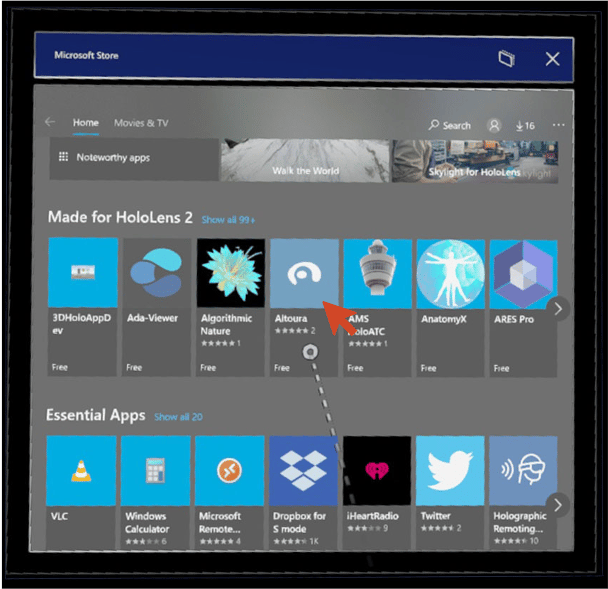
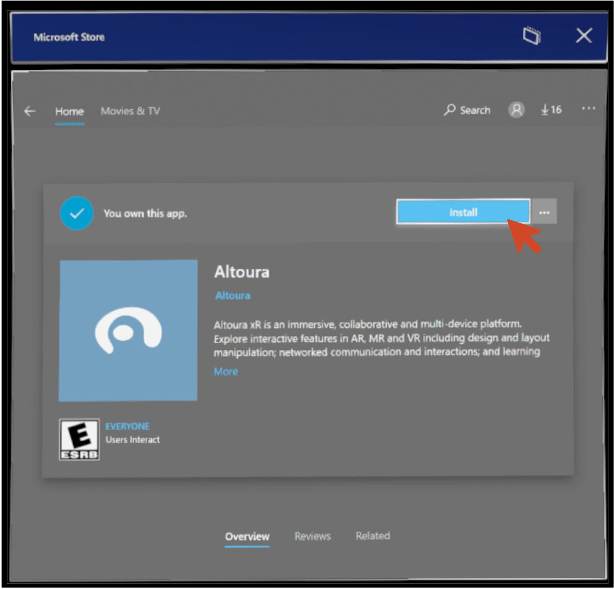
Go to Microsoft Store in the HoloLens menu.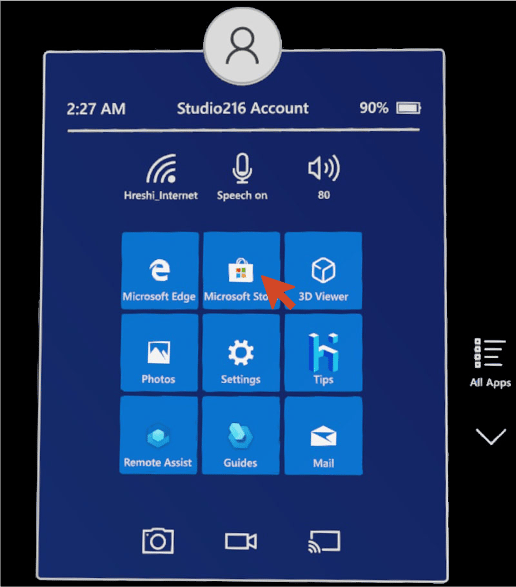
Getting started
Once the installation is done go to the wrist menu and click on the windows icon.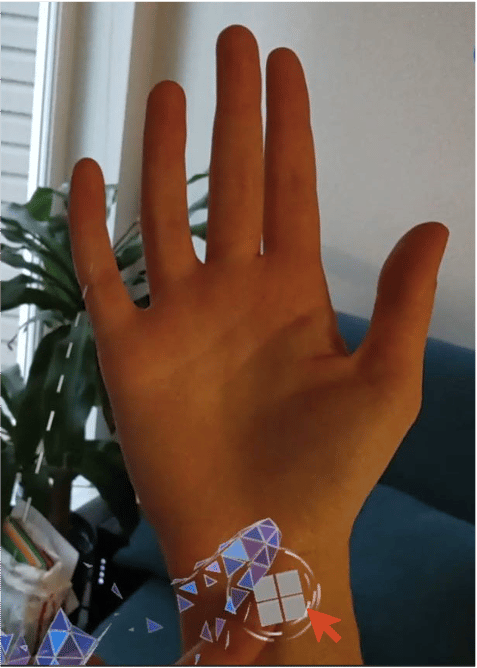
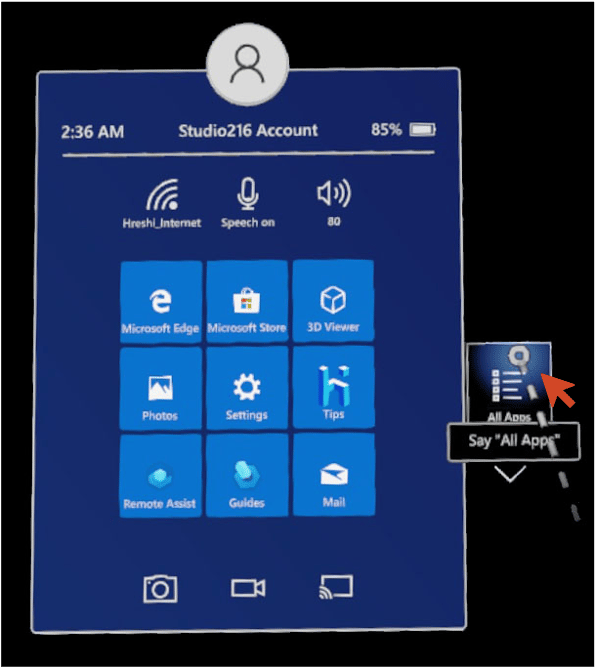
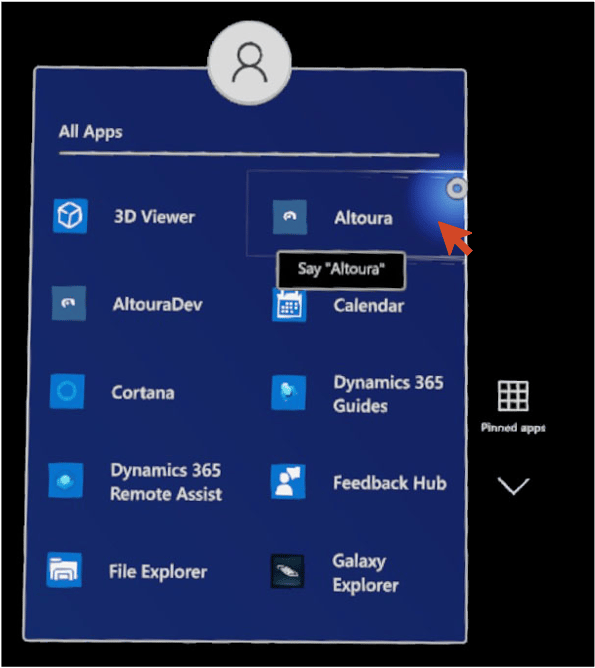
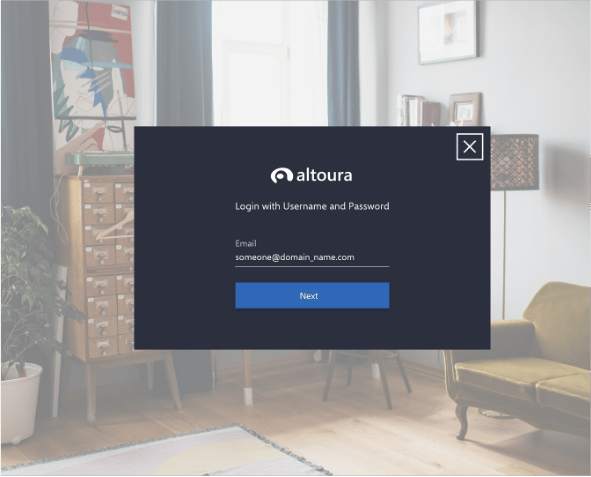
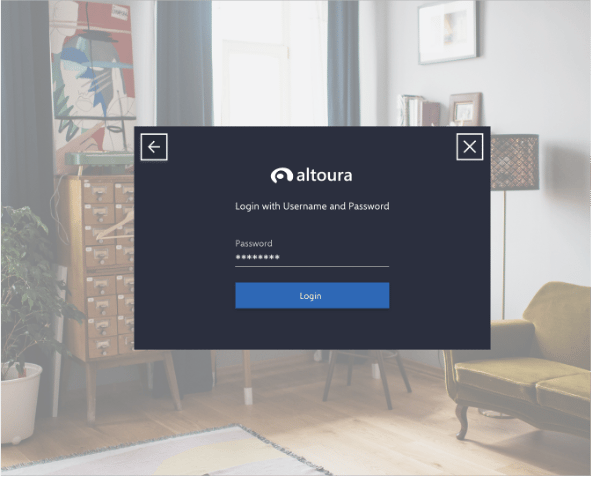
Logging in using Email
Tap on Login with Email.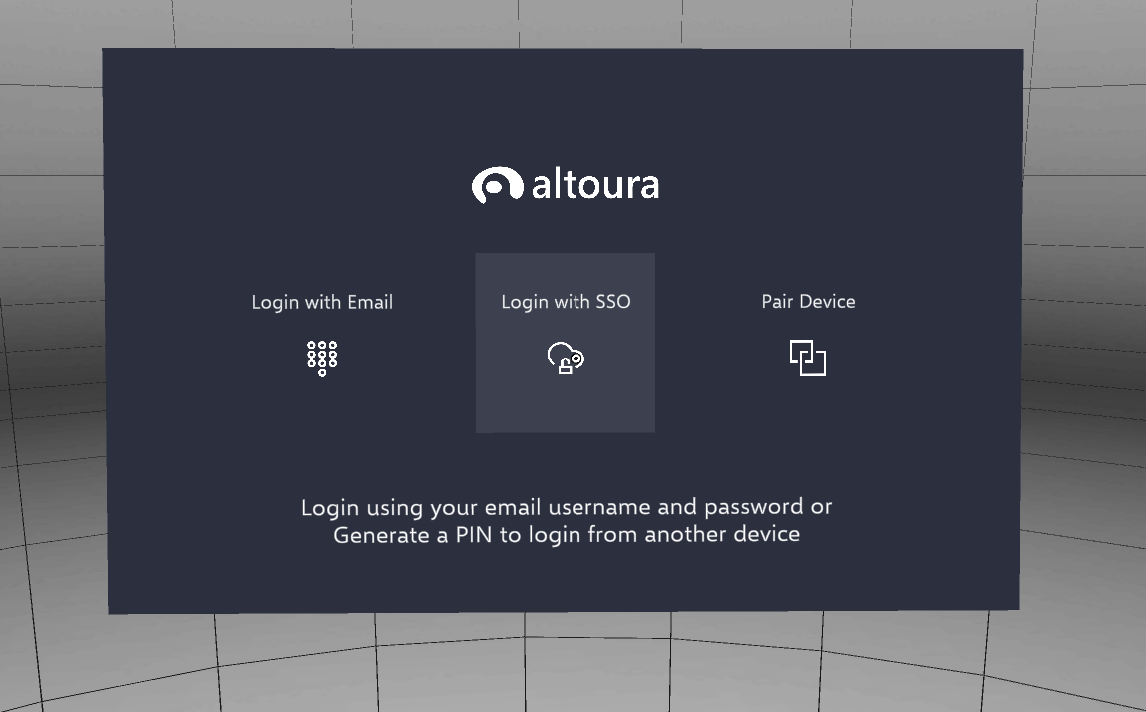
Logging in using a logged in device00
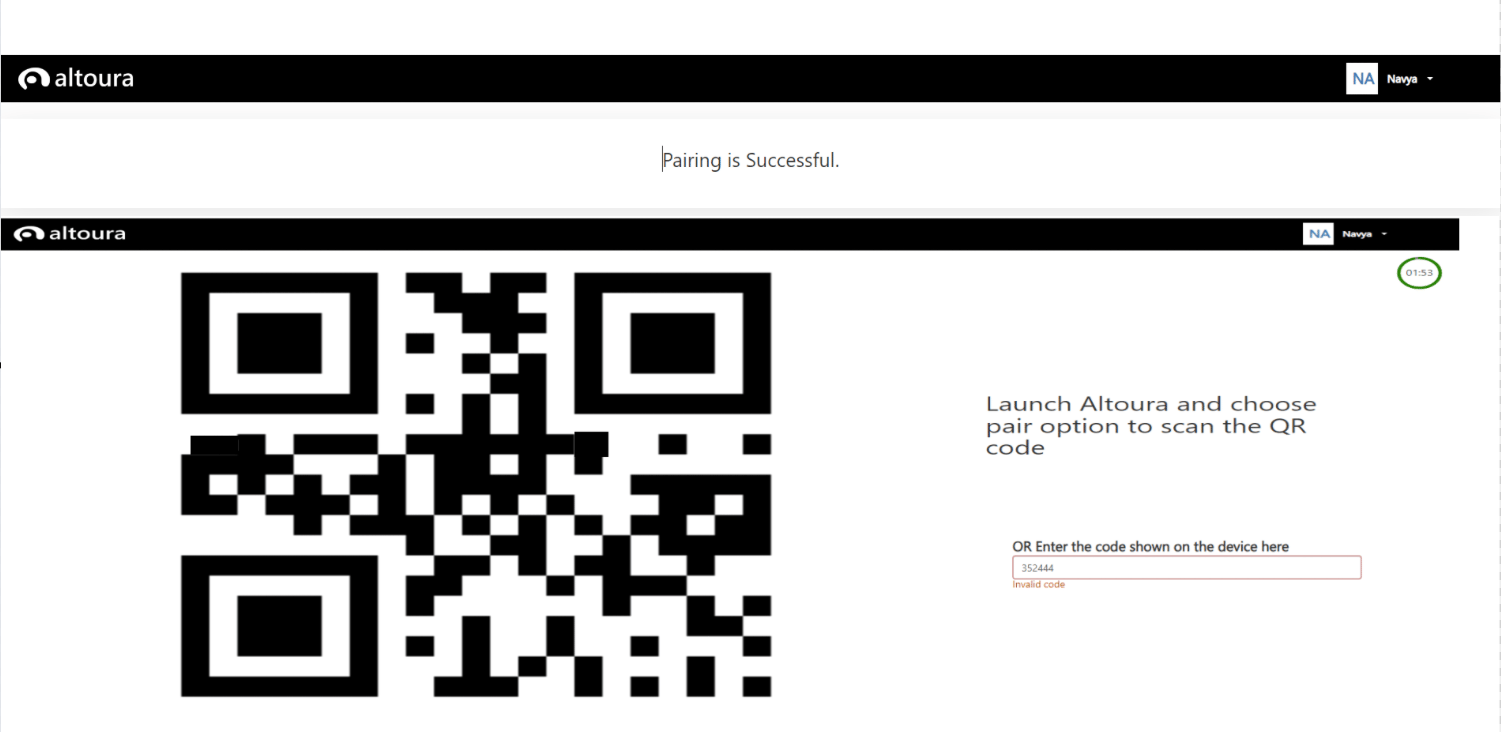
Tap on Pair Device.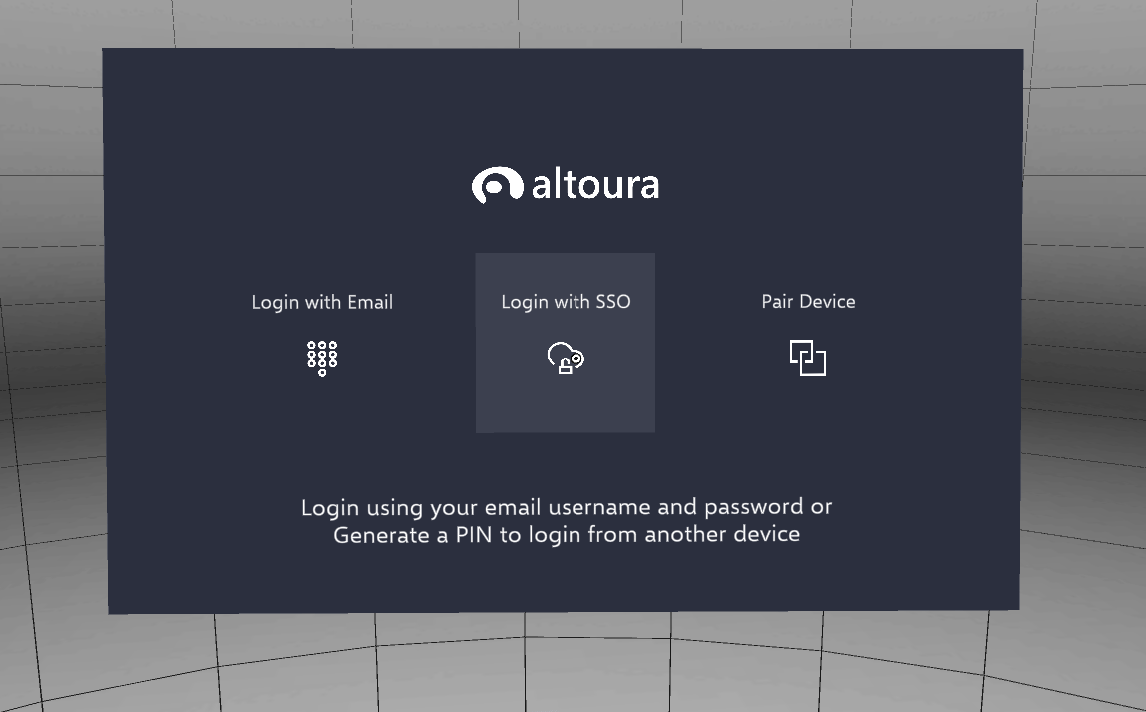
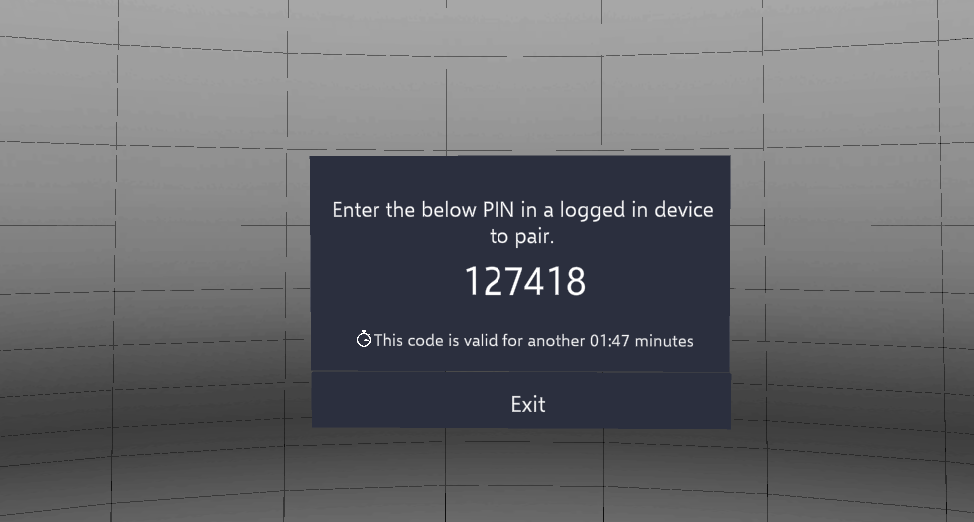
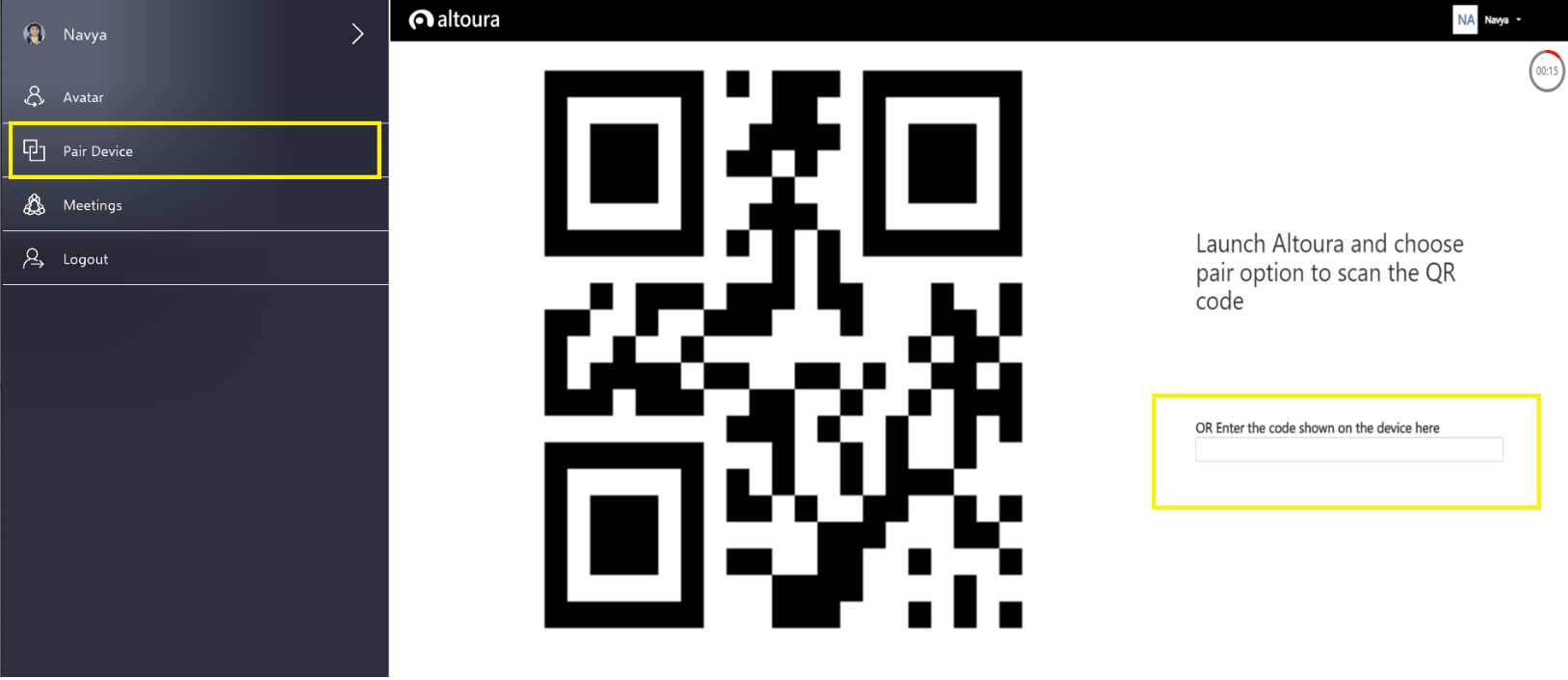
Open a logged in Smartphone
- Select the Pair Device option from the User Menu.
- Enter the PIN from your Head Mounted Device.
- Your device is paired successfully.
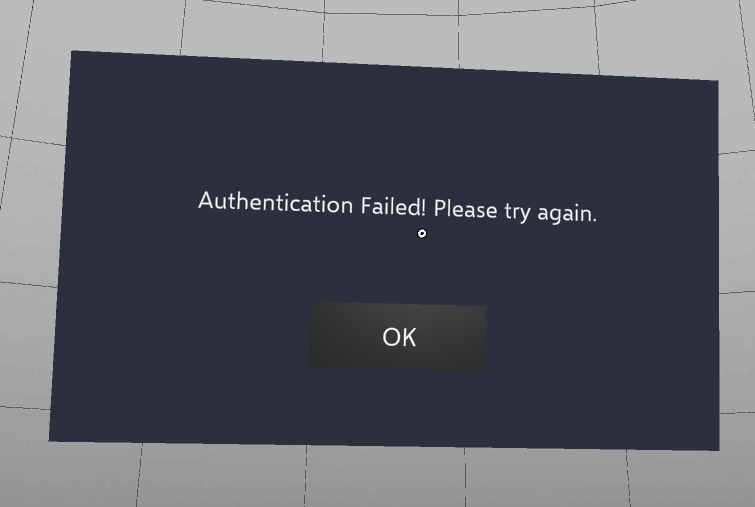
- Tap retry to enter the correct PIN.