Adding an Object
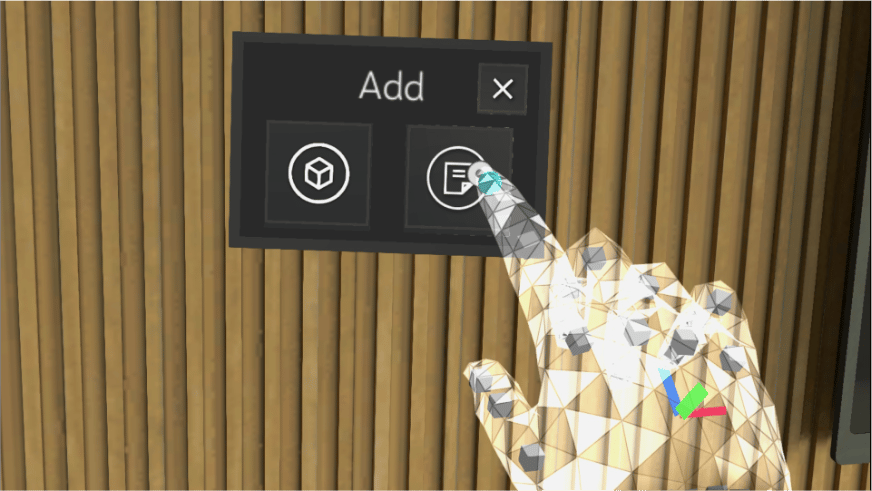
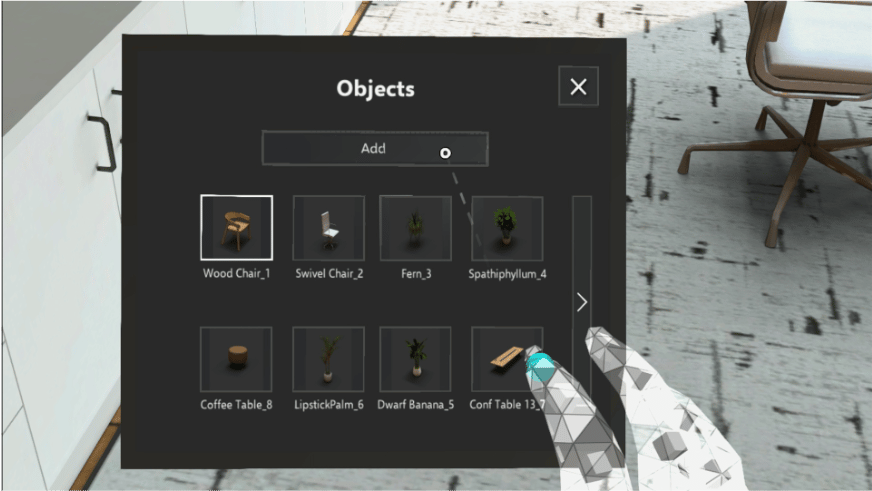
Air tap and hold on the floor to add an Object. When the hold is complete, the Add Menu will appear.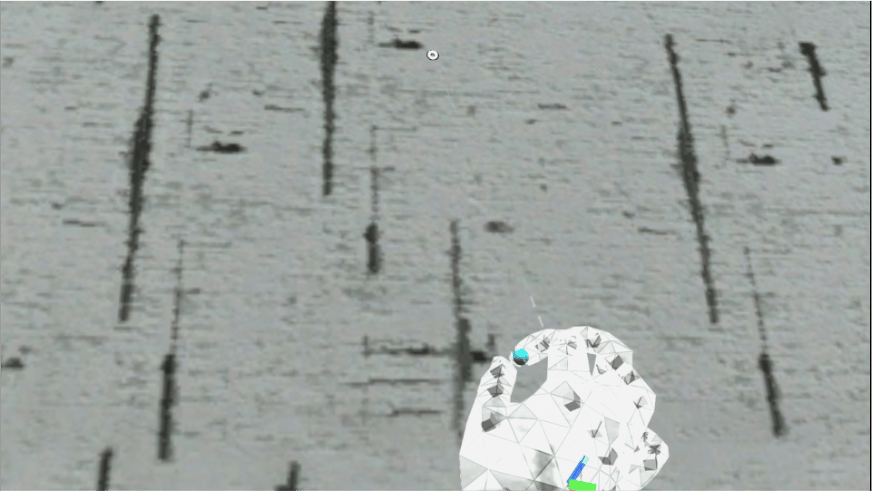
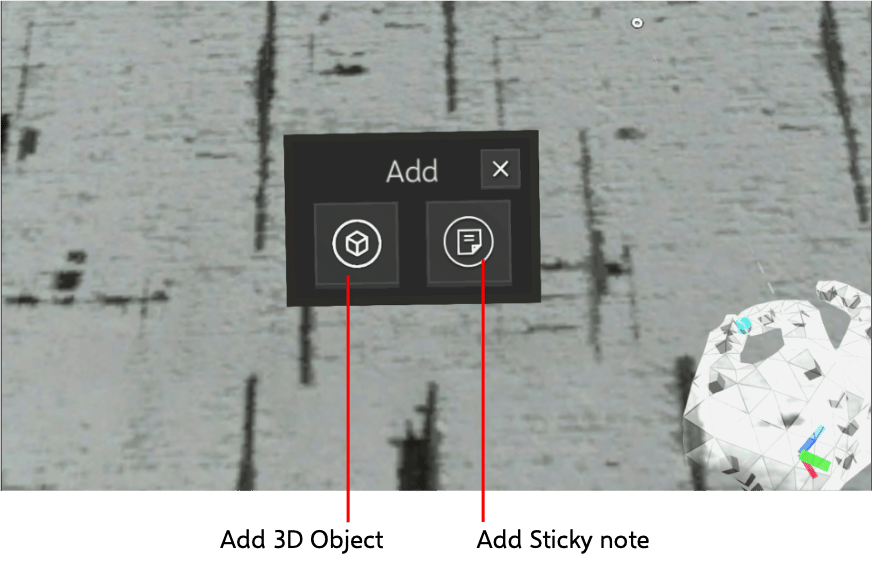
Adding a 3D Object
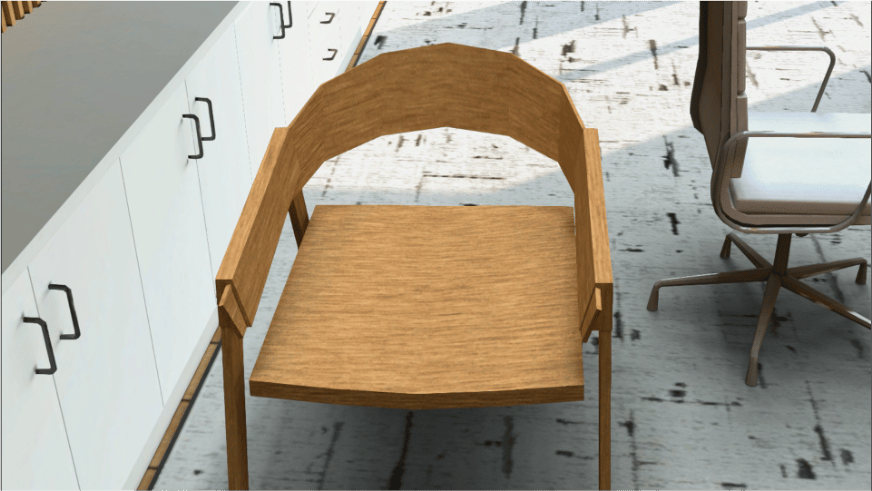
Tap on 3D Object Icon.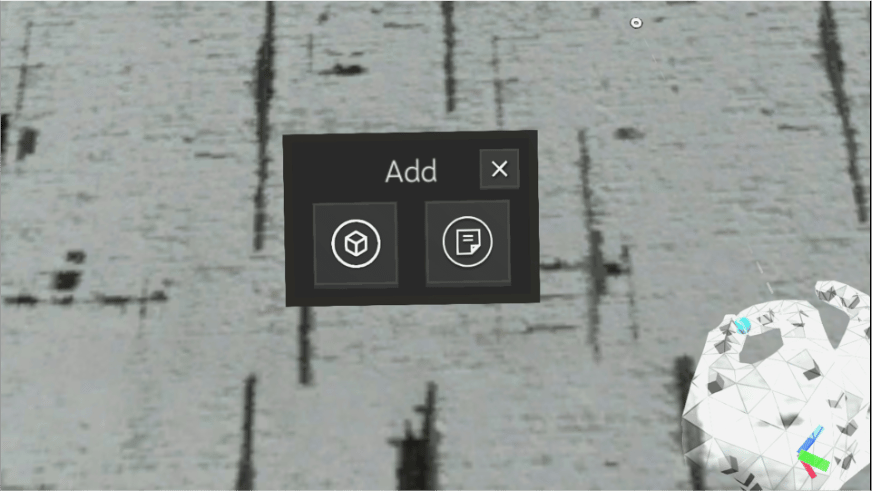
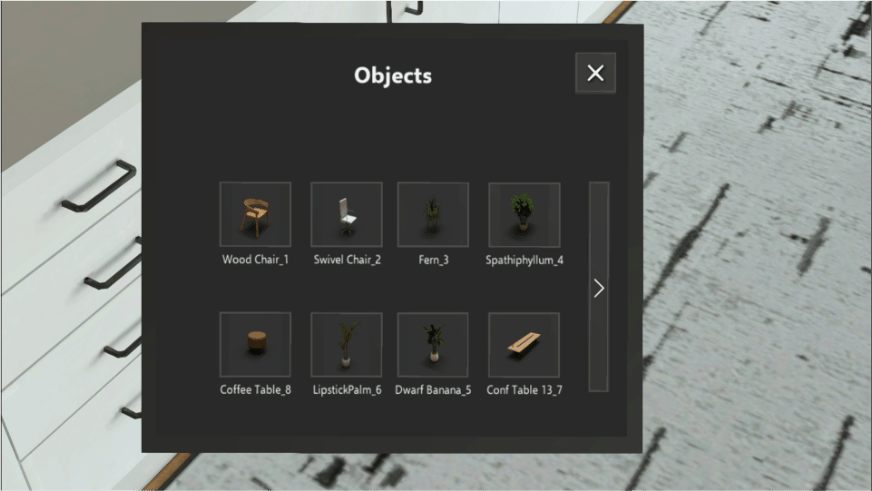
Interacting with Objects
Grab and move distant 3D Objects by pinching while the hand-ray is cast.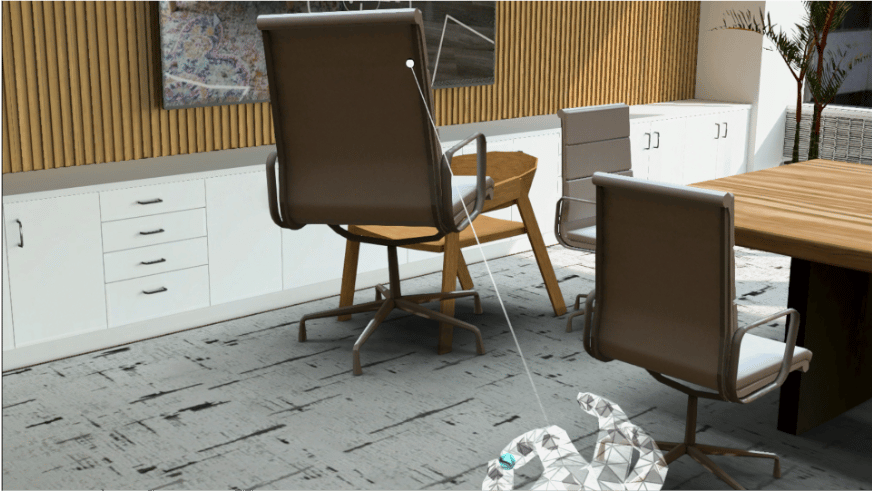
Edit an Object
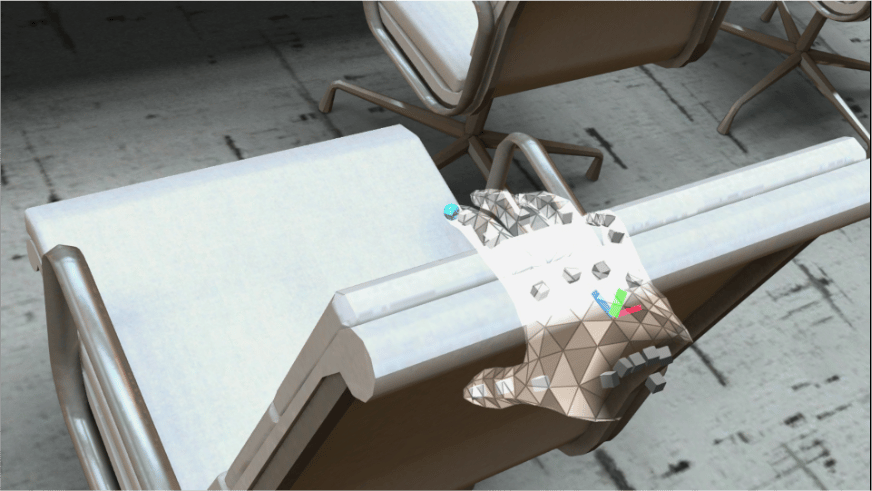
Single tap on a 3D Object to bring up the Edit Menu.Adding a Sticky Note
Tap on Sticky Note Icon.