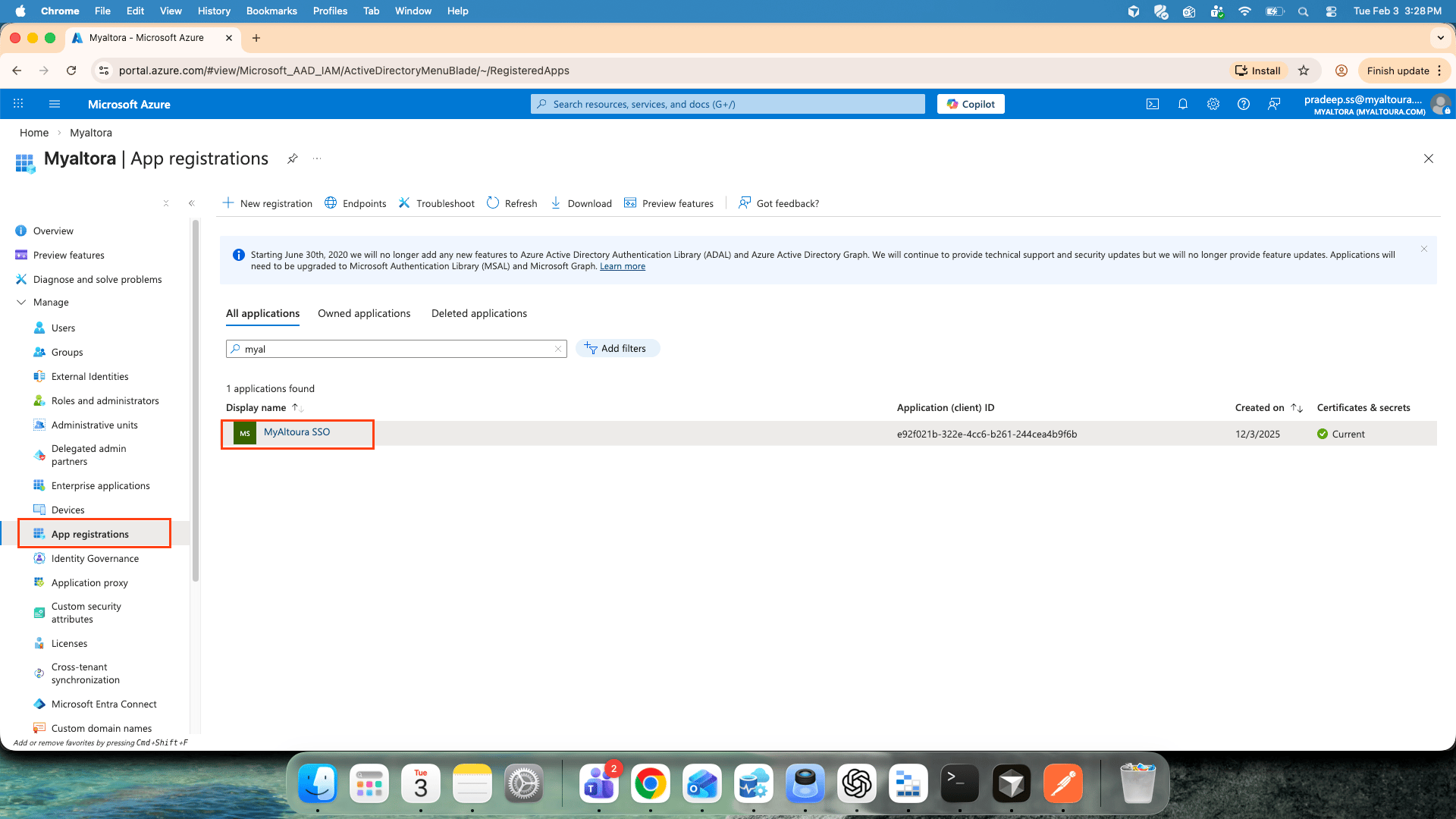
1.Go to Microsoft entraID and click on app registration and click on your app
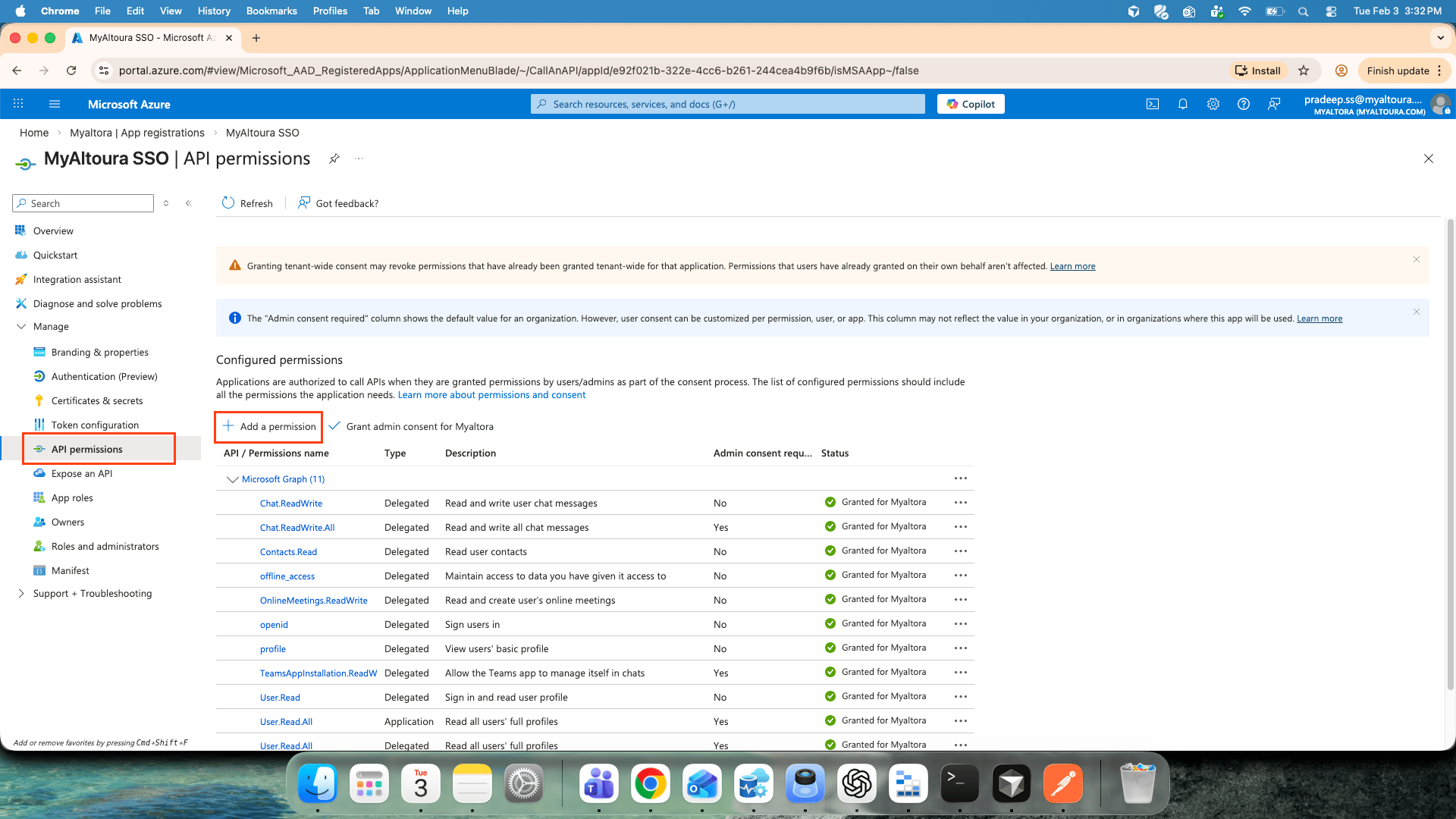
2.Click on API permission and click on add permission
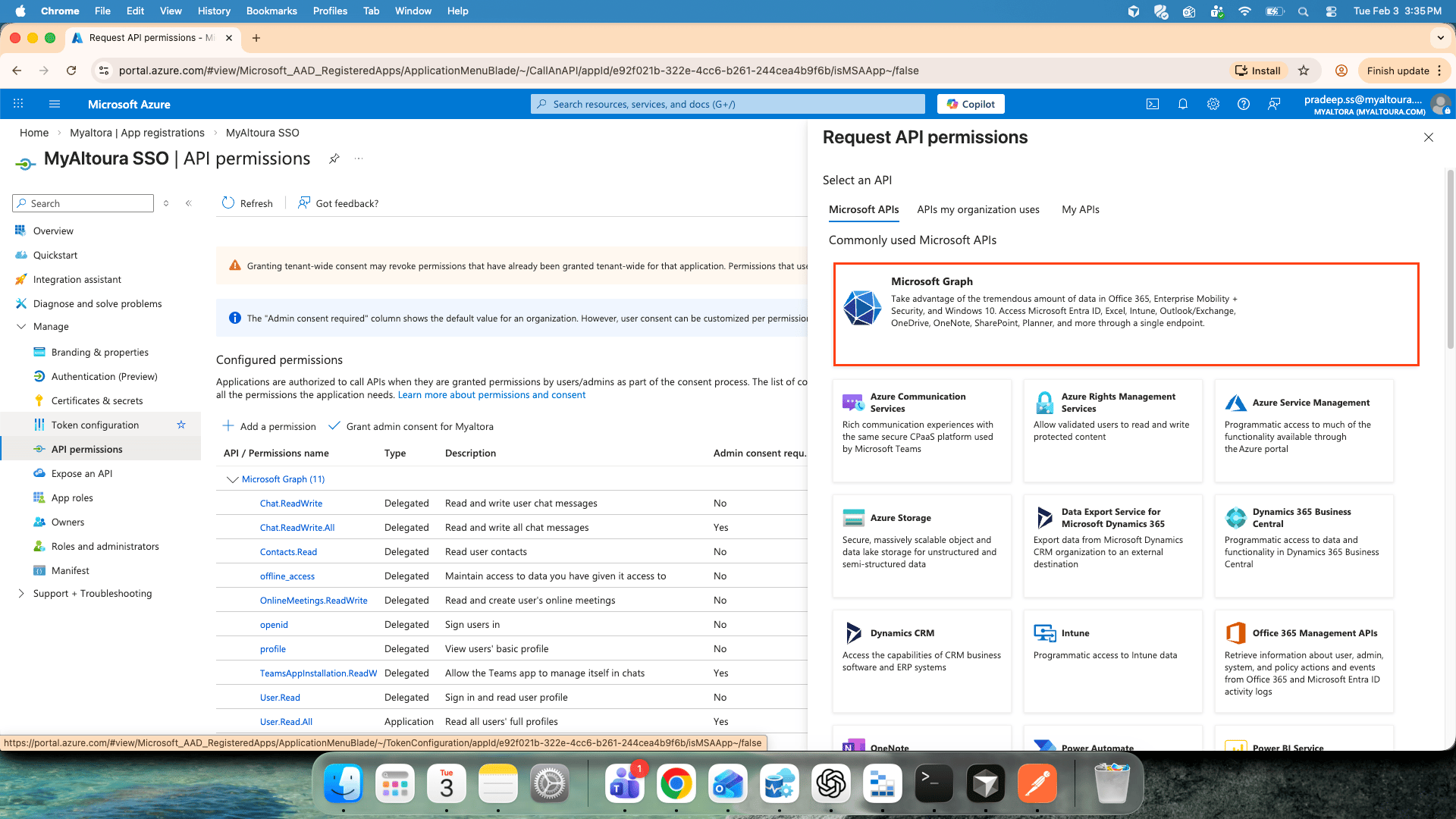
3.Click on Microsoft graph
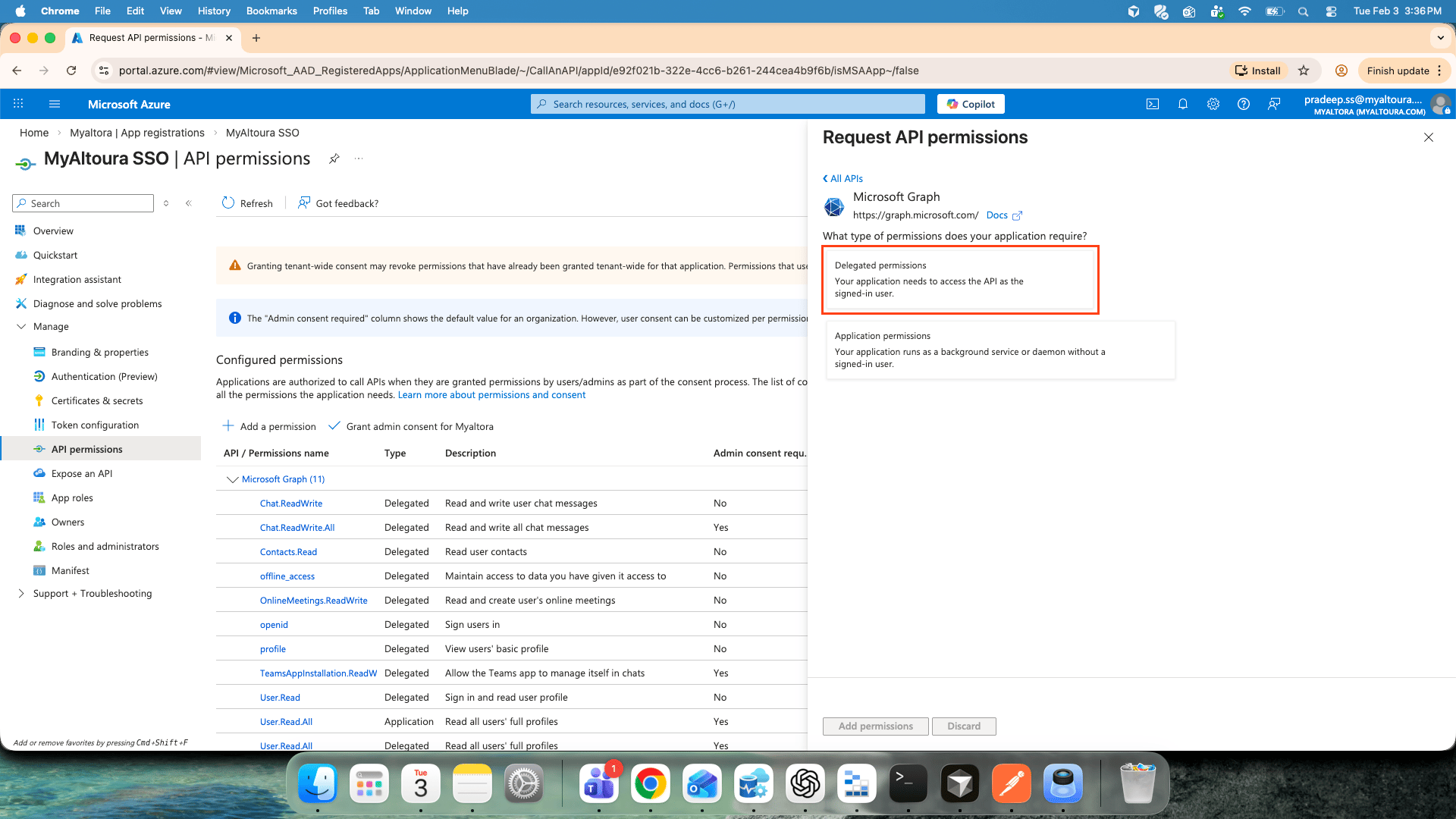
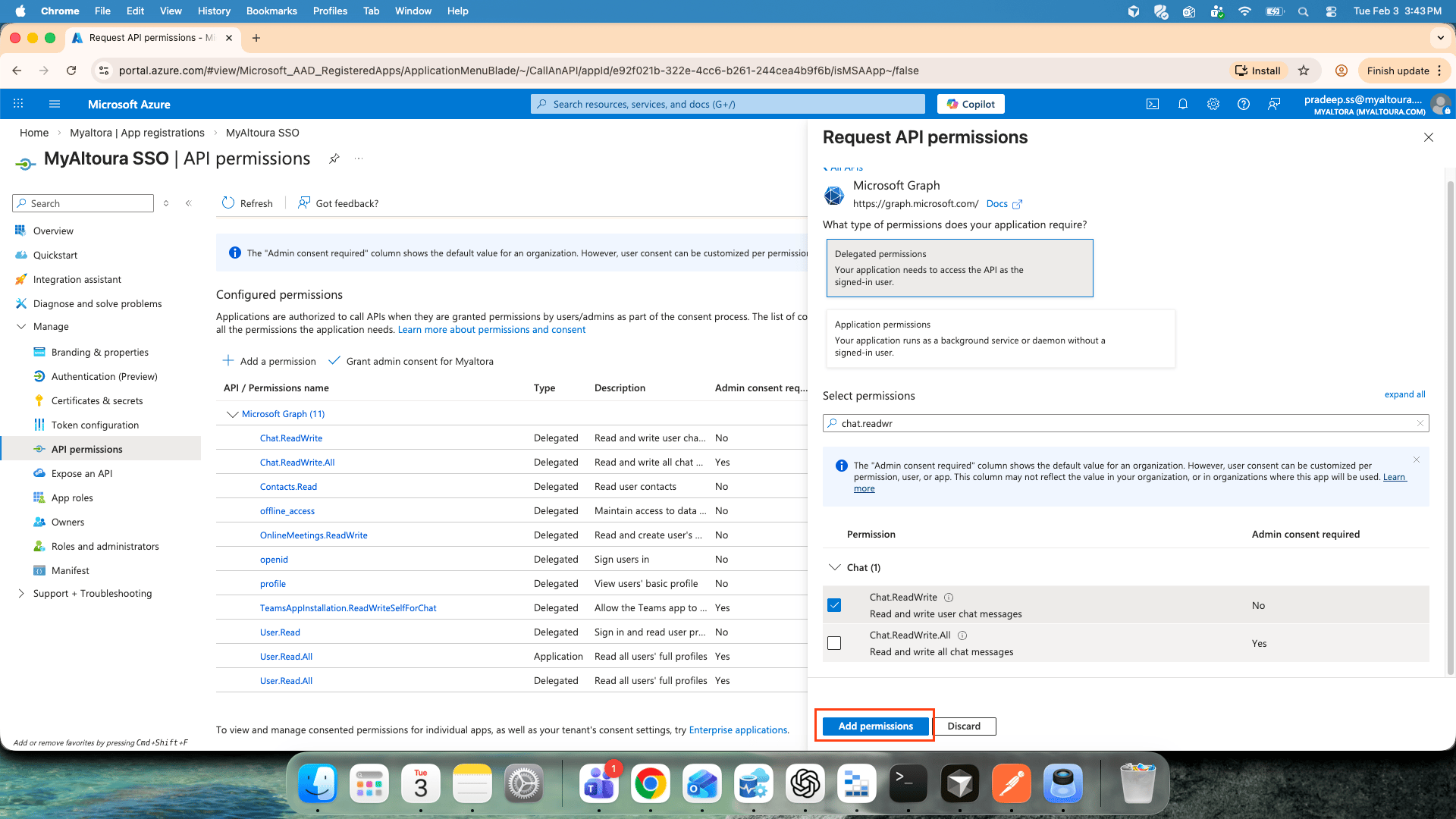
4.Click on delegated permissions , Search the required permission in the search box and select those permissions from the below list. required permissions are: Chat.ReadWrite\
Chat.ReadWrite.AllContacts.Read
offline_access
OnlineMeetings.ReadWrite
openid,
profile
TeamsAppInstallation.ReadWriteSelfForChat
User.Read
User.Read.All
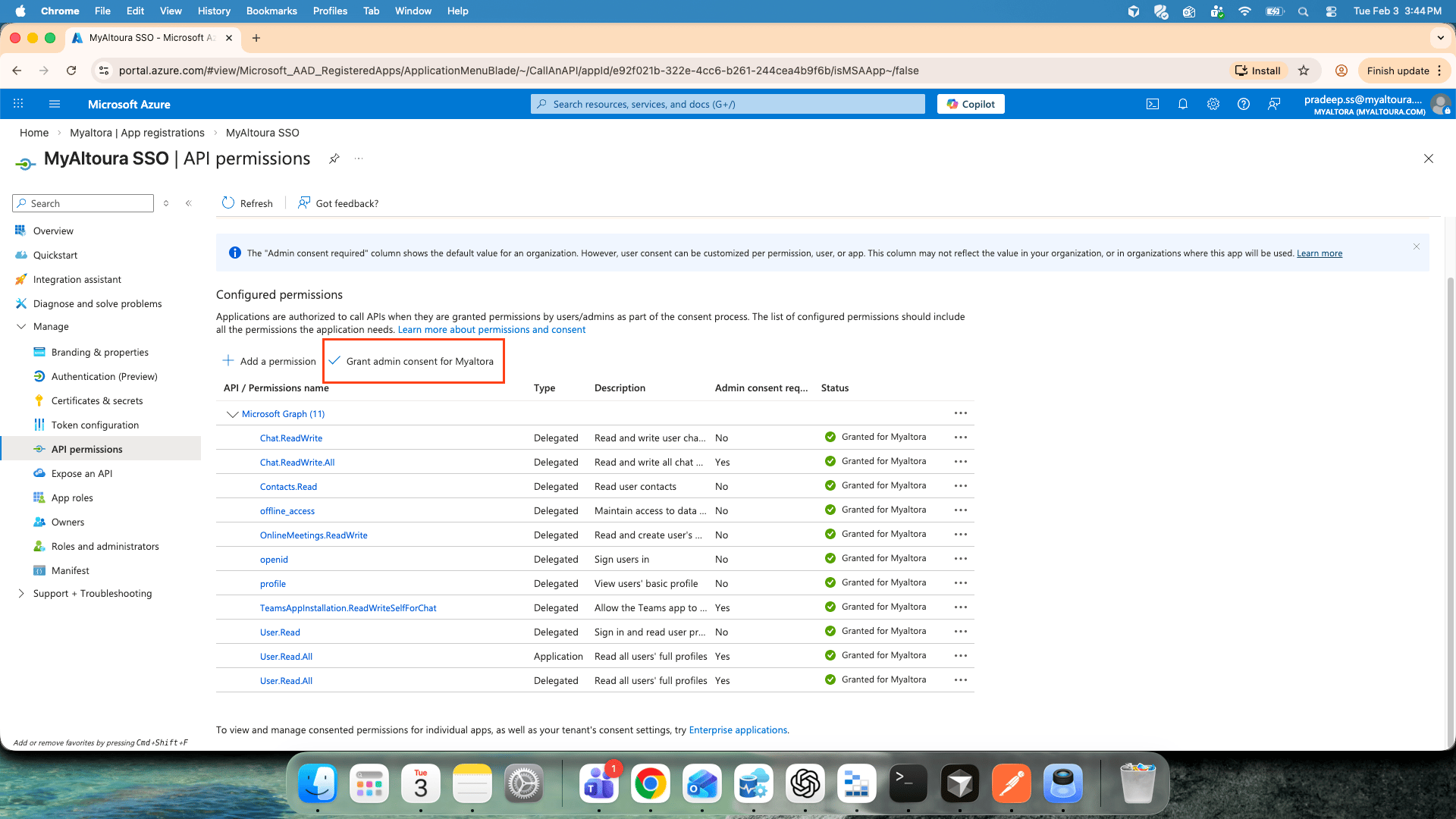
5.Click on Add permissions after selecting all the permissions
6.Click on Grant admin consent for <Your app>