

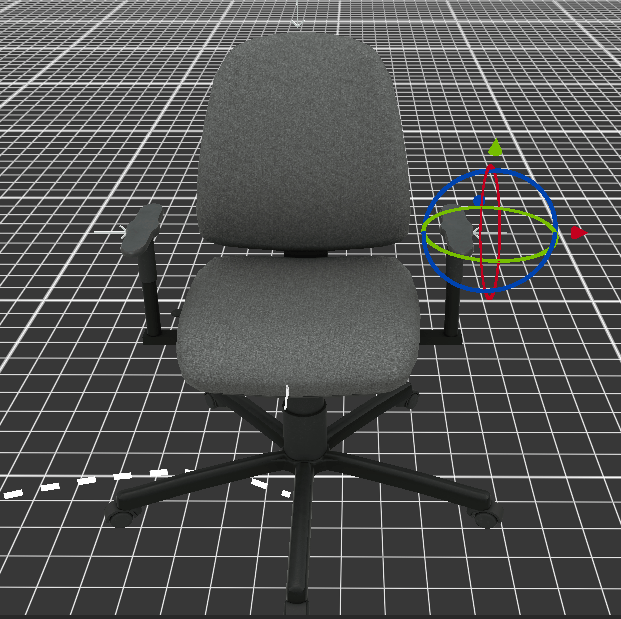
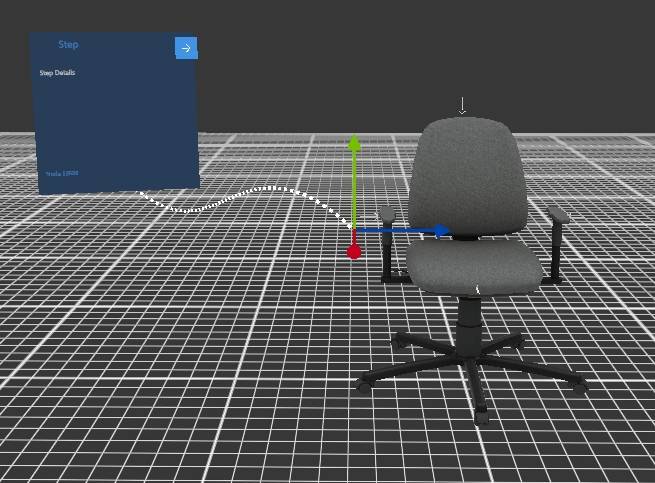
3D objects attached to the node can be transformed using the Gizmo. To enable the Gizmo, either long press on the object or right-click on it. To change the object’s rotation, click and drag the axes of the wireframe sphere Gizmo that appears around it. The object’s position can be adjusted using the arrows.