Empty Objects
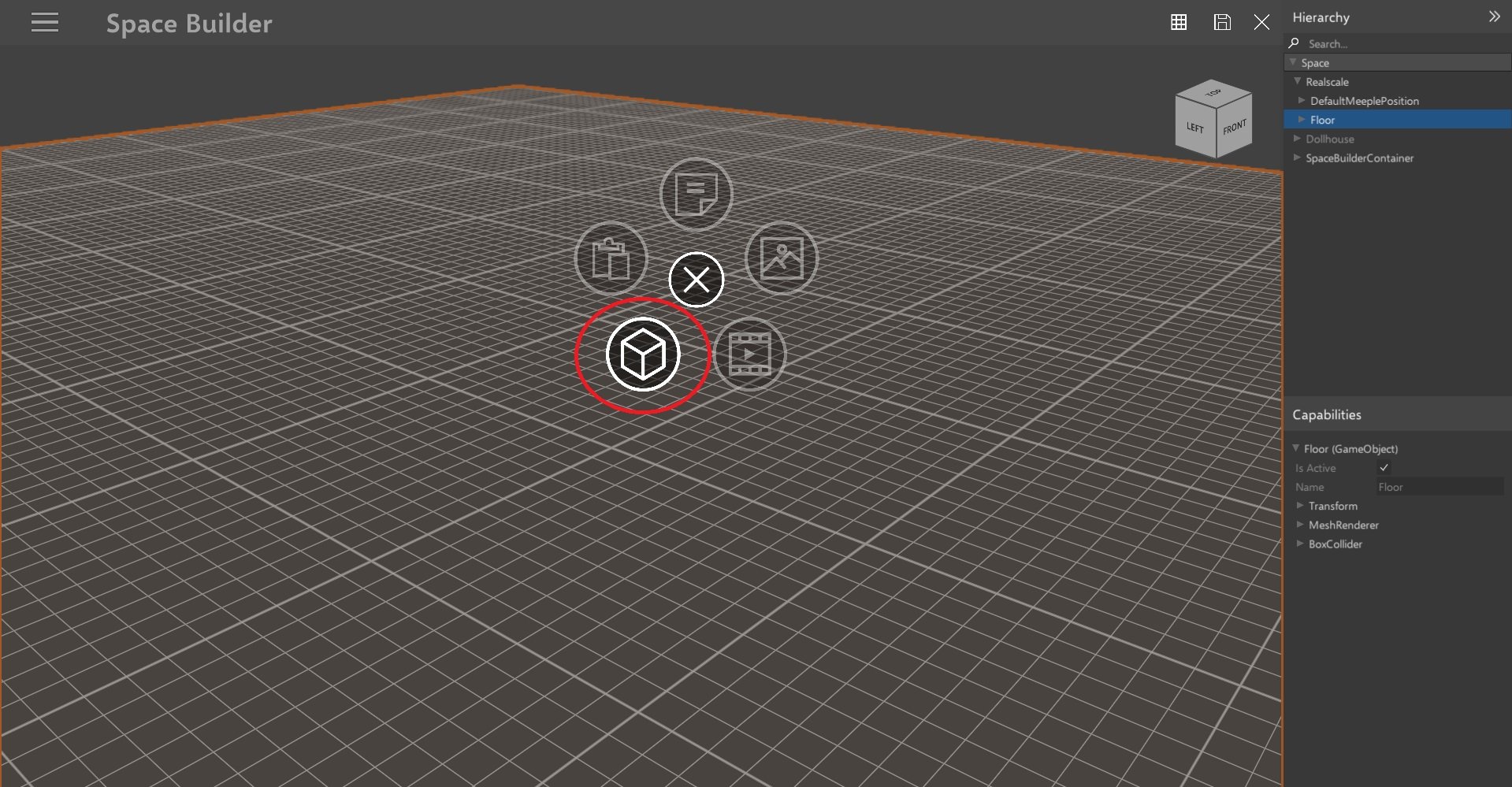
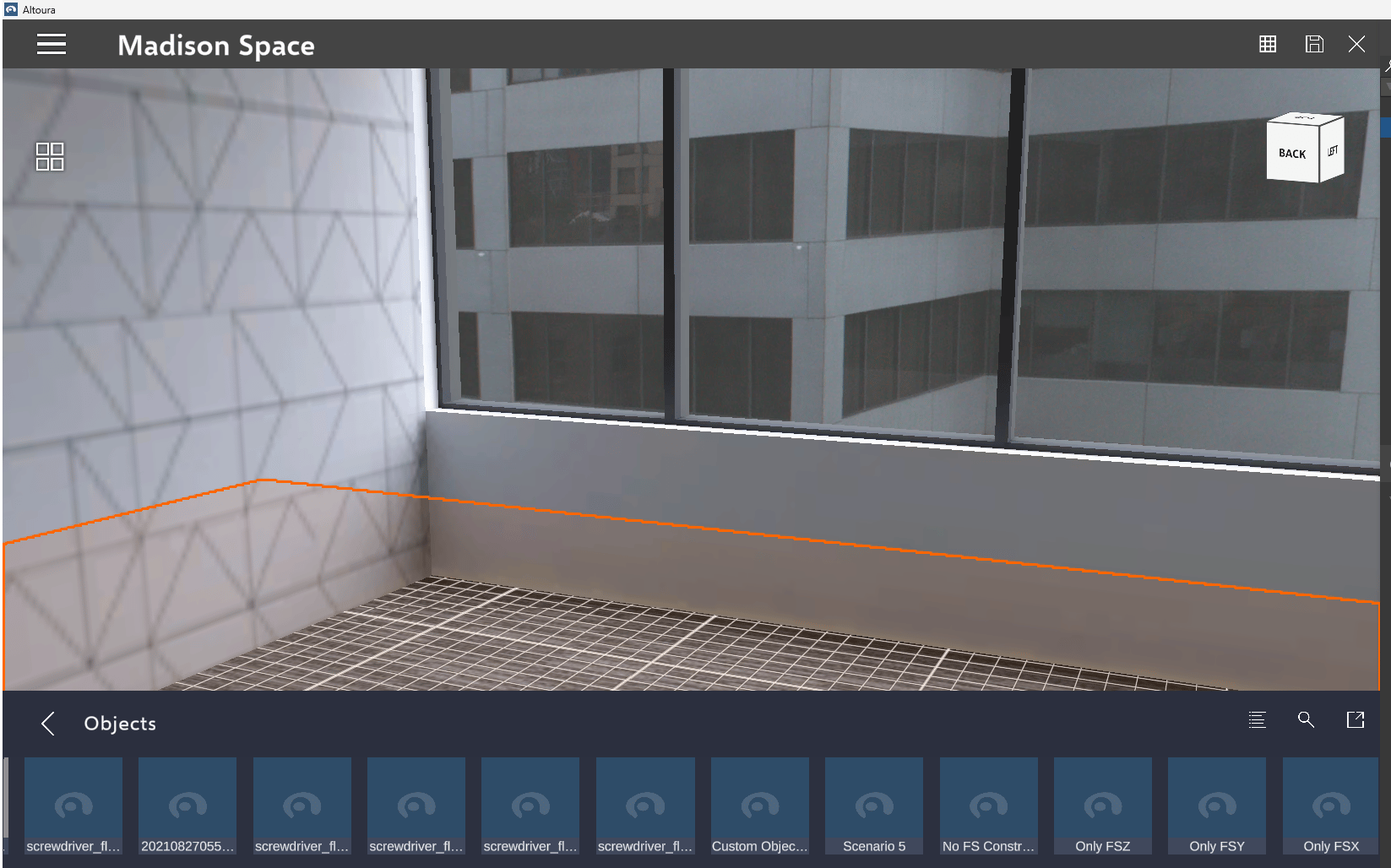
Empty Objects are Objects in the scene with just positional and rotation values attached to them. These objects can be used in an Experience for a Snap To Position, Panel Position, Move Object Destination, and more. You can also add a collider to an Empty Object to use for a Success Collider in an Experience. To add an Empty Object in your Space with the Space Builder, add an Object and search for ‘Empty Object’ with the search bar. This object is present by default in every Object library. User has the ability to hide/unhide empty object in the builder. Use shortcut key Ctrl + H to hide/unhide empty objectFocus object with key ‘F’
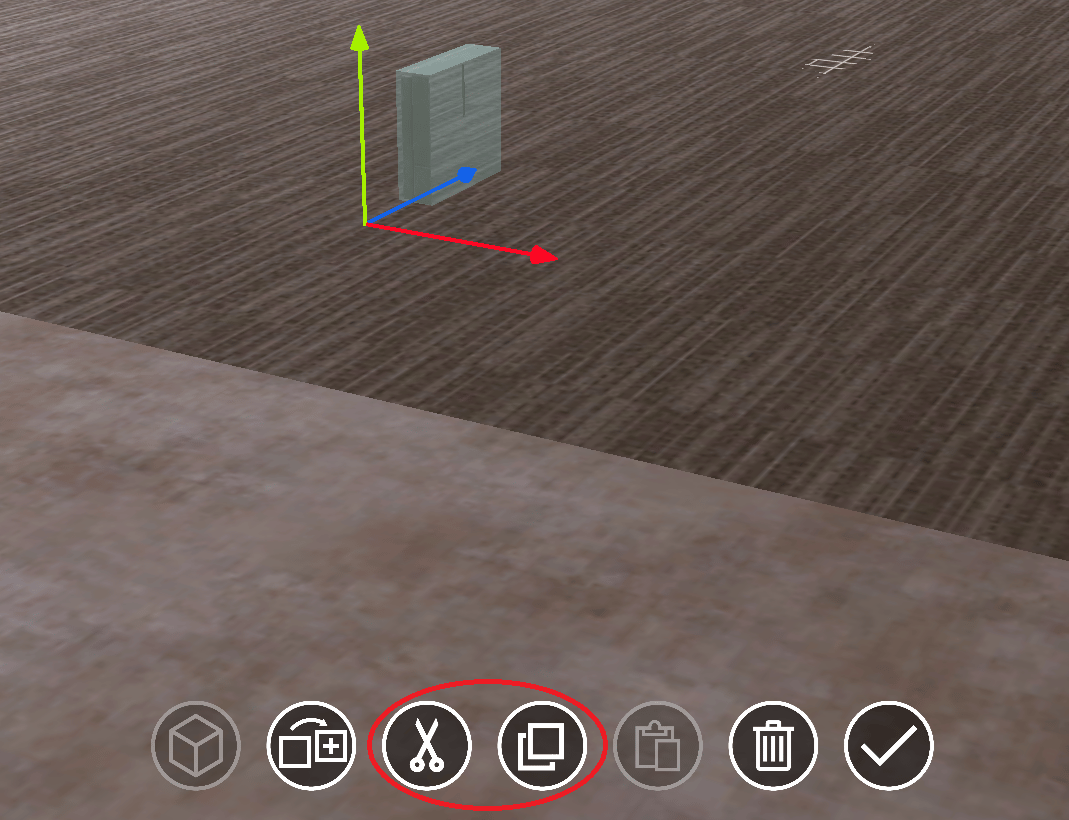
When not focused on any object in the scene, simply select the object from the hierarchy and press the ‘F’ key to easily focus on it. Users have the option to select an object/mesh renderer/any child or parent object and then utilize the “Copy” button associated with the object’s name. Subsequently, they can paste the copied object elsewhere within the interface.Duplicate the object
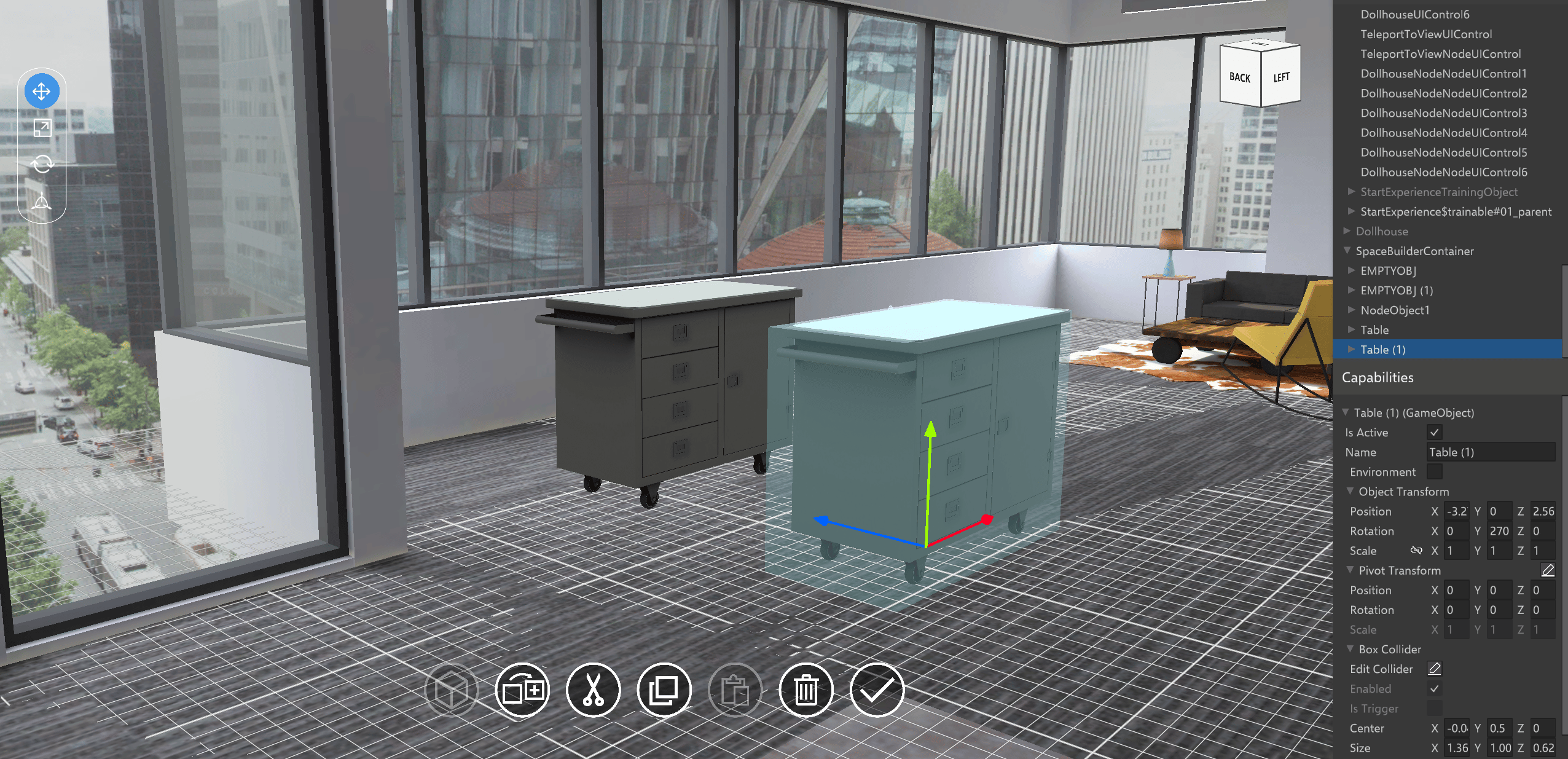
Upon a long press on any object, the user receives an option to duplicate it. Subsequently, as the duplicated object overlaps the original, the user can simply drag the pivot of the duplicated object to reposition it. While duplicating an object, the duplicate will inherit the original object’s transforms (object transform, pivot transform) and colliders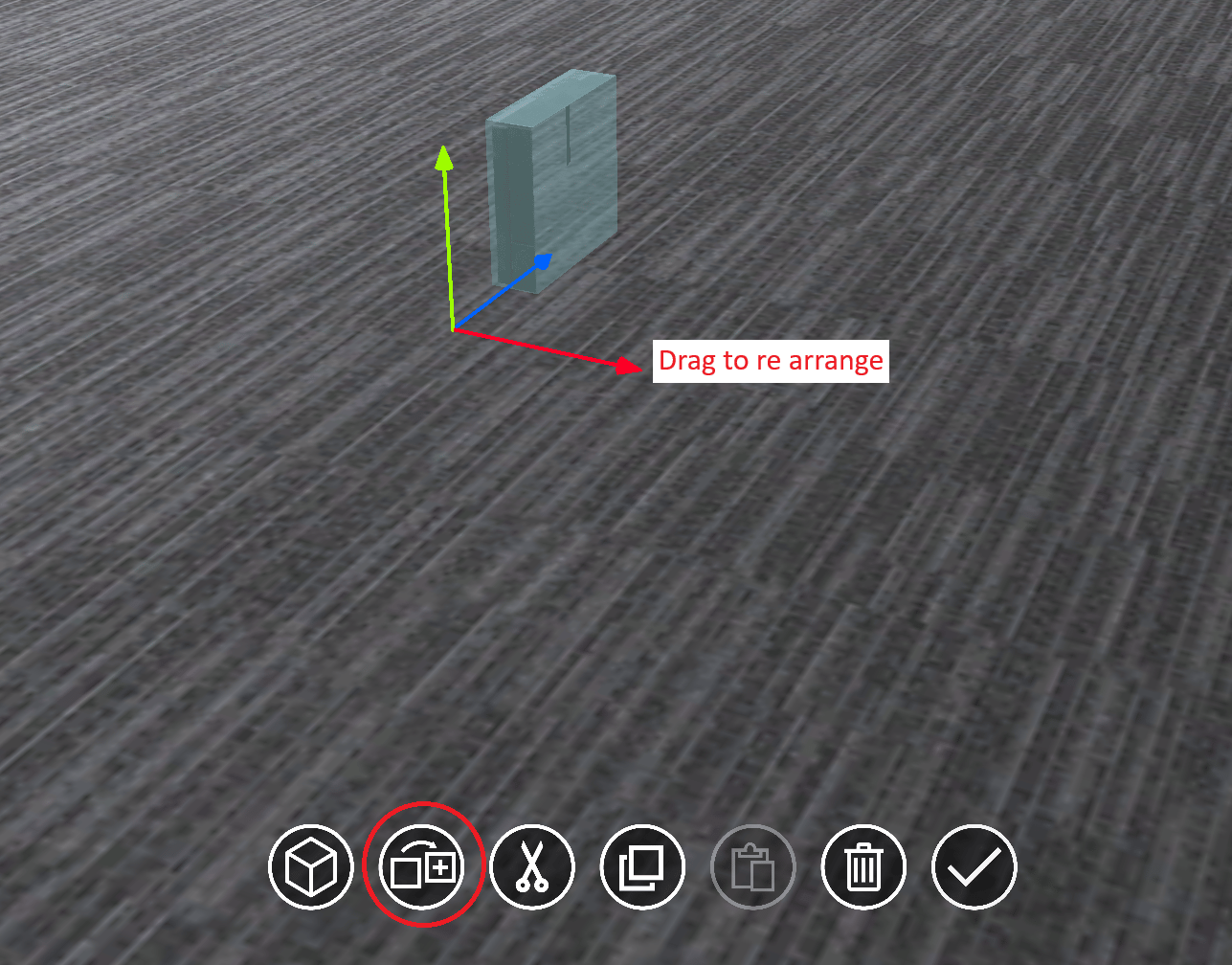
Copy/Cut-Paste Object
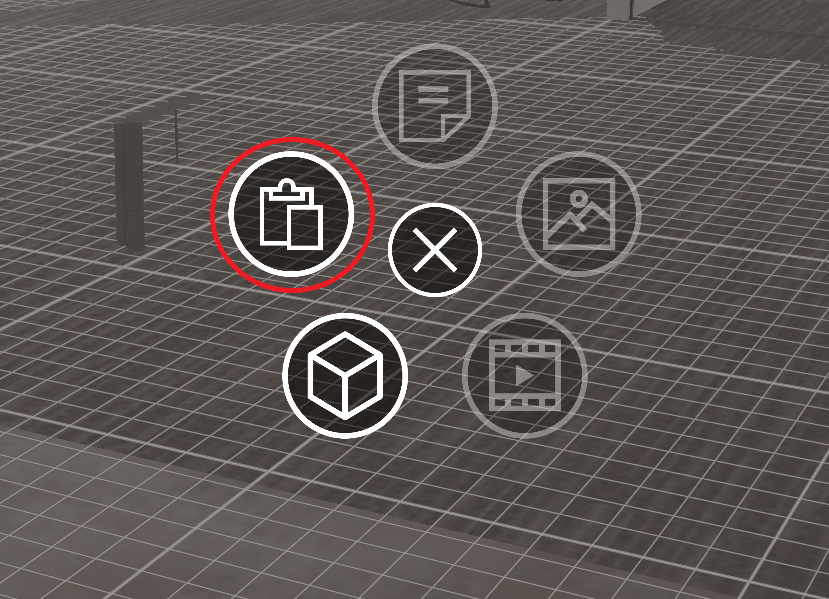
Delete Object
Users have the flexibility to delete objects either by selecting them from the hierarchy or by directly selecting them within the scene.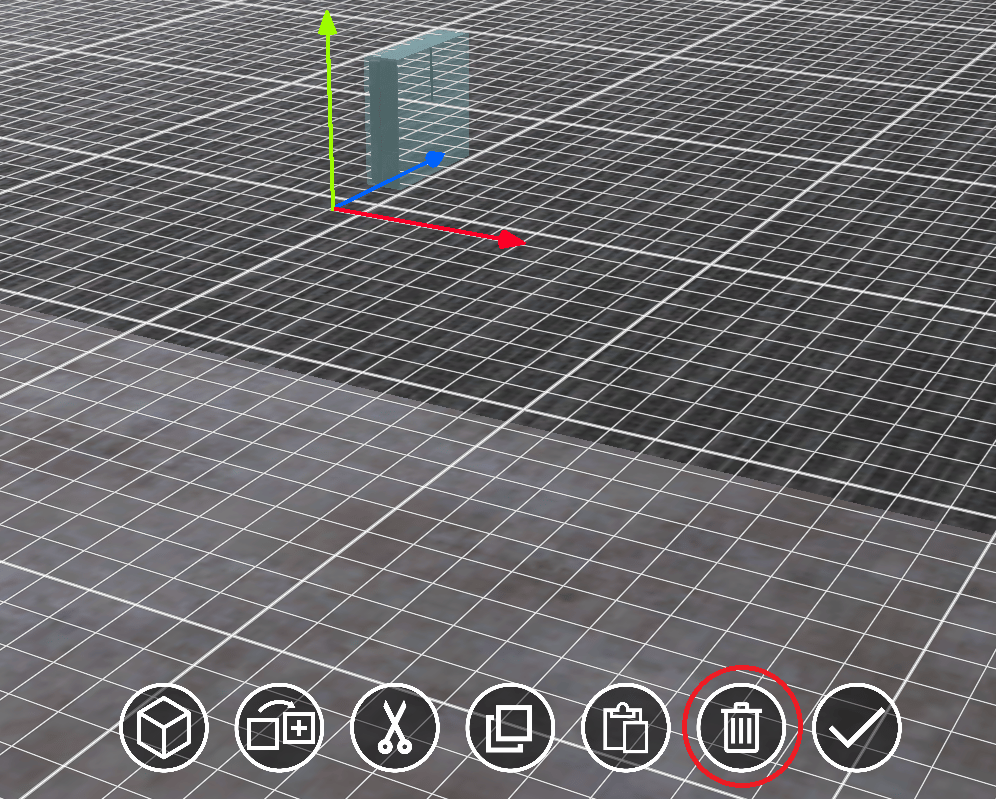
Object over Object
Users can add objects on top of existing ones, and the parent object should inherit the specified characteristics , you can refer here To add an object on top of another, choose an object from the hierarchy/scene, then select the ‘add object’ button.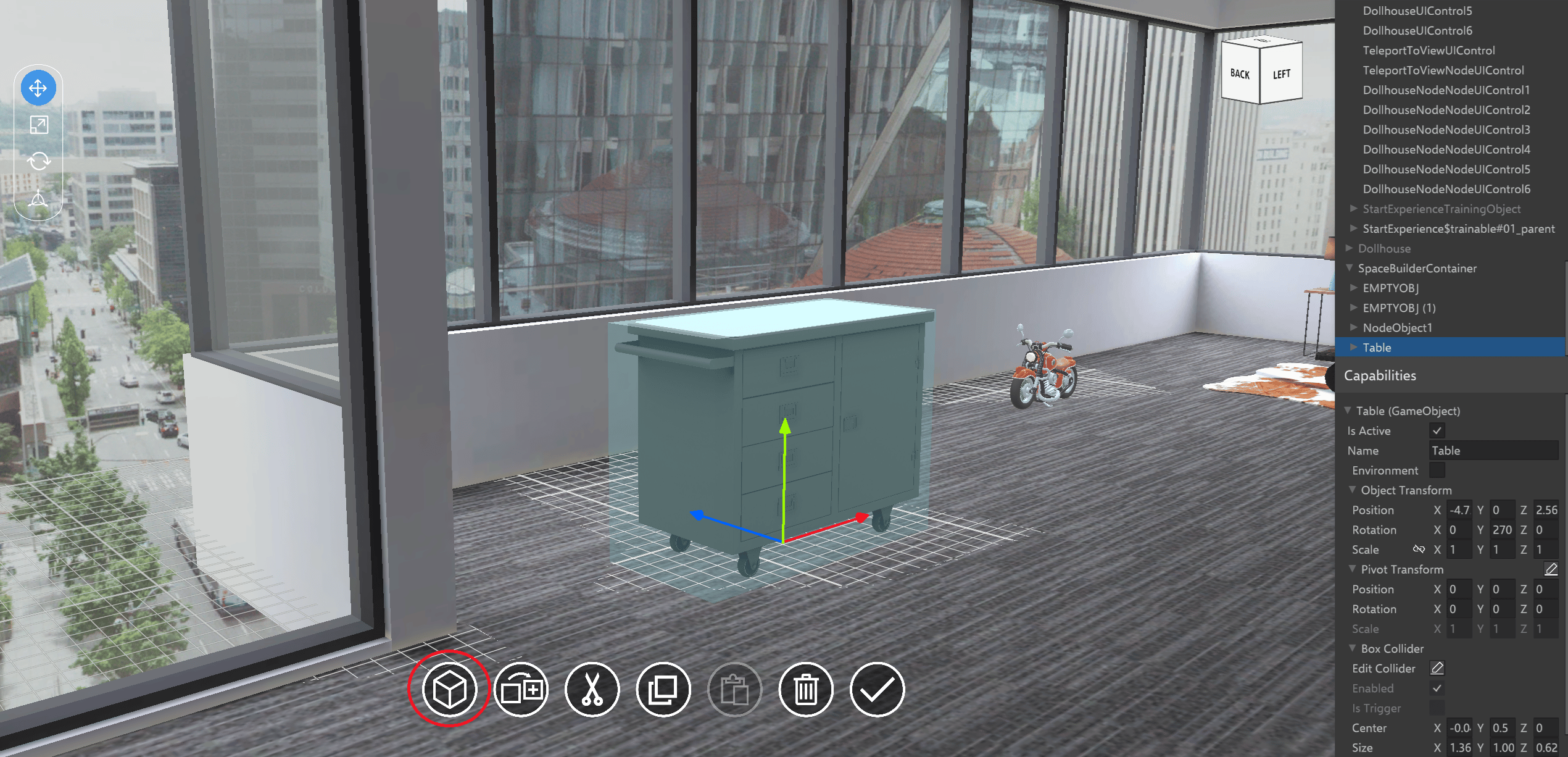
Unique naming of objects
Object can be brought into Space using the following options: a) Import Object from Library b) Copy existing Object c) Duplicate existing Object Whenever the same object name exists in the space, a suffix ” (#number)” is appended to the end of the object name. Eg : if Chair is being imported / copied / duplicated, the new Object created will be named Chair (1)