

Adding 3D Objects

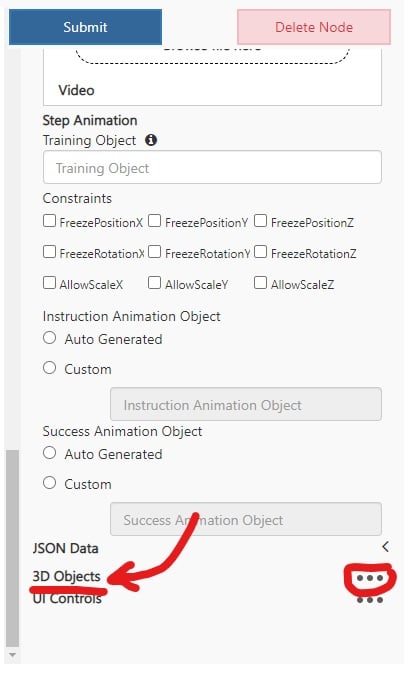
At the bottom of a node or connector there is an option to add an object from the object collection. 404 687 417
3D Object Customization

ReferenceObject – The name of a GameObject in the asset bundle with a Transform component. The position, rotation, and scale of this object is where the 3D object selected will display on this node in the experience.
  • The Transform Matrix below is an optional offset to the position, rotation, and scale of the ReferenceObject transform.
Uniqueness Suffix - A string appended to the name of the Object that will be used in identifying the Object from others when referencing it in the Experience.

Uniqueness Field

The Uniqueness Suffix field is only available when adding a 3D Object via the connector because the Object persists until referenced.
RotationW – The W value of quaternion rotation for objects ingested by a Guides integration. Not needed other than for Guides integration. isBillboard – Checkbox of whether the object should always face the user.