

Find a Scheduled Meeting
Open Remote Expert and select the Meetings tab. The Meetings tab lists your scheduled Microsoft Teams meetings. Each meeting card shows the meeting title and scheduled time.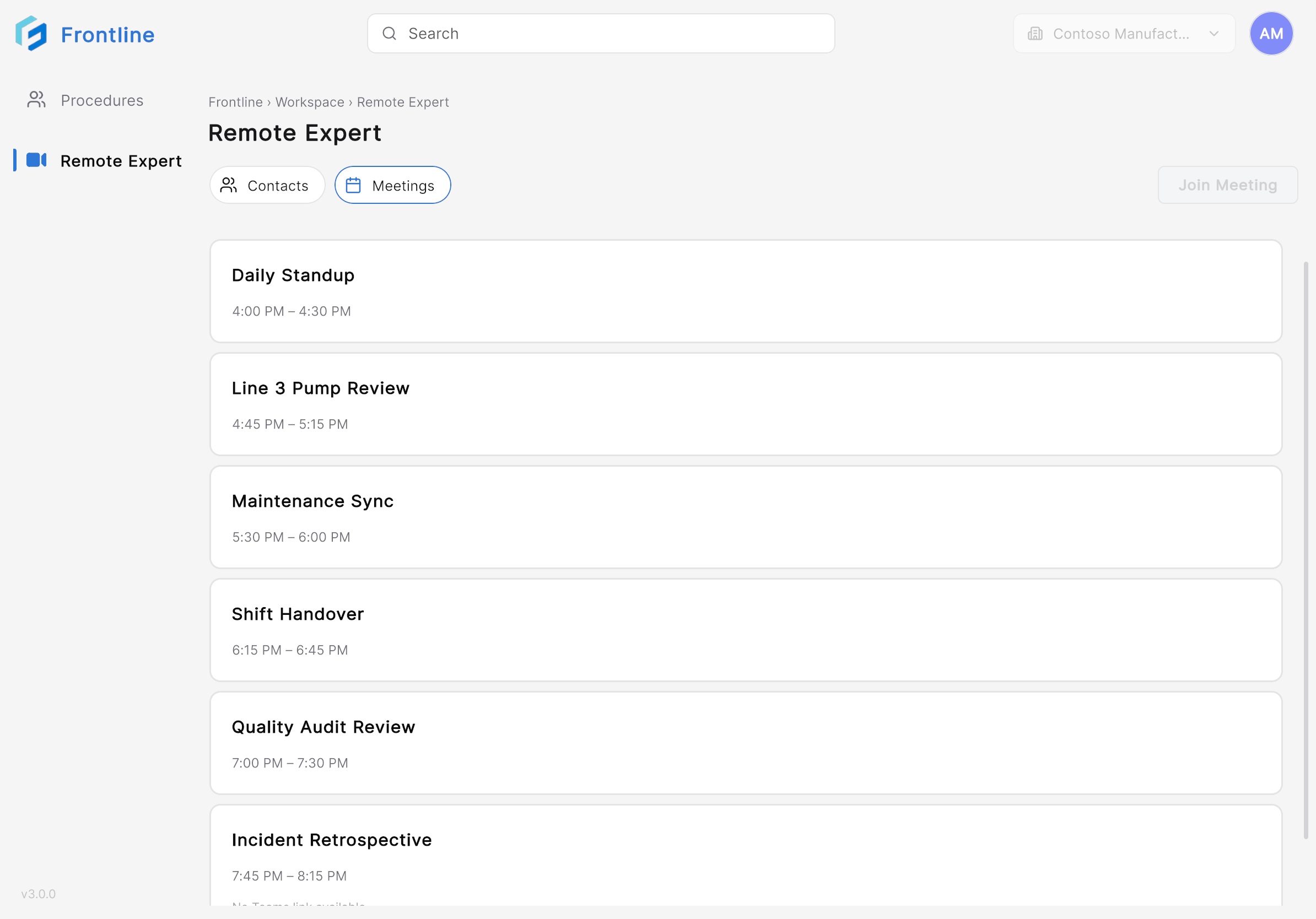
Join the Meeting
1
Select a meeting
Tap the meeting card for the meeting you want to join.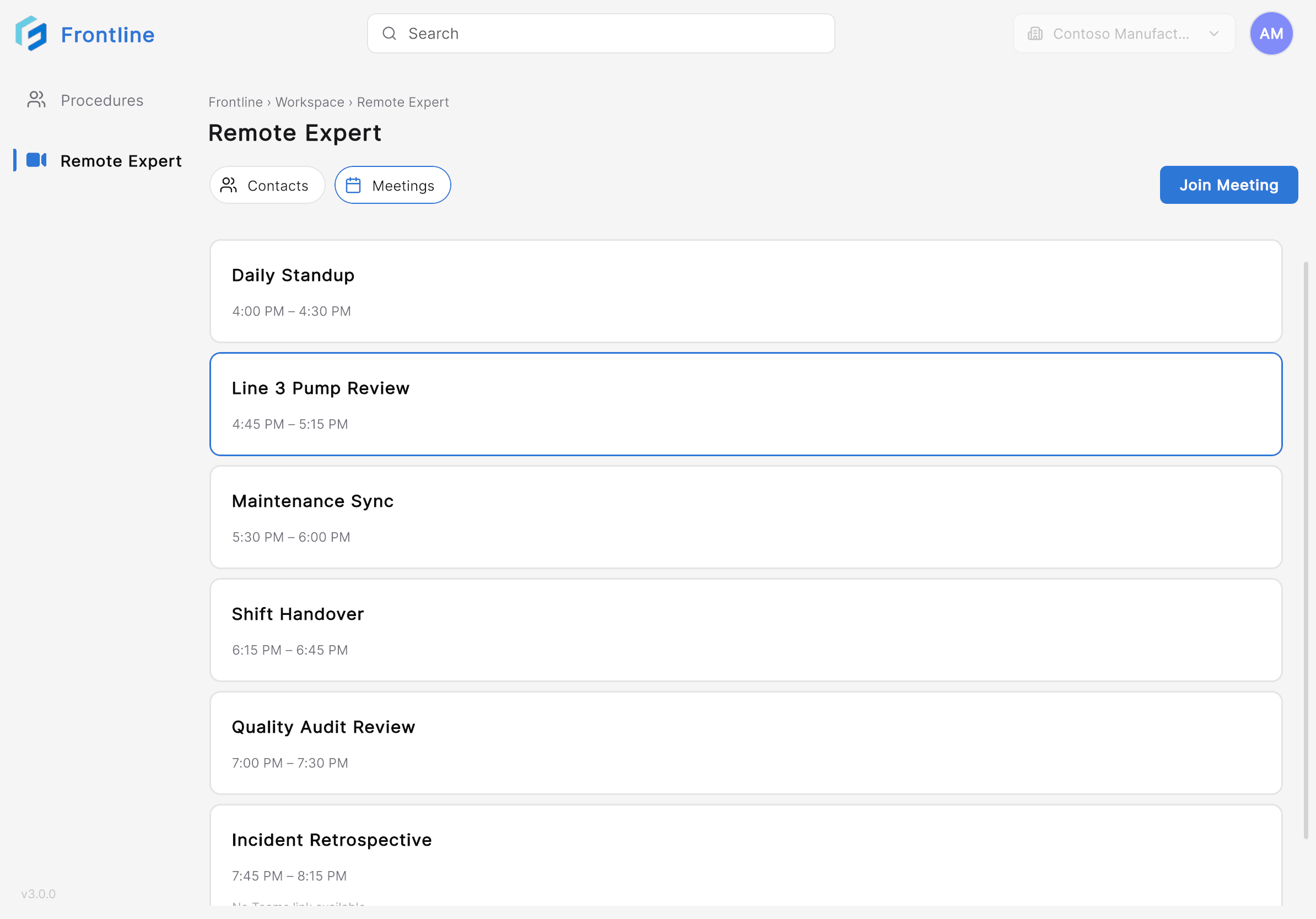
2
Tap Join Meeting
Tap Join Meeting. After joining, the Remote Expert session opens.
Next: Collaborate During a Remote Expert Session