

The Home Page
After you sign in, the application opens the Home page. From here you can select an organization, browse the procedures available to it, start a procedure, and manage application settings.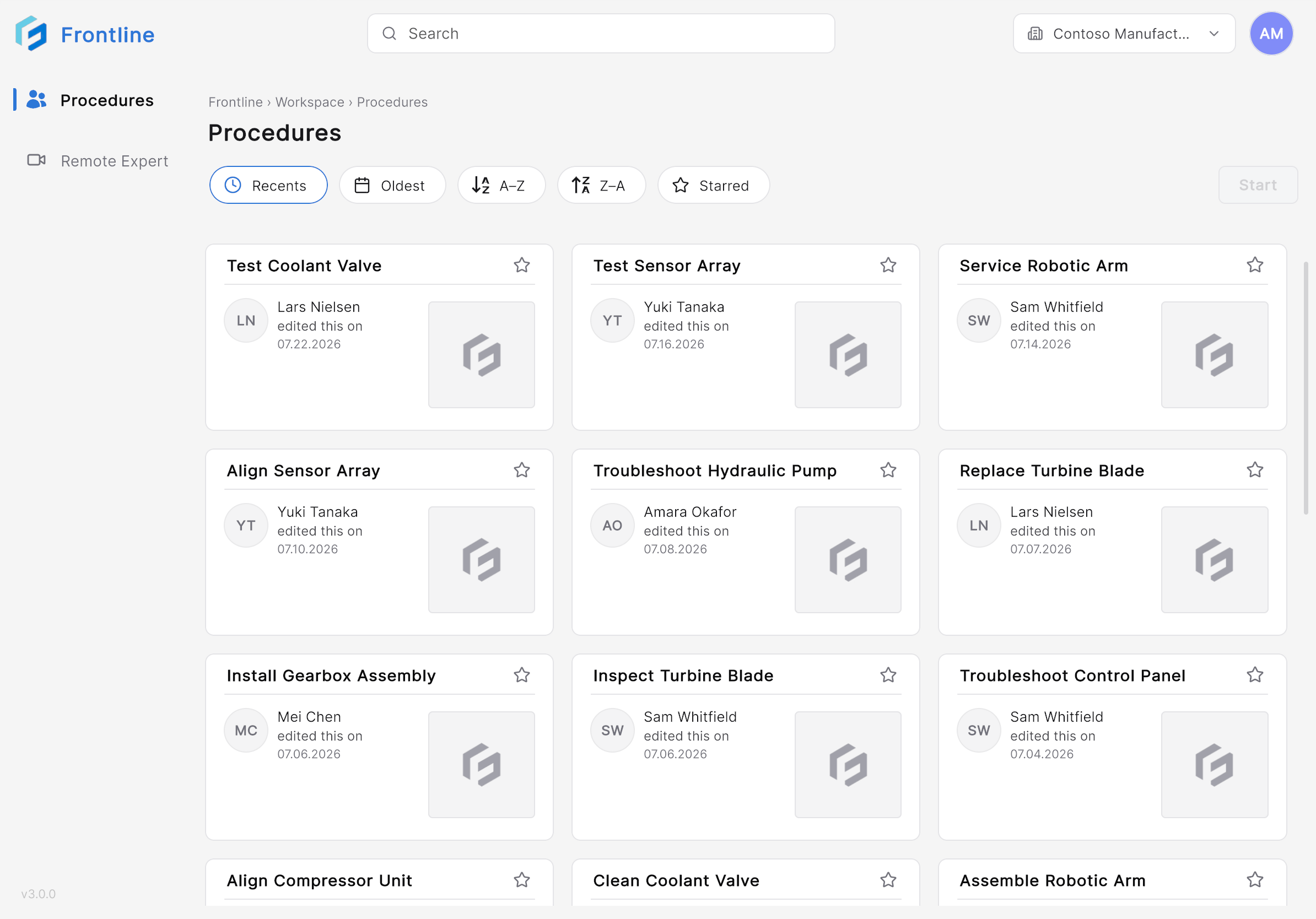
- Procedure name
- Last modified by
- Last modified date
- Favorite (star) status
Switch Organizations
If your account has access to multiple organizations, the organization you select determines which procedures appear on the Home page. Search, sorting, and favorites apply only to the currently selected organization.1
Open the Organization selector
Select the Organization selector at the top of the Home page.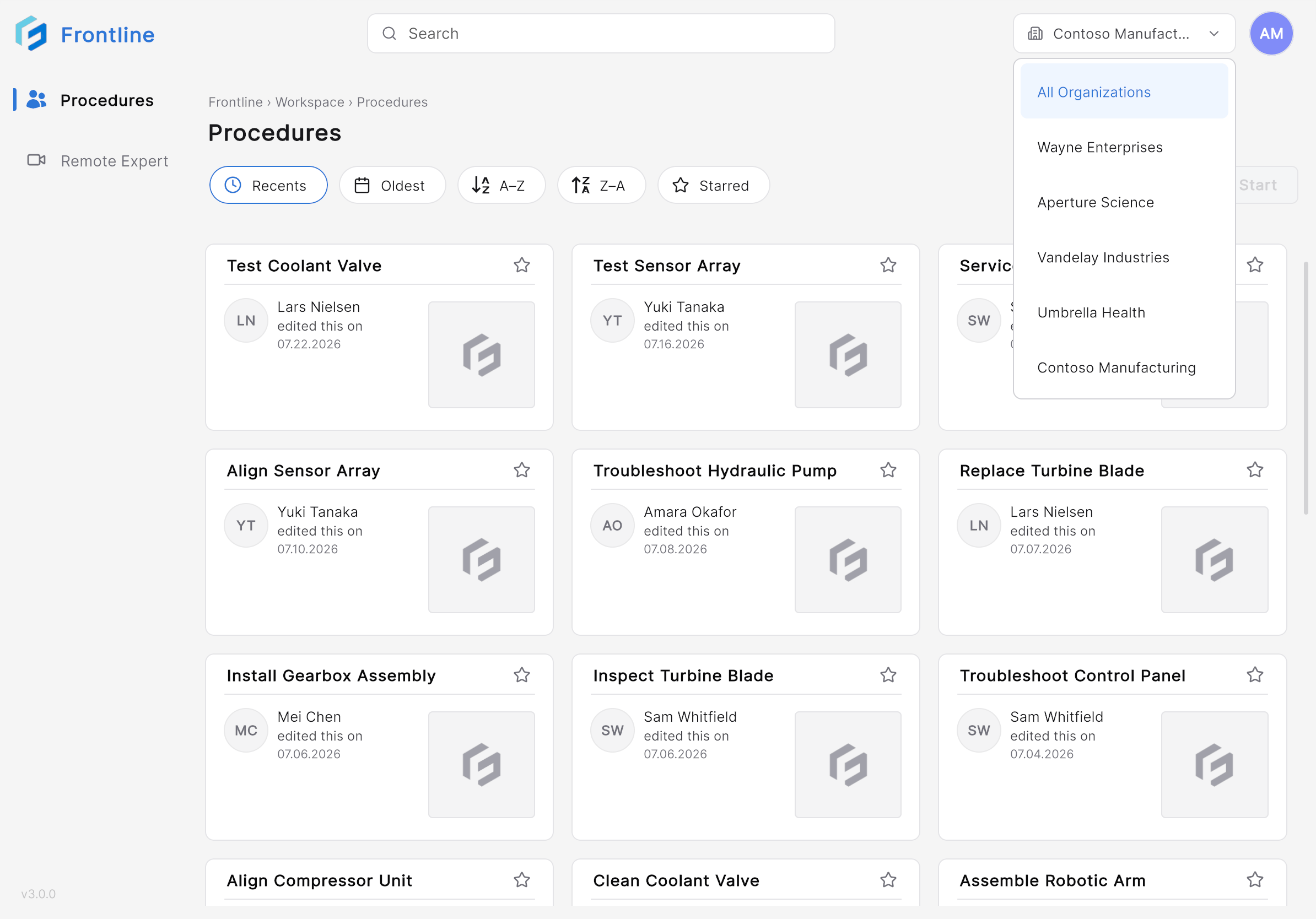
2
Choose an organization
Select the organization you want to work in. The procedure list refreshes to show that organization’s procedures.
Profile and Settings
Select the Profile icon to open your account menu.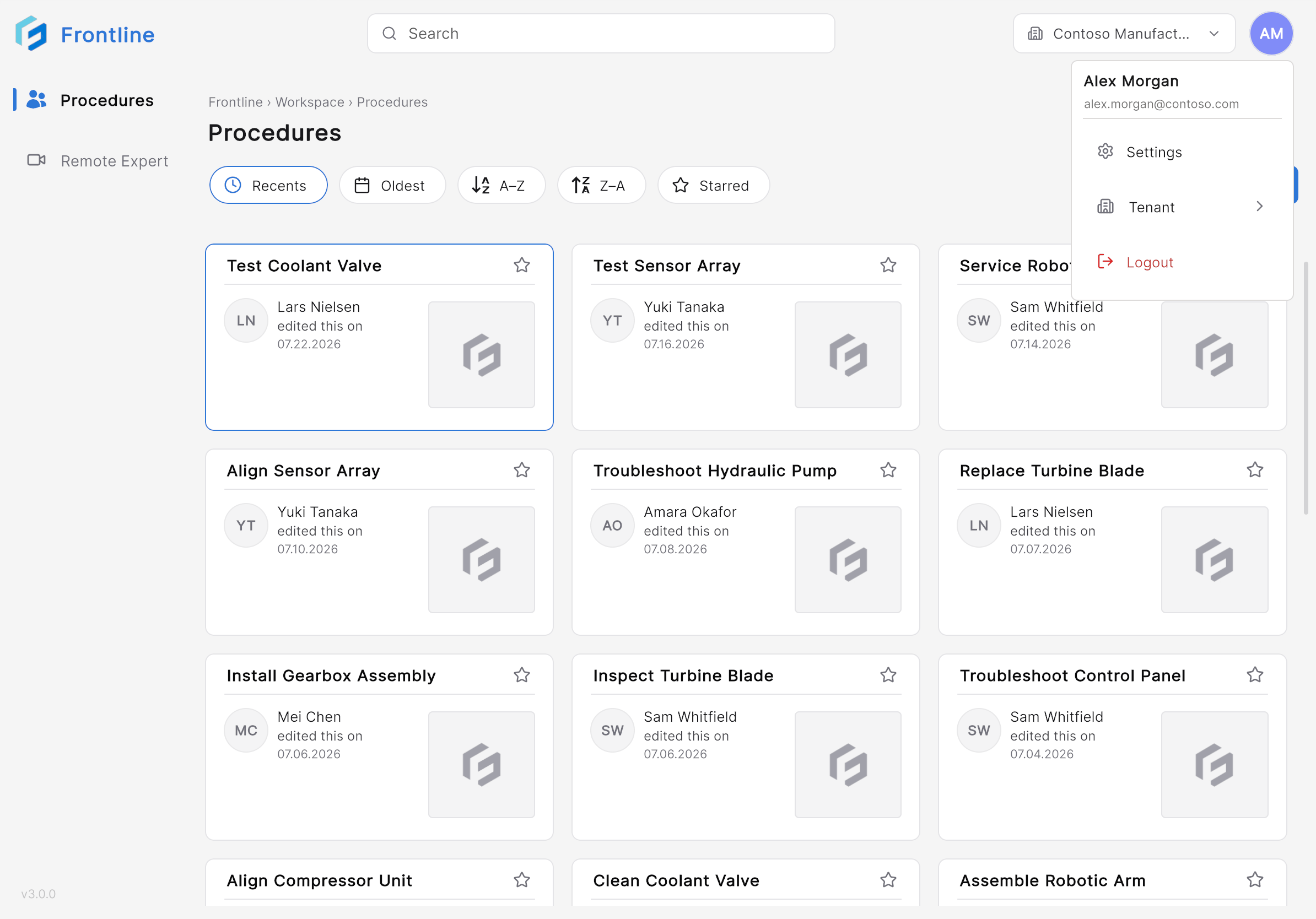
- View your account information.
- Access application settings.
- Configure QR code anchoring — see Settings.
- Sign out of the application.
Next: Find & Open a Procedure