

Signing In
Open the Dashboard URL in a web browser. If you are not already signed in, the Dashboard sends you to the Altoura sign-in page.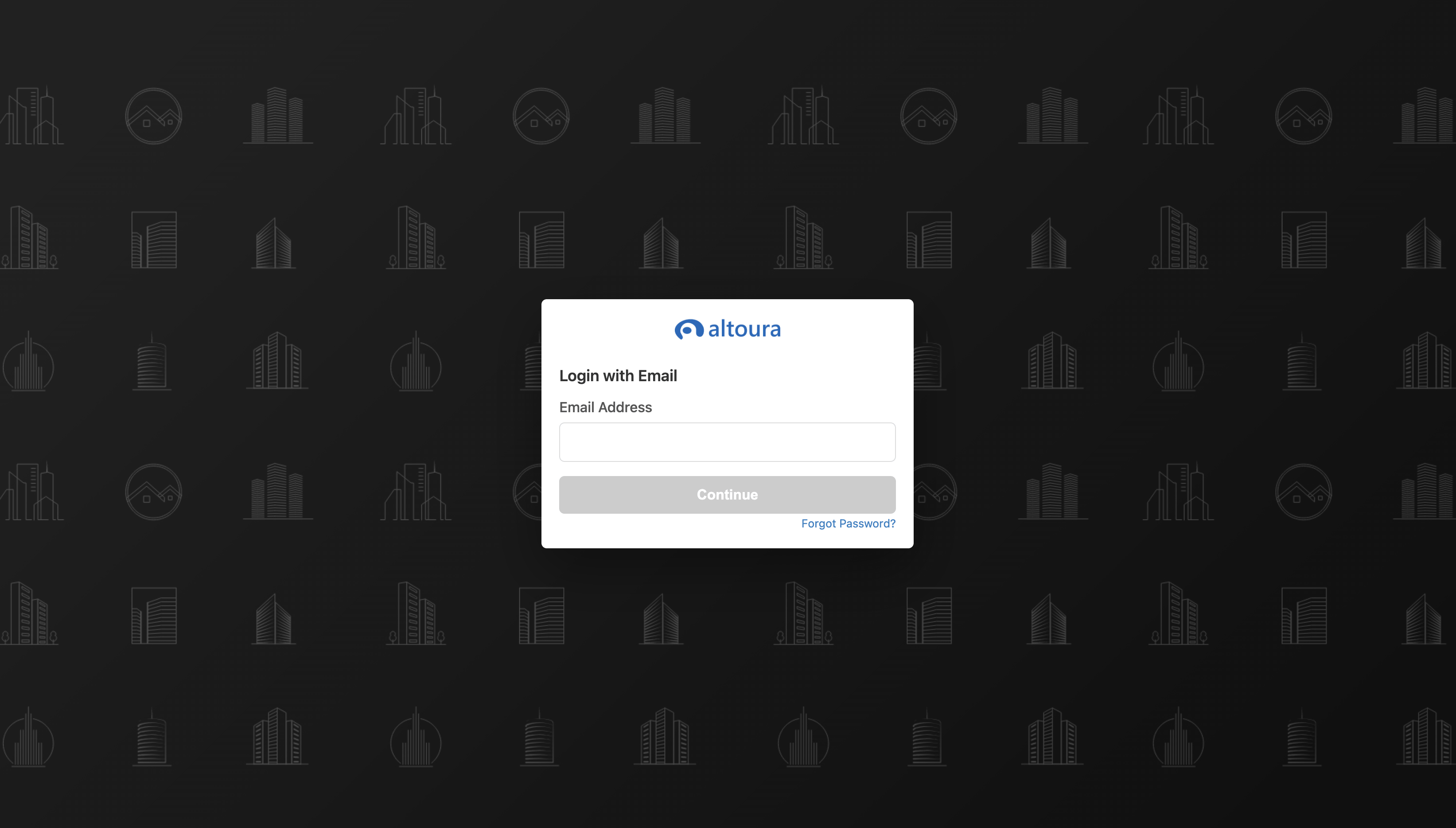
- Enter your email address and click Continue.
- Sign in with your organization’s identity provider when prompted.
- You return to the Dashboard and land on the Trainings page.
Session Expiry
If your session expires while you are working, the Dashboard shows a notification and sends you back to the sign-in page. After you sign in again, you return to the page you were viewing.Logging Out
- Click your profile avatar in the top-right corner.
- Select Sign out.
Dashboard Layout
Every Dashboard page uses the same layout:Sidebar Sections
The sidebar can show these sections, depending on your role in the selected organization:- Trainings
- Scenes
- Procedures
- Assets
Header Controls
Search text is cleared when you move to a different section.
Sort, Filter, and View Controls
Above the content on each page you find:
When both status boxes are checked, or neither is checked, all active and inactive items are shown.