

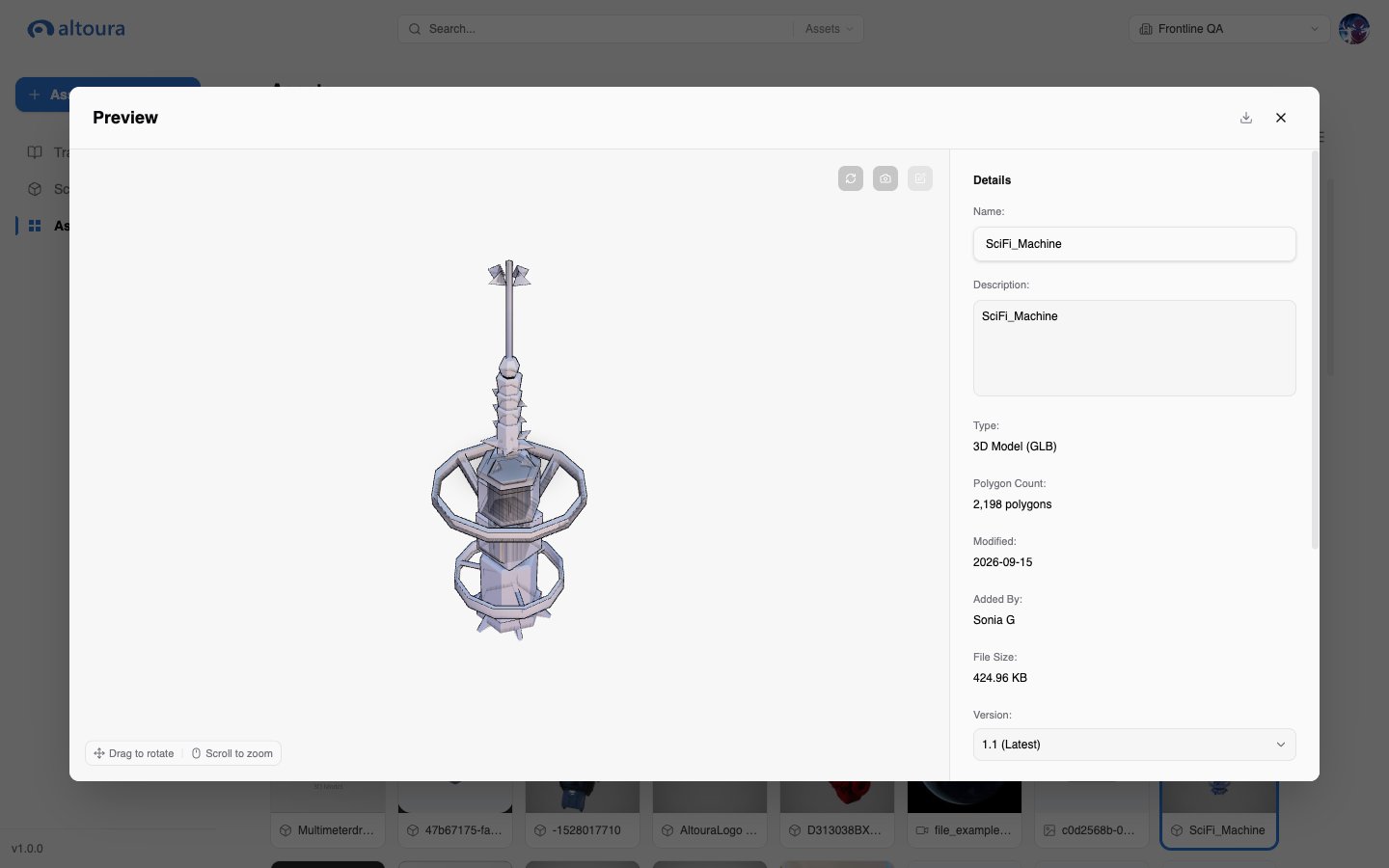
Preview by Asset Type
Details Panel
The panel next to the preview shows the asset’s Name, Description, Type, Modified date, Added By, File Size, and Asset ID. 3D objects also show the Polygon Count, and images show their Resolution.Editing an Asset
You can edit custom assets in your organization. System assets are read-only.- Open the asset preview.
- Change the Name or Description.
- Add or remove Tags.
- For 3D objects, choose the default animation under Takes.
- Save your changes.