Uploading Assets
The Asset button at the top of the sidebar appears when your role allows uploading to the selected organization.- Open the Assets page and, if you want the file in a folder, open that folder in Custom Assets.
- Click Asset.
- If All Orgs is selected, choose the target Organization. Otherwise the current organization is pre-filled.
- Click the file area and select a file from your computer.
- Click Confirm.
Upload Rules
- Supported formats are JPG, JPEG, PNG, MP4, MP3, WAV, OGG, and GLB. Files in other formats are rejected with a message.
- The file name can be up to 50 characters. Rename longer files before uploading.
- Uploaded files go into the folder you had open when you clicked Asset, or into the top level of Custom Assets.
Tags
Tags help you find custom assets with the Tags filter.Add Tags to an Asset
- Click the asset to open its preview.
- Under Tags, type a tag name and press Enter. Existing tags in the organization are suggested as you type.
- Click the x on a tag to remove it.
- Save the asset.
Edit the Organization’s Tags
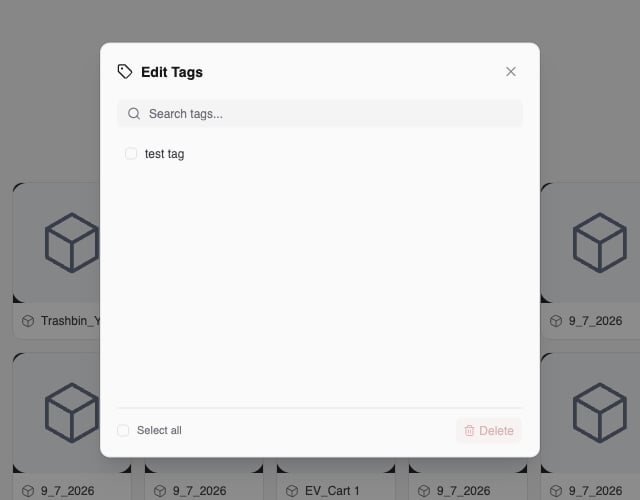
- Click Edit Tags in the toolbar of the Assets page.
- Use Search tags to find a tag.
- Double-click a tag to rename it. Tag names can be up to 50 characters.
- Check one or more tags, or Select all, and click Delete to remove them from every asset.