

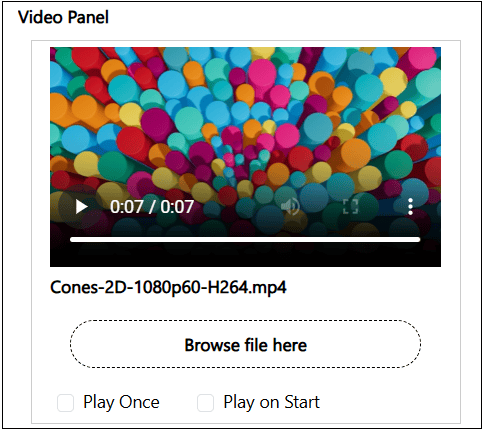
- Upload a video file
- Play Once - Set this property to play the uploaded video only once when the user enters the node in the Altoura Client. If this value is not checked, the video would play in a continuous loop in the client till the user exits the node.
-
Play on Start - Set this property to play the video file along with the audio file when the user enters the node in the Altoura Client.
- Default behavior - The audio file associated with the node plays first and then the video plays.
- With Play on Start set, both the video and audio would play simultaneously.
- Tip - If this property is set, it would be good to remove any audio track from the video file to avoid overlapping sound.