

Overview
The Altoura Frontline iPad app brings procedural guidance and Remote Expert collaboration to a handheld form factor. Field workers and supervisors can follow step-by-step procedures with augmented reality overlays, view 3D models anchored to real-world positions, and connect with remote experts — all from an iPad. The iPad experience mirrors the core capabilities of the HoloLens version while adapting the interface for touch-based interaction on a tablet screen.Key Capabilities
- Procedures — Browse, search, and execute step-by-step procedures with AR-anchored 3D models and media guidance.
- Remote Expert — Connect with remote specialists via Microsoft Teams for live audio, video, and annotation support.
- Author & Operator Modes — Choose between Author mode to edit procedures or Operator mode to follow them in the field.
- AR & 3D Models — View and interact with 3D models placed in the physical environment using iPad’s AR capabilities.
Getting Started
Follow these pages to get up and running with Frontline on iPad:- Sign In — Launch the app and sign in using your email, SSO, or PIN Pairing.
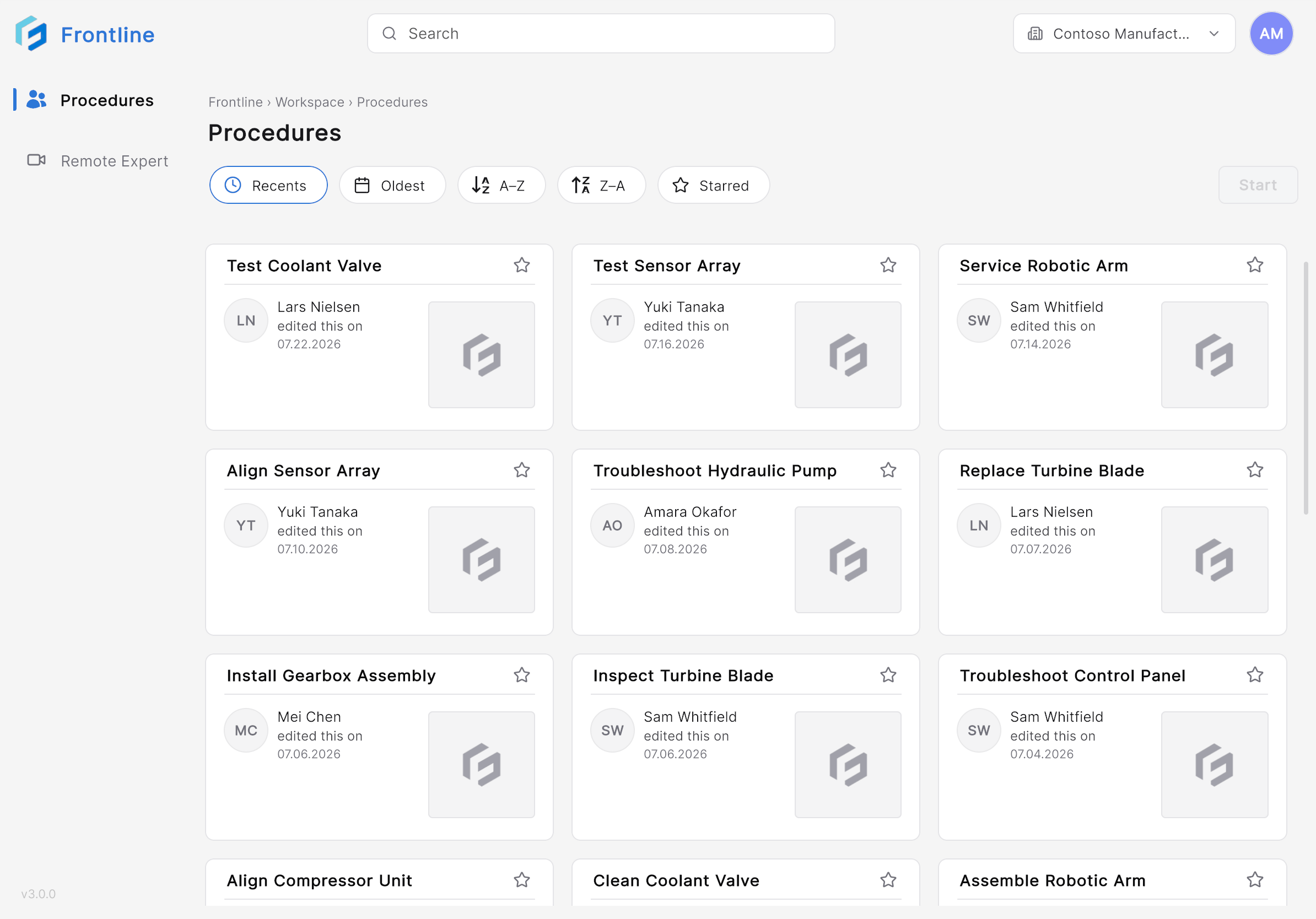
- Procedures Landing Page — View and search available procedures from the landing page.
- QR Scan — Scan a QR code to anchor the procedure in your environment.
- Mode Selection — Select Author or Operator mode.
- Procedure View — Follow step-by-step instructions with AR guidance.
- Remote Expert — Start a Remote Expert session to get live assistance from a specialist.
iPad vs. HoloLens
| Feature | iPad | HoloLens |
|---|---|---|
| Procedures | Supported | Supported |
| Remote Expert | Supported | Supported |
| AR 3D Models | Camera-based AR | Holographic overlay |
| Input Method | Touch screen | Gestures & gaze |
| Form Factor | Handheld tablet | Head-mounted display |

