

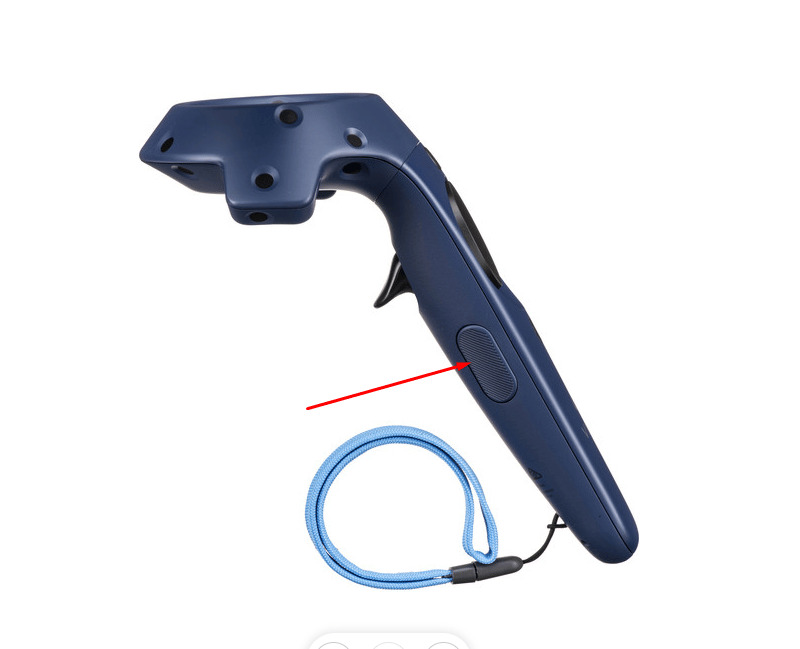
- Press and hold the Grip button on the controller.
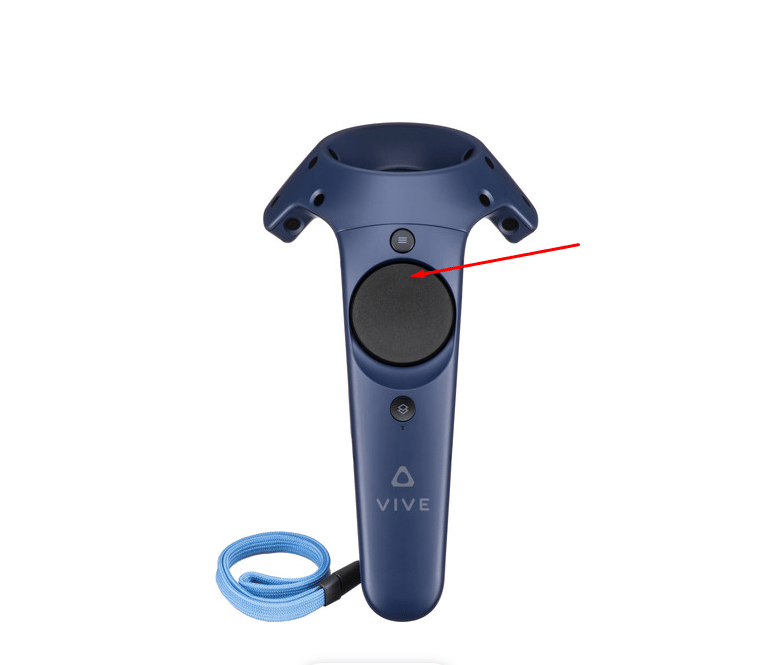
- While holding the Grip button, move your view up or down:
- Meta Quest
- HTC Vive
Push the controller’s joystick forward to increase the height, or pull it backward to decrease the height.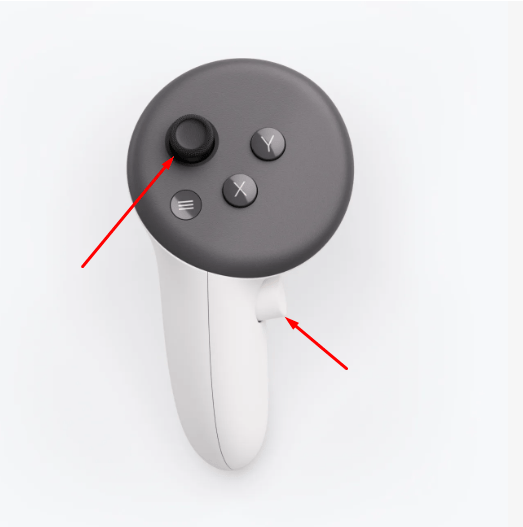
Good to Know
- You can’t go below the floor of the scene. There’s no upper limit.
- While you hold the Grip button, you can’t self teleport. Teleport works again a moment after you release it.
- Your height is reset when you self teleport or use Reset Anchor. See Adjust Anchor.
- Height adjustment still works when a Training turns Self Teleport off.