

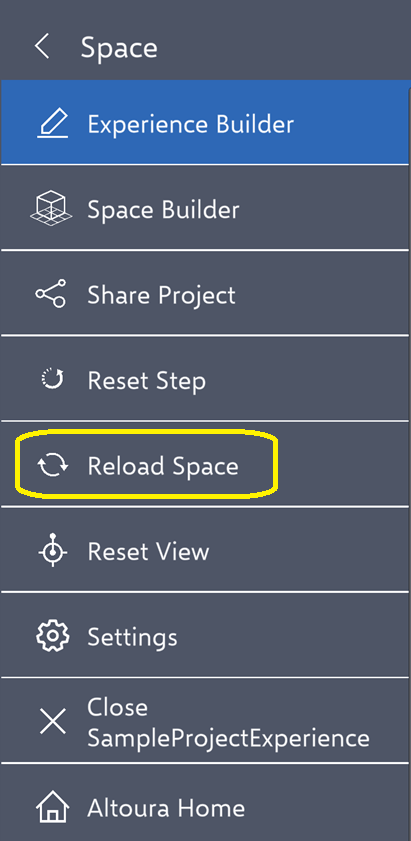
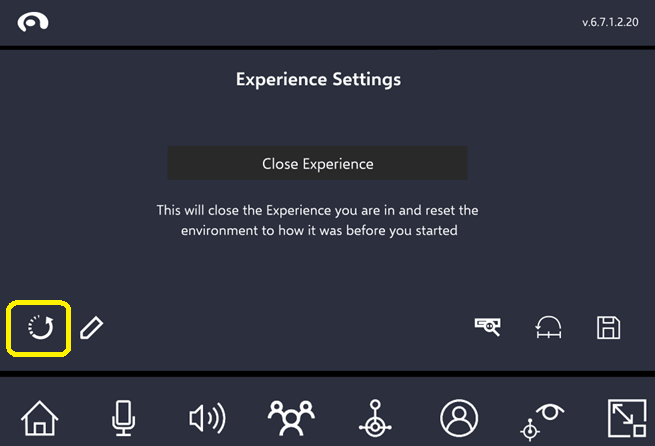
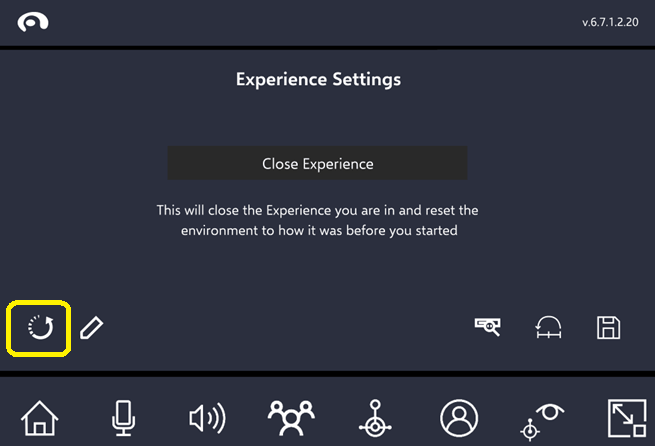
During training, there may be scenarios where a user wants to restart a step from its initial state. This could be due to the panel being moved out of view, the user navigating to an unreachable location, or simply wanting to interact with an object from its original position. In such cases, the user can use the “Reset Step” option to return to the state they were in upon first arriving at that specific step.