

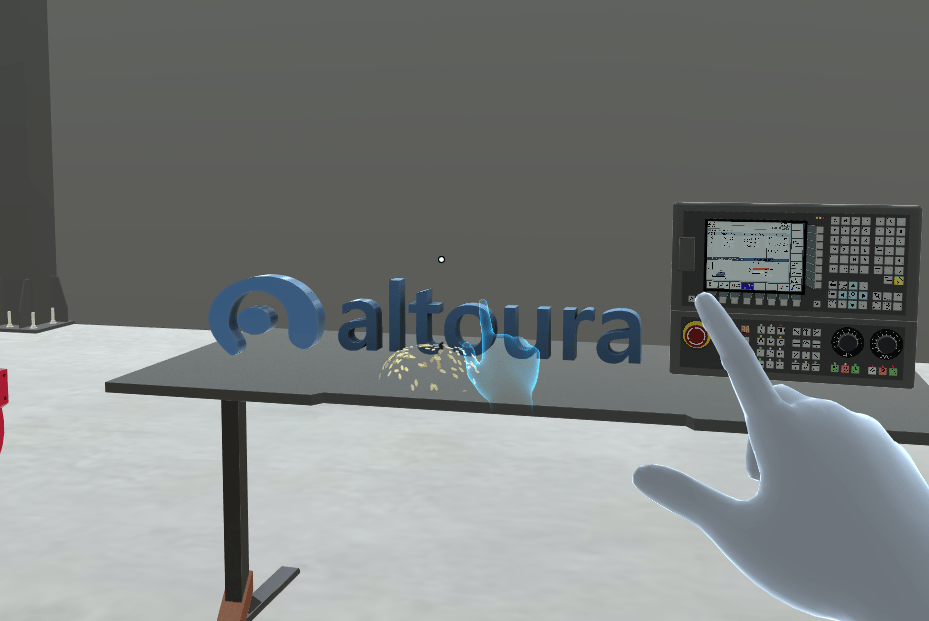
Default: light blue
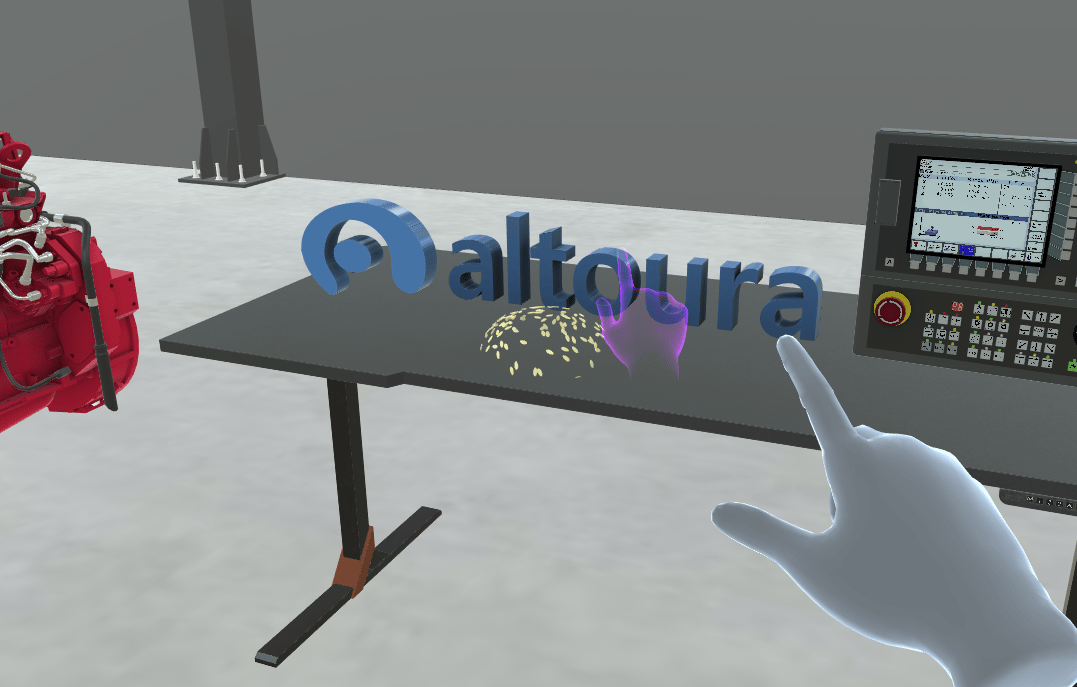
Changed by the Training: purple
Hand Animation Color changes only the guide hands. It doesn’t change your own hands. For the gloves a Training can put on your own hands, see Hand Representation.
When You See Guide Hands
- Tap steps: a hand taps the object.
- Move steps: one or two hands grab the object and move it.
- Rotate steps don’t use guide hands.
How Long the Color Lasts
Once the Training changes the color, the guide hands keep it on every later step, until the Training sets it back to light blue.- If you go Back, use Reset Step, use Restart Training or resume the Training, the guide hands use the color the Training has set at that point.
- When you close the Training, the color goes back to light blue.
For Creators
To change the guide hand color in a Training, see Set Hand Animation Color & Reset Hand Animation Color.Related
- Instruction Animation Color: the ghost that shows a move or rotation
- Tether Line Color: the line from the step panel to the object
- Highlighting: the glow on objects you need to use