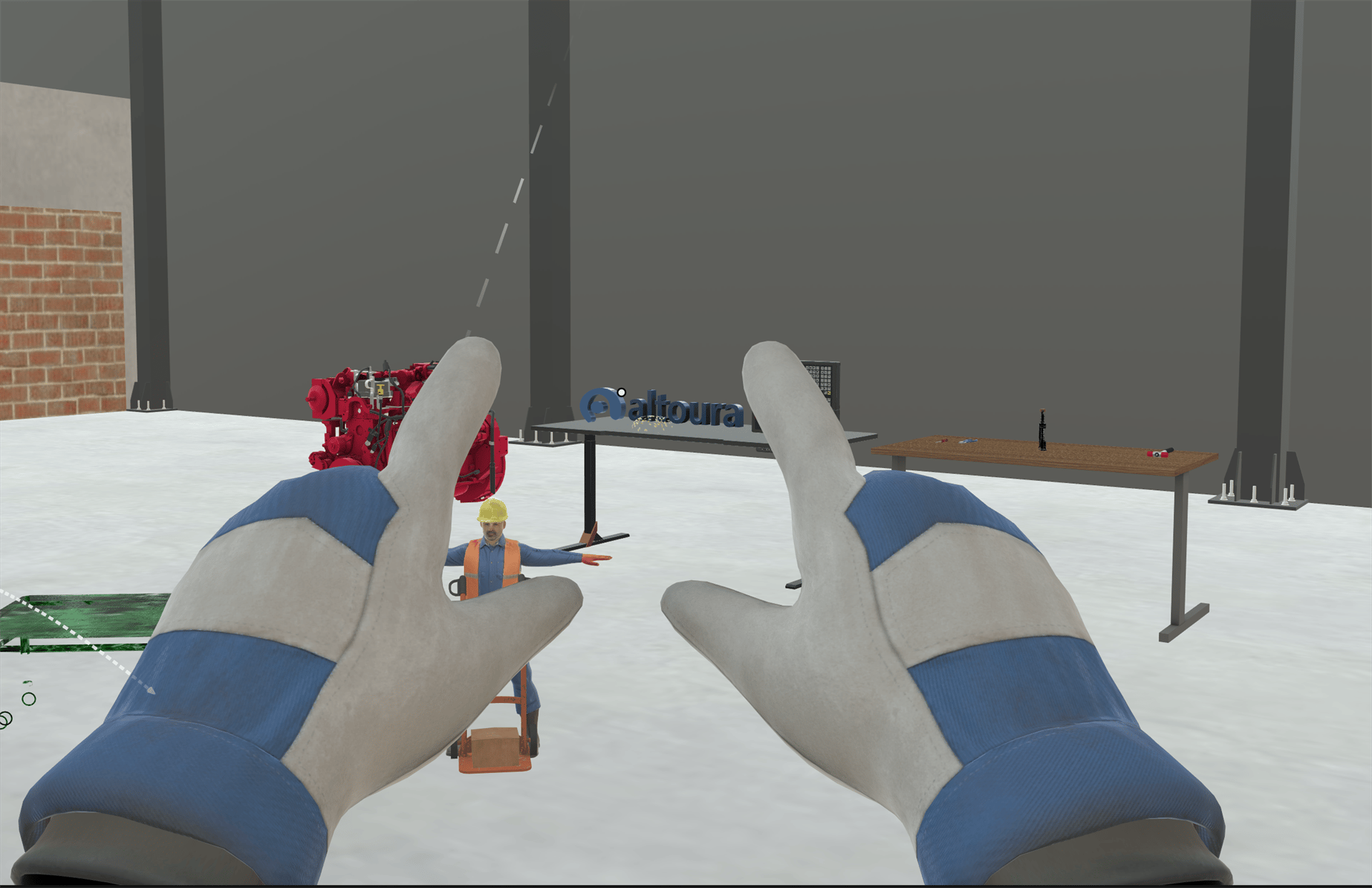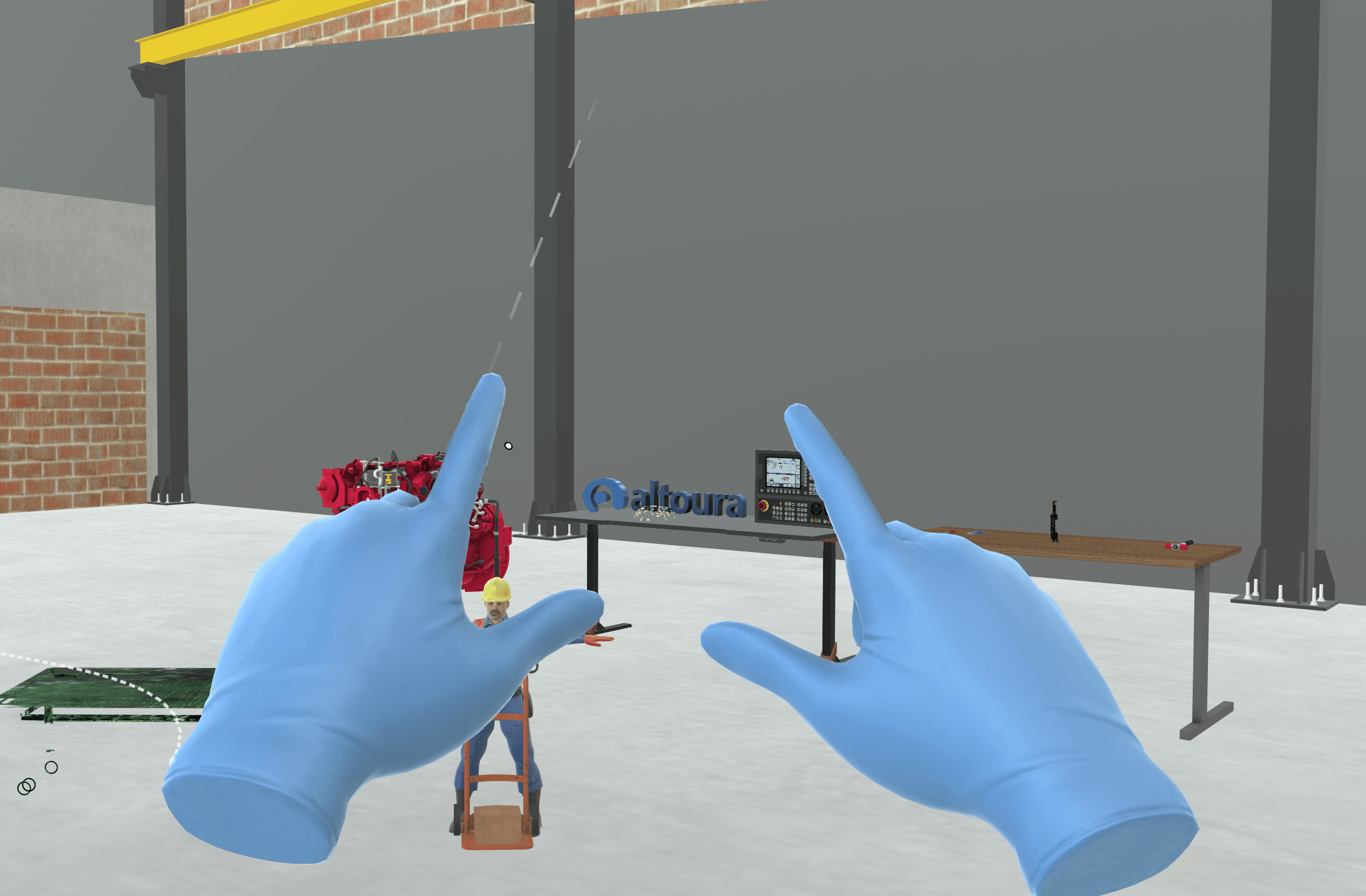
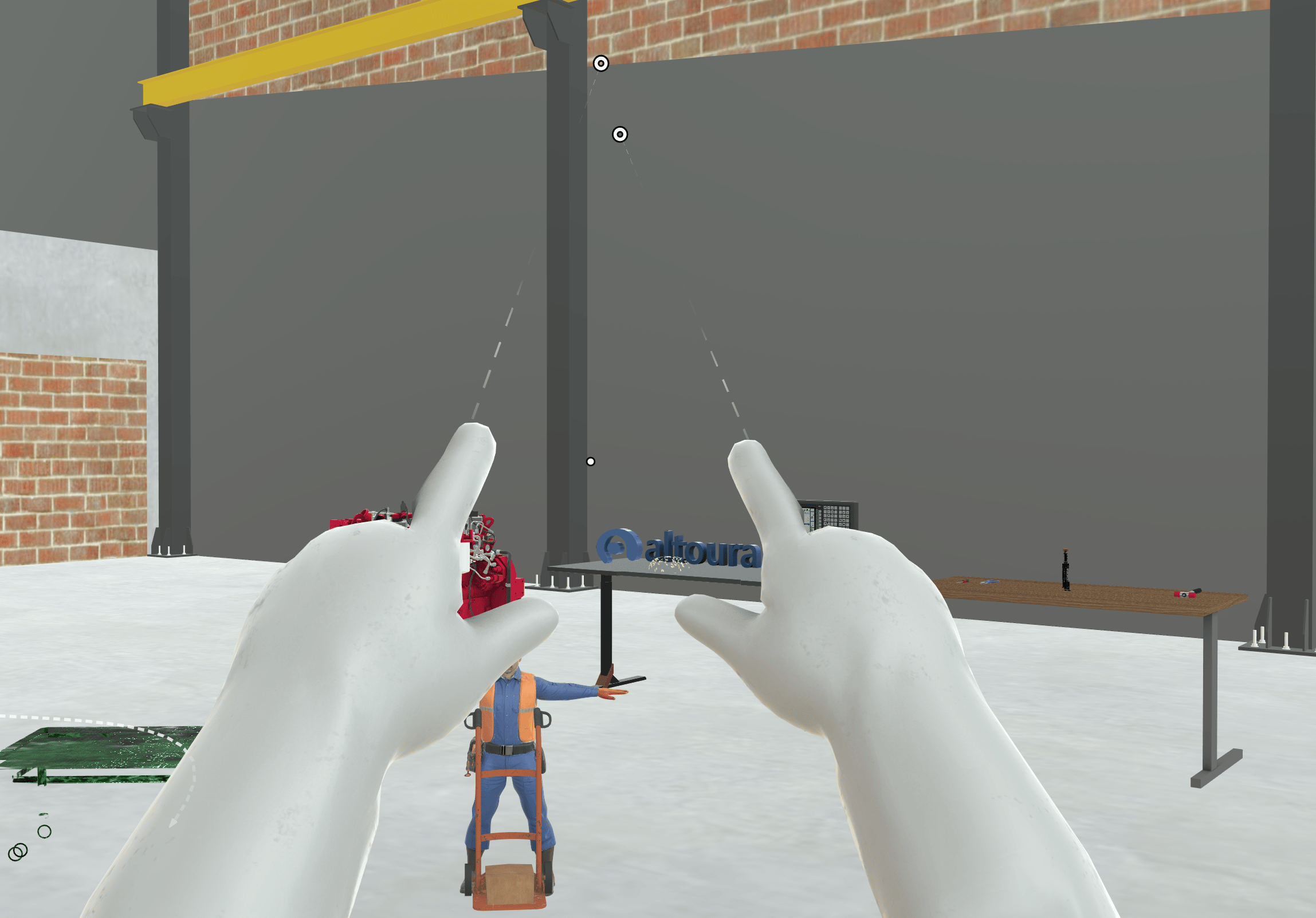
A Training can change how your hands look, so they match the protective equipment you’d wear for the real task. For example, you might see latex gloves in a lab procedure or work gloves on a factory floor. The Training chooses one of these:
The trainee's hands shown wearing blue latex gloves

Latex Gloves

The trainee's hands shown wearing white isolator gloves

Isolator Gloves

The trainee's hands shown wearing gray and blue work gloves

Work Gloves

The gloves apply whether you use your hands or controllers. When you’re using controllers, a gloved hand replaces the controller model. With Default Hands, you see your controllers as usual. You interact in the same way as before; only the look changes. The gloves stay on until the Training changes them. If you use Reset Step or Restart Training, the correct gloves for that point in the Training are put back on. When you close the Training, your hands go back to Default Hands.

For Creators

To change the hand representation in a Training, see Set Hand Representation.
  • Tools: holding forceps during a Training