

Picking Up an Interactable Object
- Meta Quest
- HTC Vive
- Hands: reach out and pinch or grab the object.
- Controllers: put the controller on the object and hold the trigger.
- From a distance: point the ray at the object and pinch (hands) or hold the trigger (controllers).
- Move your hand to move it, and turn your hand to rotate it.
- You can also hold any interactable object with both hands. Move your hands together to move and turn it, or move them apart or closer together to make it bigger or smaller.
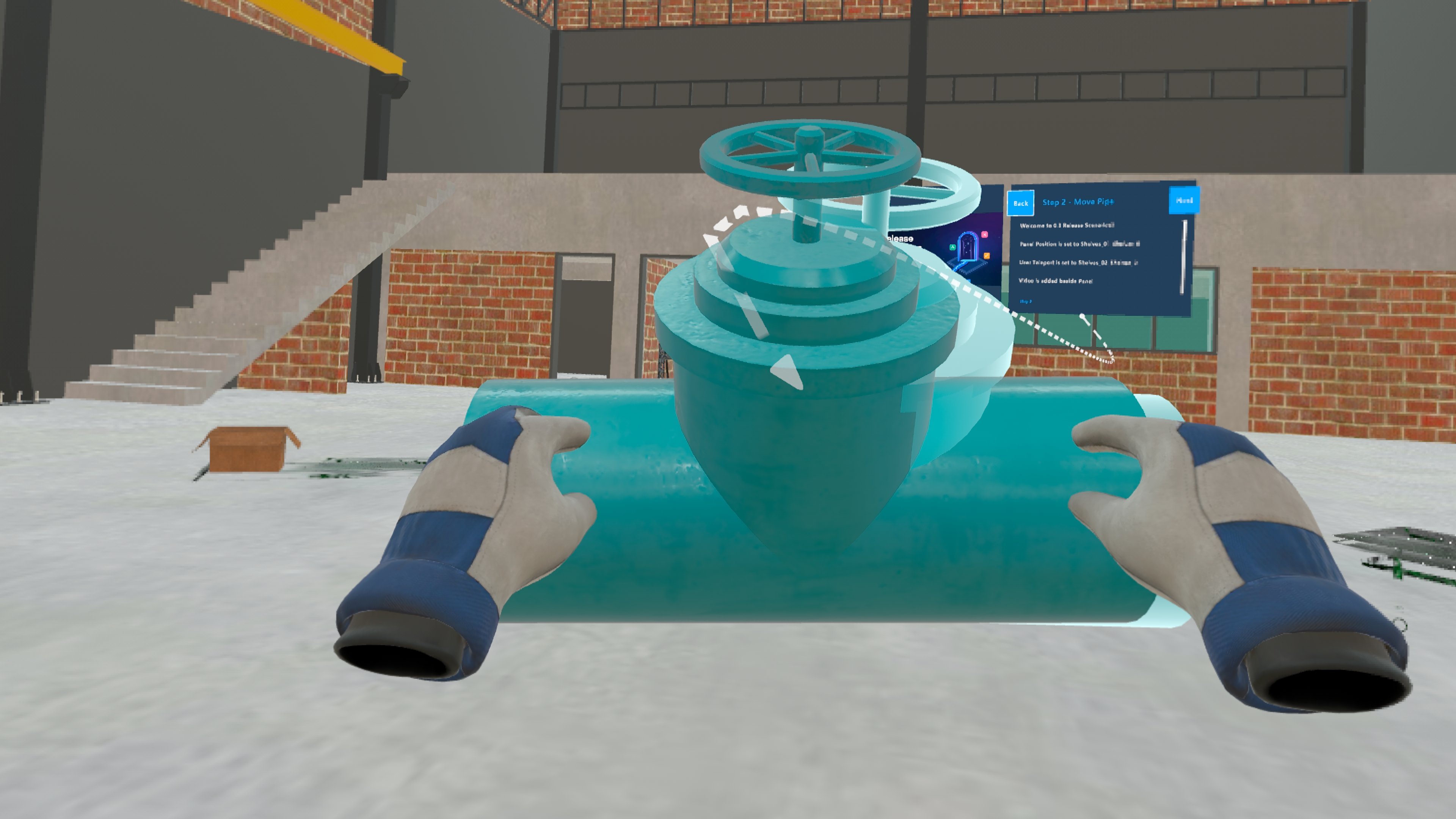
Interactable objects don’t glow or show any other sign that you can pick them up. The step instructions usually tell you when you can.
Putting Objects Back
Objects you moved return to where they were before the Training made them interactable, at their original size, when you use Reset Step, go Back a step, or Restart Training.Good to Know
- Interactable objects can still be picked up from a distance with the ray, even on steps where the ray is turned off for training objects. See Disabling the Ray.
- You can pick them up with your hand even while you’re holding a tool.
- Carrying an interactable object into a pause collider doesn’t pause the Training.
- After Restart Training, objects that the Training made interactable in later steps can still be picked up from the first step onwards. Going Back doesn’t do this.
For Creators
To make objects interactable in a Training, see Set Interactable Objects.Related
- Highlighting: how the step’s target object is shown
- Disabling the Ray: when you must touch objects directly