

What You See After Signing In
After authentication, the application opens to the Procedures landing page by default, with the Global Side Menu beside it.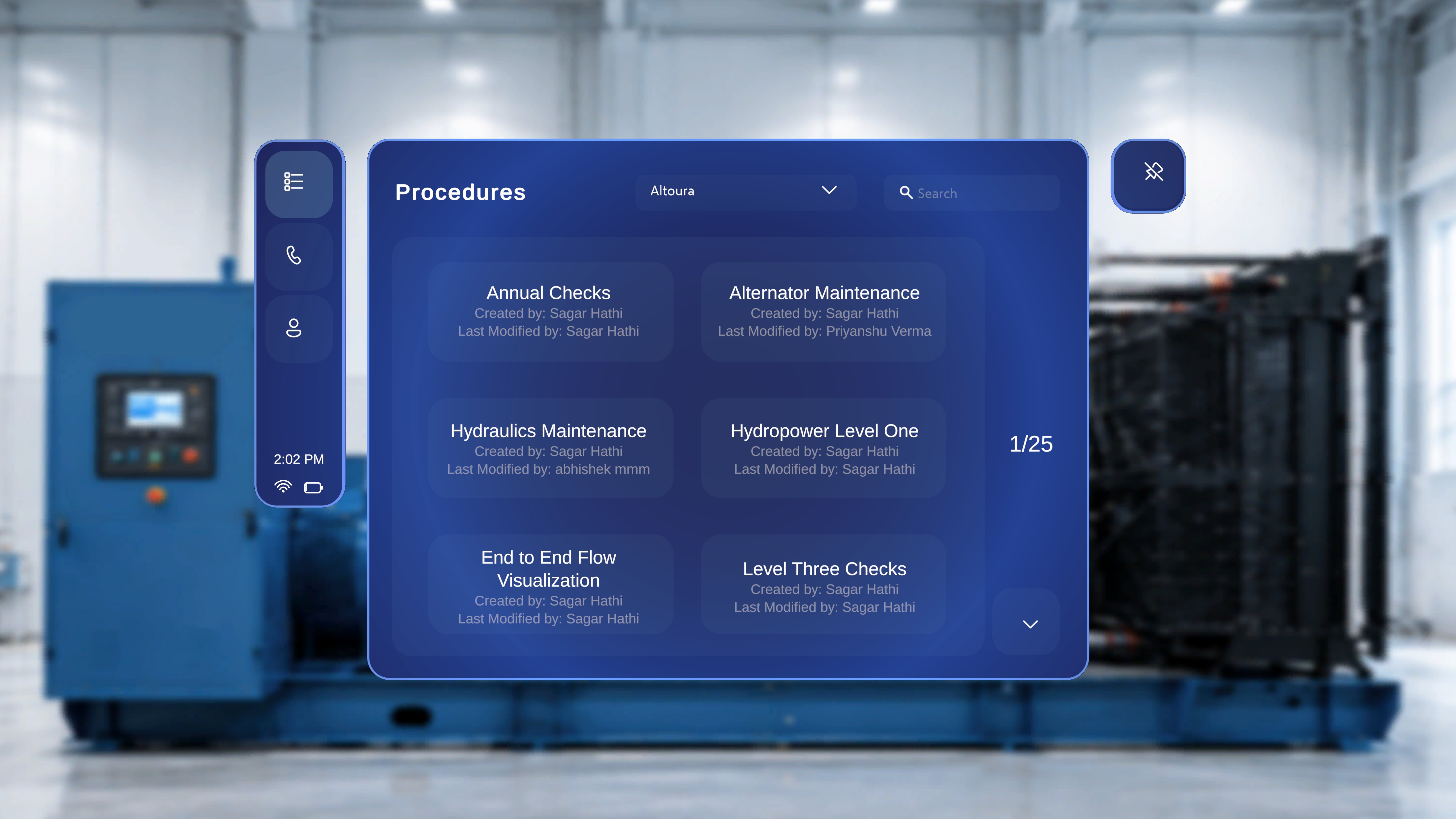
Choose Your Workflow
Altoura Frontline on HoloLens offers two main workflows:Procedures
Browse and execute step-by-step work instructions in augmented reality.
Remote Expert
Connect with a remote specialist for live guidance and annotations.
The Global Side Menu
The Global Side Menu is the vertical navigation panel beside the main workspace. It is visible only when you are not inside a procedure and not in a Remote Expert session.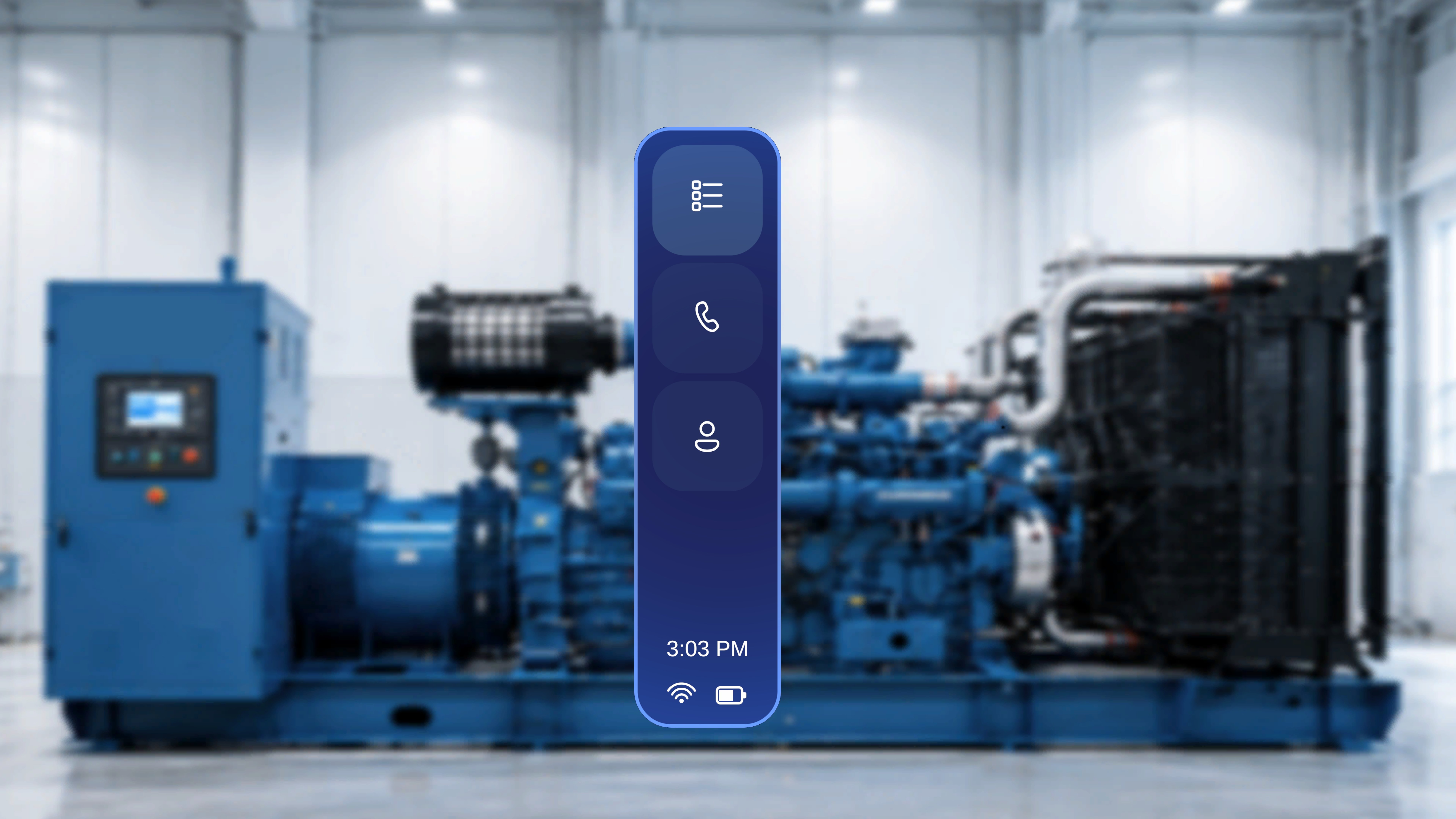
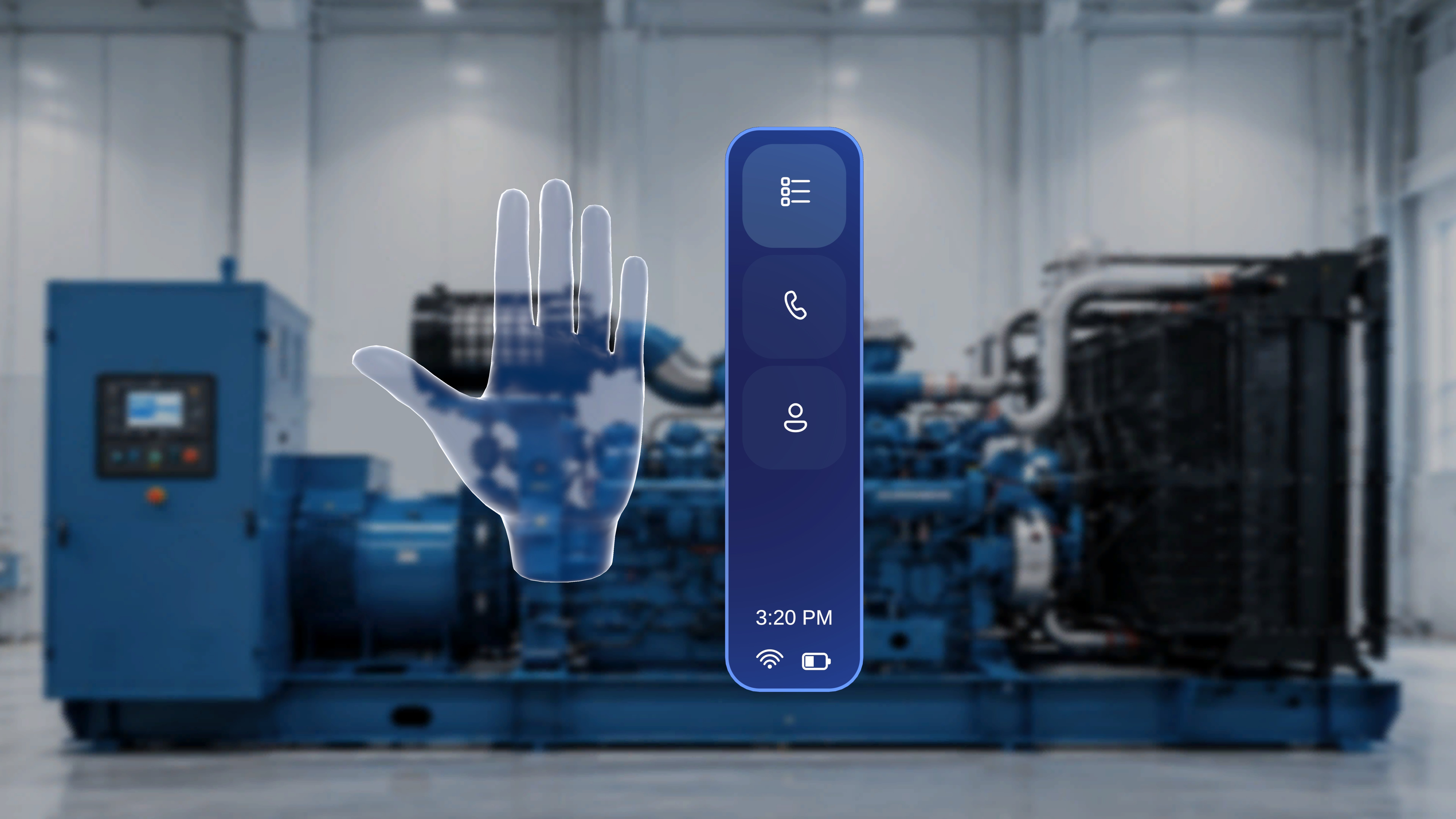
Floating Side Menu (Palm Access)
You can also open the same menu anywhere, without looking toward the fixed panel:- Raise either hand.
- Ensure the palm is facing toward you.
Next: put it all together with a guided 10-minute walkthrough in Your First Procedure.