

Choice options (labels and destination steps) and manual Completion Steps are configured in the web Procedures Portal — see Authoring in the Procedures Portal. On the HoloLens, you author the spatial content of these steps and verify the branching works as intended.
How a Choice Step Behaves
A Choice Step presents one or more selectable options that determine the next step. Each option is configured in the Portal with a choice label and a destination step. Choice Steps are typical in troubleshooting flows, conditional inspections, and multi-path workflows.
- There is no forward navigation button — you cannot proceed without making a selection. This is identical in Author and Operator mode.
- The back arrow (top-left) returns you to the previous step within the active branch.
Select a Choice (Verify Your Branching)
As you author, walk each branch to confirm the destinations are right.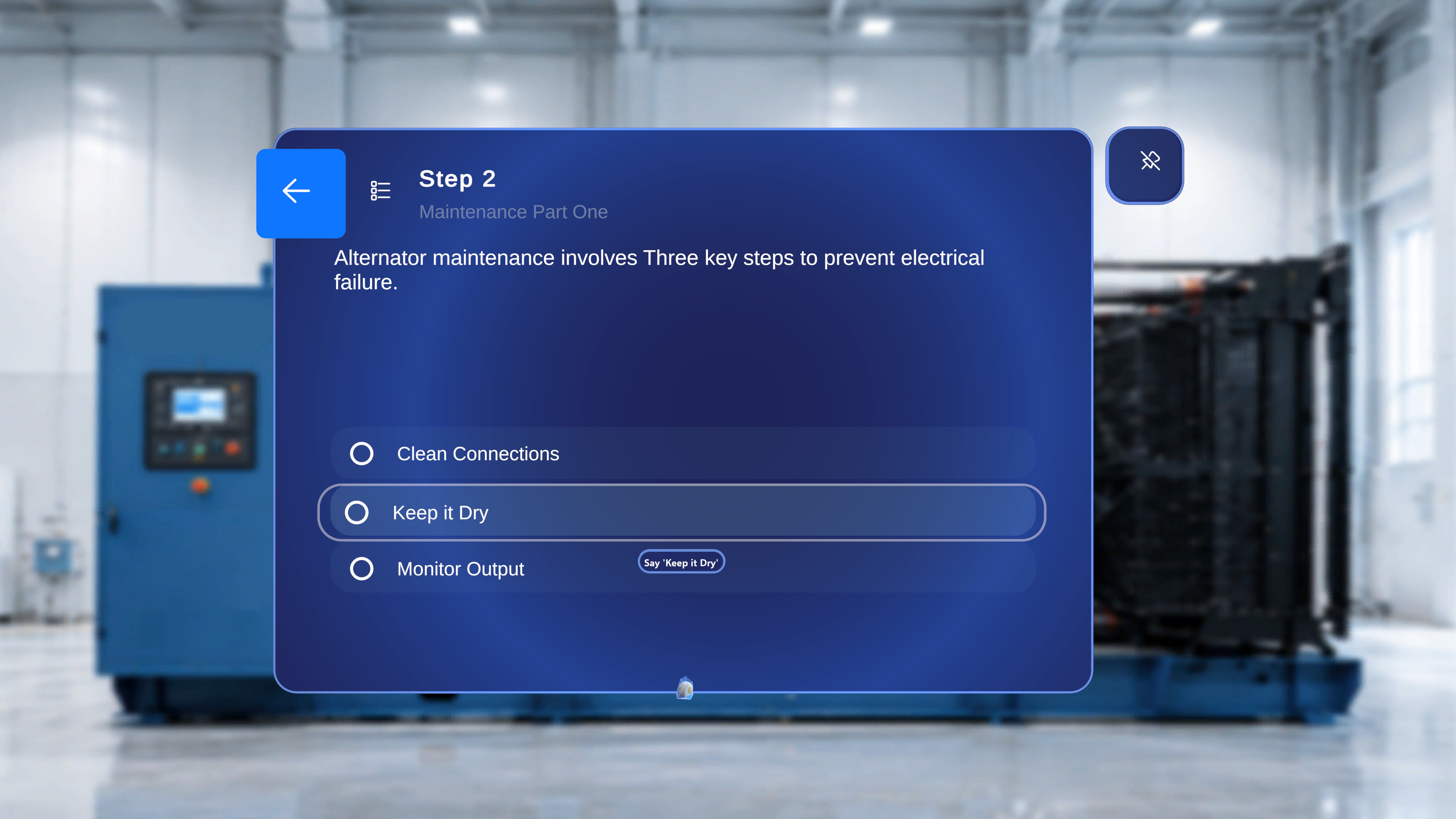
1
Review the options
Read the available option labels on the panel.
2
Focus an option
Point the ray or head-gaze cursor at an option — a loading indicator starts filling around it.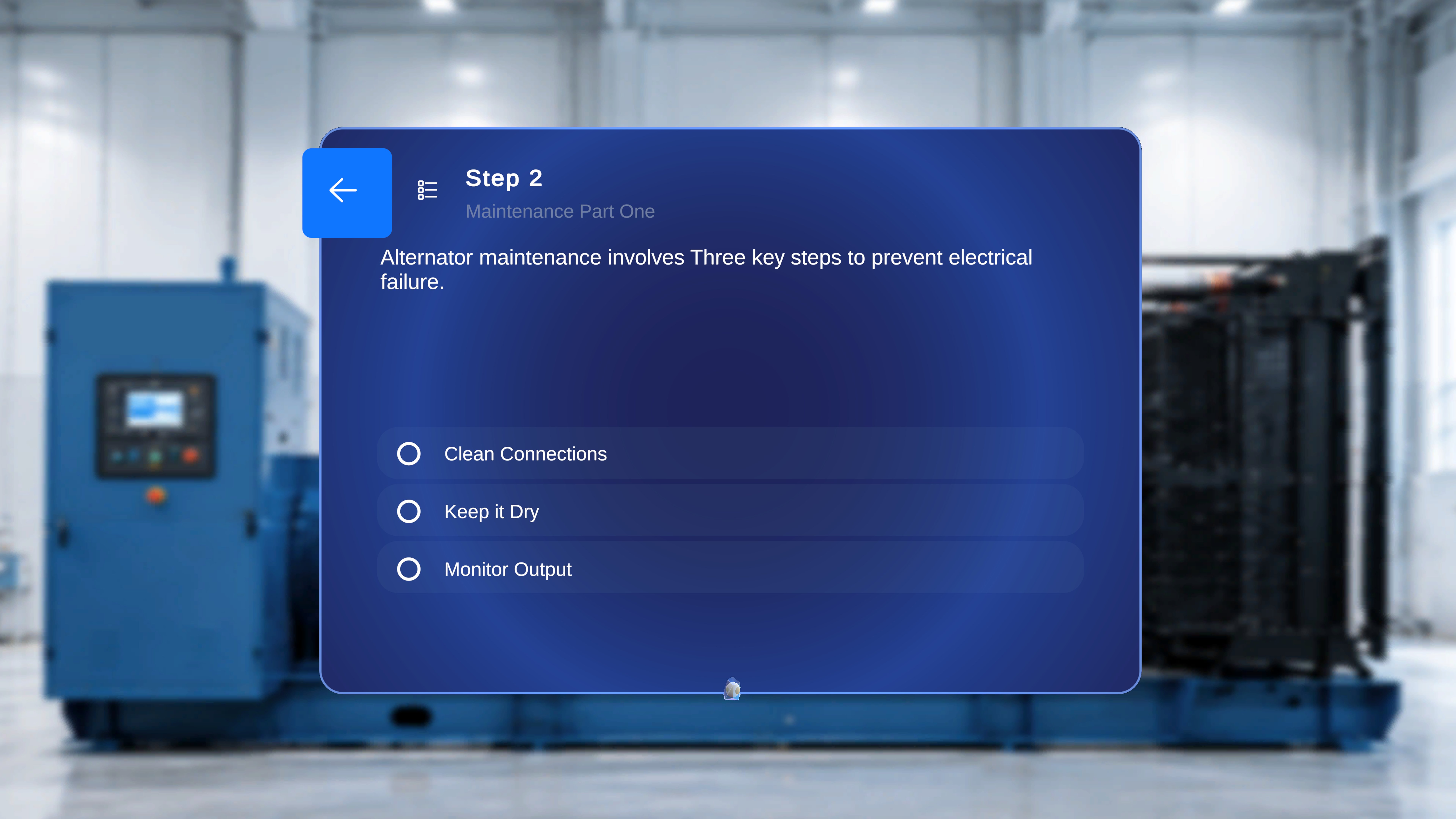
3
Activate it
Hold your focus until the indicator completes — the option activates automatically. Alternatively, air-tap it to activate immediately, or say the option label exactly as it appears (for example, “Start with the alternator”) — each choice label is its own voice command, no hover or “Select” needed. See Voice Commands.
How Completion Steps Work
A Completion Step tells the user a procedure path is finished. A default Completion Task containing a Completion Step is automatically created at the end of every new procedure, so there is always a defined endpoint.
- Restart Procedure — resets the procedure to the first step and clears any in-progress state.
- Exit Procedure — closes the procedure and returns you to the screen you came from.
The Rule: Every Branch Needs an Ending
In a linear procedure, users press Next until they reach the default Completion Step. But when a procedure includes Choice Steps:- Each choice option can lead to a different destination.
- Each branch may be a complete, valid endpoint of its own.
- Not all branches return to the default completion task.
- Every choice option has a valid destination step.
- Every branch either rejoins the main flow or ends with its own Completion Step.
Next: Preview and Publish