Overview
Remote Expert enables on-site users to connect with a remote specialist for live audio, video, and visual guidance. After signing in to Altoura Frontline, the application opens to the Procedures page by default. To start a live remote session, you must switch to the Remote Expert section.When to Use Remote Expert
Use Remote Expert when:- You require real-time assistance from a remote expert
- You need help diagnosing or resolving an issue on-site
- You want live visual guidance using annotations
Switch from Procedures to Remote Expert
- Log in to Altoura Frontline.
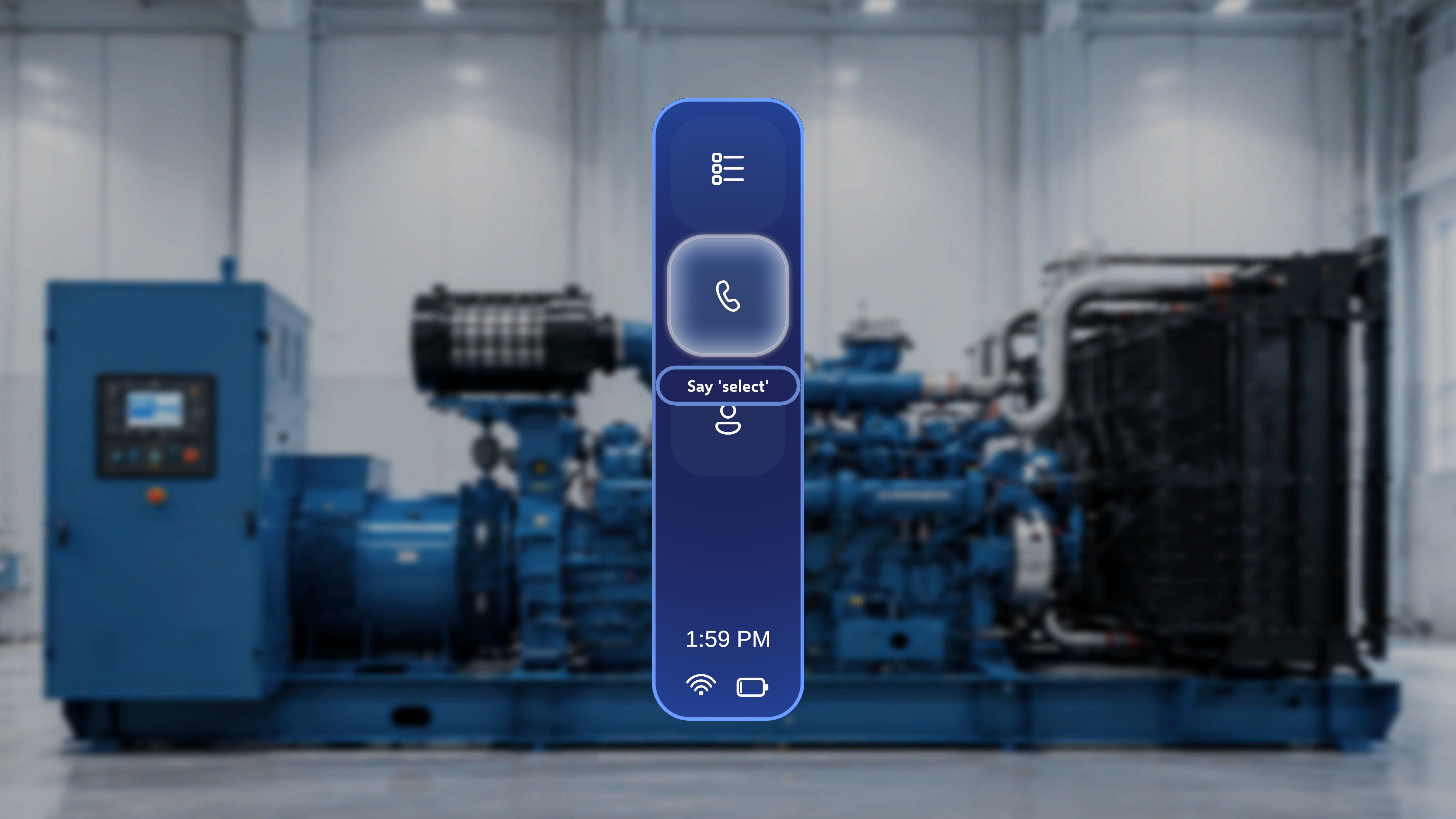
- Locate the vertical navigation menu beside the main workspace.
- Select the phone icon (second option in the side menu).
What Happens Next
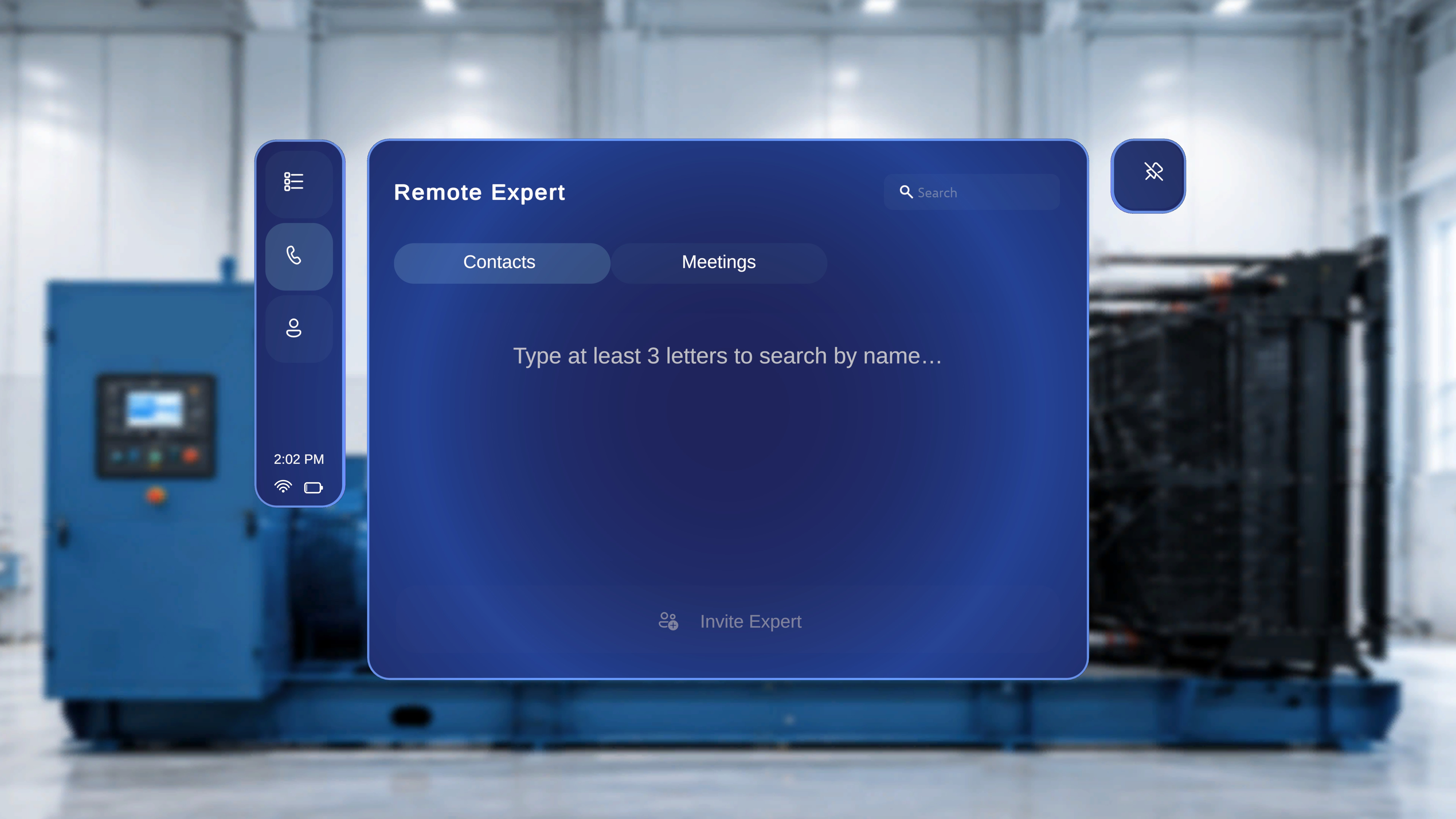
- The main workspace switches to the Remote Expert screen.
- The Remote Expert panel has two tabs: Contacts and Meetings.